development on external IDE
cd ST-LIB/build
cmake ../
mv compile_commands.json
Then go to VS Code:
Ctrl+Shift+P
C/C++ Edit Configurations (UI)


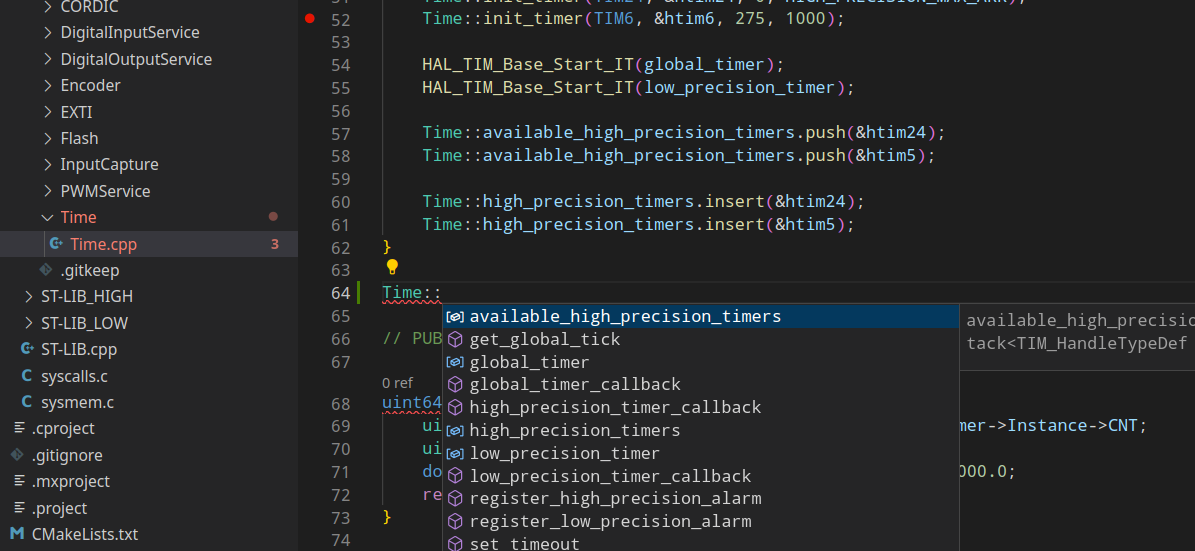
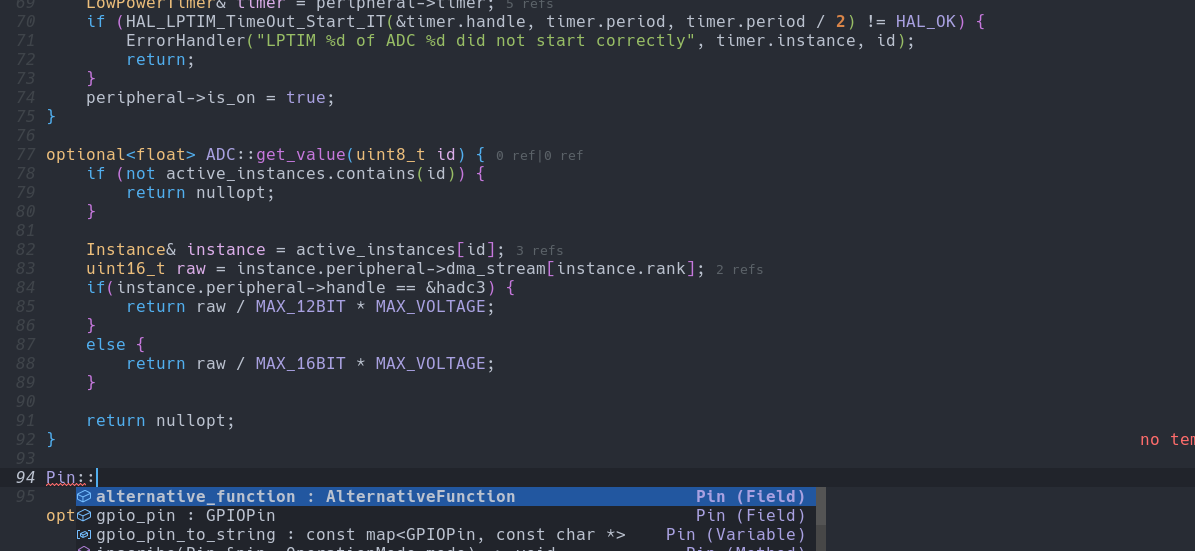
To generate autocompletion files, we need to build the project and generate metadata files to be used with ccls server. First configure a CMakelists.txt in the root dir of your project.
make_minimum_required (VERSION 3.4)
project (ST-LIB)

set(CMAKE_CXX_STANDARD 20)
set(CMAKE_CXX_STANDARD_REQUIRED True)
set(CMAKE_EXPORT_COMPILE_COMMANDS ON)

add_library(st-lib STATIC Src/ST-LIB.cpp)

target_include_directories(st-lib PUBLIC
  Drivers/CMSIS/Device/ST/STM32H7xx/Include
  Drivers/CMSIS/Include
  Drivers/STM32H7xx_HAL_Driver/Inc
  Drivers/STM32H7xx_HAL_Driver/Inc/Legacy
  Middlewares/Third_Party/LwIP/src/include
  Middlewares/Third_Party/LwIP/system
  Middlewares/Third_Party/LwIP/src/netif/ppp
  Middlewares/Third_Party/LwIP/src/include/lwip
  Middlewares/Third_Party/LwIP/src/include/lwip/apps
  Middlewares/Third_Party/LwIP/src/include/lwip/priv
  Middlewares/Third_Party/LwIP/src/include/lwip/prot
  Middlewares/Third_Party/LwIP/src/include/netif
  Middlewares/Third_Party/LwIP/src/include/compat
  Middlewares/Third_Party/LwIP/src/include/compat/posix
  Middlewares/Third_Party/LwIP/src/include/compat/posix/arpa
  Middlewares/Third_Party/LwIP/src/include/compat/posix/net
  Middlewares/Third_Party/LwIP/src/include/compat/posix/sys
  Middlewares/Third_Party/LwIP/src/include/compat/stdc
  Middlewares/Third_Party/LwIP/system/arch
  Drivers/BSP/Components
  LWIP/App
  LWIP/Target
  Inc
  Inc/HALAL/Models
  Inc/HALAL/Services
  Inc/ST-LIB_LOW
  Inc/ST-LIB_HIGH
)
Then create a build dir and open a terminal there. The terminal should now be in ST-LIB/build:
cmake ../
cmake --build .
Finally, you need to move your compile_commands.json to the top of the library.
