A modern subscription expense tracker with automated reminders and calendar integration


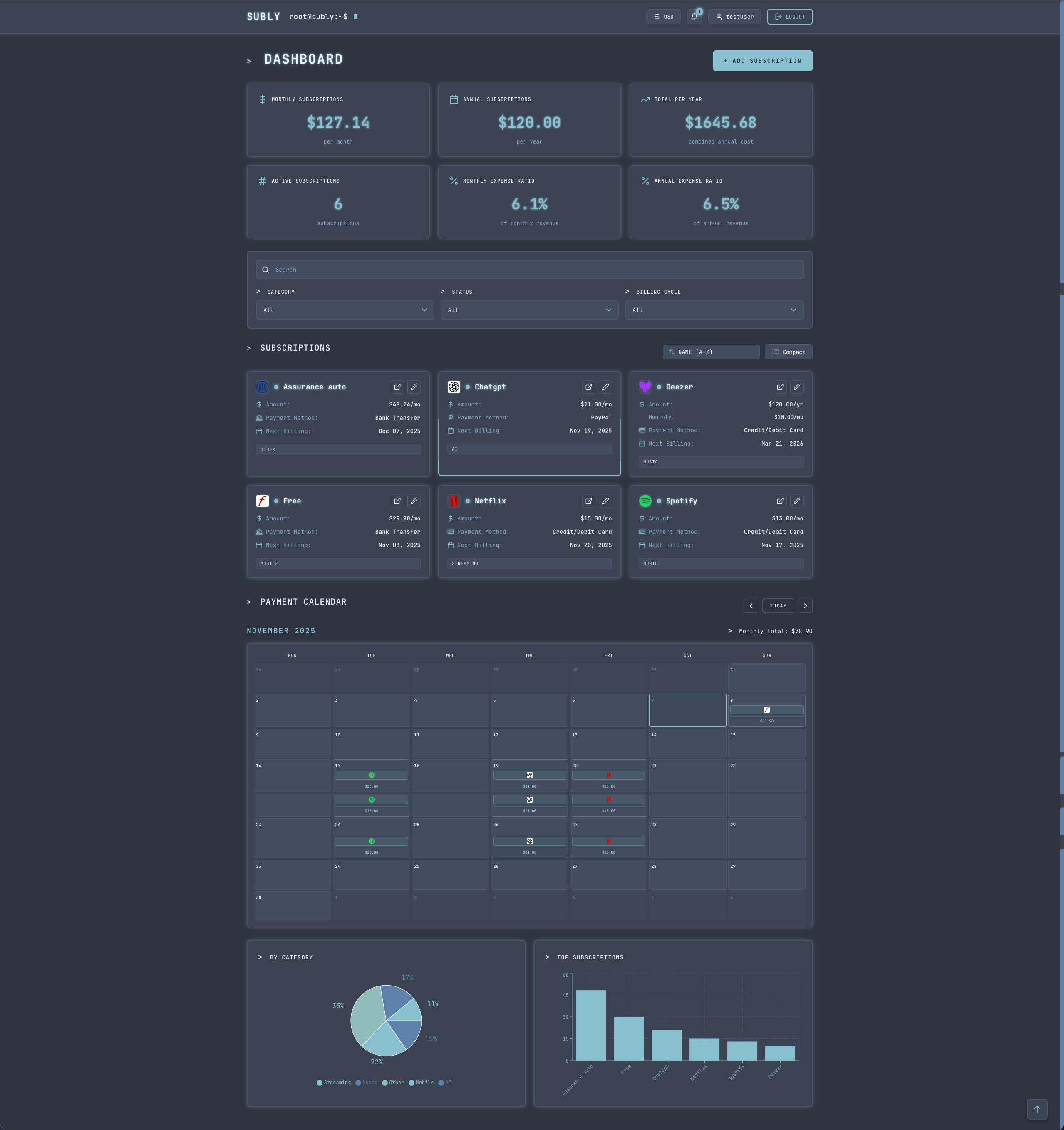
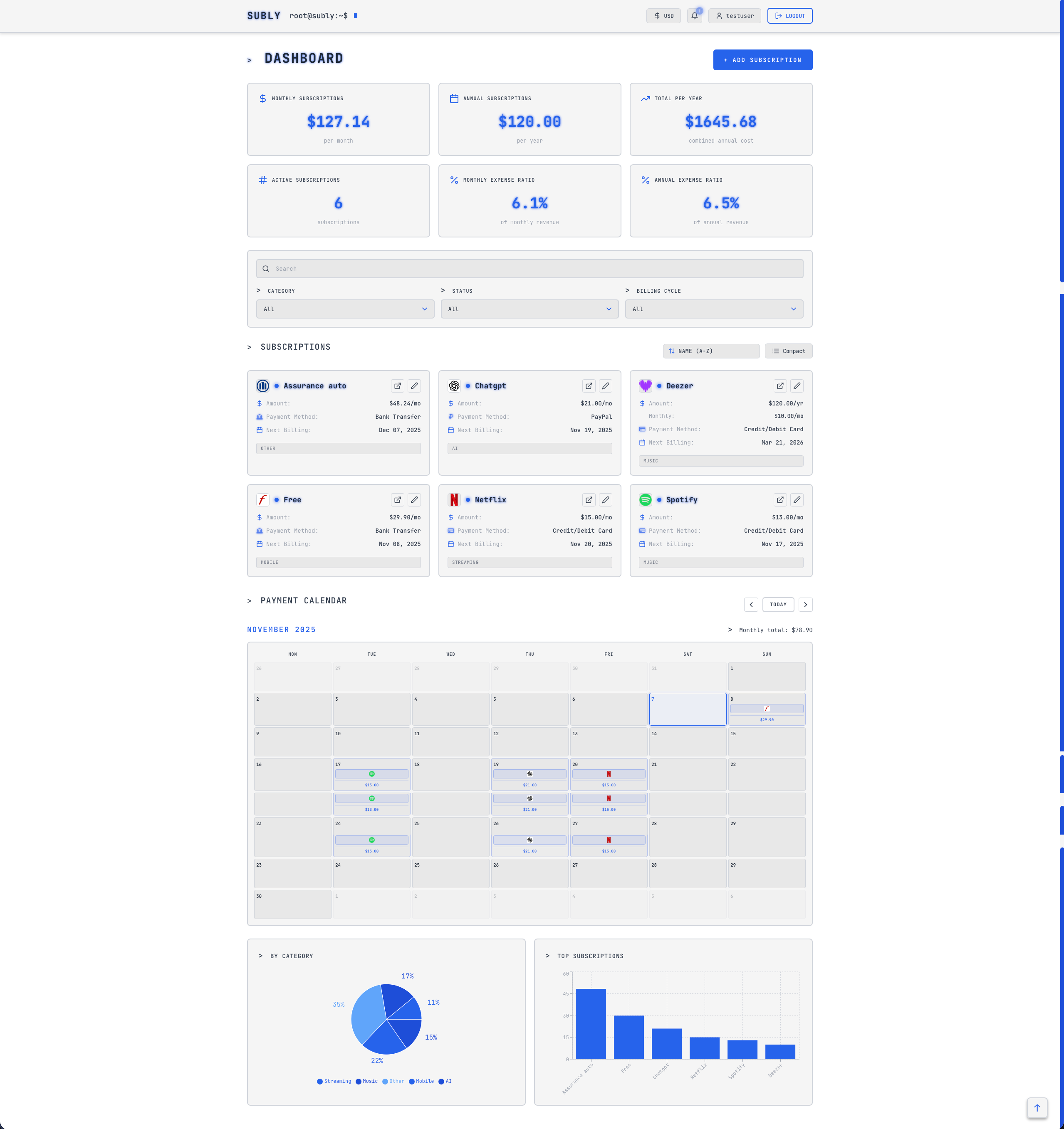
- 📊 Subscription Tracking - Monthly and annual subscriptions with smart cost calculations
- 🎯 Trial Management - Monitor free trials with expiration alerts
- 📅 Calendar Integration - iCal subscription for Apple Calendar, Google Calendar, Outlook
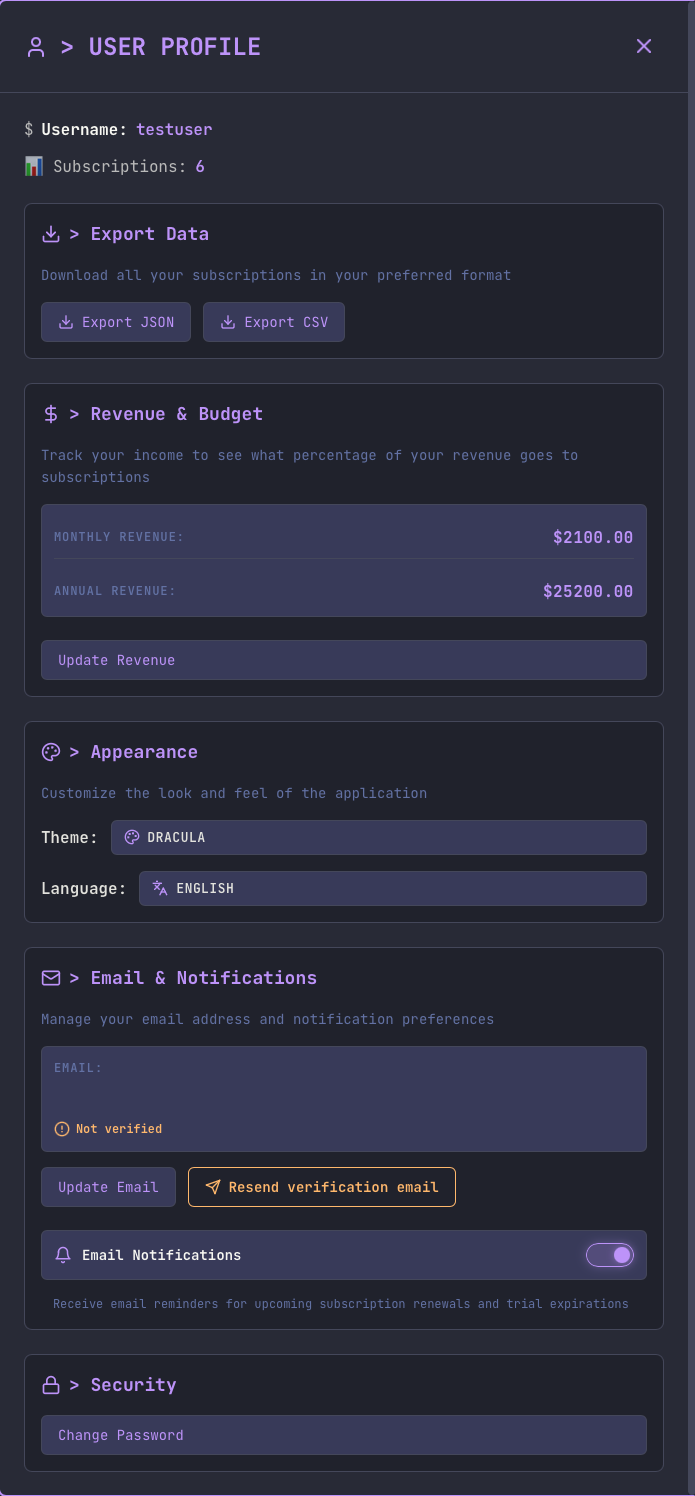
- 🔔 Smart Notifications - Email and browser push notifications (configurable 1-7 days before)
- 📈 Analytics - Interactive charts by category and spending trends
- 🎨 Multiple Themes - Dark, Light, Dracula, Nord, Solarized
- 💱 Multi-Currency - EUR and USD with cross-device sync
- 🌐 i18n - English and French support
- 📱 Responsive - Works seamlessly on desktop, tablet, and mobile
- 🔐 Secure - JWT auth, bcrypt passwords, email verification, invitation system
- Create a docker-compose.yml file:
services:
  mongodb:
    image: mongo:8.0
    container_name: subly-mongodb
    environment:
      - MONGO_INITDB_ROOT_USERNAME=subly_admin
      - MONGO_INITDB_ROOT_PASSWORD=change_this_password
      - MONGO_INITDB_DATABASE=subly
    volumes:
      - mongodb_data:/data/db
      - mongodb_config:/data/configdb
    restart: unless-stopped
    healthcheck:
      test: ["CMD", "mongosh", "--eval", "db.adminCommand('ping')"]
      interval: 10s
      timeout: 5s
      retries: 5

  subly:
    image: zlimteck/subly:latest
    container_name: subly-app
    ports:
      - "3000:80"
      - "5071:5071"
    environment:
      - NODE_ENV=production
      - PORT=5071
      - MONGODB_URI=mongodb://subly_admin:change_this_password@mongodb:27017/subly?authSource=admin
      - JWT_SECRET=your_secure_random_string_here
      - FRONTEND_URL=http://your_ip_here:3000
      - BACKEND_URL=http://your_ip_here:5071
      - TZ=Europe/Paris
    depends_on:
      mongodb:
        condition: service_healthy
    restart: unless-stopped

volumes:
  mongodb_data:
    driver: local
  mongodb_config:
driver: local- Start the services:
docker-compose up -d- Generate an invitation code:
docker exec -it subly-app node /app/backend/scripts/generateInvite.js- Access the app:
- Open http://localhost:3000
- Sign up with the invitation code
- Promote yourself to admin:
docker exec -it subly-app node /app/backend/scripts/promoteAdmin.js your-username
That's it! 🎉
- Docker Hub Image - Pull and run the pre-built image
- From Source - Clone and run locally for development
- Manual Setup - Detailed installation guide
🖼️ View Screenshots
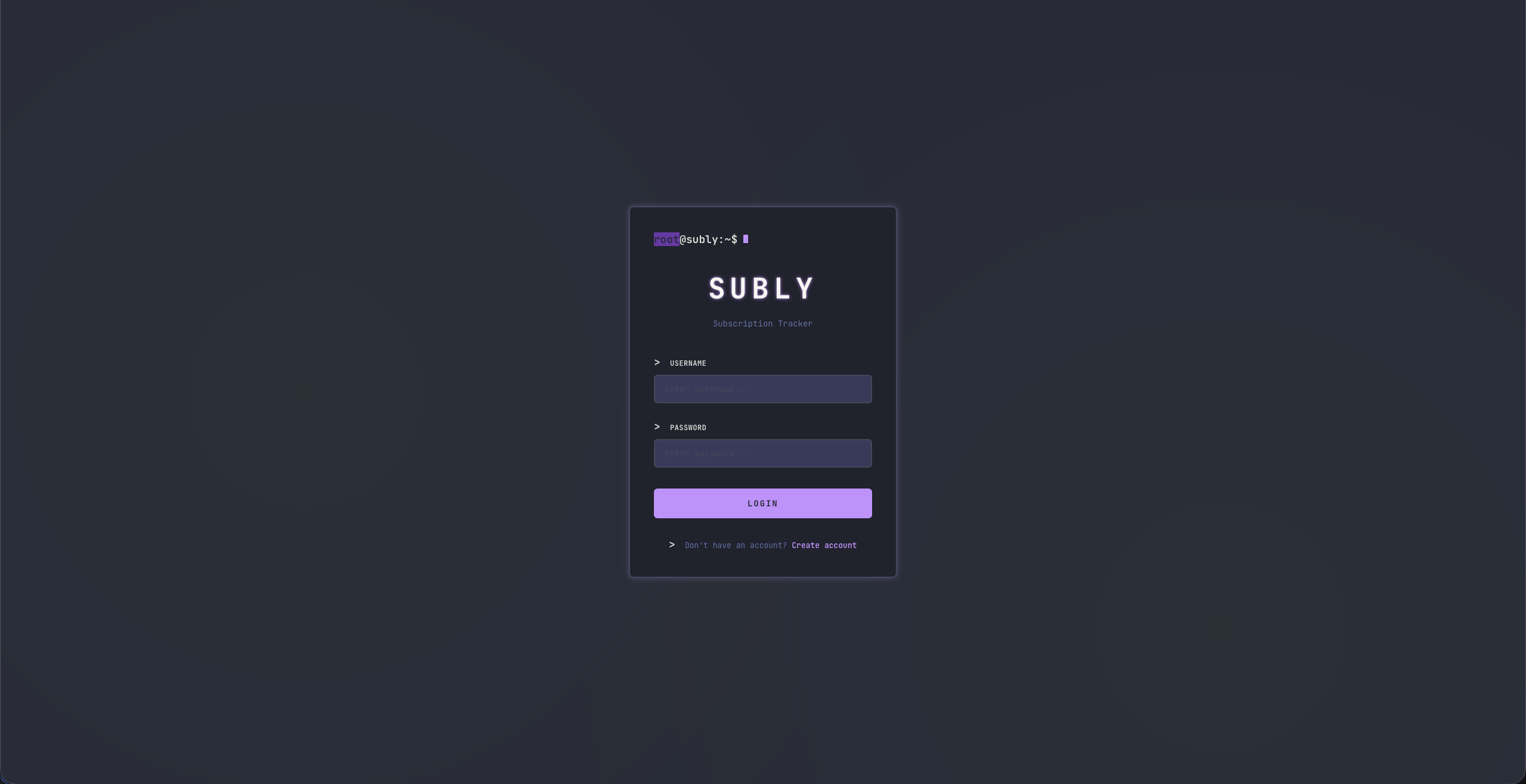
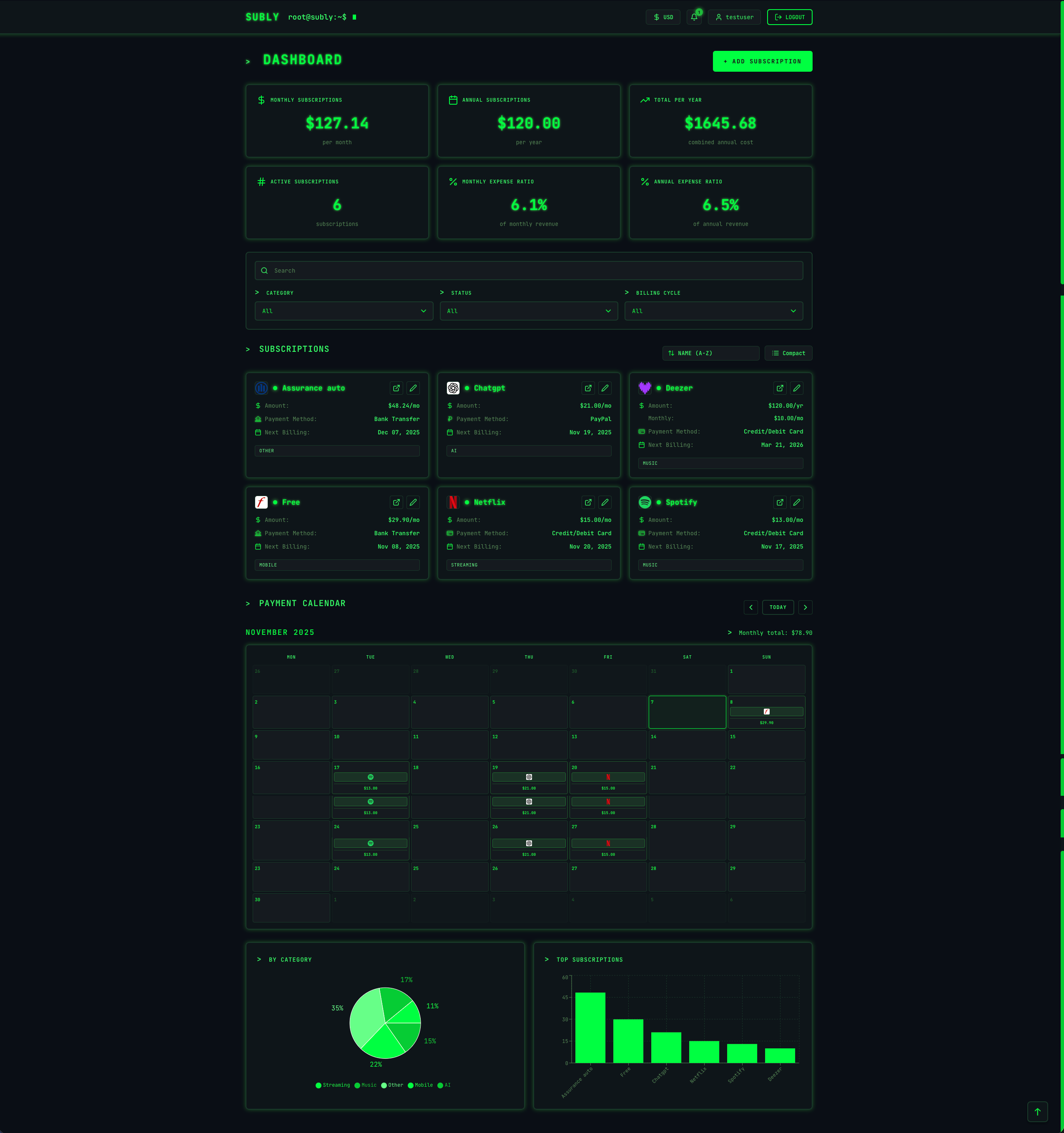
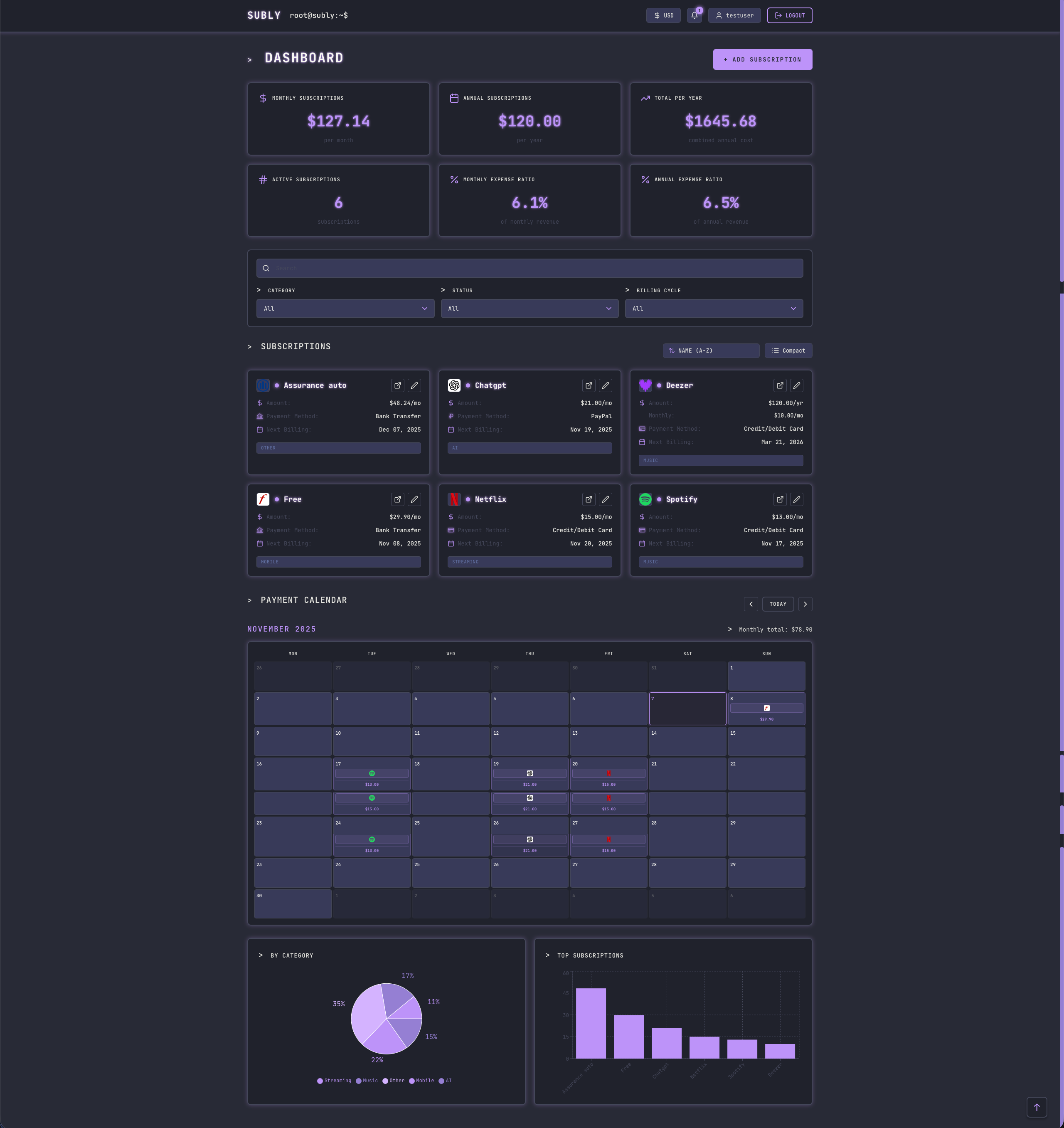
Frontend: React 18, Vite, React Router, Recharts, Axios, date-fns, Lucide Icons
Backend: Node.js, Express, MongoDB, Mongoose, JWT, bcrypt, Resend (email), web-push
DevOps: Docker, Docker Compose, Nginx, GitHub Actions
- 📖 Installation Guide - Detailed setup instructions
- 🐳 Docker Guide - Docker deployment options
- 💻 Development Guide - Local development setup
- ⚙️ Configuration - Environment variables reference
- 🔌 API Documentation - REST API endpoints
- 🏗️ Architecture - Project structure and design
MIT License - See LICENSE for details
Built with ❤️ using Node.js, React, and MongoDB