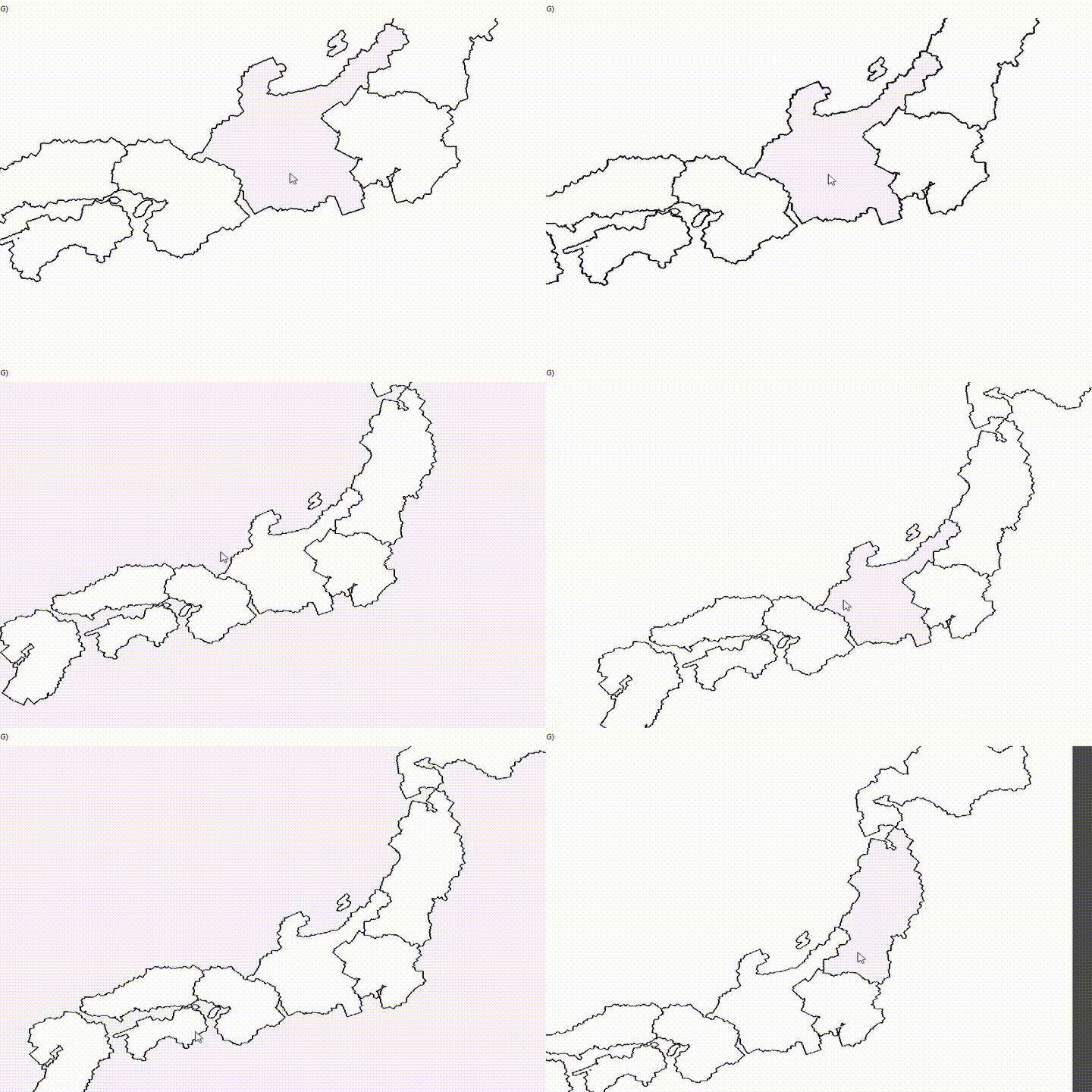
Provides some helpers to make area movement mechanism for Godot Mono.
- Map scrolling
- Selected area highlighting & event.
- A reference data backend using an external tool.
Newtonsoft.Json
Add following content to *.csproj
  <ItemGroup>
    <PackageReference Include="Newtonsoft.Json" Version="13.0.1" />
  </ItemGroup>
For example:
<Project Sdk="Godot.NET.Sdk/3.3.0">
  <PropertyGroup>
    <TargetFramework>net472</TargetFramework>
    <RootNamespace>MapKit</RootNamespace>
  </PropertyGroup>
  <ItemGroup>
    <PackageReference Include="Newtonsoft.Json" Version="13.0.1" />
  </ItemGroup>
</Project>
Or add it using dotnet command:
dotnet add package Newtonsoft.JsonThe addons provides a Japan map sample to show the usage.
- Create a paradox style pixel color province map
base_map:
- Use pixel-map-preprocessor to create remap and related json data:
dotnet run your_image_path. - Create a
mapData.tresresource, set the script toaddons/MapKit/Scripts/MapData.cs, setBase Textureto thebase_map, and setRegion Data Pathto generated json file. - Create a
map_material.tresofShaderMaterialand set shader toaddons/MapKit/Shaders/map2.gds, setBase Texturetobase_map, and setRemap Textureto generated remap texture in "Shader Param". - Create a new scene and instance
addons/MapKit/Sample/SampleMapView.tscn, setUi State Data Resof MapView node (root node) touiStateData.tres. In Map node, setMap Data ResourcetomapData.tres, texture tobase_mapand material tomap_material.tres. - Try to play the scene.


