Bluetooth LED Controller
Complete payload descriptions at https://github.com/arduino12/ble_rgb_led_strip_controller
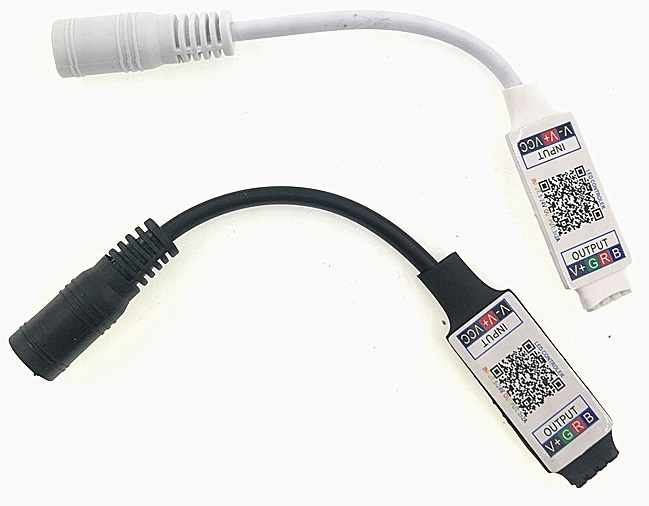
| Property | description | range of values | operations |
|---|---|---|---|
| color | color of the LED light |
0 - 255
|
write |
The color property defines the color of the LED lights. It is composed of three values in the range of 0 to 255 defining the RGB or RYG color space, depending on the block used. A value of 3 0s indicates that the light is turned off.
- Connect to the LED controller by clicking the
Things and Resourcescategory and thenconnect via WebBluetooth. - Select
ELK-BLEDOMand clickPair. - (optional) Give the device a name.
- The device is now selectable on the
webBluetooth deviceblock in theThings and Resourcescategory.