

HelloBooks is a library management system written in React that enables users to be able to borrow and return books; along with allowing them to view their full borrowing history. It also allows library administrators to perform CRUD actions on the books within the library.
The front end will be connected to a hosted version of the HelloBooks-API. This app will be done in ReactJS and will make use of HTML, CSS and Javascript to create a responsive front end application which connects to the above mentioned API.
- Install NodeJS
- npm NB: NPM is installed with NodeJS. To check that it is installed run the command:
$ npm -v
- Clone the Repo using the following command:
$ git clone https://github.com/3V0L/hellobooks-cp4.git
- In the terminal, enter the new directory created with the following command:
$ cd hellobooks-cp4
- Install dependancies:
$ npm install
- Run the application on the development server (http://localhost:3000):
$ npm start
$ npm test
- React JavaScript
- Bootstrap
- CSS
- HTML
- Axios: used for making API calls
- Jest and Enzyme: for testing components
- React Router: for navigating through the different components
- SweetAlert: JavaScript alerts
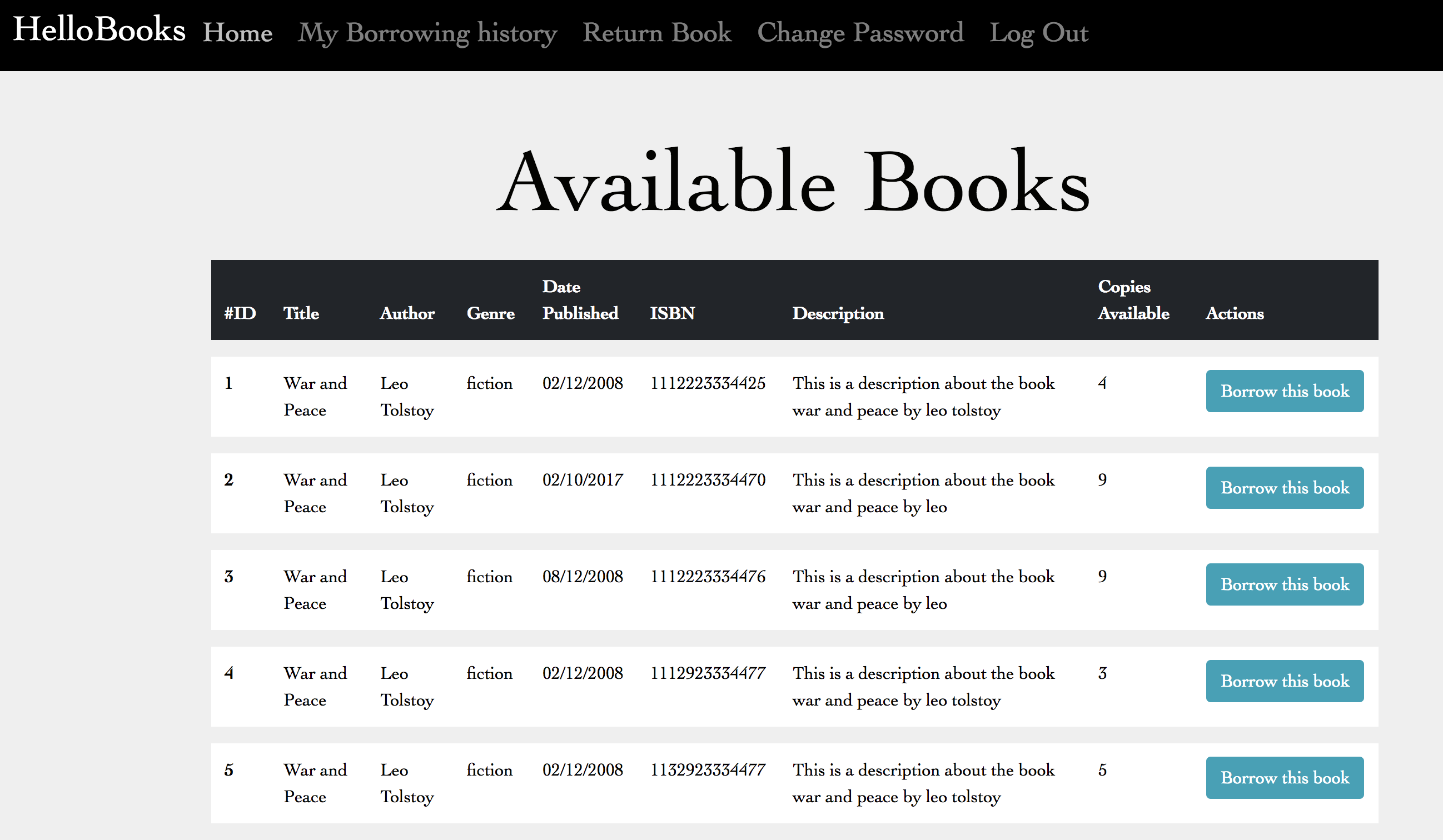
Table of available books
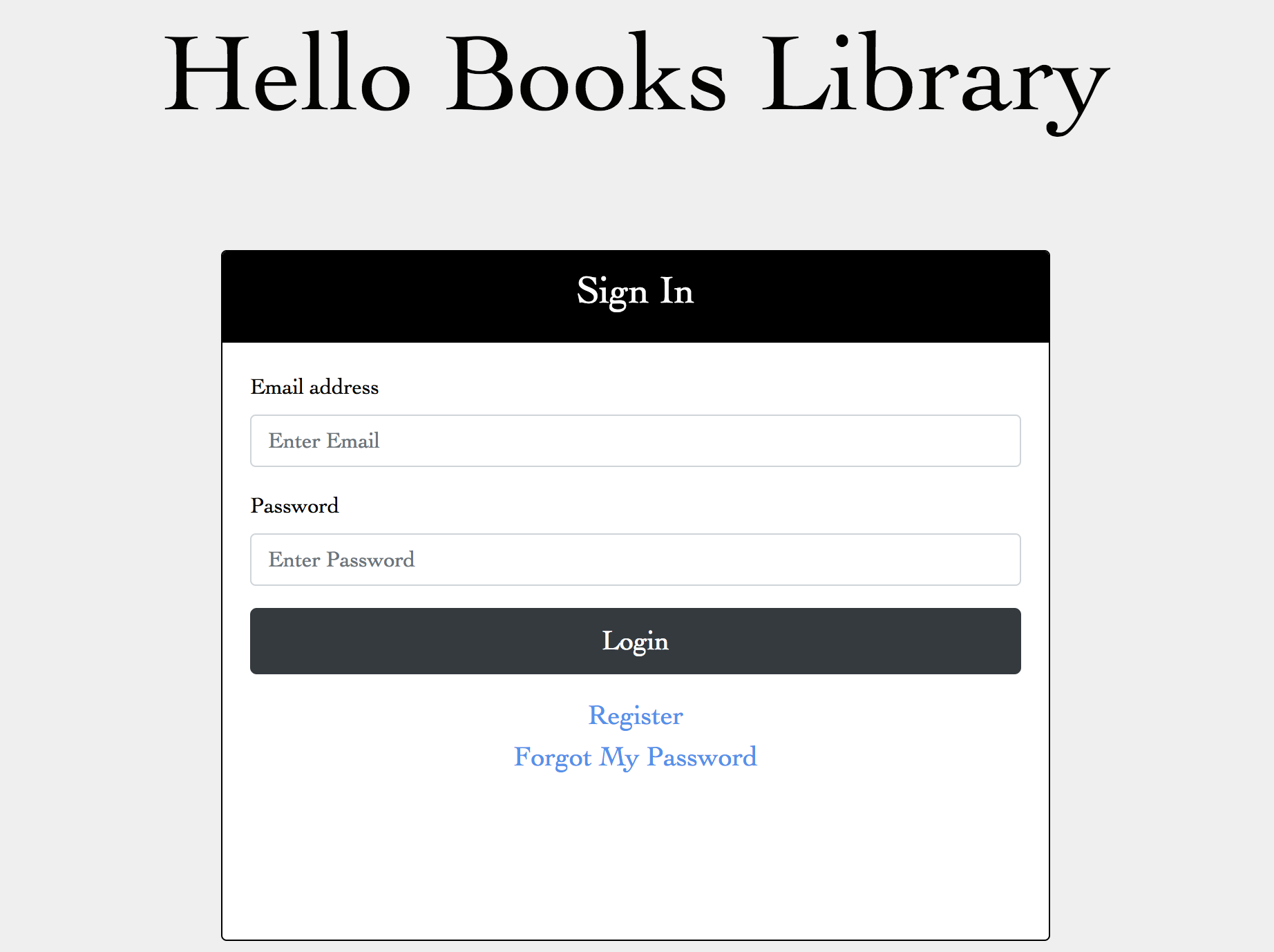
Login Page