Loading Data
After opening TopasGraphSim, you have three options to load your data. For an overview of the supported formats, please visit the Supported Formats section.
The tab structure of TopasGraphSim means you can have many simulations of different types open at once. If you want your data to be seperate, simply create a new tab and add the data there, or append it to an existing tab for comparisons. All options below can be used aswell.
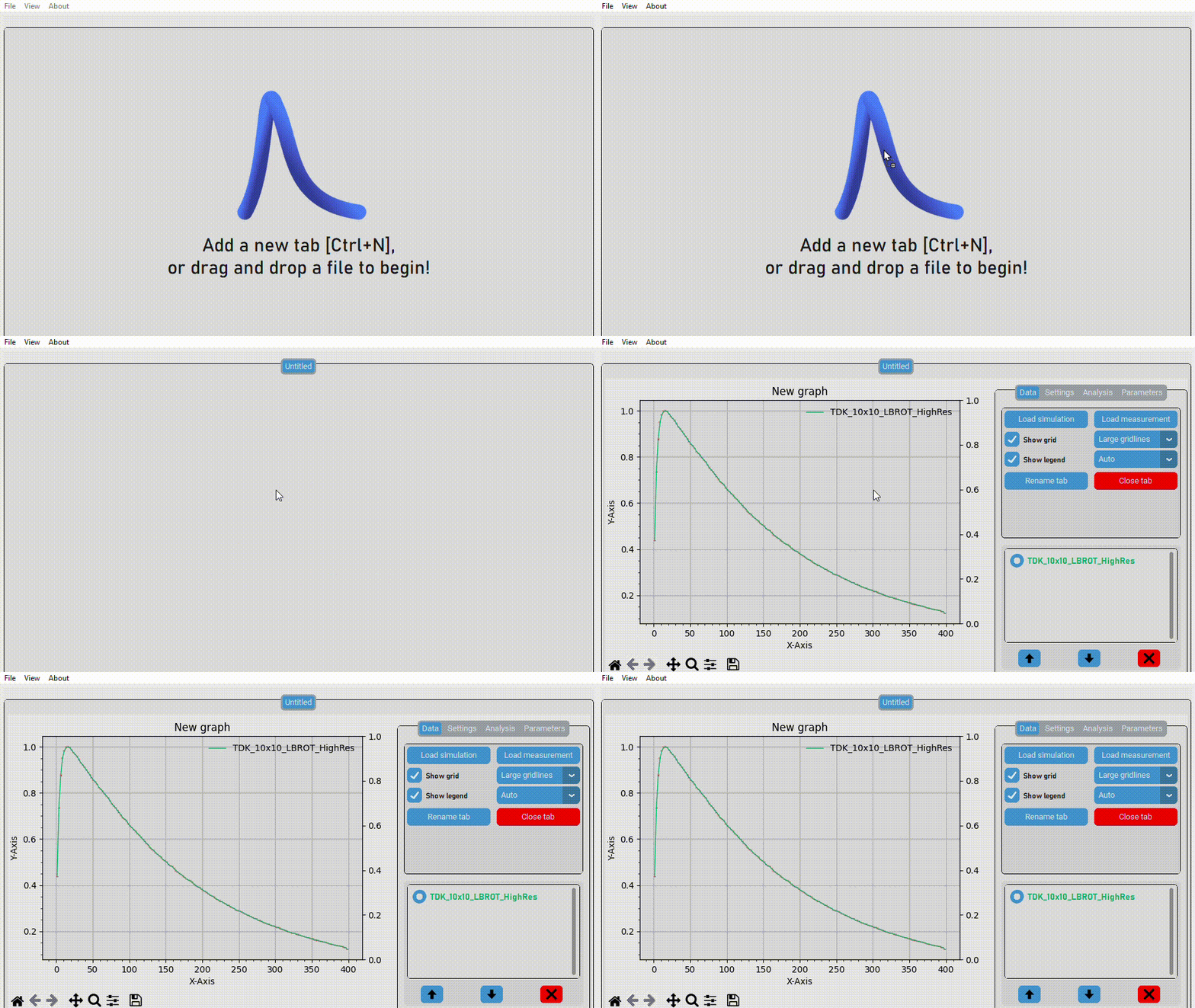
The first option is also the simplest - simply select your file (or files), and drag it into the TopasGraphSim window!
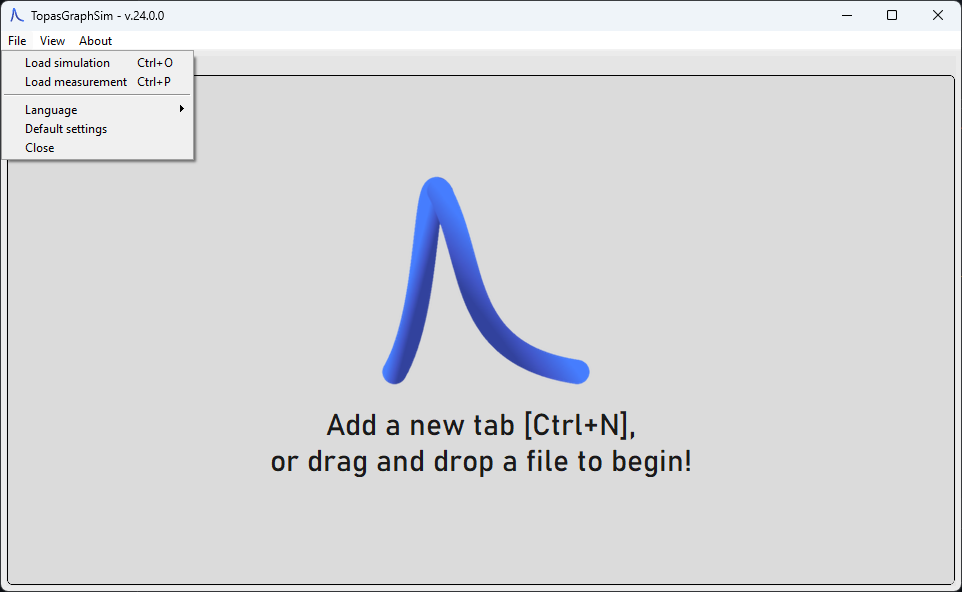
In the menubar, select File. Then, select "Load simulation", or "Load measurement".
In the menubar, select View, and then Tabs. From there, you can create a new tab.
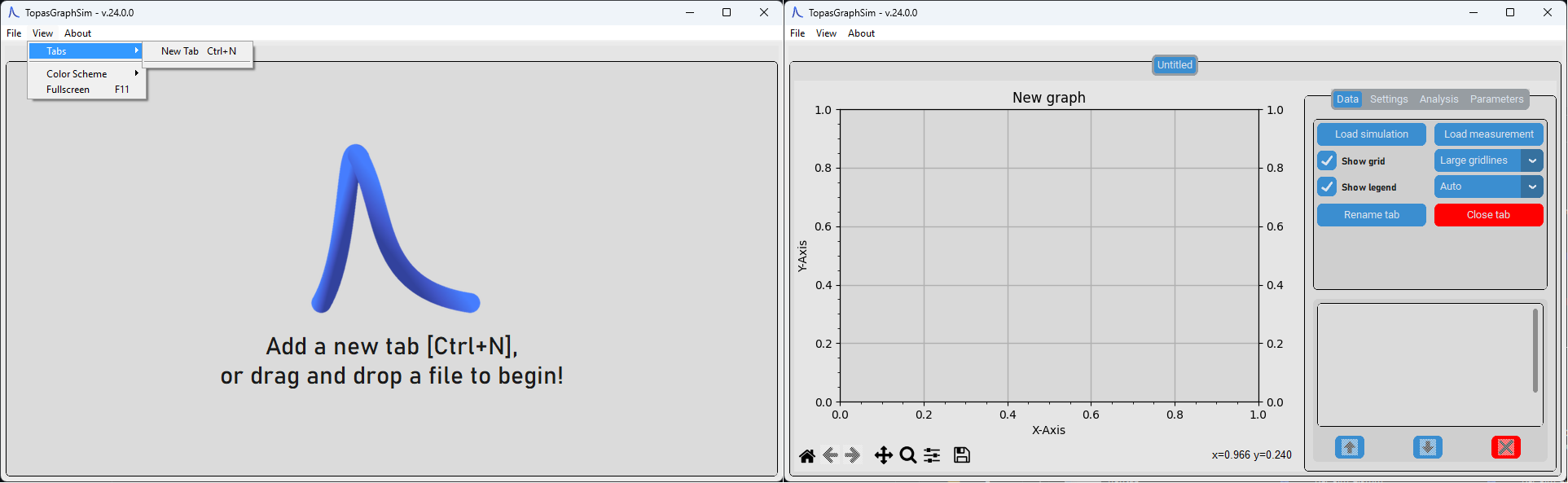
After naming the tab, click the "Load simulation" or "Load measurement" button under the Data tab of the options.
If you want to start TopasGraphSim with data preloaded from the command line, simply supply the path (or paths) to the dataset as an argument:
python -m topasgraphsim <path-to-your-dataset1> <path-to-your-dataset2>