A lightweight single-file HTML tool for lecturers to create, organise, and export code notes that drop straight into Moodle.
- Live demo: Open Online
- Run locally: Download
index.htmland open in any browser.
- Add / edit / delete modules with title, description, and code.
- Mark lines with + / − to control what students copy or send to Explain.
- Autosave in browser.
- Export a standalone student-friendly HTML file:
- Copy buttons per snippet.
- Explain button → opens ChatGPT with a pre-filled line-by-line prompt (no APIs needed and works without having to sign in).
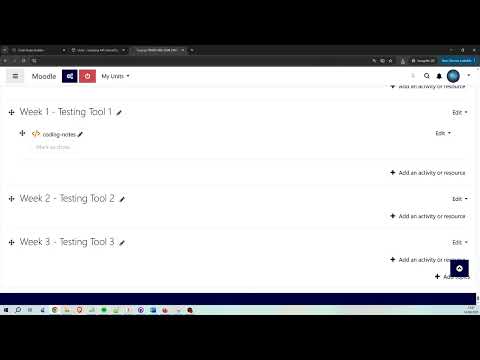
- Fully Moodle-compatible — drag & drop the exported file into your course.


- Open the online tool or
index.htmllocally. - Create modules (title, language label, description, code).
- Use + / − markers to include/exclude lines.
- Click Export Student HTML.
- Upload the generated file to Moodle.
- Data is saved locally using
localStorage. - Exported file is standalone (no dependencies).
- Explain button is removed automatically if the prompt is too long.
MIT License – see LICENSE for details.