
The AI powered terminal assistant







comai is an open source CLI utility that translates natural language instructions into executable commands.
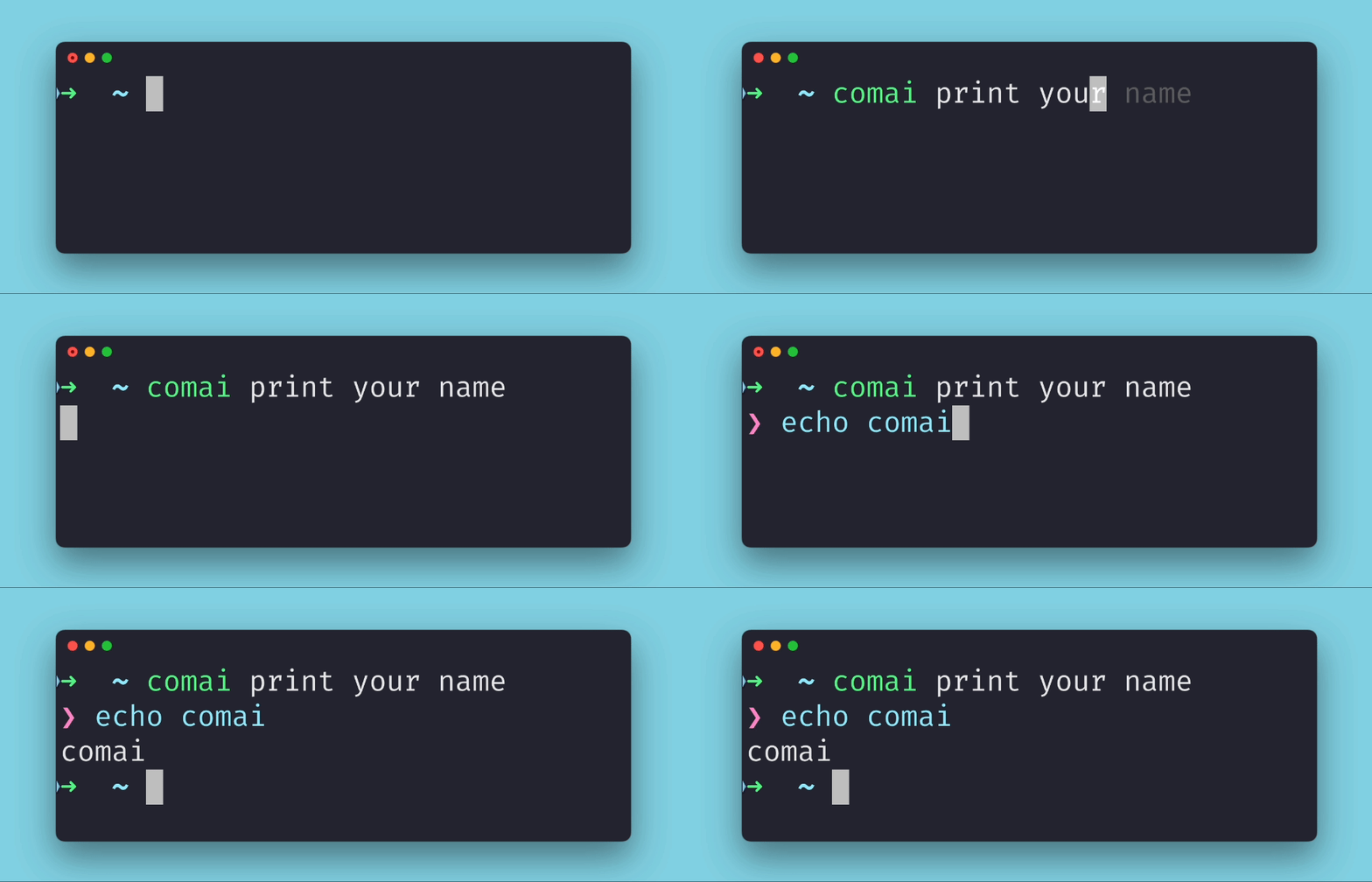
comai is available as a python package. We recommend using pipx to install it:
pipx install comaiBy default, comai is setup to use ollama under the hood, which allows you to host any popular open source LLM locally. If you are happy with this, make sure to install and have ollama running. You can find the install instructions here.
Once installed, make sure to download the llama3 model, since comai has been optimised for it
ollama pull llama3Otherwise, you can set up any other model available in the ollama service via:
comai --configNOTE:
comaiuses the environment variableTERM_SESSION_IDto maintain context between calls so you don't need to repeat yourself giving instructions to it. You can check if it is available in your default terminal checking the output ofecho $TERM_SESSION_ID, which should return some type of UUID. If the output is empty, you can simply add the following to your.zshrc/.bashrcfile:export TERM_SESSION_ID=$(uuidgen)
Using comai is straightforward. Simply invoke the comai command followed by your natural language instruction. comai will provide you with the corresponding executable command, which you can execute by pressing Enter or ignore by pressing any other key.
Let's dive into some exciting examples of how you can harness the power of comai:
- Access network details:
$ comai print my public ip address
❯ curl -s4 ifconfig.co
92.234.58.146
- Manage
gitlike a pro:
$ comai rename the current branch to awesome-branch
❯ git branch -m $(git rev-parse --abbrev-ref HEAD) awesome-branch

$ comai show me all the branches having commit c4c0d2d in common
❯ git branch -a --contains c4c0d2d
  main
  fix/terrible-bug
* awesome-branch- Find the annoying process using the port 8080:
$ comai show me the process using the port 8080
❯ lsof -i :8080
COMMAND   PID      USER   FD   TYPE            DEVICE SIZE/OFF NODE NAME
node 36350 pedrorico 18u IPv4 0xe0d28ea918e376b 0t0 TCP *:http-alt (LISTEN)- Get rid of all your docker containers:
$ comai stop and remove all running docker containers
❯ docker stop $(docker ps -aq) && docker rm $(docker ps -aq)If you're interested in joining the development of new features for comai, here's all you need to get started:
- Clone the repository and navigate to the root folder.
- Install the package in editable mode by running
pip install -e .. - Run the tests using
pytest. - Format your code using black before submitting any change.
Comai is licensed under the GPLv3. You can find the full text of the license in the LICENSE file.