This project was created using Expo
To get started with this project, follow these steps:
- Clone the repository:
git clone https://github.com/okGus/SpringHackHealth.git - Install dependencies:
npm install - Sign up to Clerk: Clerk
- Create an application in clerk dashboard
- Get API key: Clerk application -> Configure -> API Keys -> Expo in dropdown
- Run the app:
npx start
This section should list any major frameworks/libraries used to bootstrap the project.


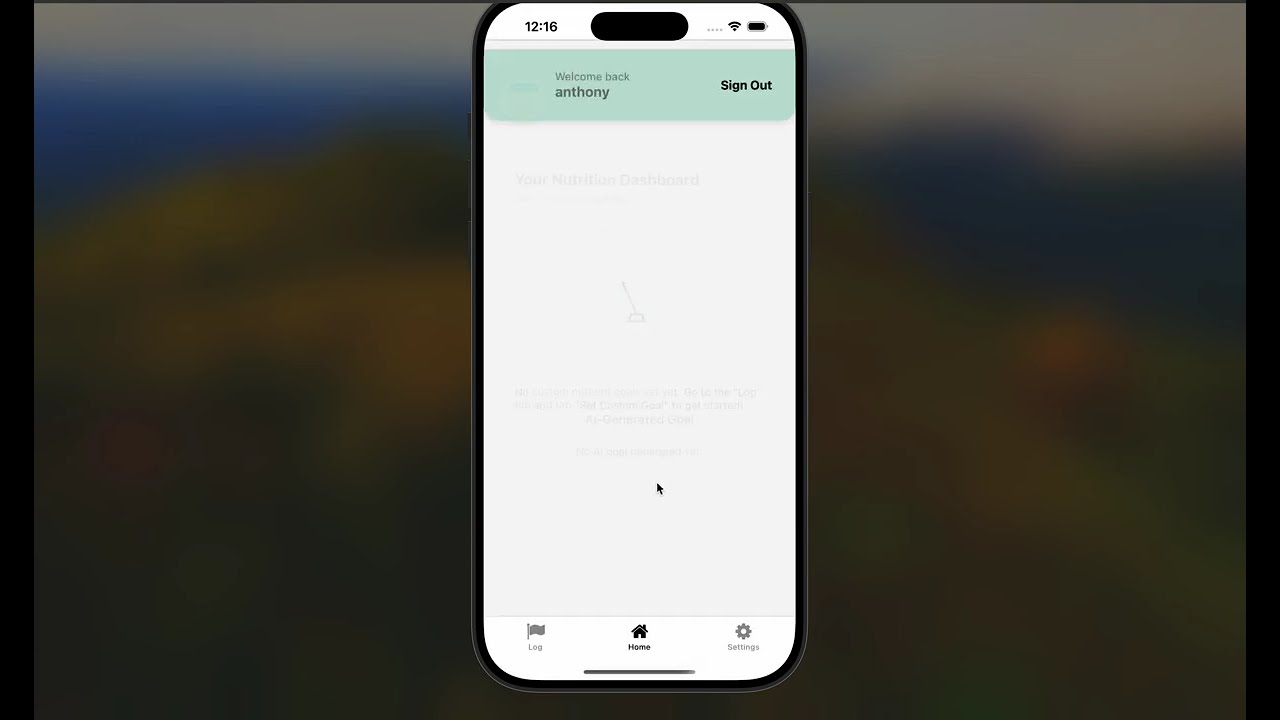
Click the thumbnail above to watch a quick demo of the project!