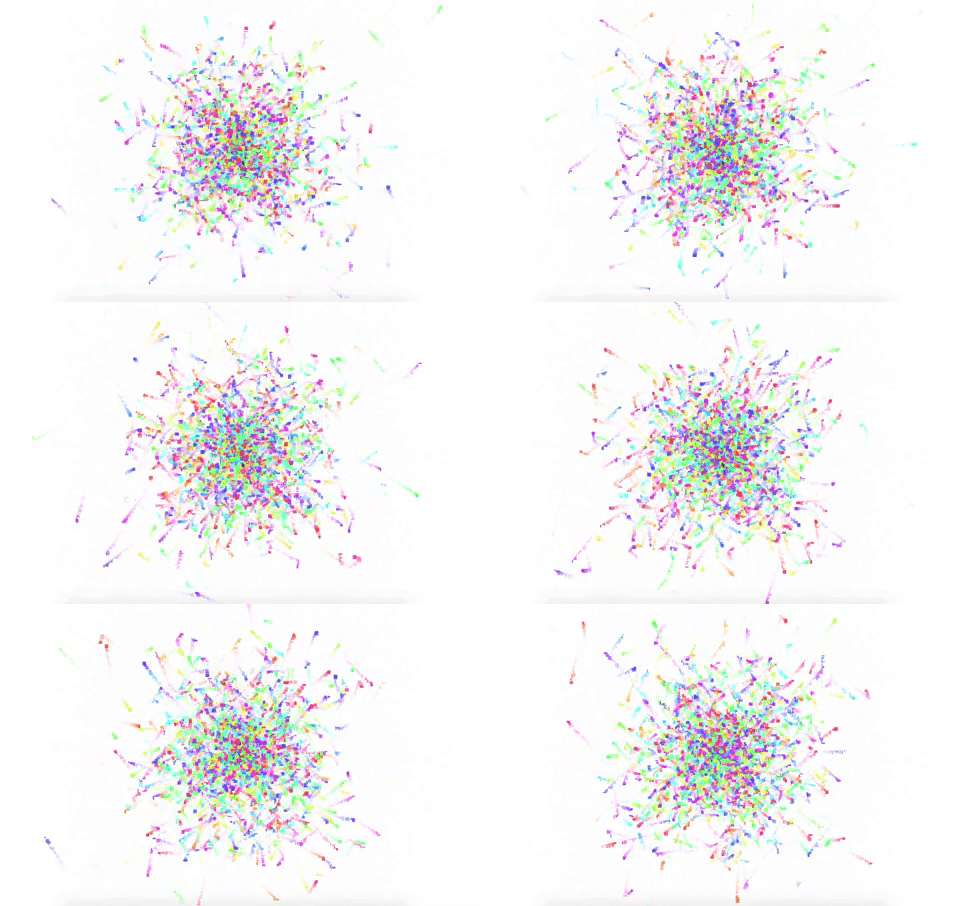
This experiment into the land of canvas drawing explores gravity, velocity, Object Oriented Programming, Math.random, and of course -- the rainbow!
What you see was created with JavaScript and the HTML5 <canvas> element to create shapes and movement.
However, the <canvas> element has no drawing abilities of its own, as it's only a container for graphics that you create with script in conjunction with the getContext() method, which returns an object that provides methods and properties for drawing on the canvas.
You can make:
- Creatively amazing weird things! Check out these sweet creations.
- Collaborative drawing apps
- Video game effects
- Cool visuals for banners
##Example Code
  <body>
    <canvas id="space">Sorry, your browser doesn't support my canvas art! Go get Google Chrome!</canvas>
  </body>
    <style>
      canvas {
        margin: 0;
        display: block;
      }
    </style>
      var canvas = document.getElementById("space"),
        c = canvas.getContext("2d"),
        //empty object to hold the particles we create
        particles = {},
        //starting number of particles to be created each interval
        particleNum = 10,
        particleIndex = 0,
        i;

        //set height and width for canvas
      canvas.width = window.innerWidth;
      canvas.height = window.innerHeight;

      //THESE ARE THE starting attributes for each particle.
      function Particle() {
        //these are the x and y coordinates of the particle center point
        this.x = canvas.width / 2;
        this.y = canvas.height / 2;
        //vx and vy are the x and y coordinates of the particle velocity
        this.vx = Math.random() * 10 - 5;
        this.vy = Math.random() * 10 - 5;
        // loop through particle array
        particleIndex++;
        particles[particleIndex] = this;
        this.id = particleIndex;
        this.life = 0;
        //will die out randomly
        this.maxLife = Math.random() * 30 + 100;
        this.color = "hsla("+parseInt(Math.random()*360, 10)+",100%,60%, 0.8)";
      }

      //this is the random drawing function applied to each particle
      Particle.prototype.draw = function() {
        //creates movement
        this.x += this.vx;
        this.y += this.vy;
        //life increases up until death
        this.life++;
        if (this.life >= this.maxLife) {
          delete particles[this.id];
        }
        c.fillStyle=this.color;
        //final step is to fill the rectangle so they appear
        c.fillRect(this.x, this.y,(Math.floor(Math.random()* 8 + 2)) , (Math.floor(Math.random()* 8 + 2)));
      };


      setInterval(function () {
        //fill with translucent white to cover up color changes or else.....
        c.fillStyle = 'rgba(255, 255, 255, 0.2)';
        //draw the colors to make them appear or else they will overlap forever
        c.fillRect(0, 0, canvas.width, canvas.height);

        //this step is essential to make the particles initiate
        for (i = 0; i < particleNum; i++) {
          new Particle();
        }

        //this part is necessary to start up the draw function.
        for (var i = 0 in particles) {
          particles[i].draw();
        }
      }, 50);
- W3 Schools for more info
- YouTube! Awesome tutorials.
- Another great example site