
Player app for listening internet radio streams on Raspberry Pi Zero W with an external bluetooth speaker
I need a browser-accessible app to play radio streams on my bluetooth speaker.
See the blog post about this app https://msergo.github.io/2022/09/10/internet-radio-pi-zero.html
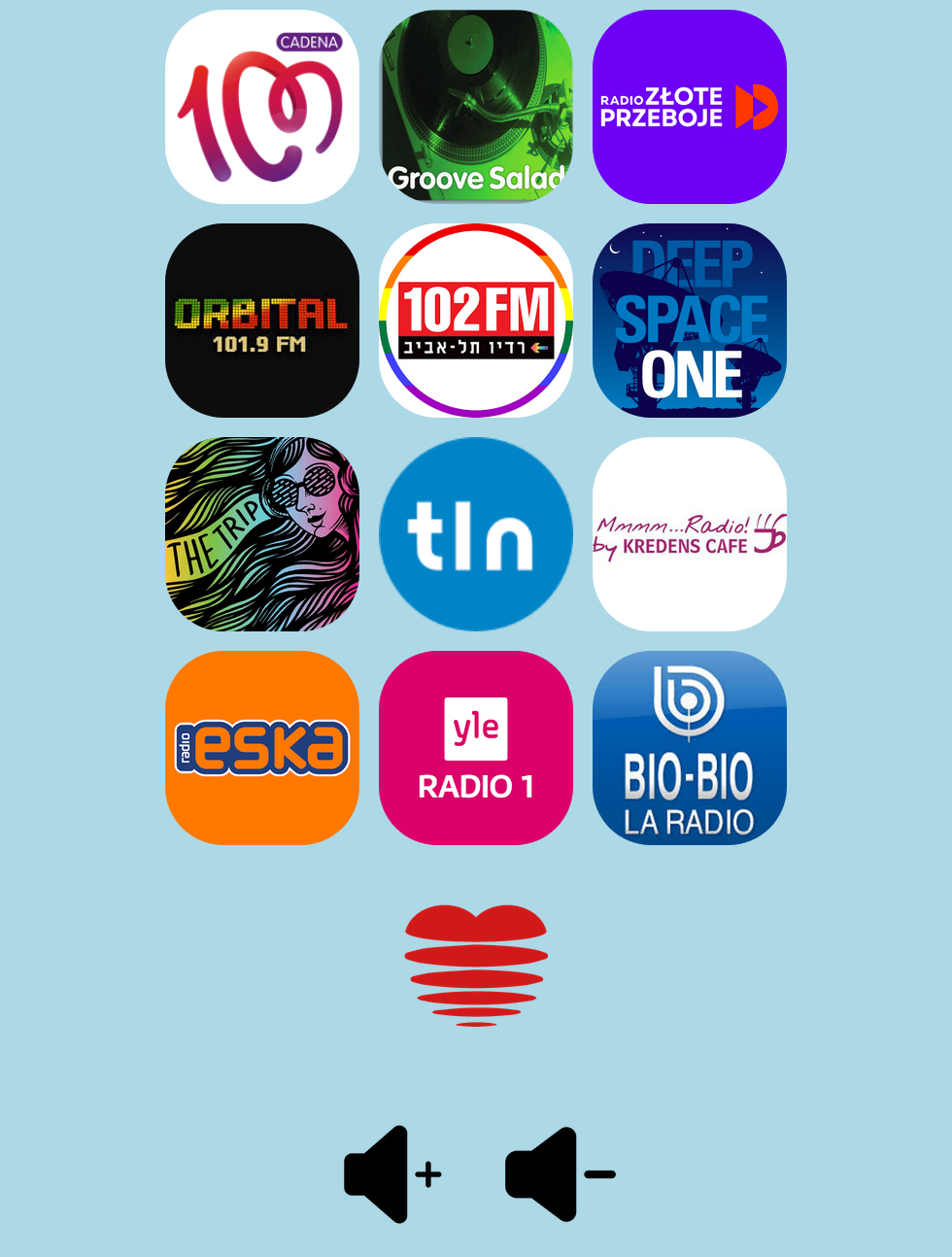
An instance of cvlc is spawned using python's subprocess.Popen which playes the stream.
- Extremely lightweight, built with bottle.py library
- Can play "classic" streams and streams from m3u8 playlists
- Can be configured as a systemd service in order to start automatically
$ bluetoothctl scan on
Discovery started
[CHG] Controller 22:11:F9:18:8C:C8 Discovering: yes
[NEW] Device D8:9C:67:B4:33:18 SOME_OTHER_DEVICE
[NEW] Device B8:08:EB:7A:AC:C3 SPEAKER_HERE
# pair the SPEAKER_HERE device
bluetoothctl pair "B8:08:EB:7A:AC:C3"
bluetoothctl trust "B8:08:EB:7A:AC:C3"$ sudo apt install pulseaudio-module-bluetooth
# add pi user to bluetooth group
$ sudo usermod -a -G bluetooth pi$ sudo apt install pulseaudio-module-bluetooth
$ sudo apt-get install bluealsa
$ vi ~/.asoundrc
# add the default config
defaults.bluealsa.service "org.bluealsa"
defaults.bluealsa.device "XX:XX:XX:XX:XX:XX" # MAC of the speaker
defaults.bluealsa.profile "a2dp"
defaults.bluealsa.delay 10000 $ sudo apt install cvlc
cvlc -A alsa --alsa-audio-device bluealsa file_example.wav Requirements: Python 3.11+ (tested with 3.12)
python3 -m venv env
source env/bin/activate.fish  # or . env/bin/activate for bash
pip install -r requirements.txt
python main.py
The app will start the Bottle web server on http://0.0.0.0:8080/
NB! You might need to adjust the VOLUME_LEVEL_COMMAND in the .env file in order to match your BT device name.
[Unit]
Description=mplayer-pi service

[Service]
User=pi
WorkingDirectory=/path/to/mplayer-pi
ExecStart=/path/to/mplayer-pi/env/bin/python main.py

[Install]
WantedBy=multi-user.target
systemctl enable mplayer-pi.servicesystemctl start mplayer-pi.service- google.com
- radio station web portals
- soma.fm