


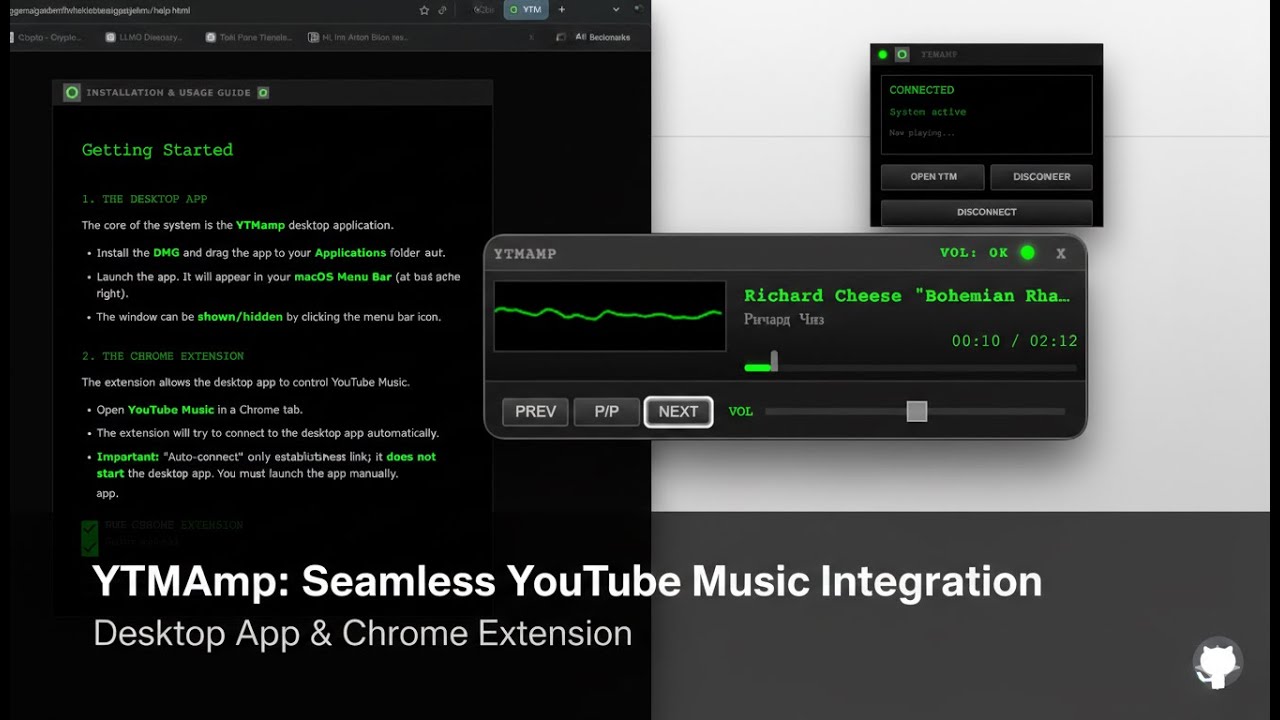
YTMamp is a lightweight, retro-inspired mini-player for YouTube Music on macOS. It pairs a high-performance Electron desktop application with a specialized browser extension to give you seamless control over your music without ever leaving your workflow.
Get the latest macOS installer from Releases (DMG).
Note
YTMamp is an independent open-source project and is not affiliated with Google or YouTube.
- Retro Aesthetic: Modern take on classic player designs with neon green accents.
- Always on Top: Keeps your controls accessible while you work.
- Waveform Visualizer: Real-time oscilloscope driven by your music.
- Native Experience: System tray integration, "Start at login" support, and global media keys.
- Auto-pilot: Automatically hides the native YTM mini-player and can auto-show itself on playback.
- Download the latest DMG from the GitHub Releases.
- Install: Open the
.dmgand drag YTMamp to yourApplicationsfolder.
Important
The DMG is an installer. Once installed, launch YTMamp from your Applications folder, not from the mounted disk image.
- Launch: Open YTMamp. You'll see a green icon in your menu bar.
Currently, the extension is installed in "Unpacked" mode:
- Open Chrome (or any Chromium browser like Brave/Edge/Atlas/Comet/etc.).
- Navigate to
chrome://extensions. - Enable Developer mode in the top right.
- Click Load unpacked and select the
extension/folder from this directory. - Pin it: Click the puzzle icon in your toolbar and pin YTMamp for quick access.
Extensions are installed per browser/profile. If you use Comet and Chrome, install it in both if needed
- Open YouTube Music.
- Click anywhere on the page once (required by browsers to allow audio capturing for the waveform).
- Ensure the status indicator in YTMamp (or the extension popup) shows Connected.
- Play some music and enjoy!
- "Receiving end does not exist": If you just updated the extension, refresh your YouTube Music tab.
- No Waveform: Make sure you've clicked inside the YTM tab at least once since opening it.
- Not Connecting: Ensure the YTMamp desktop app is running (check your menu bar).
# Setup the desktop app
cd app
npm install
npm start

# For subsequent builds
npm run distTo generate the .dmg and .zip artifacts on your own machine:
cd app
npm run clean
npm run dist
Find your builds in app/dist/.
Distributed under the MIT License. See LICENSE for more information.