

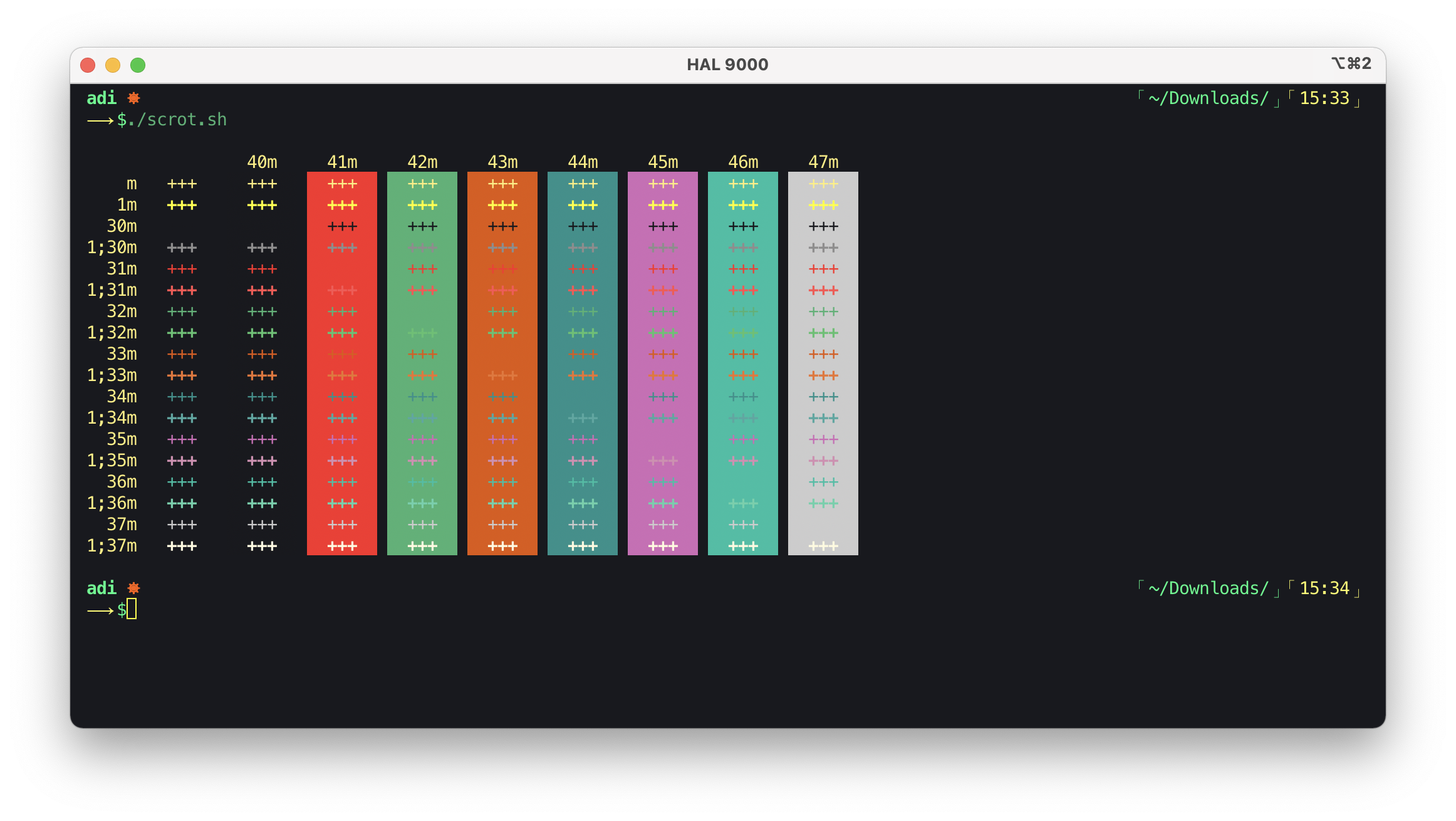

To use the Lighthaus theme for iTerm2, download lighthaus.itermcolors file.
- Launch iTerm2
- Type
CMD+i - Navigate to
Colorstab - Click on
Load Presets - Click on
Import - Select the
lighthaus.itermcolorsfile - Click on Load Presets and choose a color scheme
For more information refer to the official project documenation.
Check out CONTRIBUTING.
Pull Request Template can be found here and Issues and Bugs Template here.
v 1.2.0Lighthaus and all it's projects use Semantic Versioning.
All changes are recorded in CHANGELOG
Please report any bugs or issues here. Issues and Bugs Template can be found here.
Copyright © 2020-Present Lighthaus Theme
Copyright © 2020-Present Adhiraj Sirohi
Copyright © 2020-Present Vasundhara Sharma

