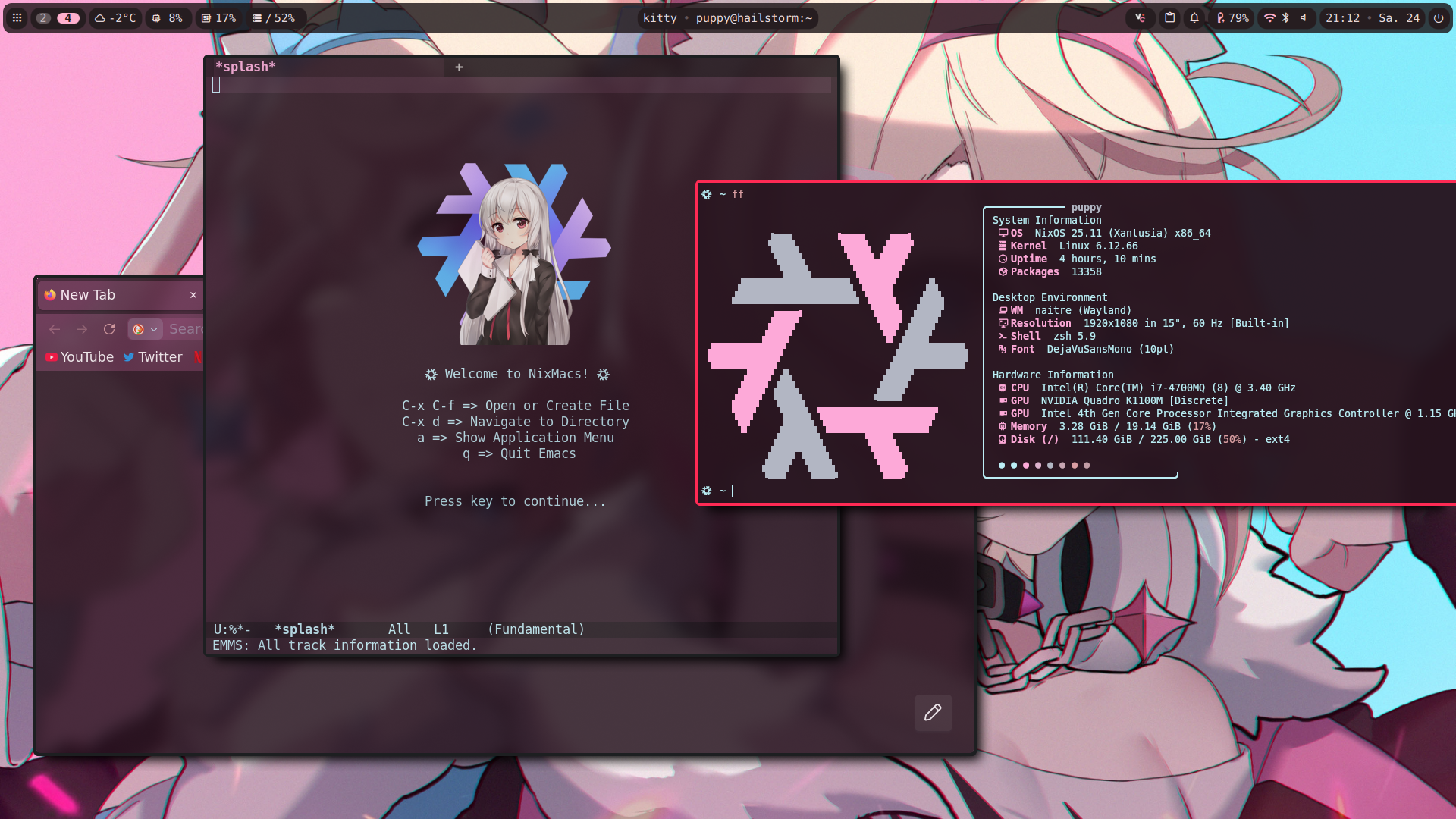
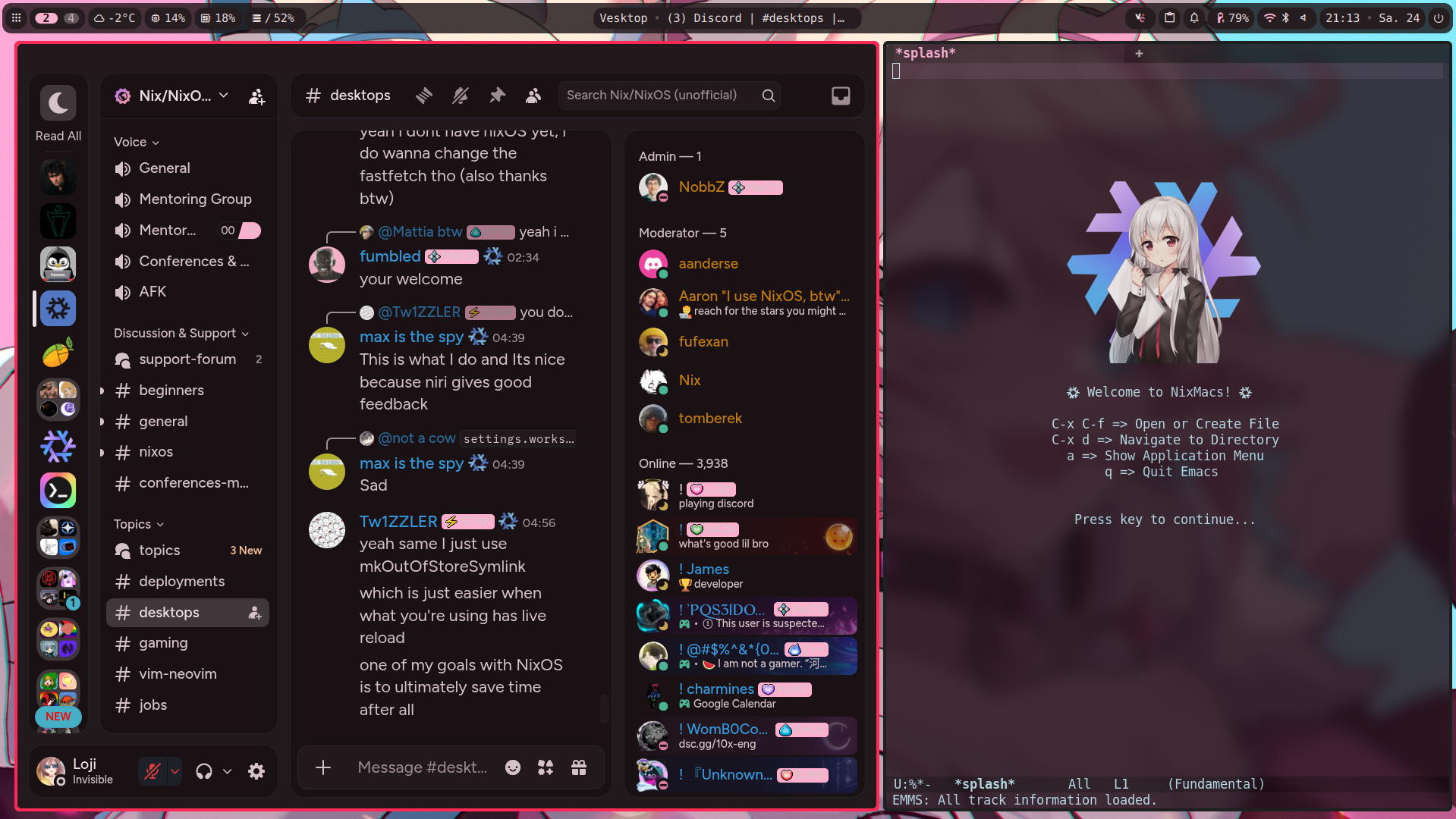
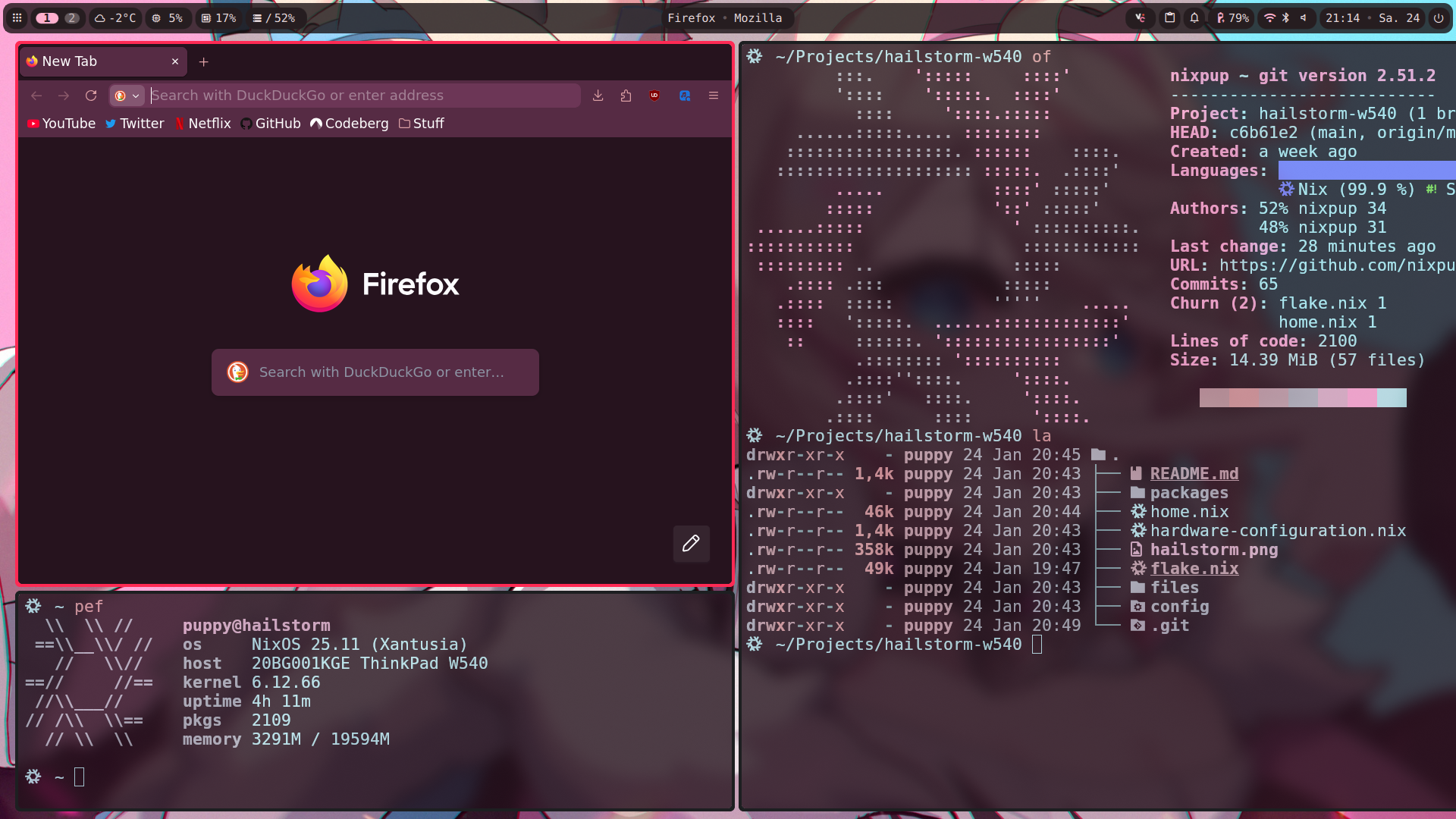
Configuration files of my W540 ThinkPad running NixOS.
As always, replace all instances of 'puppy' with your actual username on your own machine.
- WM: NaitreHUD (Wayland/MangoWC Fork)
- Bar: dms
- Shell: zsh
- Editor: NixMacs (emacs)
- Distro: NixOS
- Compositor: NaitreHUD (Wayland/MangoWC Fork)
- Launcher: vicinae
This setup comes with home-manager, stylix, nix-flatpak, nix-index-database, and much, much more, pre-installed and included in the flake.
Remember to make backups of all the files in your /etc/nixos directory, and various other ~/.config directories if you want to use this configuration.
git clone https://github.com/nixpup/hailstorm-w540cd hailstorm-w540-
cp flake.nix /etc/nixos cp home.nix /etc/nixos cp -r packages/ /etc/nixos cp -r files /etc/nixos - Change the flake.nix (
nixosConfigurations.hailstorm = nixpkgs.lib.nixosSystem {) to reflect your desired hostname. (Replacehailstorm.) - Change all instances of
puppyin the flake.nix and home.nix to your actual username. (Find out by runningwhoami.) sudo nixos-rebuild switch --flake /etc/nixos#YOURHOSTNAME- Reboot and enjoy!