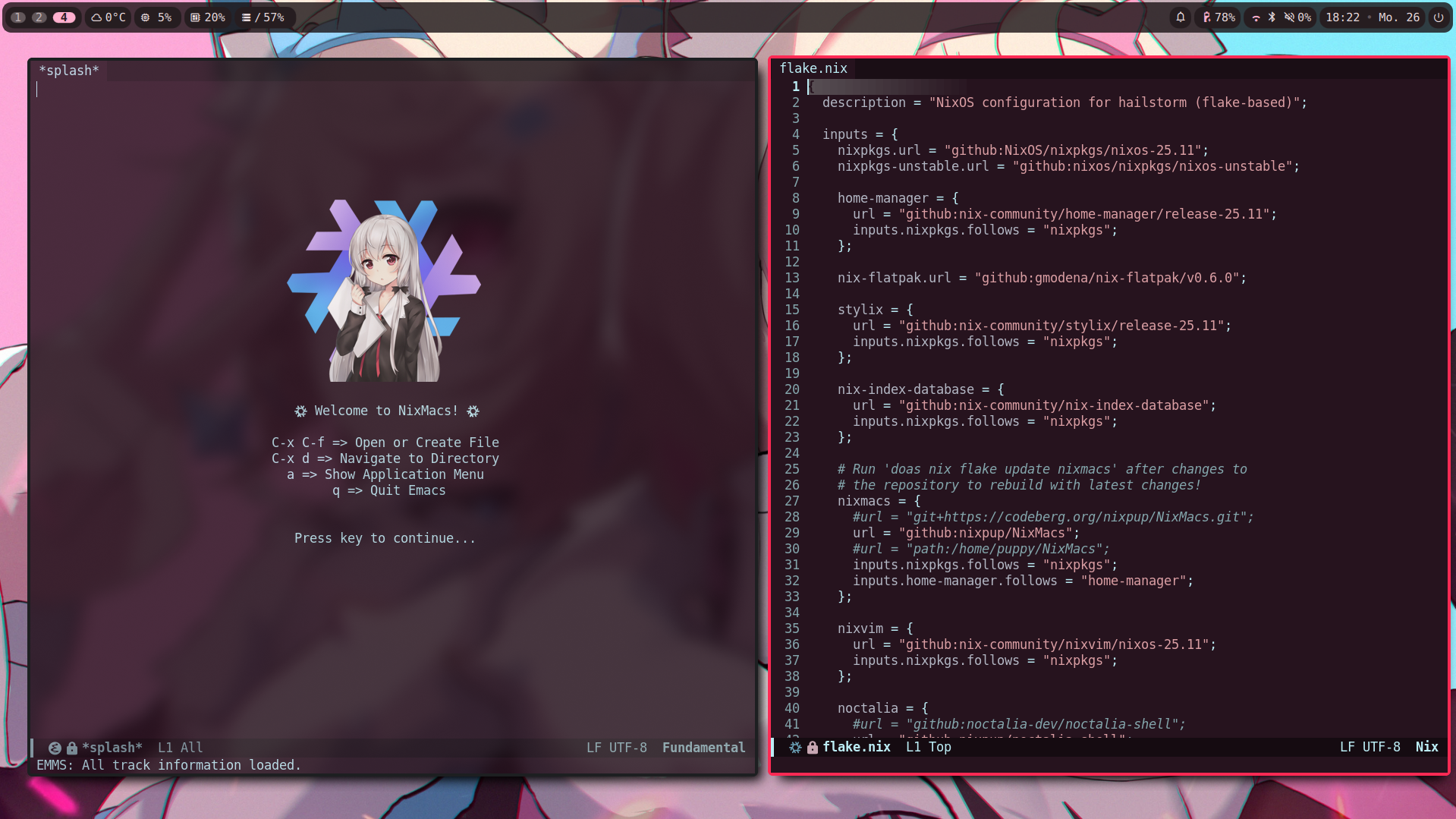
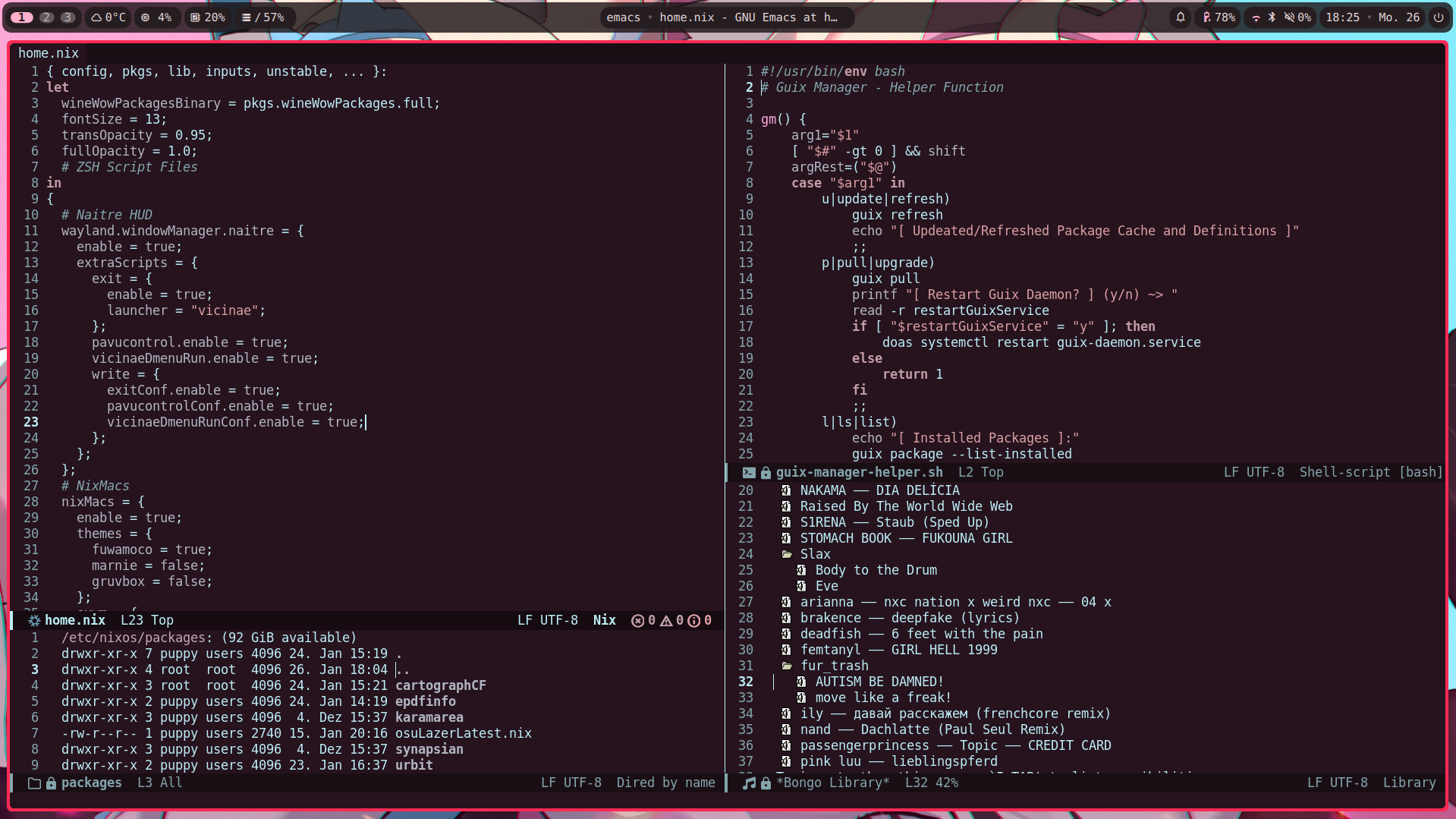
A NixOS Flake Module to use my custom configuration of Emacs (NixMacs) easily as a Module inside your Flake.
- Be at least on NixOS Version 25.05 (Warbler)
- Have home-manager Installed
use-package color-theme-sanityinc-tomorrow company emms fancy-dabbrev lsp-mode lsp-ui markdown-mode multi-term multiple-cursors nix-buffer nix-mode rainbow-mode rust-mode rustic wttrin hydra all-the-icons haskell-mode arduino-mode flycheck gruvbox-theme bongo impatient-mode simple-httpd hoon-mode compat xelb nickel-mode iedit anzu visual-regexp try sudo-edit pdf-tools magit beacon doom-modeline vim-tab-bar
Simply run nix run github:nixpup/NixMacs#nixmacs (you may need to add the --no-write-lock-file flag) inside a Terminal and you can test NixMacs without having to install or configure anything!
flake.nix:
{
  # ... your configuration.
  nixmacs = {
    url = "github:nixpup/NixMacs";
    inputs.nixpkgs.follows = "nixpkgs";
    inputs.home-manager.follows = "home-manager";
  };

  outputs = { self, nixpkgs, home-manager, nixmacs, ... }:
  let
    system = "x86_64-linux";
  in
    nixosConfiguration.YOUR_HOSTNAME = nixpkgs.lib.nixosSystem {
      inherit system;
      modules = [
        # ...your modules.
        home-manager.nixosModules.home-manager

        ({ config, pkgs, lib, ... }:
          imports = [
            home-manager.nixosModules.home-manager
          ];
          home-manager = {
            # ...your home-manager configuration.
            sharedModules = [
              nixmacs.homeManagerModules.default
            ];
          };
        )
      ];
    };
}home.nix:
{ config, pkgs, lib, ... }:
# ...your home configuration.
nixMacs = {
  enable = true;
  themes = {
    fuwamoco = true;
    marnie = false;
    gruvbox = false;
    templeos = false;
    cappuccinoNoir = false;
    installAll = true; # Install all themes even if some are disabled. This doesn't enable the other themes, it merely installs them.
  };
  exwm = {
    enable = true; # Create "~/.nixmacs/config/exwm.el" File.
    layout = "qwerty"; # Can also be "colemak".
  };
  waylandPackage.enable = true; # Enable the creation of a "nixmacs-wayland" binary.
};