



This is a fork of the MangoWC Wayland Compositor and Window Manager with a few added features and changes made that I found to be useful or necessary. All credit goes to the creator of MangoWC DreamMaoMao.
Add the following to your flake.nix:
{
  description = "My Flake";
  inputs = {
    naitre = { # Add Naitre Flake Input Here
      url = "github:nixpup/NaitreHUD";
      inputs.nixpkgs.follows = "nixpkgs";
    };
  };
  outputs = inputs@{ self, nixpkgs, home-manager, naitre, ... }: # Add Naitre to Outputs List
    let
      system = "x86_64-linux";
    in {
      nixosConfigurations.HOSTNAME = nixpkgs.lib.nixosSystem {
        inherit system;
        specialArgs = {
          inherit inputs;
        };
        modules = [
          naitre.nixosModules.naitre # Add Naitre as a Module
          ({ config, pkgs, lib, ... }:
            home-manager = {
              extraSpecialArgs = {
                inherit inputs pkgs;
              };
              sharedModules = [
                inputs.naitre.hmModules.naitre # Add Naitre as Home-Manager Module
              ];
            };
            programs.naitre.enable = true; # Enable Naitre Program in configuration.nix Options
            services.displayManager.defaultSession = "naitre"; # Optional: Add Naitre as Default Display Manager Session
          );
        ];
      };
    };
}
And then configure Naitre HUD in your home-managers home.nix file:
{ config, pkgs, lib, inputs, ... }:
wayland.windowManager.naitre = {
  enable = true;
  modularize = {
    enable = true;
    additional = ''
      #------------#
      # Additional #
      #------------#
      # Autostart
      exec-once=wl-paste --watch cliphist store
      exec-once=dex --autostart environment naitre
      exec-once=swaybg -i /home/puppy/Pictures/Wallpapers/fuwamoco.jpg -m fill
      exec-once=gammastep -l 52.520008:13.404954 -t 4000:4000
      exec-once=dunst
      exec-once=dms run
      exec-once=vicinae server
      exec-once=dbus-update-activation-environment --systemd WAYLAND_DISPLAY XDG_CURRENT_DESKTOP=wlroots
      exec-once=sway-audio-idle-inhibit
      exec=xwayland-satellite :0
    '';
  };
  scripts = {
    exit = {
      enable = true;
      launcher = "vicinae";
      keybind = "Alt+Shift,x";
    };
    pavucontrol = {
      enable = true;
      keybind = "SUPER,a";
    };
    vicinaeDmenuRun = {
      enable = true;
      keybind = "SUPER,f";
    };
  };
};To set up the build process and build the Naitre HUD, run the following commands from inside the NaitreHUD Directory:
meson setup build
ninja -C build
If you've installed all the necessary dependencies (See Nix Files for Dependency List), this should build you the ./naitre binary inside the ./build/ directory (./build/naitre). For Display Manager configuration please see the Nix Files and the included naitre.desktop File.
This build of MangoWC supports vertical stacking within the scroller layout, similar to how the Niri Wayland Compositor and Window Manager works. This means by binding the following actions in your ~/.config/naitre/config.conf:
bind=Alt,comma,scroller_stack_left
bind=Alt,period,scroller_stack_right
You can automatically split/resize the window to the left (or right) of the currently selected window, and then move/tile the currently selected window below the window to its left (or right) via the scroller_stack_left (or *_right) option. Removing a window from a stack is triggered by invoking the action to stack in the opposite direction.
scroller_stack_left- Enter new stack (or exit existing stack) with existing window to the left.scroller_stack_right- Enter new stack (or exit existing stack) with existing window to the right.
Similar to what the hevel Wayland Window Manager does, the Naitre HUD includes a layout called "infinite", which allows the user to place windows anywhere on a virtually infinite desktop, and navigate the layout/move the view easily via keybinds.
To use the layout simple choose a workspace to turn into an "infinite" workspace, like so:
tagrule=id:3,layout_name:infinite
And then configure the necessary keybinds:
bind=Alt,Tab,infinite_move_start
bindr=Alt,Tab,infinite_move_end
bind=Alt+Shift,c,infinite_center
The new keybind configuration option bindr can check for the release of a key, allowing you to, like in this example, hold down the Alt+Tab key combination to move the users view of the infinite desktop with their mouse, and stop moving on release of the keybind.
infinite_move_start- On key press, enter view movement mode.infinite_move_end- (When used withbindr...) on key release, exit the view movement mode.infinite_center- Move and center the users desktop view on the currently selected window.
In your ~/.config/naitre/config.conf, there is now a new option called stacker_loop that can be set to either 1 (true/enable) or 0 (false/disable), which looks like this:
stacker_loop=1
This option, when enabled, allows you to, when invoking either scroller_stack_left with no window left of the currently selected one or vice versa for scroller_stack_right, to loop around all windows to the other end and create a stack there.
So invoking scoller_stack_left on the selected leftmost window on your desktop, while stacker_loop=1 is in your config, will move the window all the way to the right of all present windows, and create a new stack with the last window present all the way to the right.
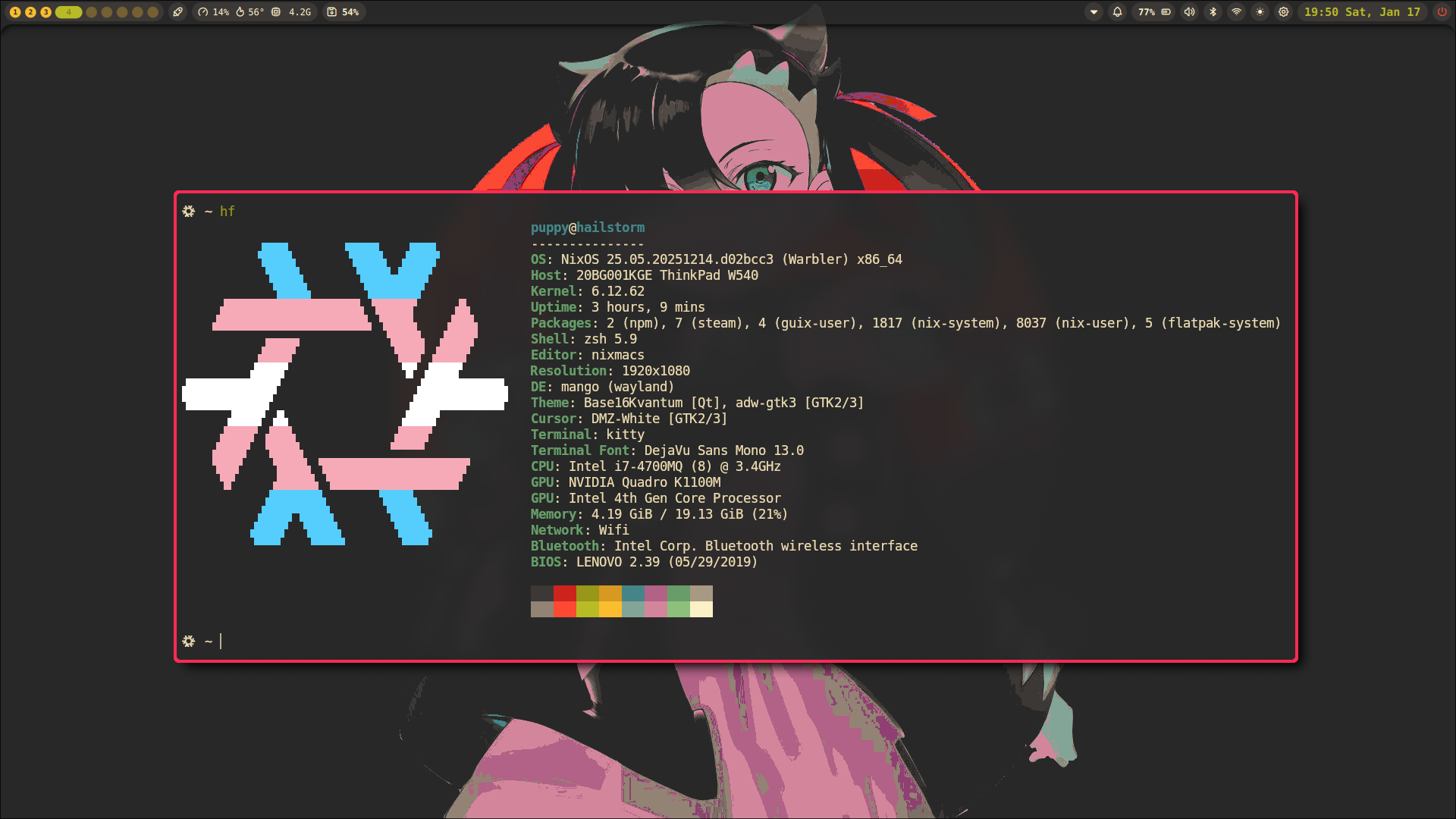 Click the Thumbnail to Download or View the Demo Video
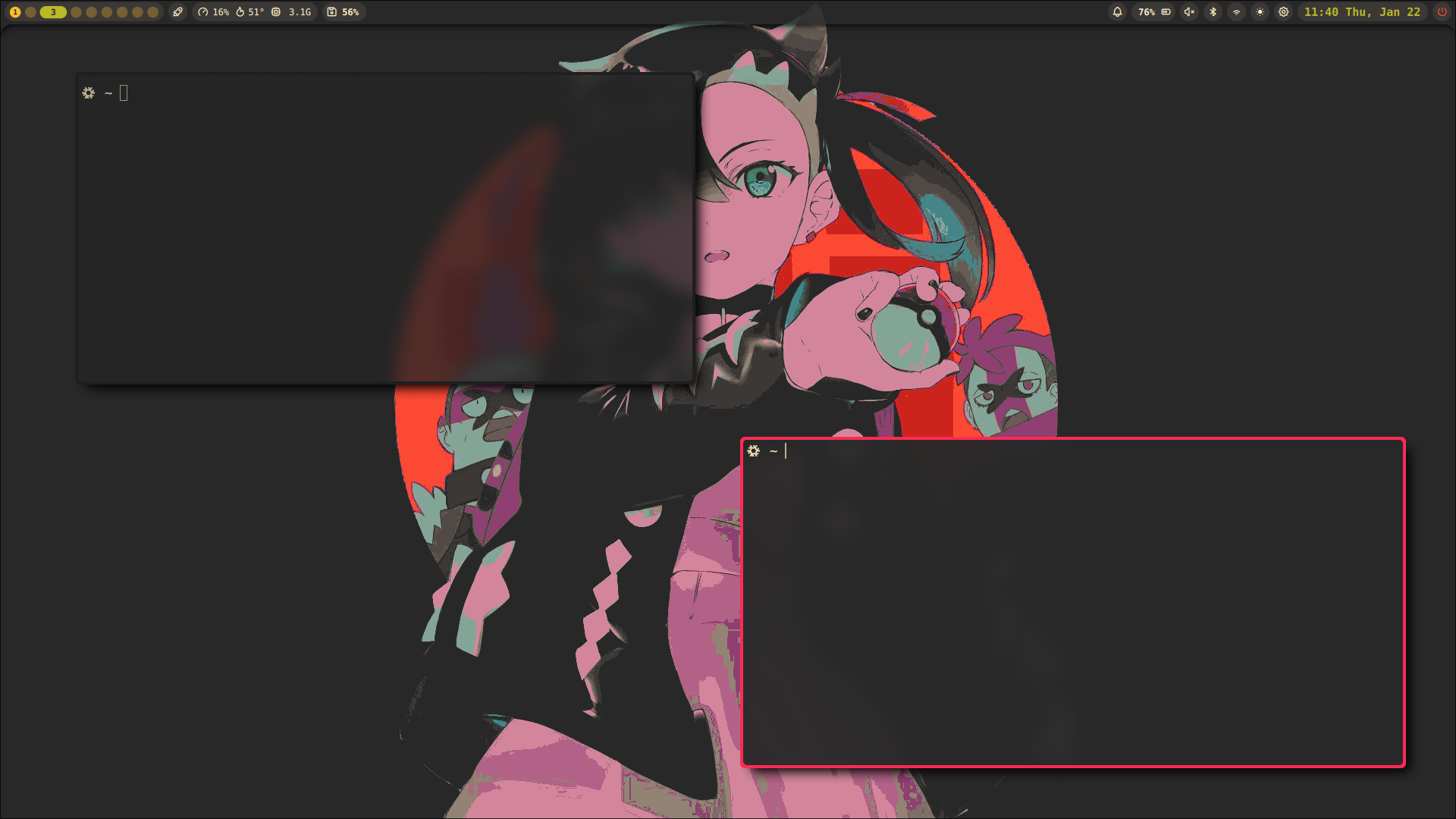 Click the Thumbnail to Download or View the Demo Video
To properly use noctalia-shell with Naitre HUD you either have to set env=XDG_CURRENT_DESKTOP,mango and env=WINDOW_MANAGER,mango in your config.conf, or use my custom fork of noctalia-shell that also works when those variables are set to the default: naitre. Do note that you also need to install the regular MangoWC Wayland Window Manager when not using my noctalia-shell fork, as Naitre HUD doesn't come with the mmsg binary, in Naitre HUD this binary is called hud-msg.