This site hosts a set of libraries and utilities to query remote databases for materials which can either be mapped to MaterialX materials or are natively stored in that format.
Last Updated: January, 2026 (1.39.5 in progress)
Supported Libraries
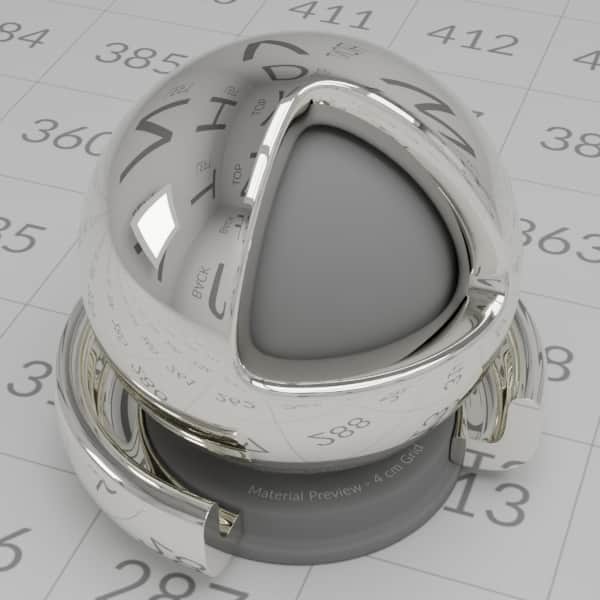 PhysicallyBased database Material descriptions can be downloaded with additional utilities to create materials using either: Autodesk Standard Surface, OpenPBR, or glTF PBR shading model shaders.
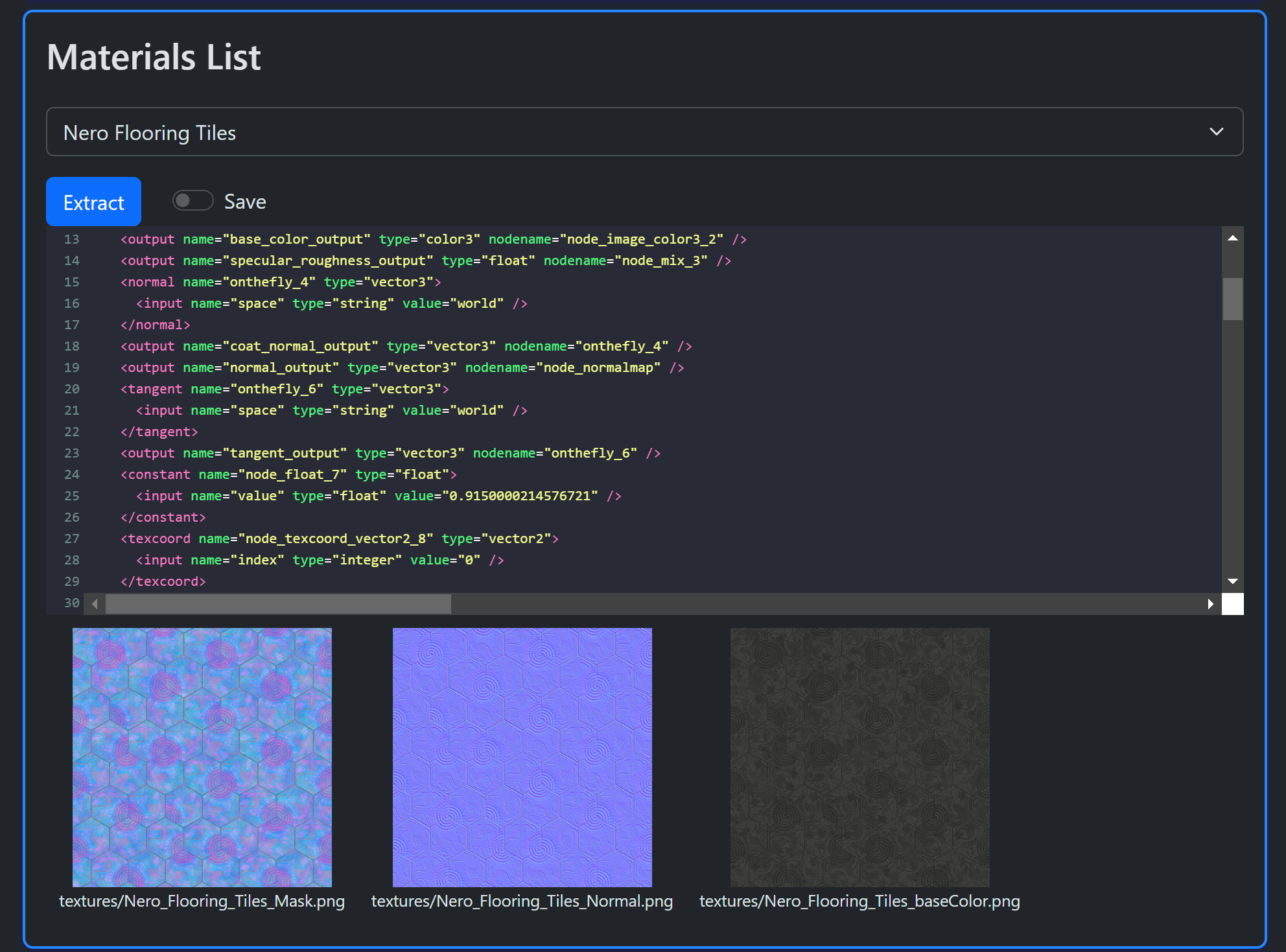
 AMD GPUOpen database MaterialX packages can be downloaded (as zip files). Images and MaterialX documents can be extracted for any of the posted materials in the database.
 ambientCG database MaterialX packages can be downloaded (as zip files). Images and MaterialX documents can be extracted for any of the posted materials in the database.
 PolyHaven Library MaterialX assets can be downloaded (as zip files). Images and MaterialX documents can be extracted for any of the posted materials in the database.
Python and / or Javascript implementations.
- Home Page
- Main tooling site:
 MaterialXLab
 GitHub repository.
A Jupyter notebook demonstrates the direct usage of the Python library. The output of the notebook can be found here. The notebook can found in the Github repository under the examples folder.
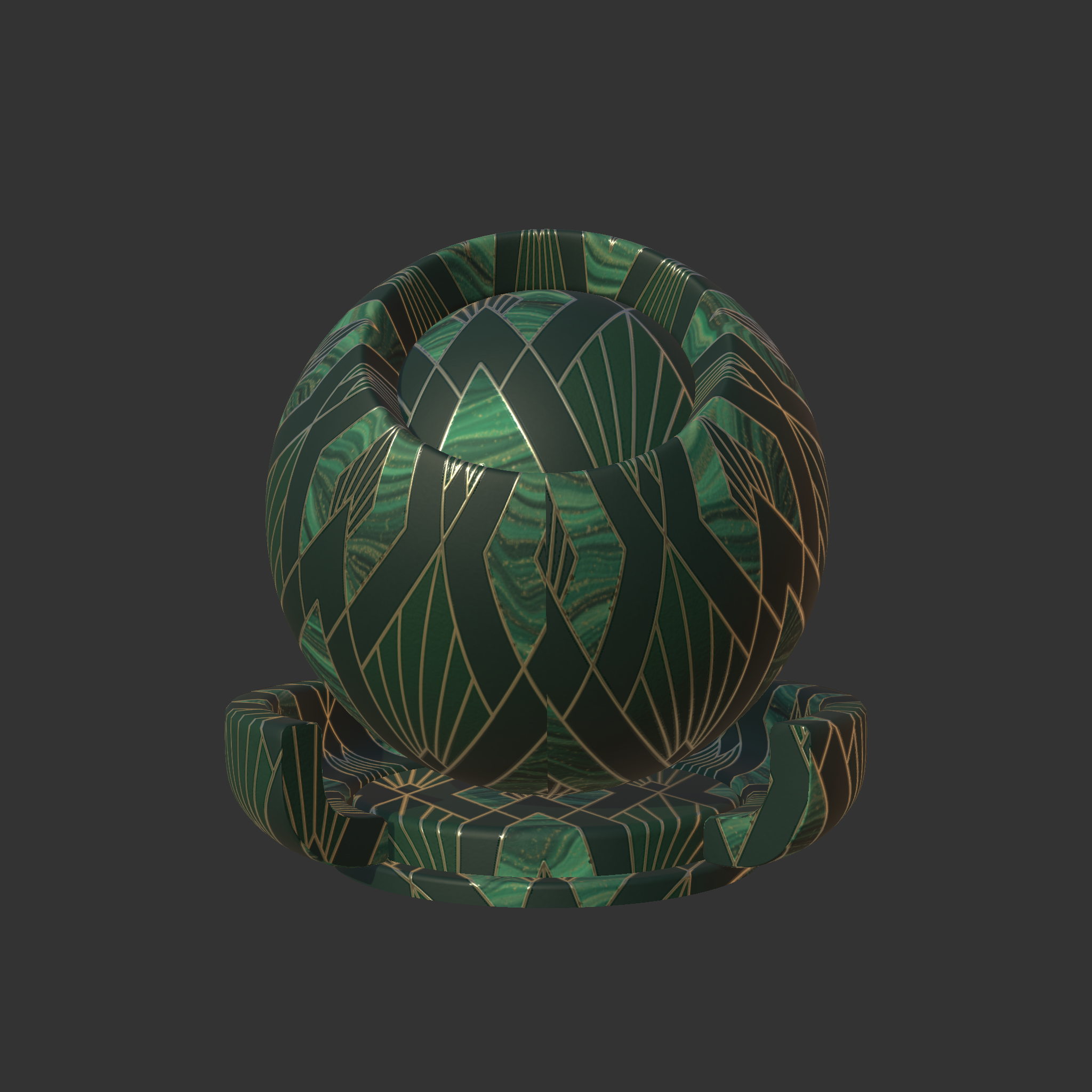
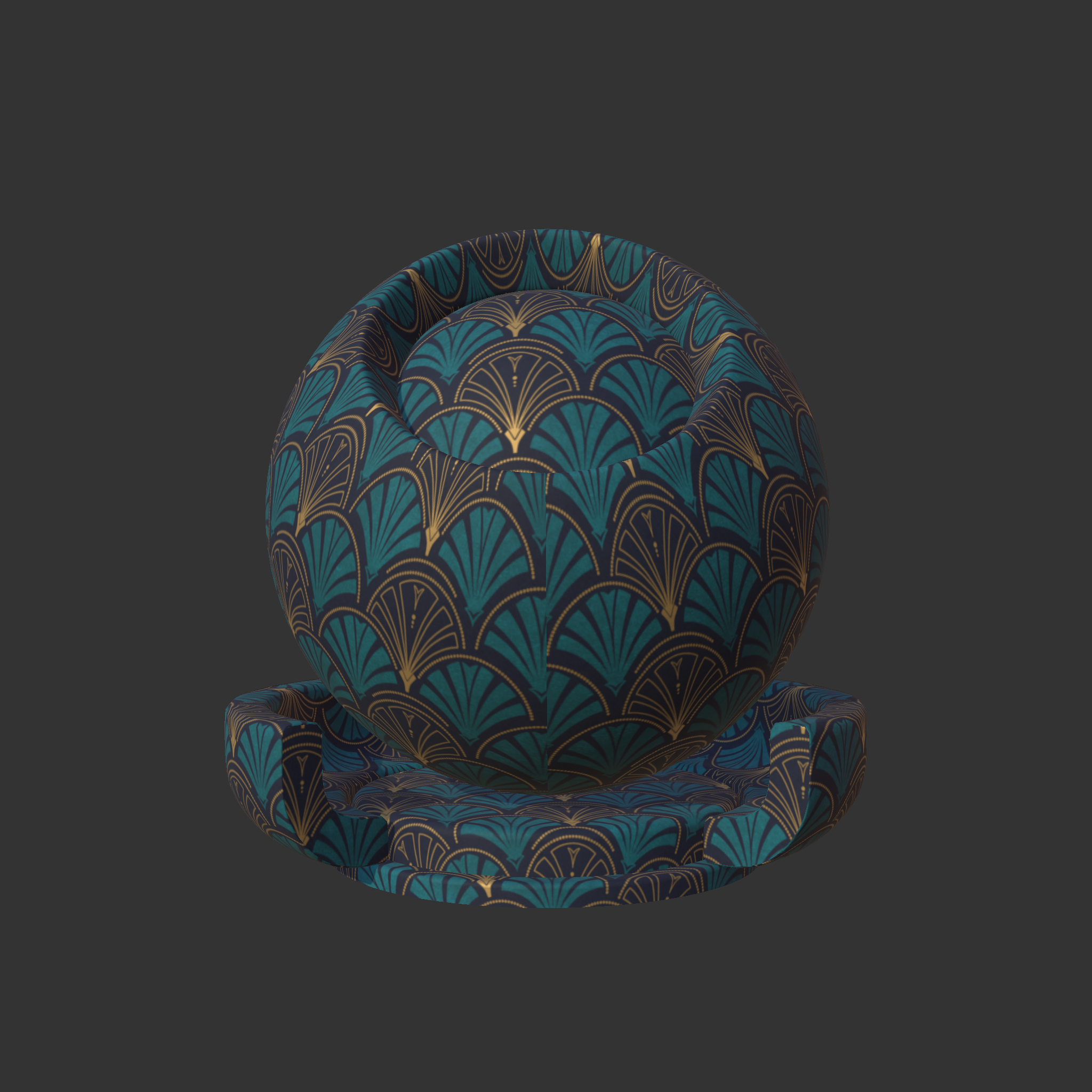
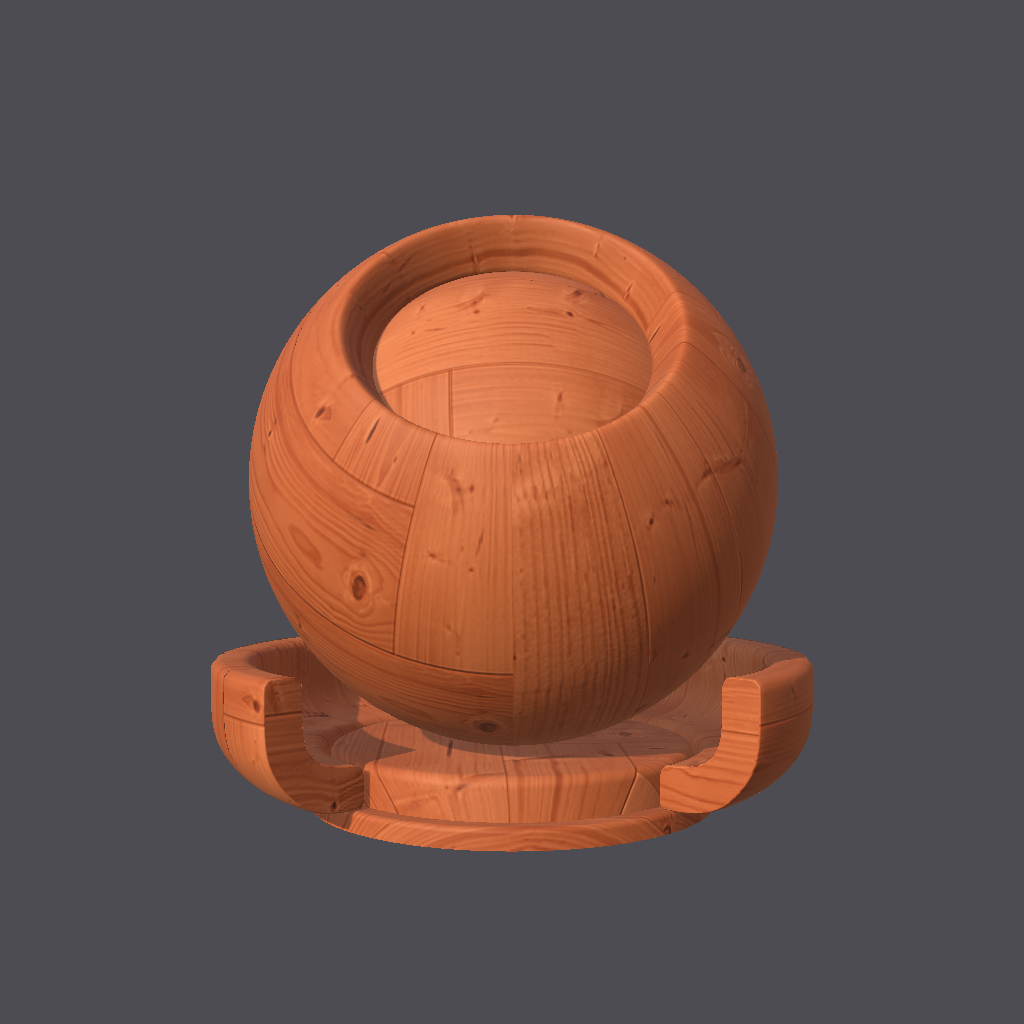
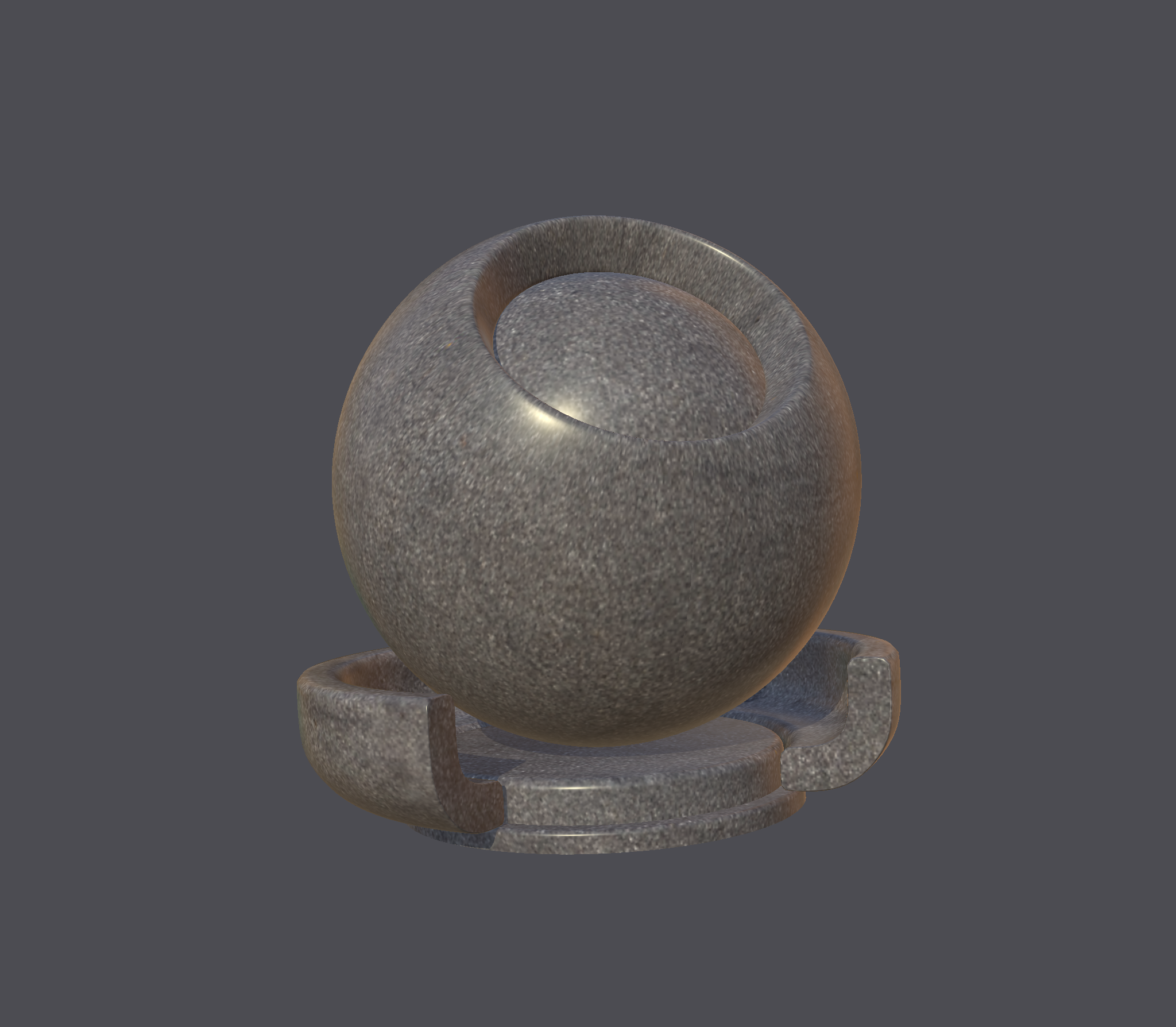
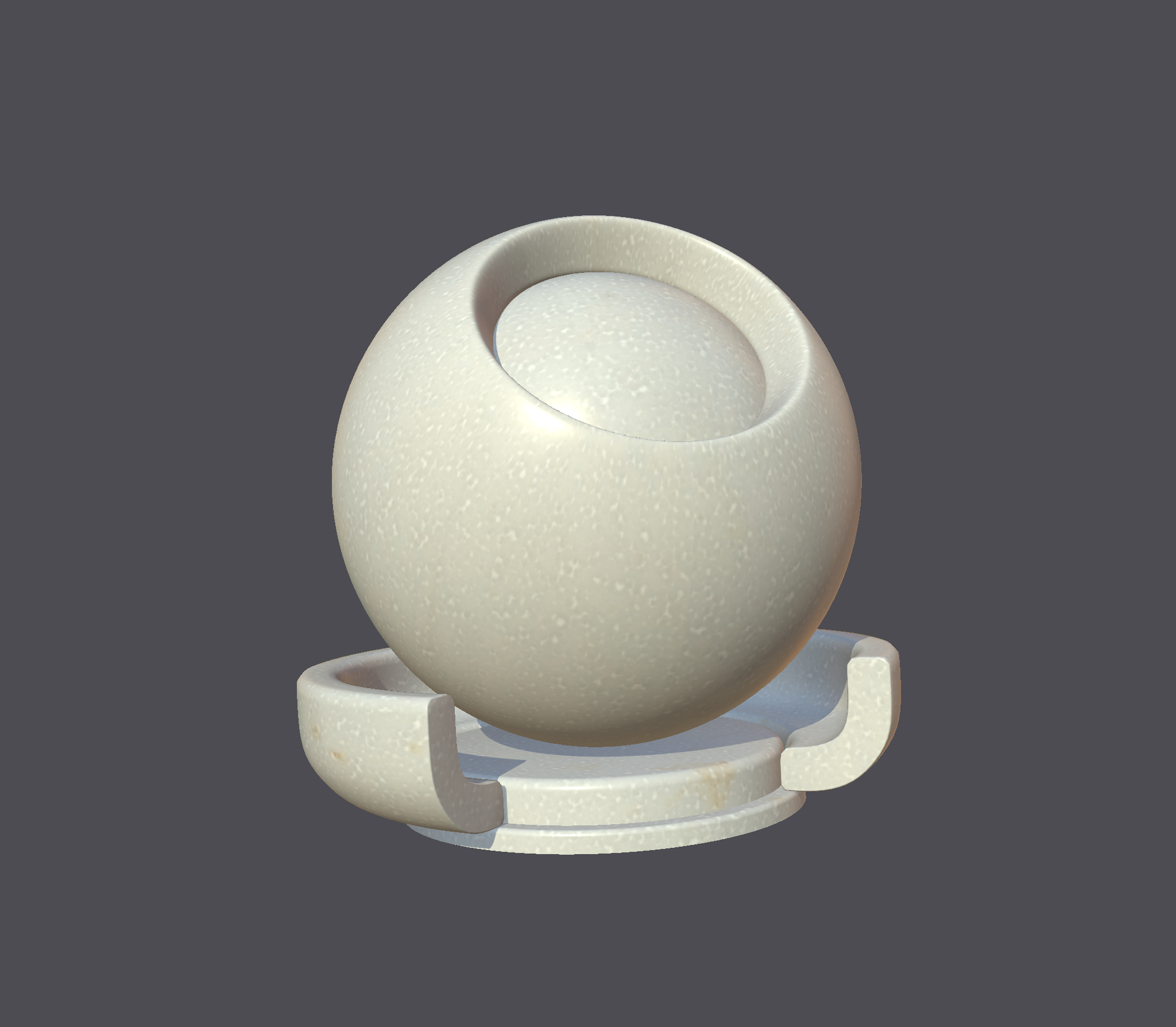
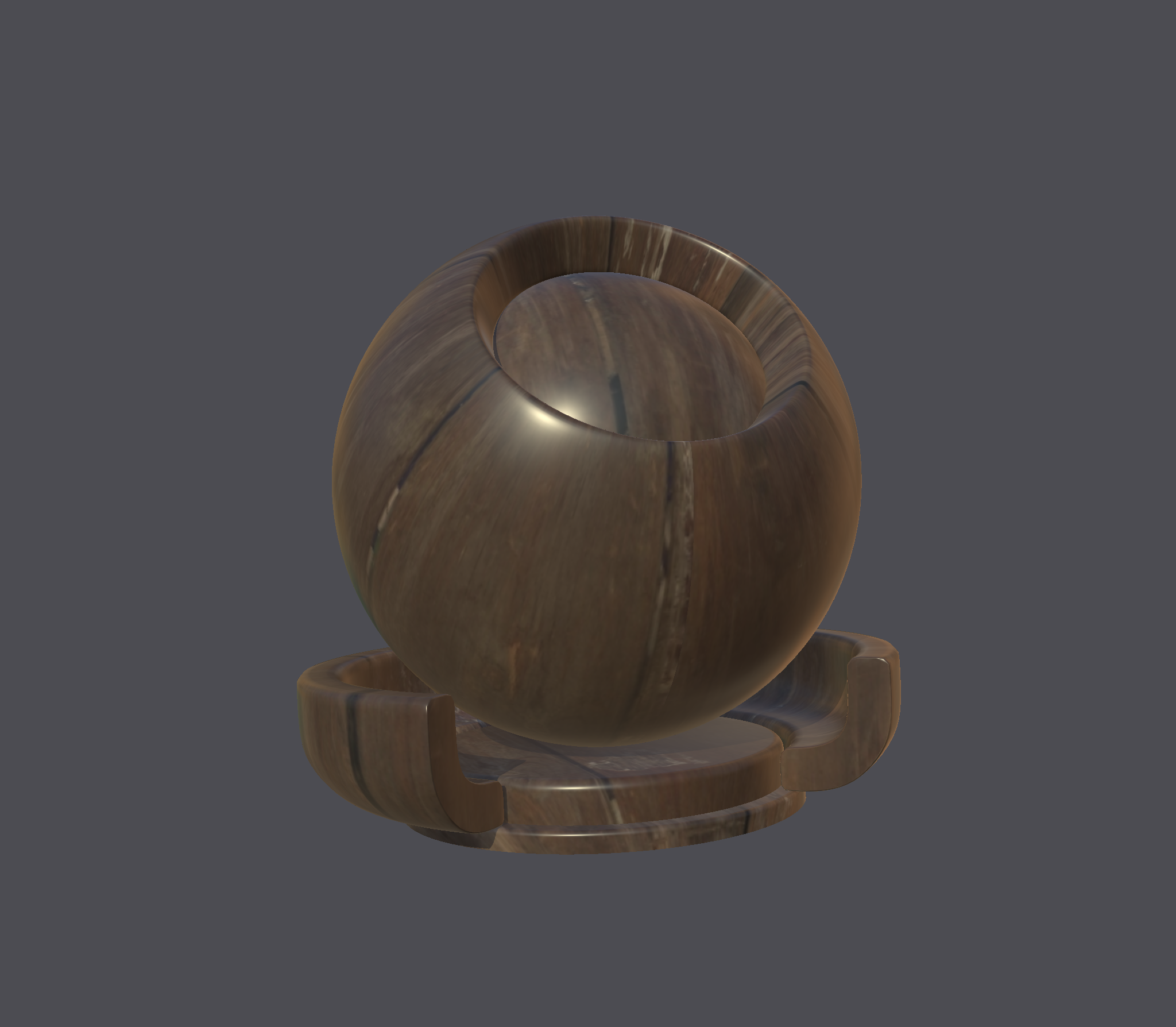
The following are some samples which have been rendered using the MaterialXView utility which is part of the MaterialX binary distribution.
See the Examples pages for further details.
GPUOpen
|
PhysicallyBased
|
||||||
ambientCG
|
PolyHaven
|
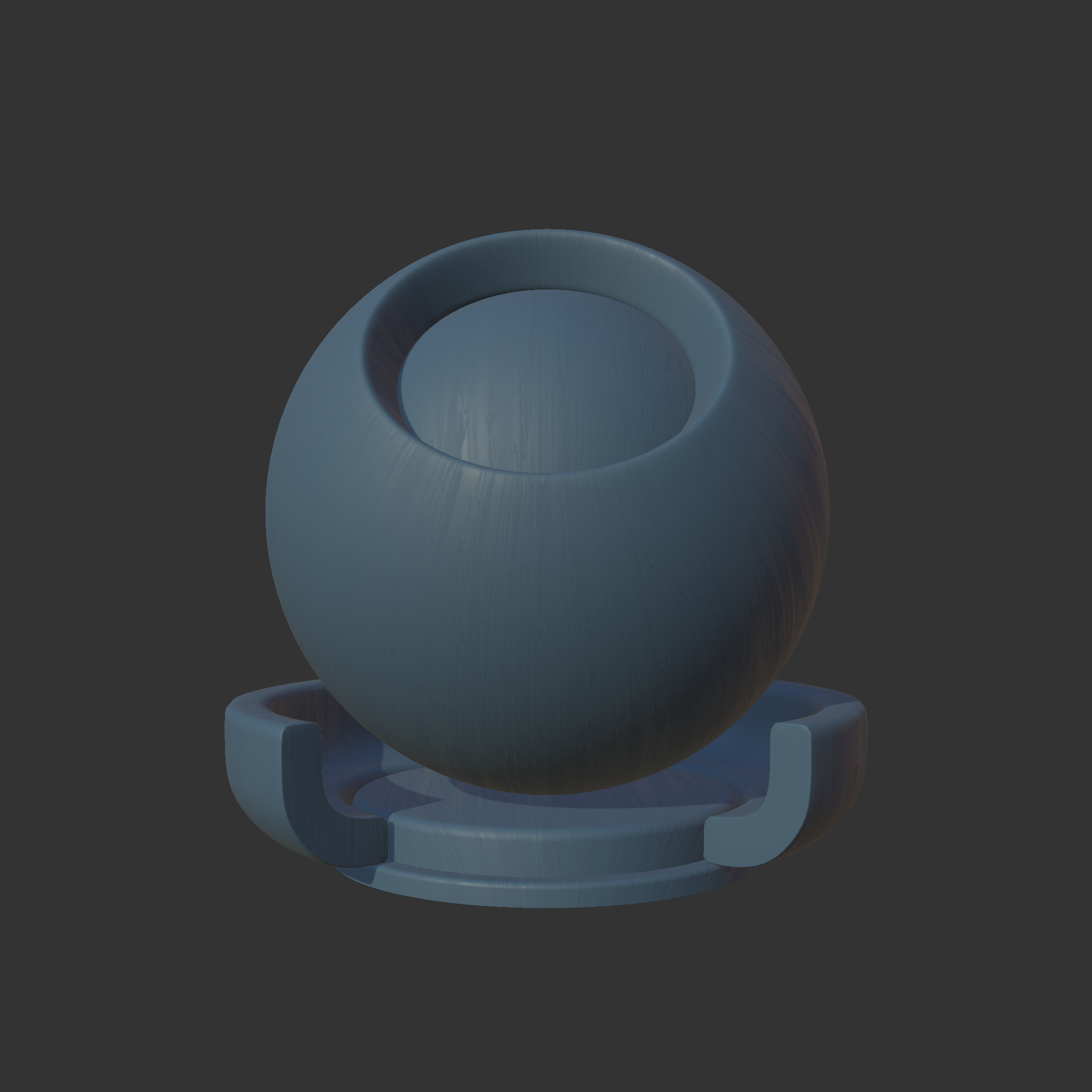
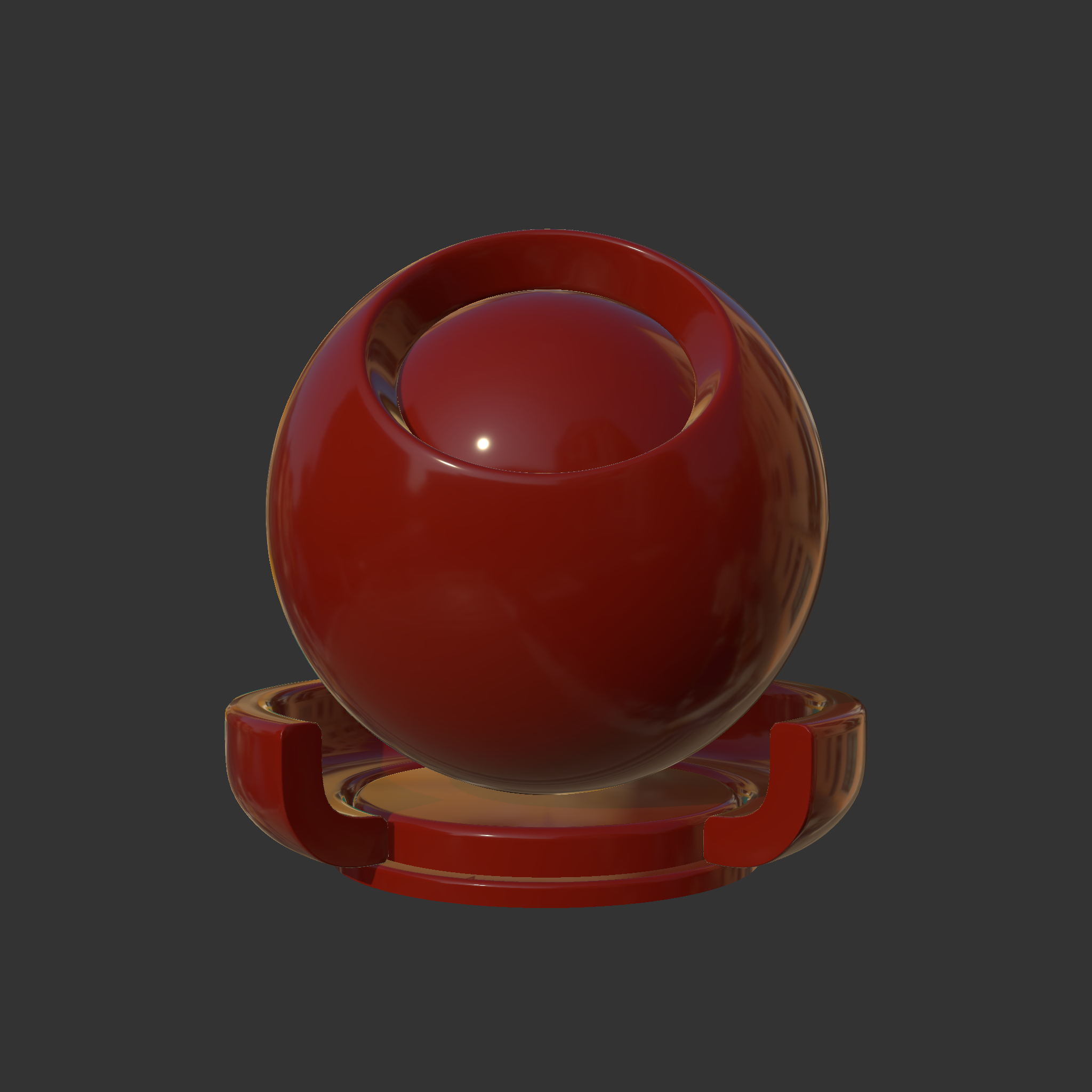
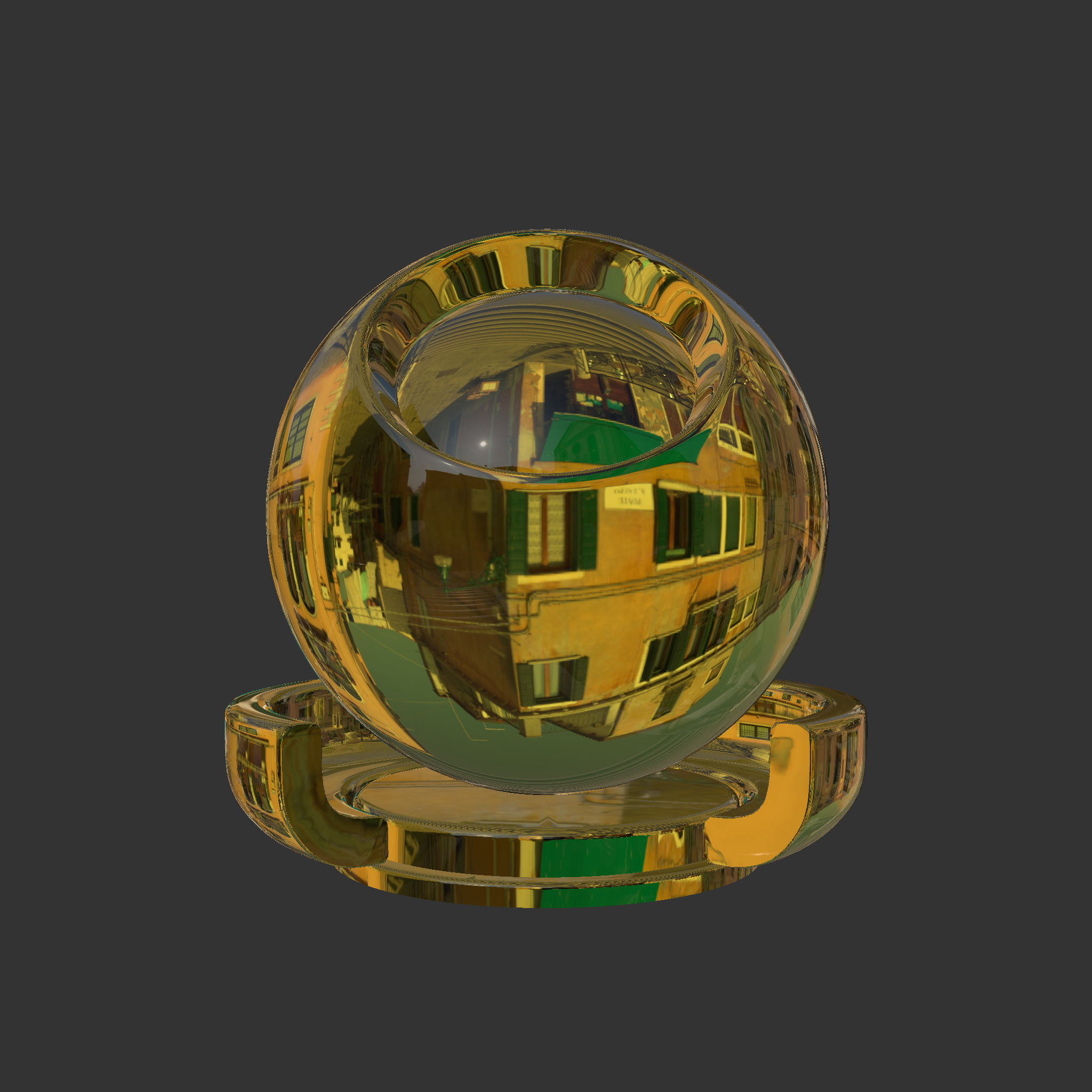


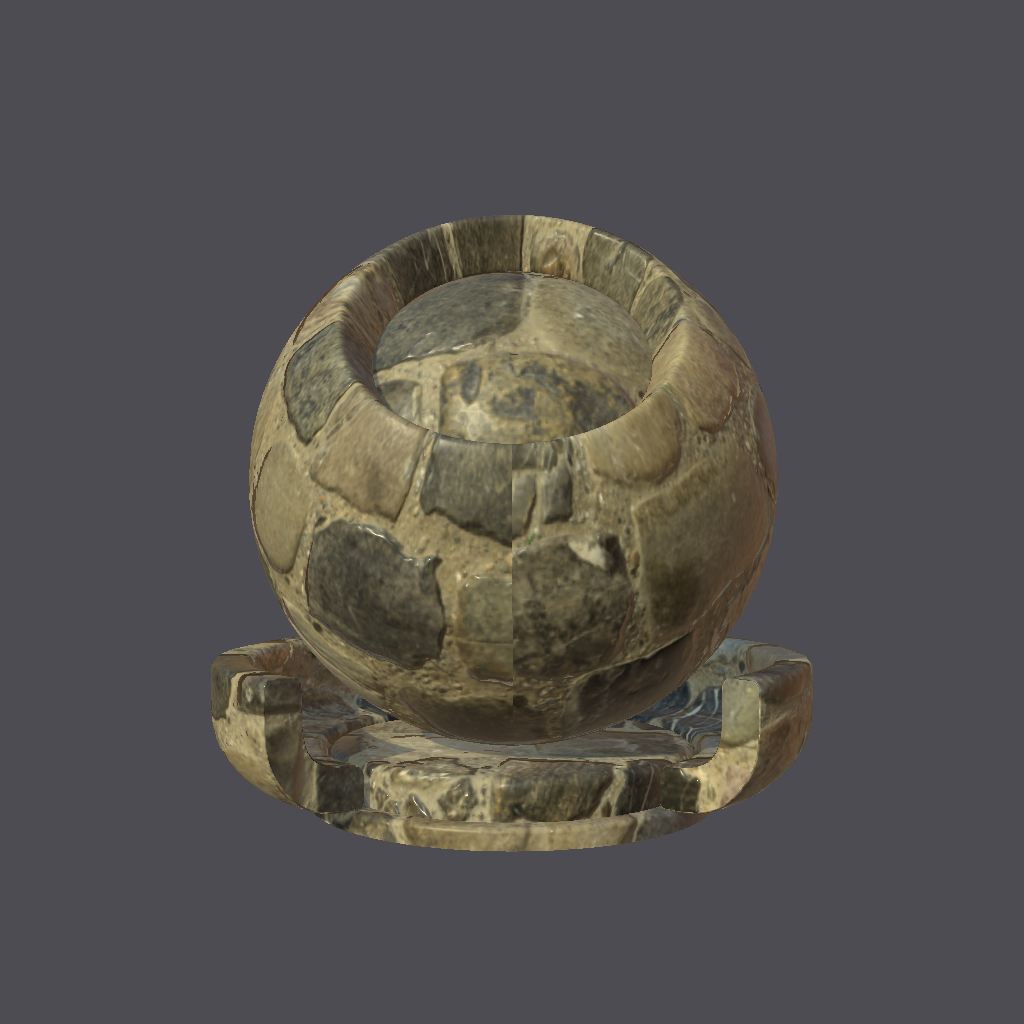
|
An interactive page for extracting 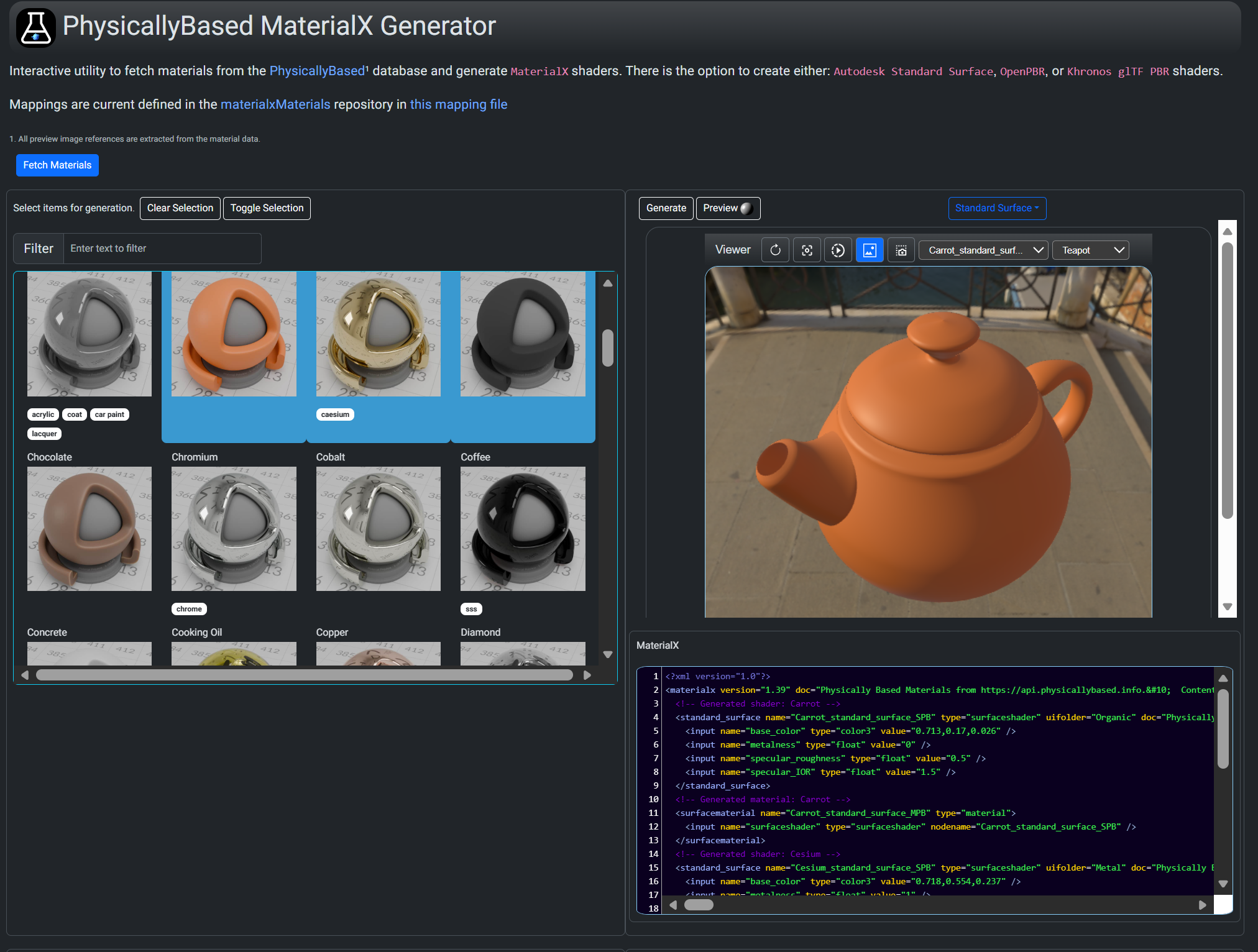
|
A command line utility is available here. This uses A Flask application is also available which uses the Python package with a Web based front here.
|
|
|
A sample
NodeJS / Express application is available from the MaterialXWeb site. This is designed to be a general purpose MaterialX material inspector supporting 
|
A Python library and command A Javascript library and Web interface is available here.
Filtering by classification, name tags, and dependent image resolution is available. Materials may be previewed and / or saved. |
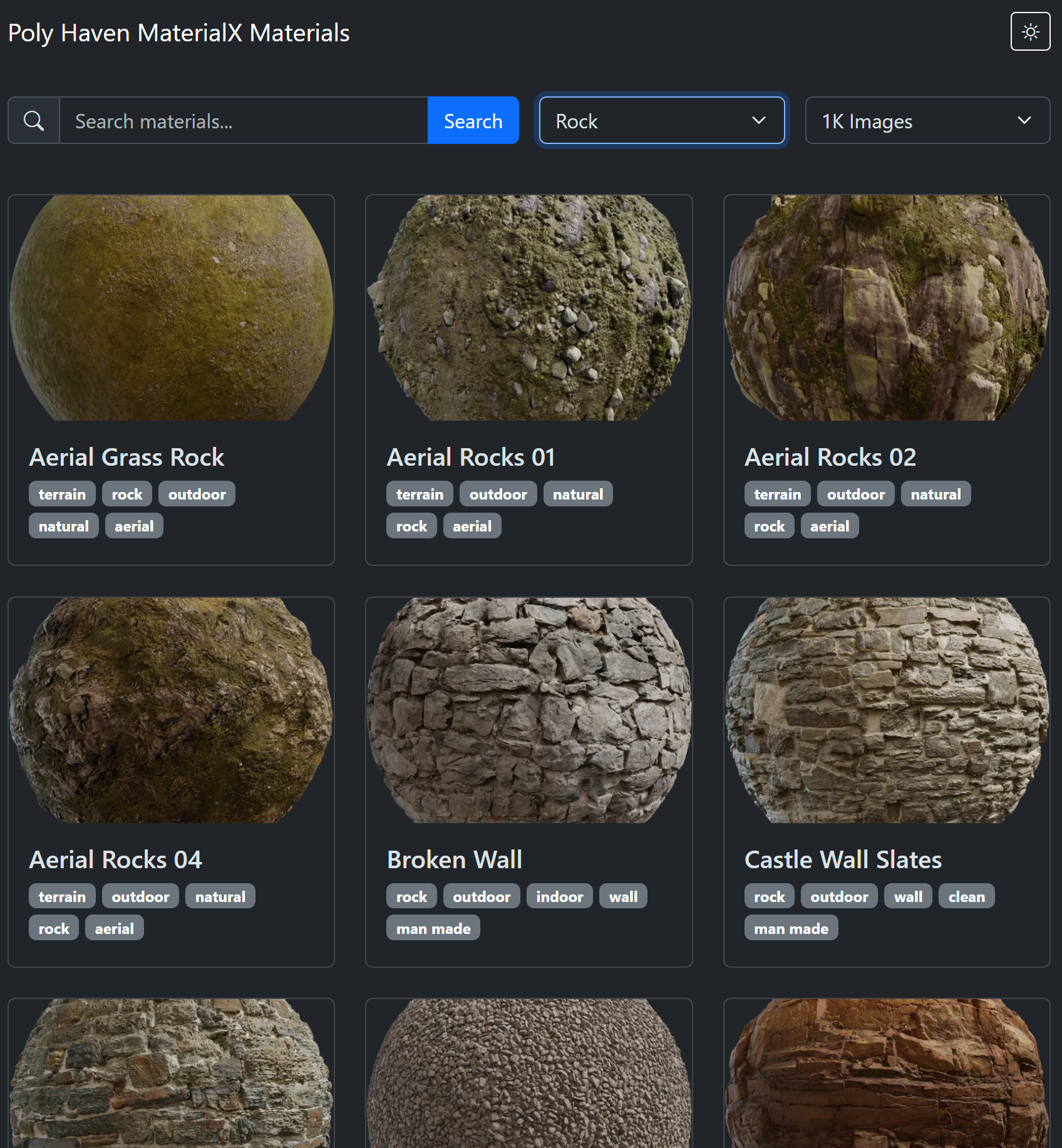
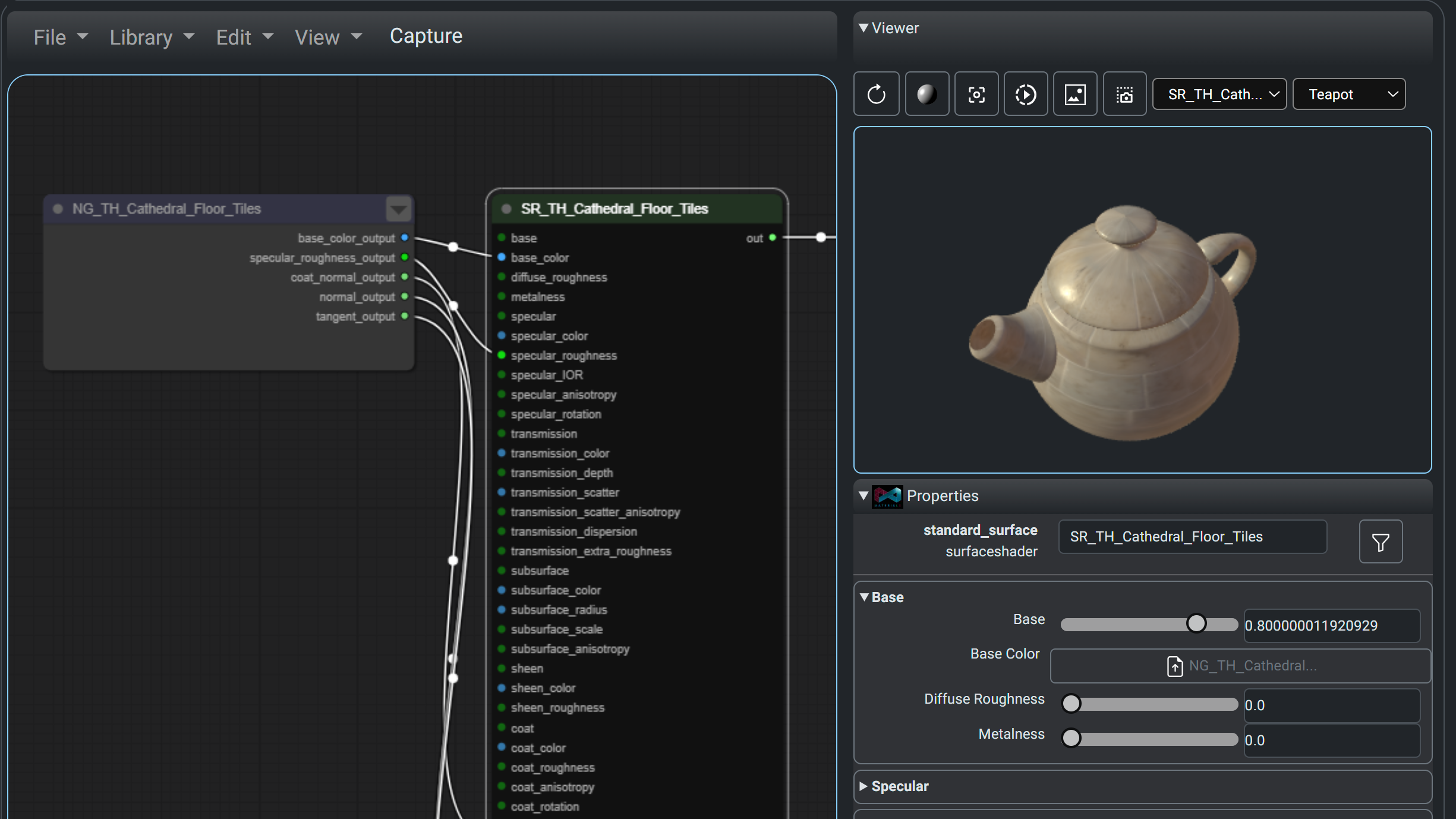
The content can be loaded into any publicly available MaterialX viewer or editor. The MaterialXLab site includes a Node Editor which can load materials from all four libraries directly.
Below are screenshots of materials fetched from PhysicallyBased, GPU Open, ambientCg> and PolyHaven (left to right images respectively).
Note that the material zip from GPU Open and ambientCg is directly read into the editor via it's zip loading option. PolyHaven packages material content into a zip to allow loading via the zip loading option.
 |
 |
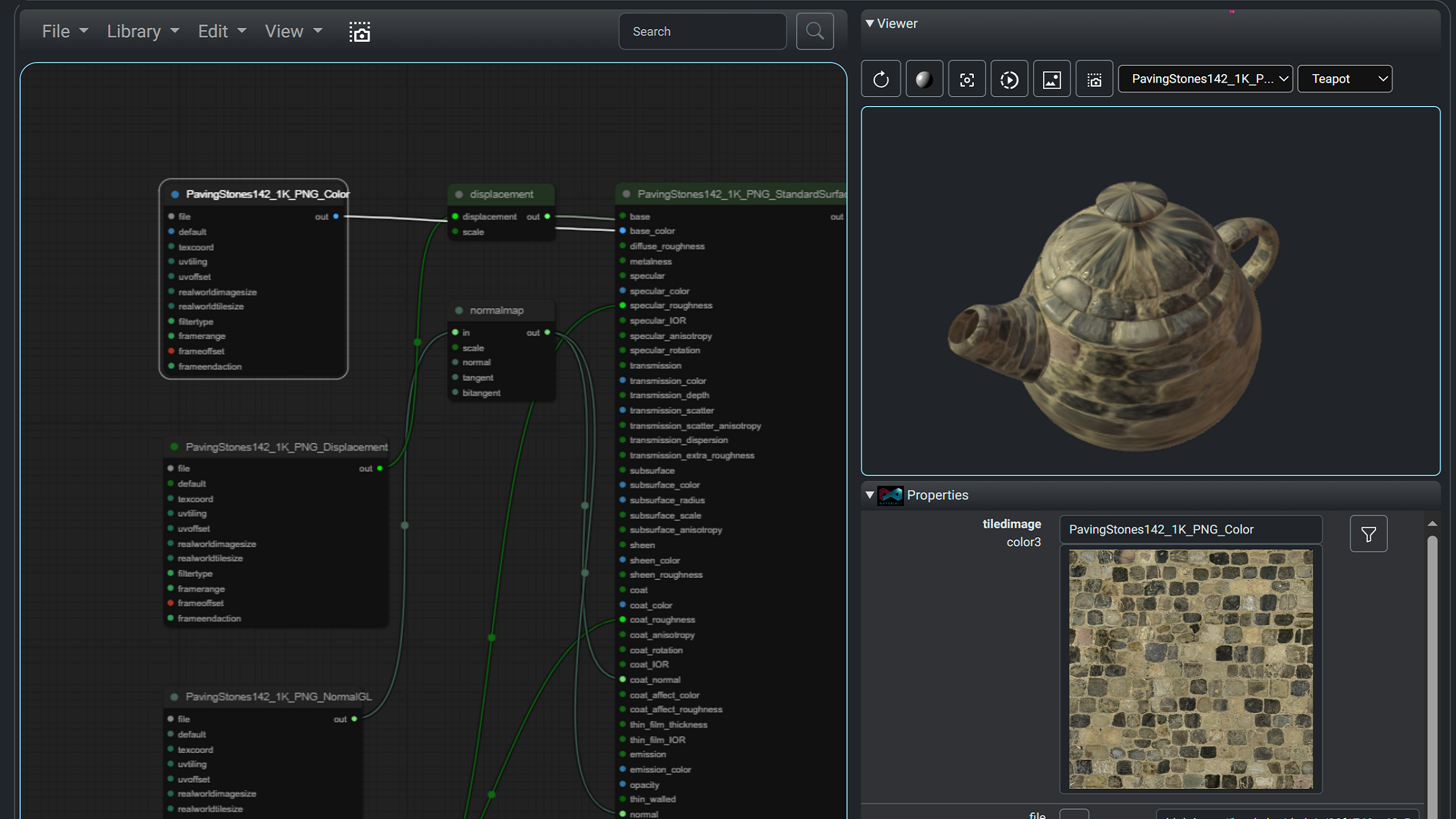 |
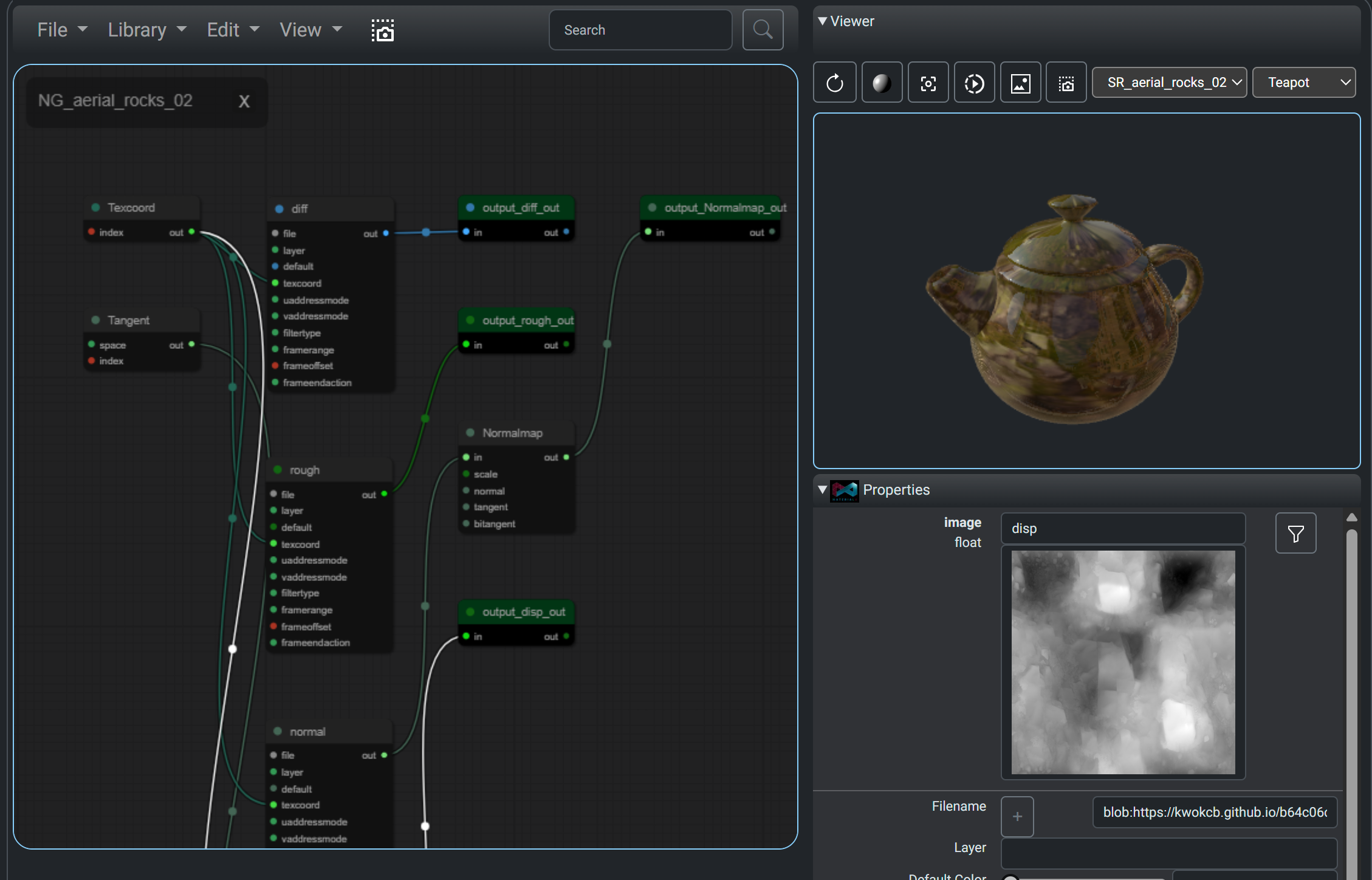 |
Support is also available on the MaterialXLab site for the shader introspection, node definition publishing, and graphing / diagramming
<iframe src="https://www.youtube.com/embed/4KiPW9IUR6U?rel=0&vq=hd1080" title="Using Material Libraries" width="100%" height="600px" frameborder="0" allow="accelerometer; autoplay; clipboard-write; encrypted-media; gyroscope; picture-in-picture" allowfullscreen> </iframe>The Python utilities require:
- The
MaterialX1.39 or greater package for PhysicallyBased OpenPBR shader creation. The current build is against 1.39.5. - The
requestspackage. - The
pillowpackage for image handling for GPUOpen package handling (optional)
The JavaScript utilities require:
javascript/JsGPUOpenLoaderPackage:
node-fetch(for HTTP requests)yargs(for command line parsing)
javascript/JSEXRViewer:
express(for running the web server)
The GitHub repository can be cloned.
The Python package can be built using:
pip install .This will pull down the dependent Python packages as needed.
Build scripts can be found in the utilities folder.
build.shwill install the package and run package commands to update package data.buildDocs.shwill prepare documents and run Doxygen to build API docs.build_examples.shwill download material examples and optionally render them.PhysicallyBasedrendering requiresMaterialXViewto be installed.
The Javascript utilities require Node.js to be installed. From the package folders
the following should be run:
npm install             # Install dependent packages
npm run [build/start] # Build distribution or run the package-
Query all materials fom PhysicallyBased and convert them to all support shading models. Save the material list and corresponding MaterialX files in the default output location. The build will include this information Python package under the
datafolder.python physicallyBasedMaterialXCmd.py
or
materialxMaterials physbased
-
Query all materials fom GPUOpen. Extract out a few material packages (zip). Save the material lists, material names and unzipped packages (MaterialX and images) in the default output location. The build will include this information Python package under the
datafolder.materialxMaterials gpuopen --materialNames=1 --saveMaterials=1
-
Download the materials list fom ambientCG:
materialxMaterials acg --saveMaterials True
-
Extract out a material package for the "WoodFloor038" material from ambientCG requesting the package where the images are 2K PNG files:
materialxMaterials acg --downloadMaterial "WoodFloor038" --downloadResolution 2 -
Examine all texture assets on PolyHaven, and find all ones which have MaterialX resources. Does not download the asset.
polyHavenLoaderCmd.py --fetch --download_id="" -
Extract out a specific MateriaX asset with a given identifier.
polyHavenLoaderCmd.py --fetch --download_id="aerial_asphalt_01" -
Extract out the first 10 MaterialX assets.
polyHavenLoaderCmd.py --fetch -c 10
-
Scan locally downloaded MaterialX asset information to download.
python -m materialxMaterials polyhaven --load --download_id="aerial_asphalt_01"
The utility can be run from the javascript\JsGPUOpenLoaderPackage folder as follows:
npm start -- [<arguments>]
or:
node gpuOpenFetch.js [<arguments>]
with the appropriate arguments. It supports the same options as the Python utility -- namely material information, and package (zip) downloads. For the following 2 lines are equivalent to download a material called "Moss Green Solid Granite".
node gpuOpenFetch.js  -n "Moss Green Solid Granite"
npm start -- -n "Moss Green Solid Granite"