A simple, lightweight, HTTP server for exposing local directories over a local network. DirServe provides a simple way to serve files from any directory on your system with optional security features.
Note: currently videos are not supported.
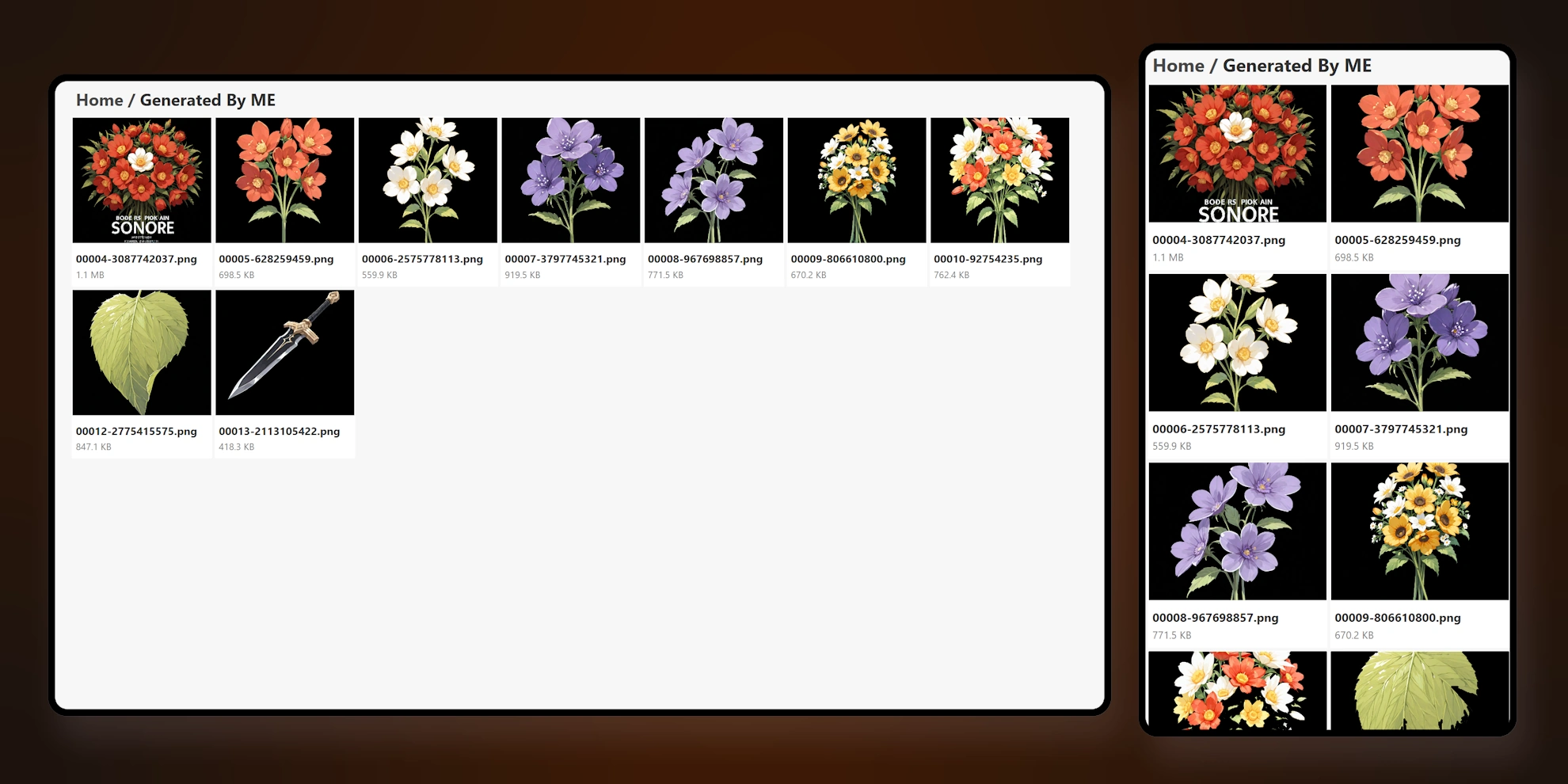
- Serve files from any local directory
- Basic authentication support
go install github.com/khalidibnwalid/DirServe@latest# Clone the repository
git clone https://github.com/khalidibnwalid/DirServe
# Build the application
cd dirserve
go builddirserve [flags]| Flag | Default | Description |
|---|---|---|
-port |
8080 | Port to serve on |
-dir |
. | Directory to serve files from |
-auth |
false | Enable basic authentication |
-user |
"" | Username for basic authentication |
-pass |
"" | Password for basic authentication |
./dirserve./dirserve -port 3000 -dir /path/to/your/files./dirserve -auth -user admin -pass secret/raw/- Direct file server access/raw/- web ui for browsing/ping- Health check endpoint (returns "pong")
When using DirServe, be aware that you are exposing files to the network. Use the authentication option when serving sensitive content, and be careful about which directories you choose to expose.