node graphql firestore api tutorial
This tutorial tries to elaborate, "How to create a graphQL-API with node js".
Grapqhl is a query language for APIs and a runtime for fulfilling those queries with your existing data. GraphQL provides a complete and understandable description of the data in your API, gives clients the power to ask for exactly what they need and nothing more, makes it easier to evolve APIs over time, and enables powerful developer tools. Documentation for the same can be found here
We shall use the following resources for the purposes of this tutorial. It would be helpful if you are conversant with them.
This is a node-js based tutorial and therefore prior knowledge of it is helpful 😊
We need to setup a node project using node's package manager, therefore create a directory and cd into it.
* mkdir node-graphql-tutorial

* cd node-graphql-tutorial

* then run npm init

kamau-brian@mtotodev:~/WebstormProjects/node-grapqhl$ npm init
This utility will walk you through creating a package.json file.
.

Press ^C at any time to quit.
package name: (grapqhl) grapqhl
version: (1.0.0) 1.0.0
description: this is a graphql tutorial
entry point: (index.js) index.js
test command:
git repository: push your code to a git repository
keywords: node, grapqhl
author: Write your name here
license: (ISC) ISC
About to write to /home/kamau-brian/WebstormProjects/node-grapqhl/package.json:

{
  "name": "grapqhl",
  "version": "1.0.0",
  "description": "this is a graphql tutorial",
  "main": "index.js",
  "scripts": {
    "test": "echo \"Error: no test specified\" && exit 1"
  },
  "repository": {
    "type": "git",
    "url": "push your code to a git repository"
  },
  "keywords": [
    "node",
    "grapqhl"
  ],
  "author": "Write your name here",
  "license": "ISC"
}


Is this OK? (yes) yes
Run the following:

npm install --save express express-graphql body-parser cors firebase-admin firebase-functions graphql morgan graphql
Note after successfully running that command, changes to the dependencies node on the package.json file
For the purposes of this tutorial, use the following structure for your project packages.,Do not worry about the code for now, it shall be covered later in the tutorial.
node-grapqhl
├── api
│   ├── config
│   │   └── service-account.json
│   ├── grapqhl
│   │   ├── resolvers
│   │   │   ├── index.js
│   │   │   └── PostResolver.js
│   │   └── schemas
│   │       └── Post.js
│   ├── model
│   │   └── database.js
├── app.js
├── package.json
├── package-lock.json
└── server.js
app.js

const express = require('express');
const app = express();
const morgan = require('morgan');
const cors = require('cors');
const firebaseAdmin = require('firebase-admin');
const graphlHttp = require('express-graphql');
const serviceAccount = require('./api/config/service-account'); /*-> This refers to the google cloud service account, [Learn How to Get it From](https://firebase.google.com/docs/admin/setup)*/


firebaseAdmin.initializeApp({
    credential: firebaseAdmin.credential.cert(serviceAccount),
    databaseURL: "<Enter-Your-Firebase-Database-URL-Here>"
});
/*
  The above code initializes firebase-admin globally
*/

const graphqlResolvers = require('./api/grapqhl/resolvers/index');
const graphqlSchemas = require('./api/grapqhl/schemas/Post');


app.use((req, res, next) => {
    res.header("Access-Control-Allow-Origin", "*");
    res.header("Access-Control-Allow-Headers",
        "Origin, X-Requested-With, Content-Type, Accept, Authorization");

    if (req.method === "OPTIONS") {
        res.header('Access-Control-Allow-Methods', 'POST,GET');
        return res.status(200).json({});
    }
    next();
});

app.use(morgan('dev'));
app.use(bodyParser.urlencoded({extended: false}));
app.use(bodyParser.json());
app.use(cors());

app.use('/api/v1/graphql', graphlHttp({
    schema: graphqlSchemas, //Fetches our graphql Schema
    rootValue: graphqlResolvers, // Fetches our Resolvers
    graphiql: true // Gives us a user interface
}));

app.use('/favicon.ico', (req, res, next) => {
    console.log('Handling route error0')
    next()
})
app.use((req, res, next) => {
    const error = new Error('Route Not Found');
    error.status = 404;
    next(error);
    return res.status(404).send({
        message: 'Route Not Found'
    })
});
app.use((err, req, res) => {
    res.status(err.status || 500);
    res.json({
        err: {
            message: err.message
        }
    })
});


module.exports = app;
Here we create a node server, that we will use to test our api locally.
const http = require('http');
const app = require('./app');
const port = process.env.PORT || 3000;
const server = http.createServer(app);

let createServer = async () => {
    try {
        await server.listen(port);
        console.log('Server Running on Port', port)
    } catch (e) {
        console.log('Error Creating Node Server', e.message);
    }
};

createServer();

module.exports = server;
This outlines our Firestore Settings and Configuration. We will name our collection as posts
const firebaseAdmin = require('firebase-admin');
const database = firebaseAdmin.firestore();
const settings = {timestampsInSnapshots: true};
database.settings(settings);

const databaseCollection = database.collection('posts');

function getAllPosts(){
    return databaseCollection.get();
}

module.exports = {
    databaseCollection: databaseCollection,
    getAllPosts: getAllPosts
};
**api/graphql/schema/Post.js**

const {buildSchema} = require('graphql');
// language=GraphQL Schema
module.exports = buildSchema(
        `
            type Post {
                title: String!
                description: String!
                author: String!
                date:String!
            }

            input PostInput {
                title: String!
                description: String!,
                author: String!
                date: String!
            }

            type RootQuery{
                posts: [Post!]!
            }

            type RootMutation {
                createPost(postInput: PostInput):Post
            }

            schema {
                query: RootQuery
                mutation: RootMutation
            }
    `
);
A Resolver acts as a controller, between your model, and your client, it extends the schema by executing the methods defined in the schema,
Note: In the RootMutation: a method called post, will be named the same in the resolver
/api/graphql/resolvers/PostResolver.js

const {databaseCollection,getAllPosts} = require('../../model/database');


module.exports = {
    createPost: async (args) => {
        try {
            const post = {
                title: args.postInput.title,
                description: args.postInput.description,
                author: args.postInput.author,
                date: args.postInput.date
            };
            const savedPost = await databaseCollection.add(post);
            return {
                title: post.title,
                description: post.description,
                author: post.author,
                date: post.date
            }
        } catch (err) {
            throw err;
        }
    },

    posts: async () => {
        try {
            const fetchedPosts = await getAllPosts();

            return await fetchedPosts.docs.map(posts => {
                return {
                    title: posts._fieldsProto.title.stringValue,
                    description: posts._fieldsProto.description.stringValue,
                    author: posts._fieldsProto.author.stringValue,
                    date: posts._fieldsProto.date.stringValue
                }
            });

        } catch (err) {
            throw err;
        }
    }
};
Its important to merge all resolvers, so that its easier when you refer to them in app.js So, under resolvers, add the following code in index.js
const postResolvers = require('./PostResolver');

module.exports = {
    ...postResolvers
}
Open your terminal, in the project and run
node server.js
If the above command is successful, this would show
Server Running on Port 3000
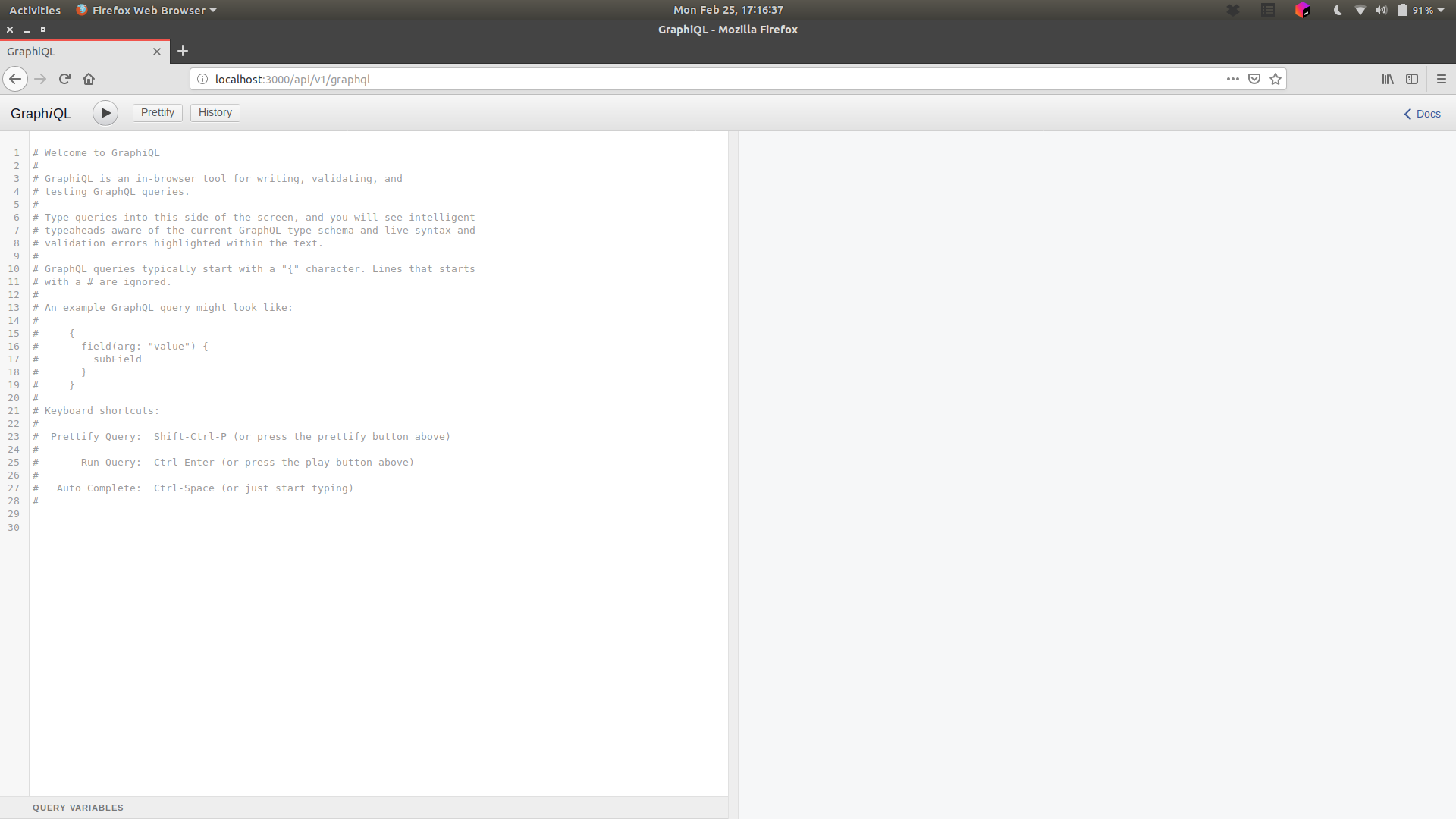
Open your browser and test the following url
http://localhost:3000/api/v1/graphql
The following would show:Result
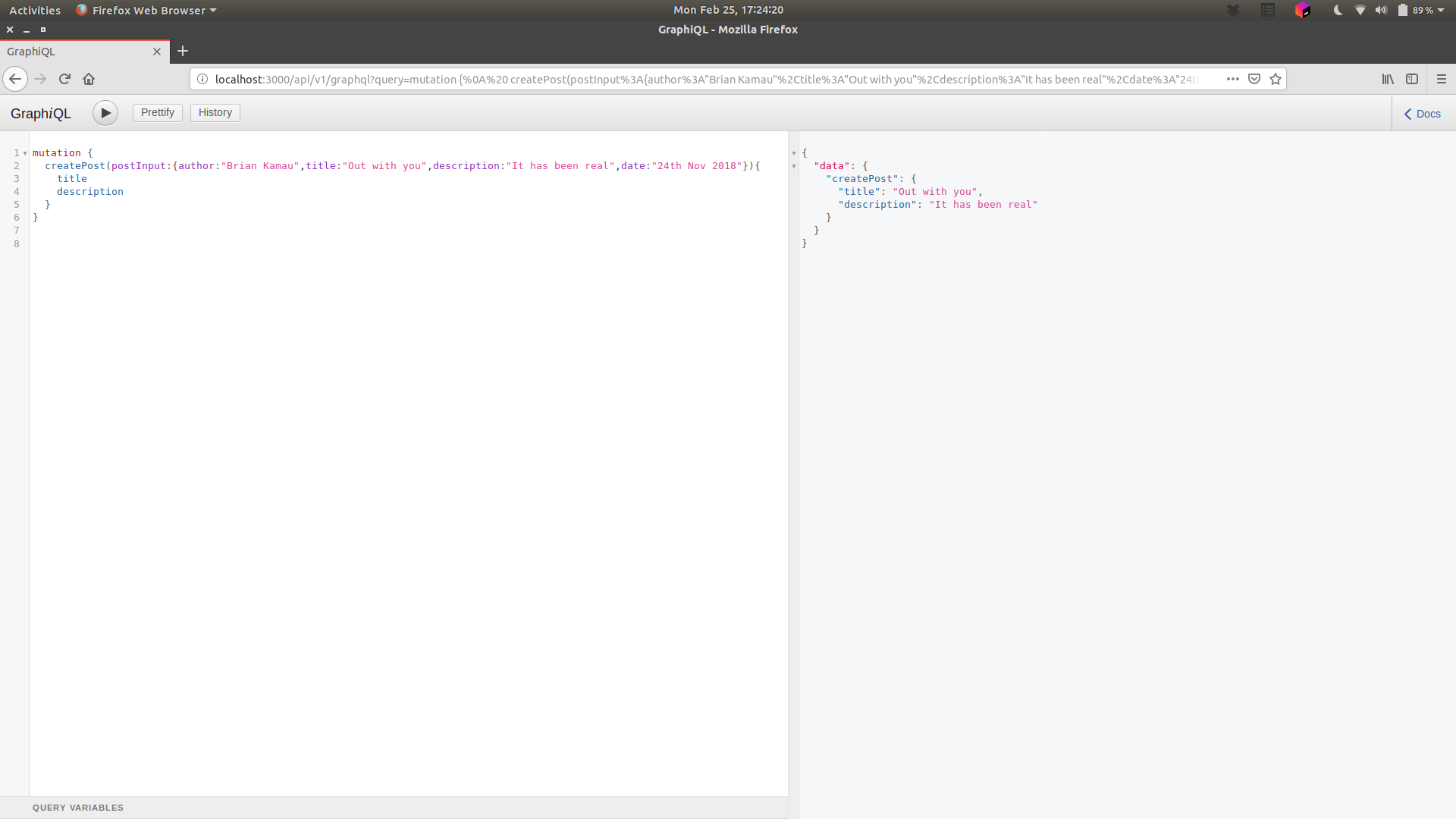
mutation {
  createPost(postInput:{author:"Brian Kamau",title:"Out with you",description:"It has been real",date:"24th Nov 2018"}){
    title
    description
  }
}
In the above mutation, we are adding a Post item to our database,
query{
  posts {
    description
    title
    author
  }
}

For now this is where we stop