Simple html single page web app for viewing Traccar API GPS data. Uses timeline-based interface for device movements including real-time and historical data.

Just want to see it in action: Traccar-Timeline on github pages.
traccar.html- single page HTML/JS Traccar API timeline app.
- Real-time GPS tracking using Traccar API with live map updates
- Interactive timeline, click or drag to explore any historical time period
- Runs entirely in browser, no installation needed
- Customizable themes, device colors and Dark mode support
- Toggle device visibility or isolate individual devices
- Settings persistence (import/export as JSON)
- Movement-only tracks (configurable threshold)
Screenshots from both mobile and desktop experierences.
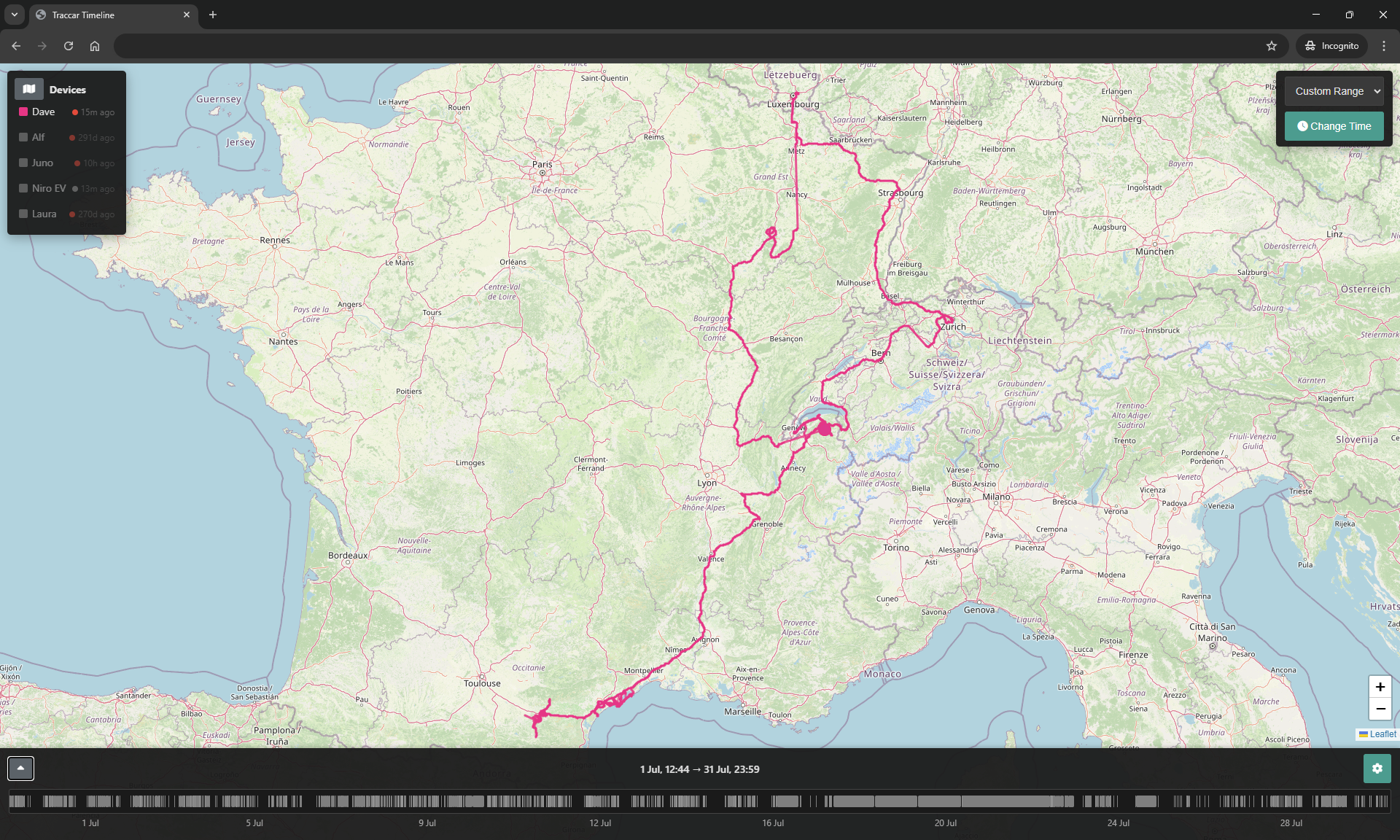
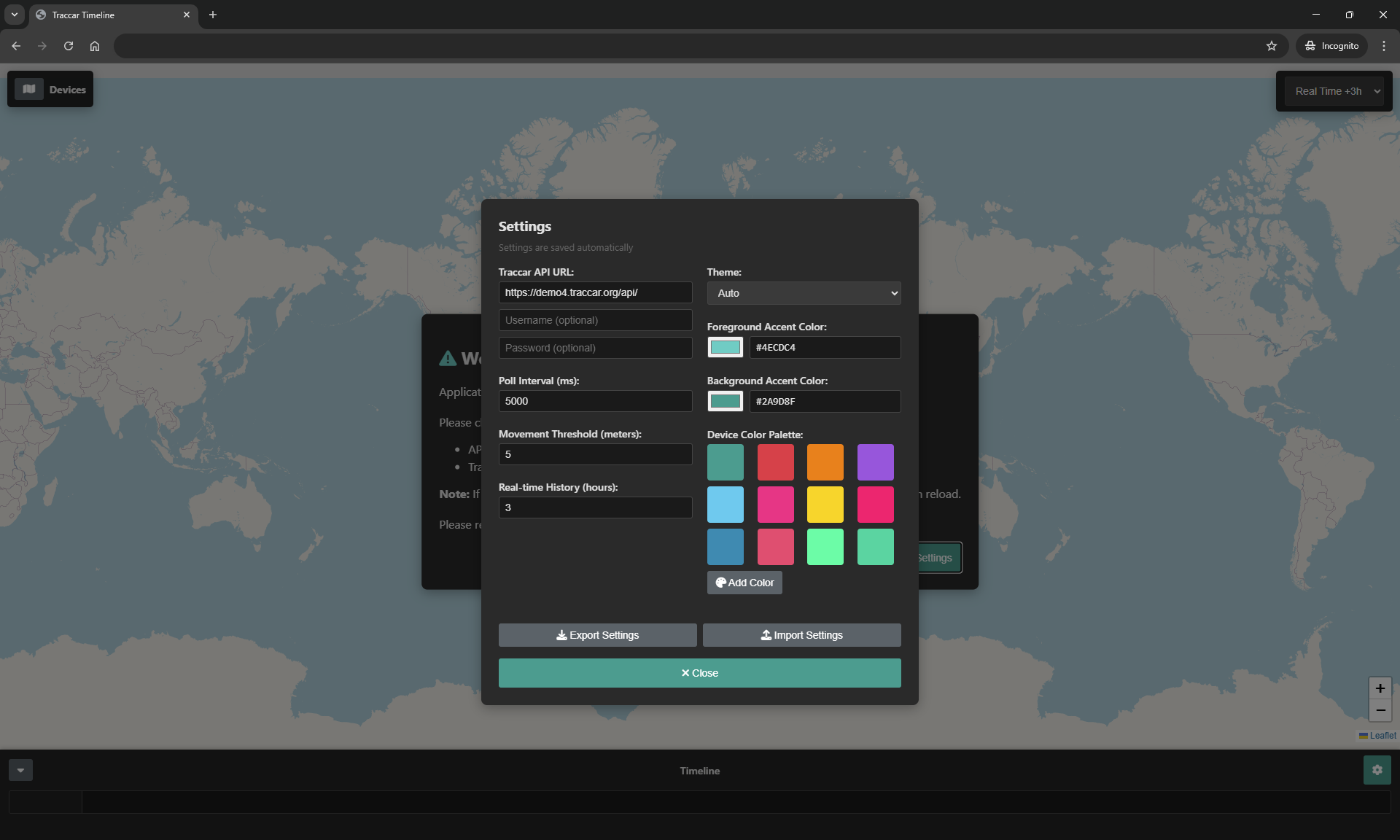
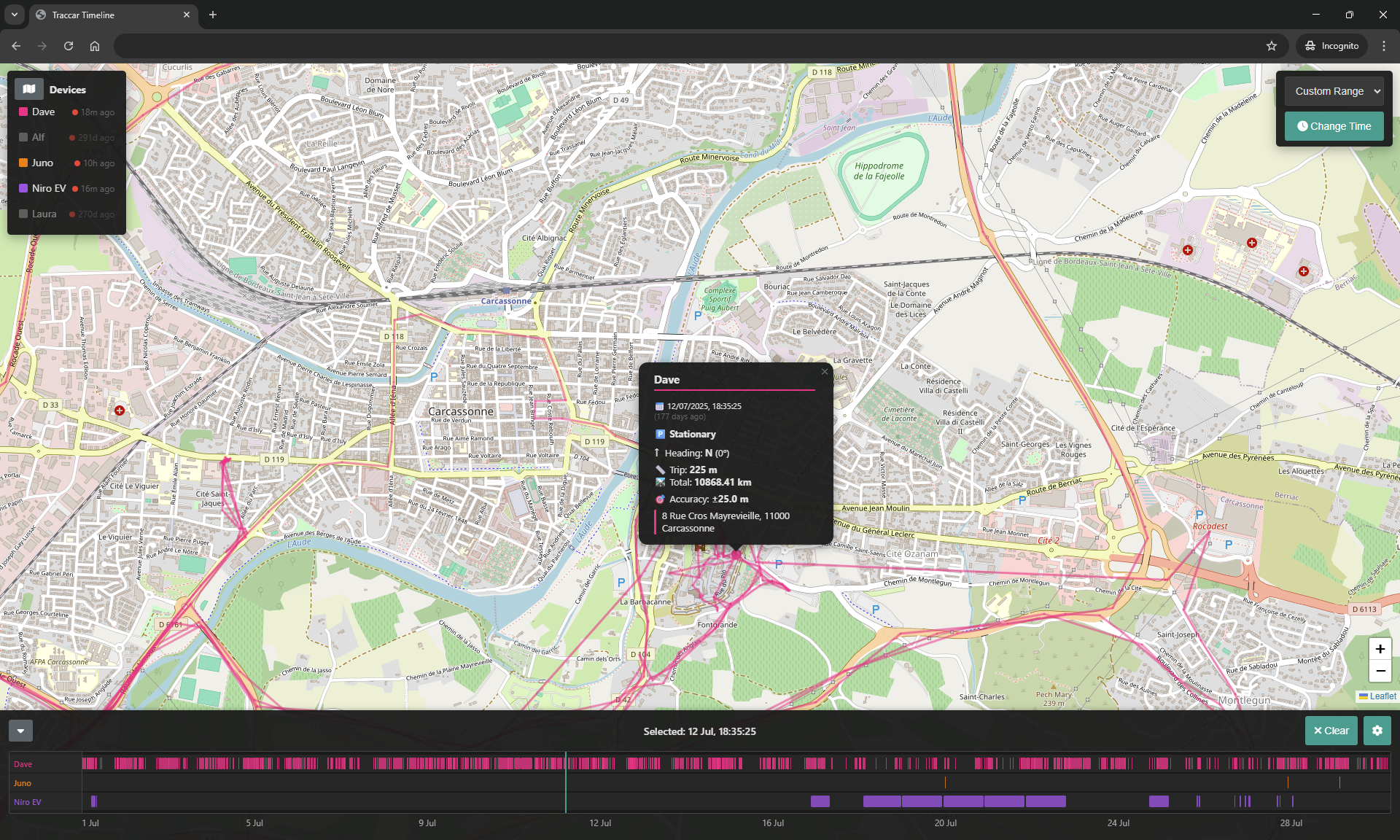
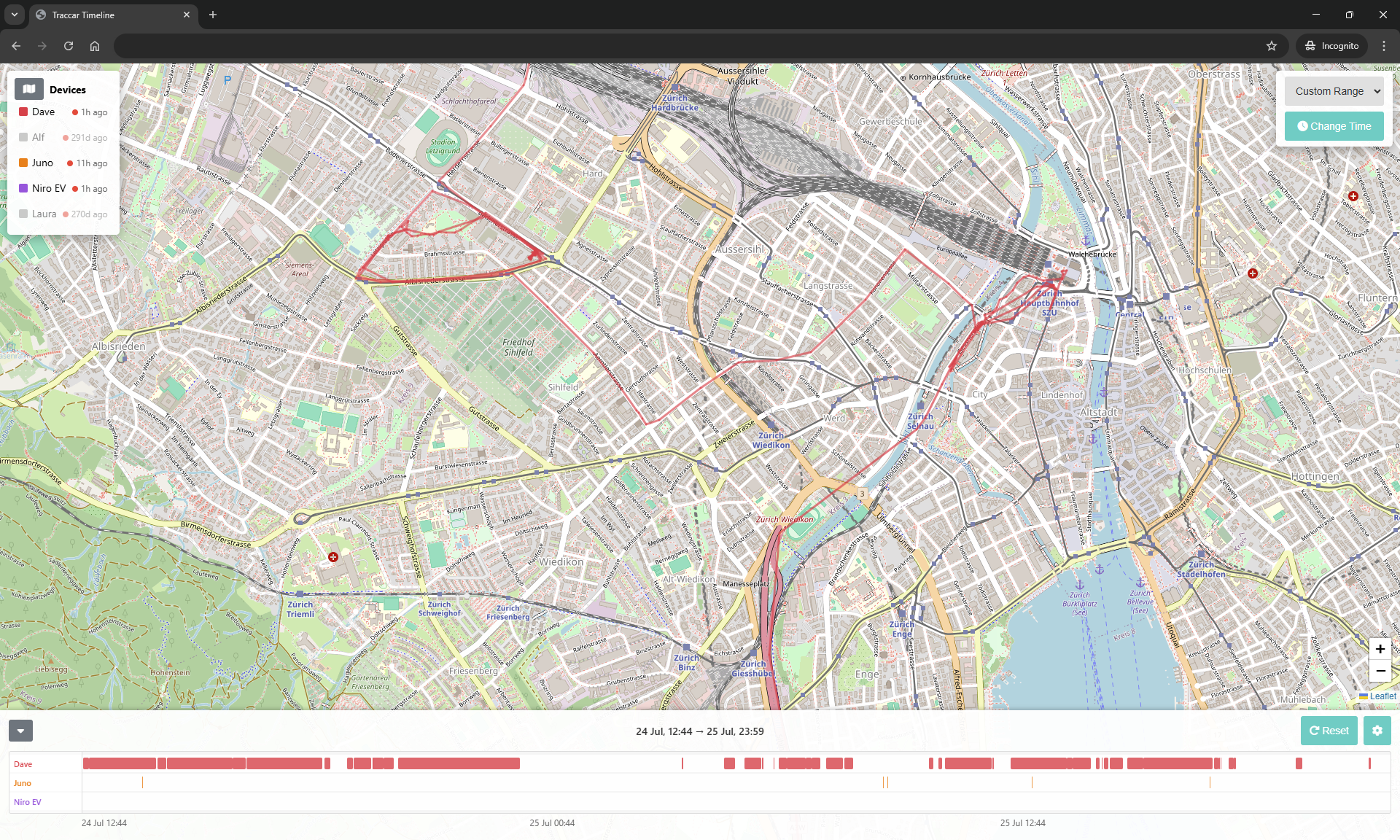
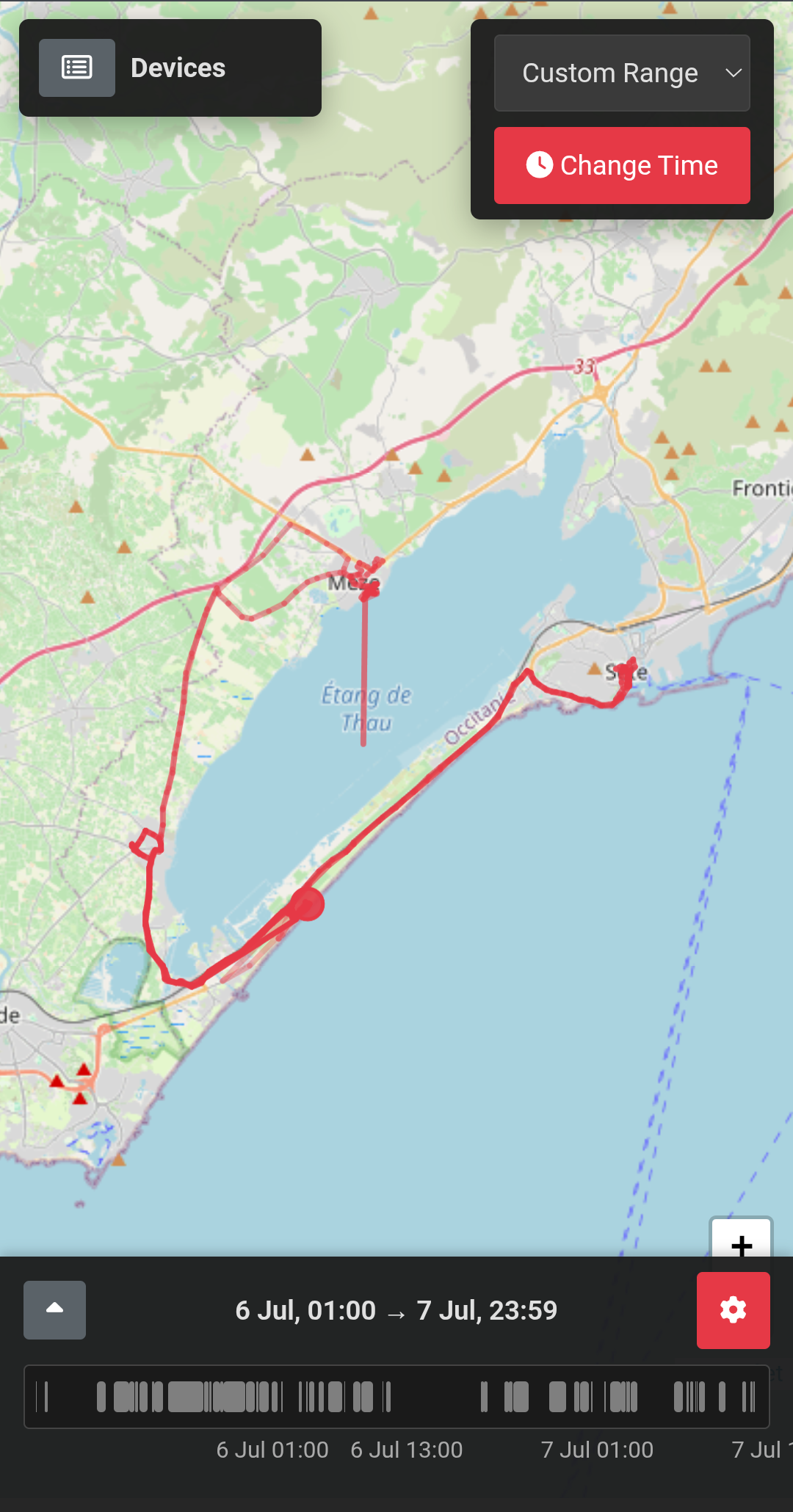
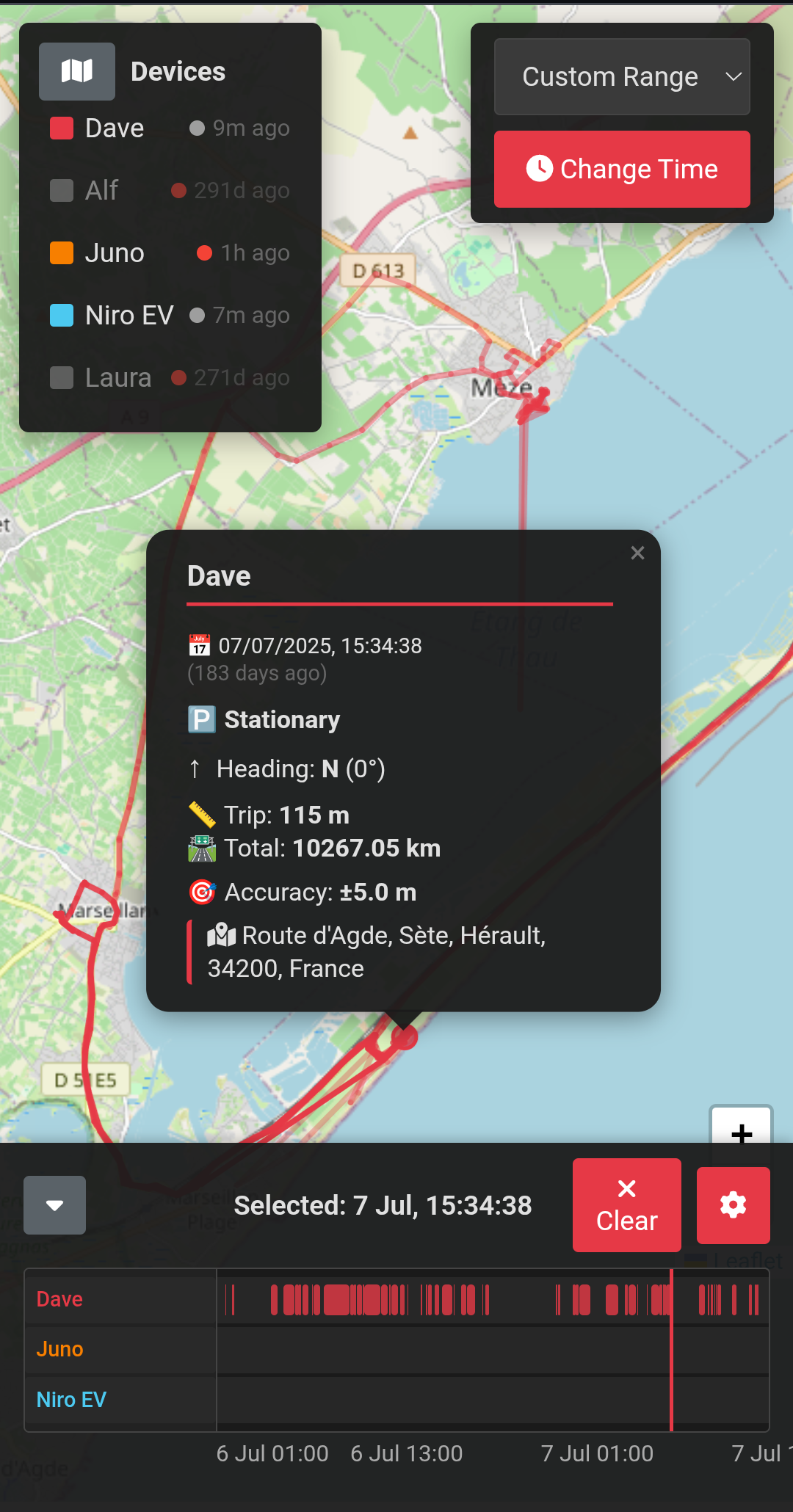
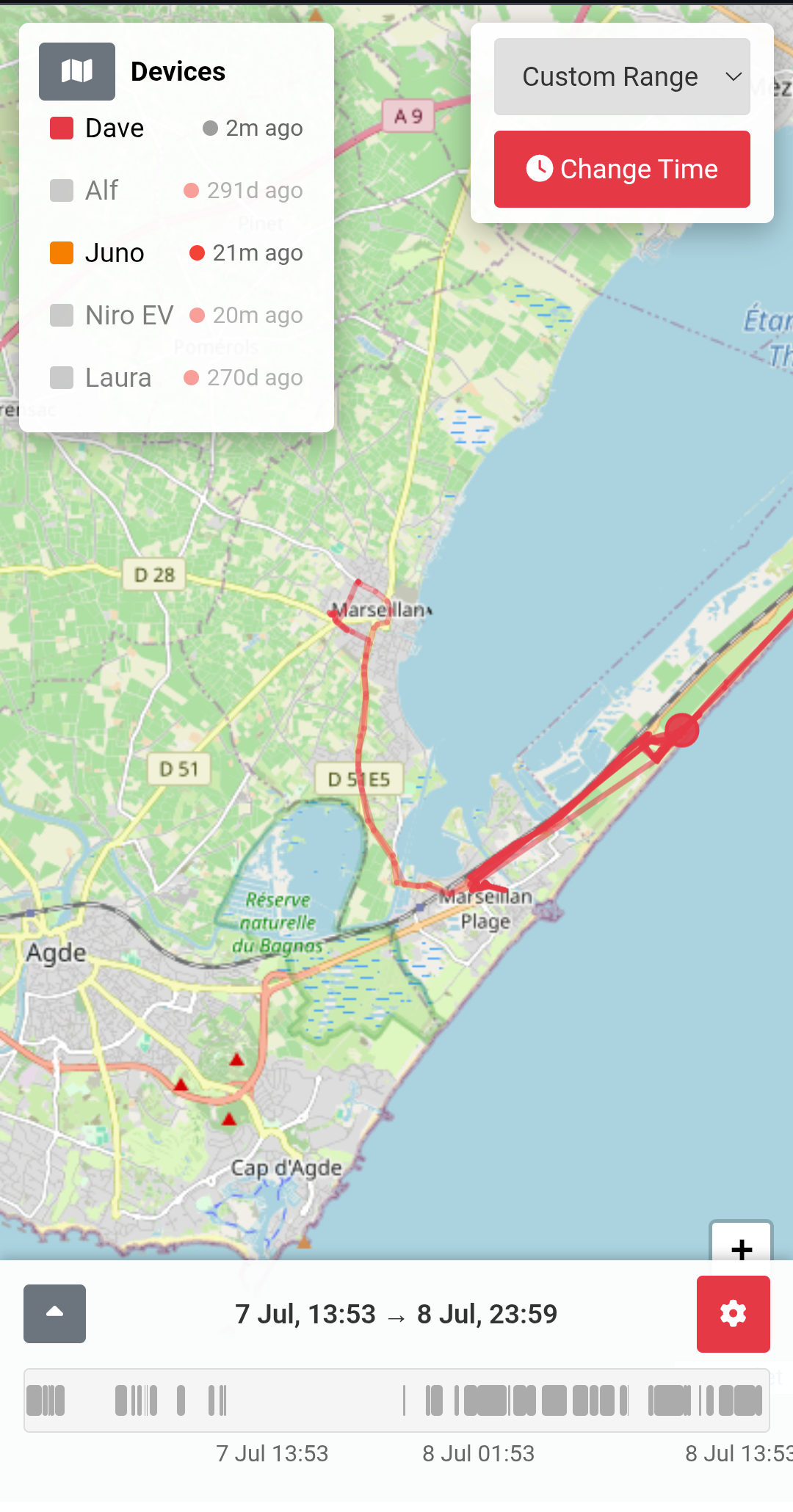
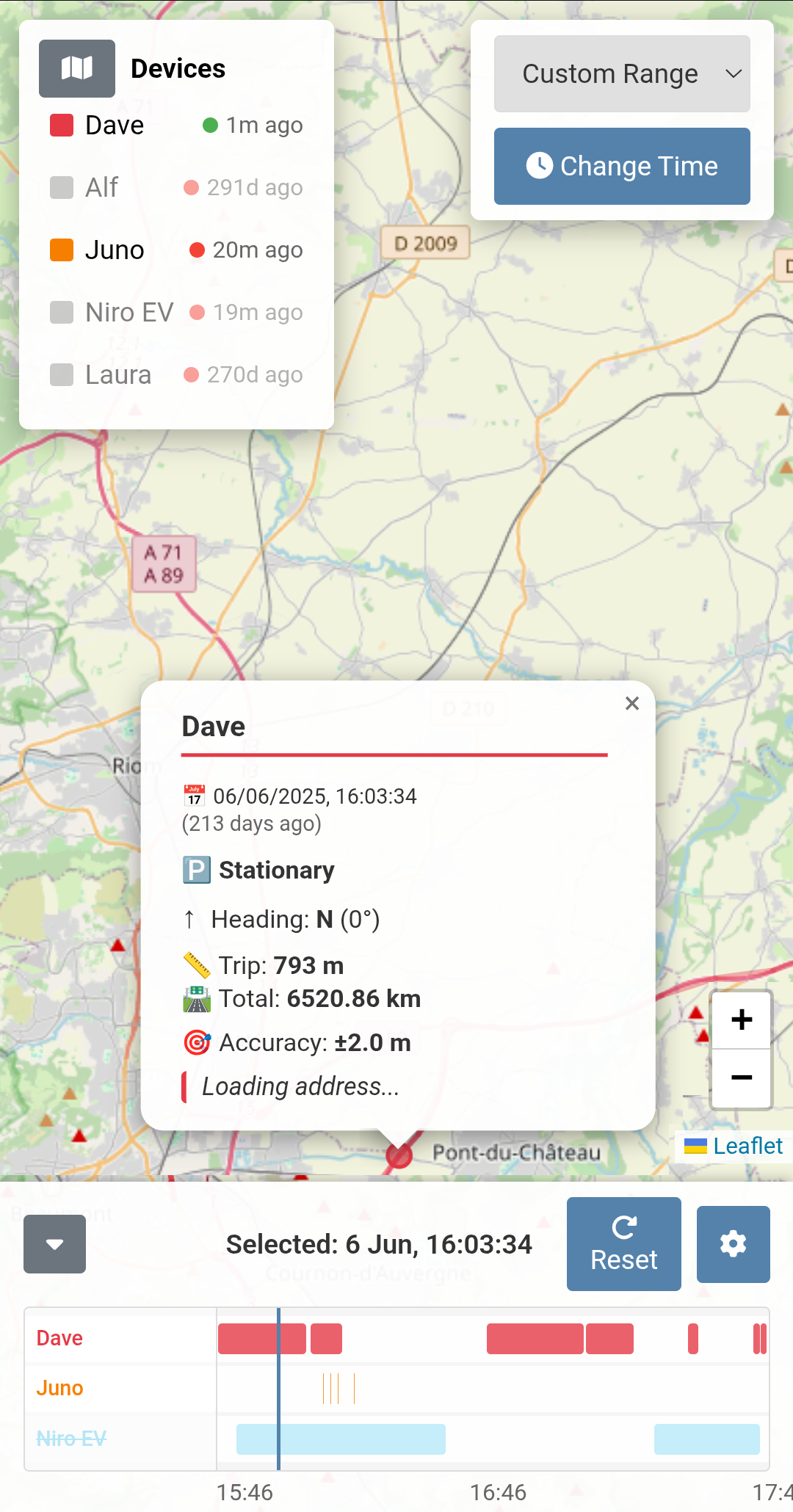
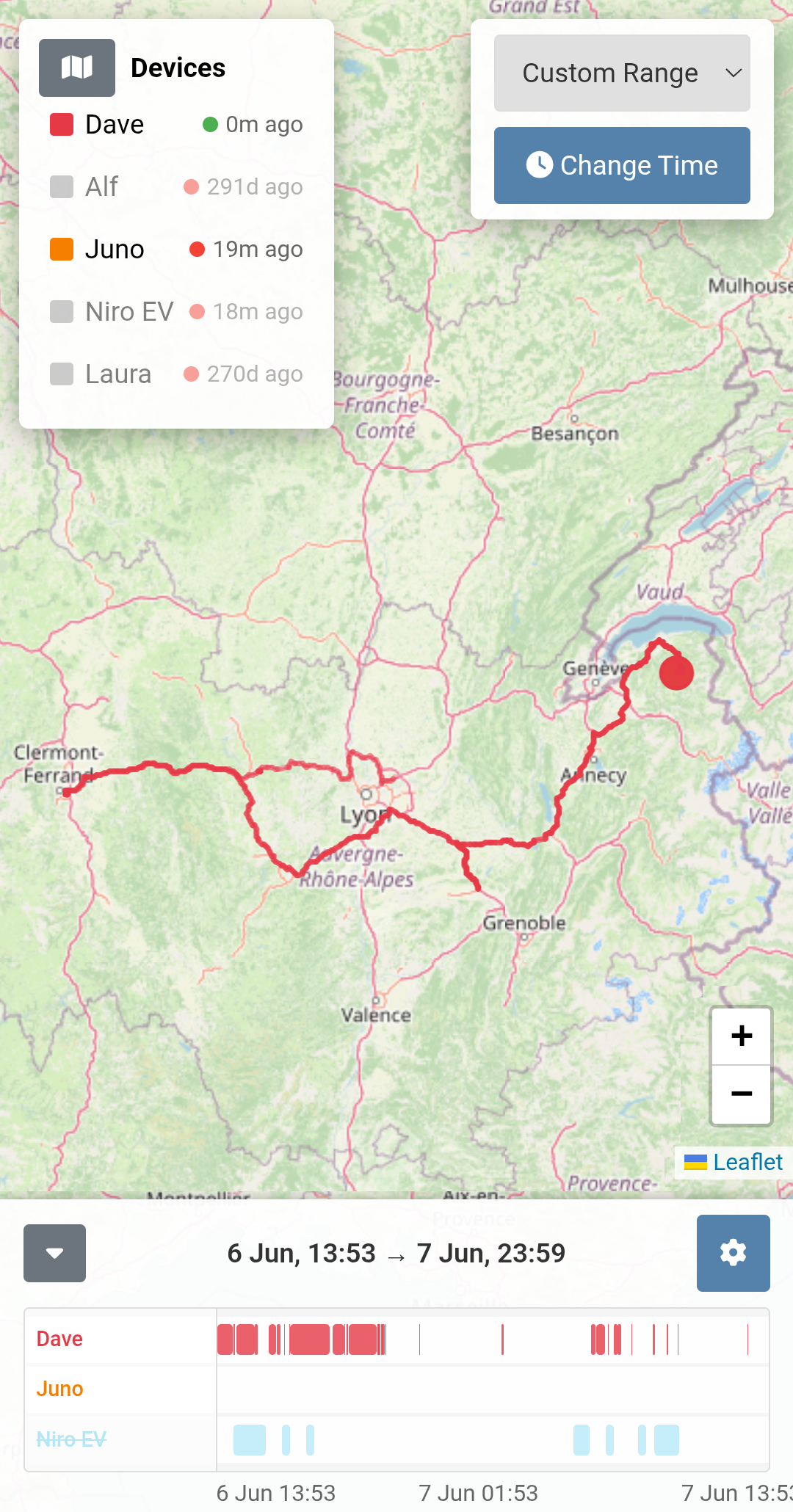
Download the traccar.html file to your pc and load it in chrome! - That's it! or visit https://iamdabe.github.io/Traccar-Timeline/traccar.html or, alternatively setup nginx and serve the html file. No database, no config no extra fat needed! All settings saved to the browser.
Note: On first run a popup will show complaining about the Traccar API url. Head into settings and enter the URL to your traccar API. Ensure you complete with the trailing slash.
If you don't proxy your Traccar API (see Nginx proxy.conf below) you'll need to ensure your server CORS is configued correctly by editing your traccar.xml, example below:
<properties>
    ~~~ other config vars ~~~
    <entry key='web.cors'>*</entry>
    <entry key='web.cors.credentials'>true</entry>
    <entry key='web.origin'>*</entry>
</properties>
If you don't wish to expose your user/pass for your traccar server you can also use a nginx proxy by using a location conf. See example below.
server {
    listen 80;
    server_name localhost;

    location / {
        root /usr/share/nginx/html;
    }

    # Proxy requests to your Traccar API
    location /traccar/api/ {
        proxy_pass https://YOUR_TRACCAR_SERVER_ADDR/api/;
        proxy_http_version 1.1;

        # Standard headers
        proxy_set_header Host YOUR_TRACCAR_SERVER_ADDR;
        proxy_set_header X-Real-IP $remote_addr;
        proxy_set_header X-Forwarded-For $proxy_add_x_forwarded_for;
        proxy_set_header X-Forwarded-Proto $scheme;

        # Basic Auth
        proxy_set_header Authorization "Basic YOUR_TRACCAR_USER/PASS_BASE64_ENC";

        # SSL fix
        proxy_ssl_server_name on;
        proxy_ssl_verify off;
    }
}
- Leaflet.js - BSD-2-Clause License
- OpenStreetMap - ODbL
- Traccar - Apache 2.0
- Font Awesome 6 Free - CC BY 4.0