This project also demonstrates how to automate interactions with Hinge (a dating app) using a combination of the following tools and techniques:
- ADB (Android Debug Bridge): Automate device actions such as taps, swipes, and text input.
- Computer Vision (OpenCV): Detect and locate UI elements on the screen using feature-based and template matching methods.
- OCR (Tesseract via pytesseract): Extract text from screenshots to analyze profile descriptions or other textual content.
- LLM (OpenAI GPT-4): Generate personalized, human-like comments based on extracted text content.
By integrating these components, the script can make automated decisions (like or dislike profiles) and even respond with a custom-generated pickup line or comment.
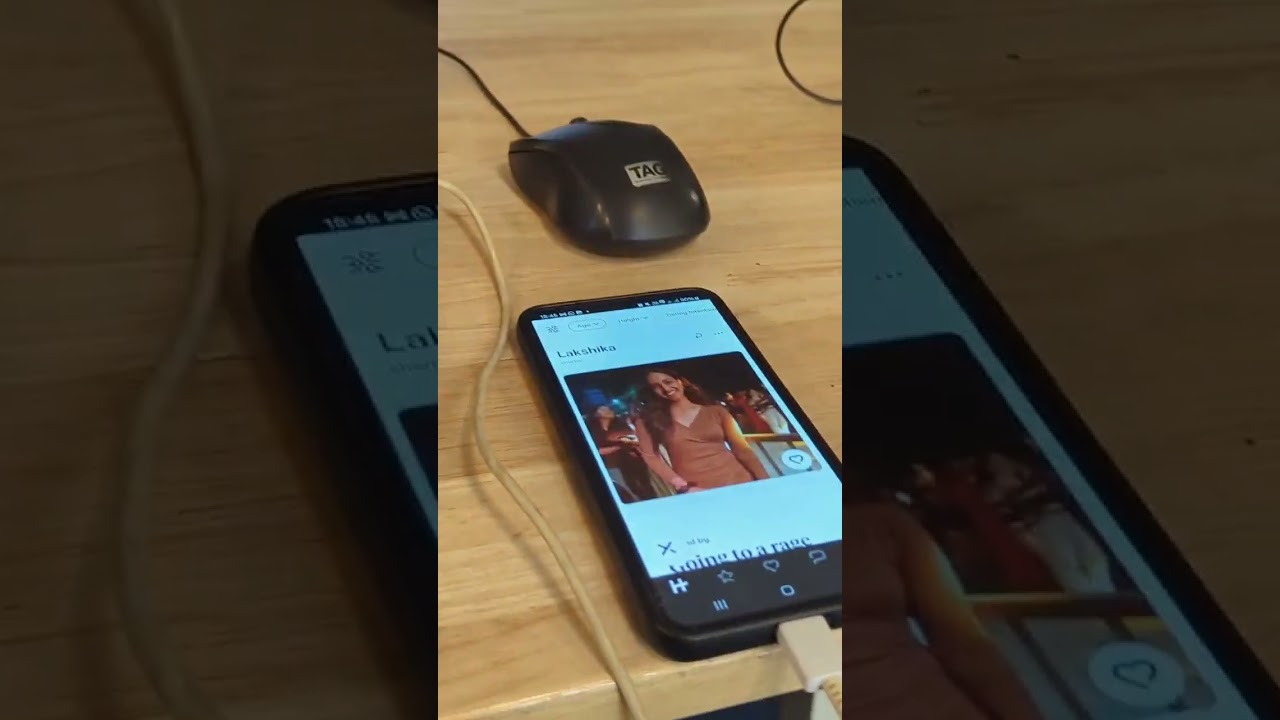
- Connect to Android Device: Establish a connection to your Android device over ADB and retrieve screen resolution.
- Capture Screenshots: Save current device screen state to an image file.
- UI Element Detection: Locate buttons or icons using ORB feature matching and fallback template matching.
- Text Extraction: Use Tesseract OCR to read text content from on-screen images.
- Comment Generation: Use GPT-4 to create personalized, one-line comments based on the extracted profile text.
- Automated Actions: Simulate user input (taps, swipes, text entry) to interact with the app, such as liking or disliking profiles and inputting custom messages.
-
Python 3.x
-
ADB:
Install the Android SDK Platform Tools and ensureadbis accessible from your PATH. -
Device Setup:
- Enable Developer Options and USB Debugging on your Android device.
- Authorize your computer for USB debugging when prompted.
-
Python Libraries:
- pure-python-adb (ppadb) for ADB interactions:
pip install pure-python-adb
- OpenCV for computer vision:
pip install opencv-python
- Pillow for image handling:
pip install pillow
- pytesseract for OCR (requires Tesseract OCR engine installed on your system):
pip install pytesseract
- python-dotenv for environment variables:
pip install python-dotenv
- openai for GPT-4 integration:
pip install openai
- pure-python-adb (ppadb) for ADB interactions:
-
Tesseract OCR Engine:
- Windows: Download the installer here.
- macOS/Linux: Install via Homebrew (
brew install tesseract) or your package manager.
-
Add your OpenAI API Key: Create a
.envfile in the project directory to add your OpenAI key and phone's IP address:OPENAI_API_KEY=your-api-key
-
Build the docker container:
docker build -t my-ocr-bot -f .\docker\Dockerfile . -
Run the docker container:
docker run my-ocr-bot
Note: To debug: In case of weird behaviour, open the container and check what's up.
docker run -it --entrypoint /bin/bash my-ocr-bot
To connect wirelessly from shell
adb tcpip 5555

adb connect 192.168.X.Y:5555