


- Overview
- Forward
- Screenshots
- Prerequisites
- 🚀 Quick Start
- 🎯 Complete Workflows
- Architecture
- Command Groups
- Supported Integrations / Formats
- Configuration
- Standalone Utilities
- Advanced Usage
- Documentation
SoupBoss is an intelligent job matching system that leverages AI-powered semantic similarity to connect resumes with job opportunities. It features both a flask web interface and a CLI for different use cases, processing job postings from multiple sources with sophisticated AI matching and comprehensive reporting.
Job titles and descriptions vary wildly across companies. Am I a DevOps Engineer? An SRE? A Product Owner? Searching job boards often feels like guessing keywords and scrolling endlessly.
SoupBoss solves this by semantically matching your resume against job postings. Instead of keyword searches, it uses embeddings (via Ollama) to find roles that best align with your background.
Think of job matching like making soup:
- The ingredients are skills, experience, and job requirements
- The recipe is how they come together
- SoupBoss is the chef — mixing, tasting, and serving up the best matches
Instead of forcing you to pick search terms, it stirs everything together to surface roles that “taste right” for your background.
| What SoupBoss is Not | SoupBoss Is |
|---|---|
| - ❌ An auto-downloader of job postings - ❌ An auto-submitter of applications - ❌ A tool that links back to postings |
1. Import (fetch) job postings 2. Add your resume(s) 3. Generate embeddings for both 4. Run the matcher to surface top fits 5. Apply directly via the company site |
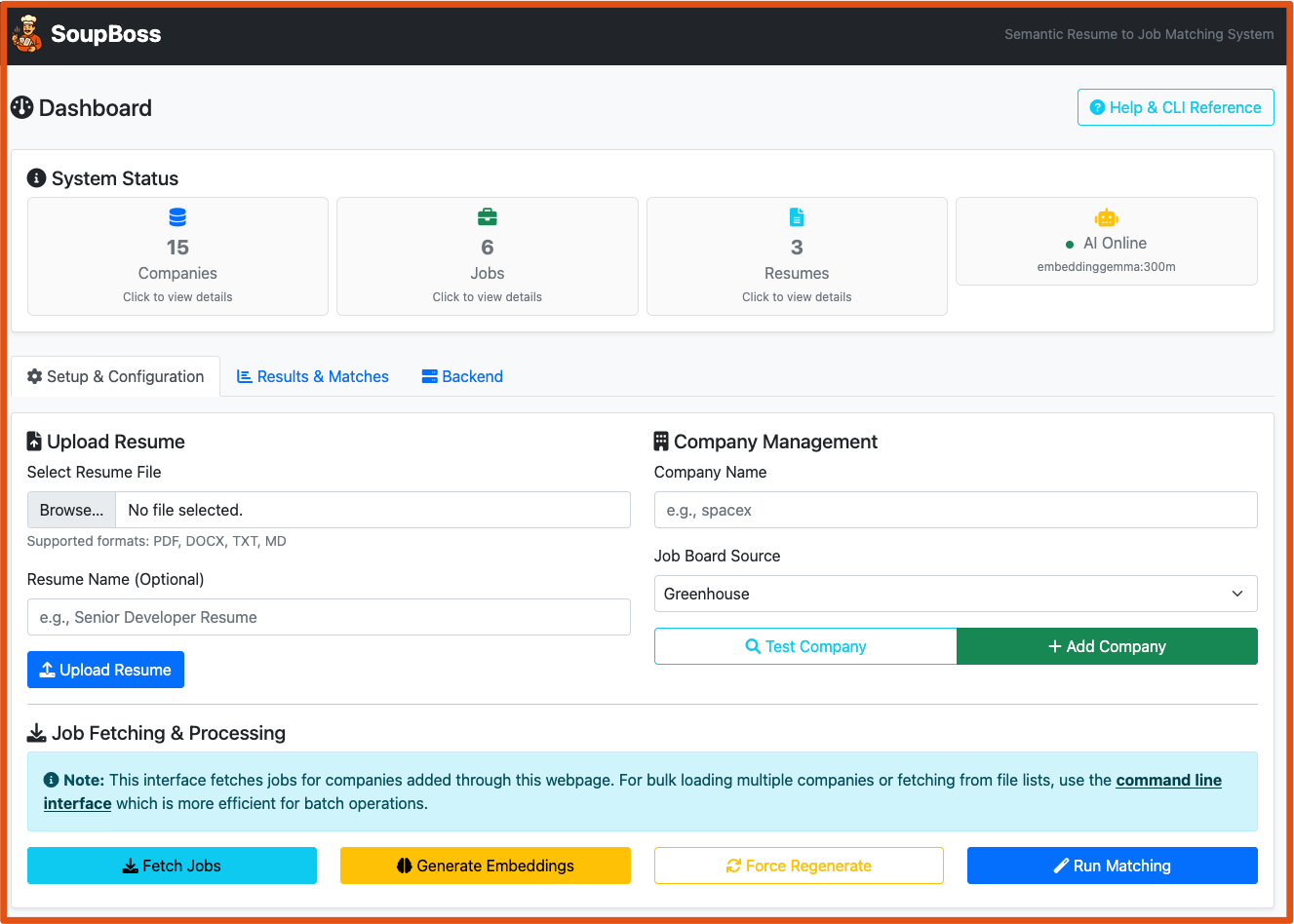
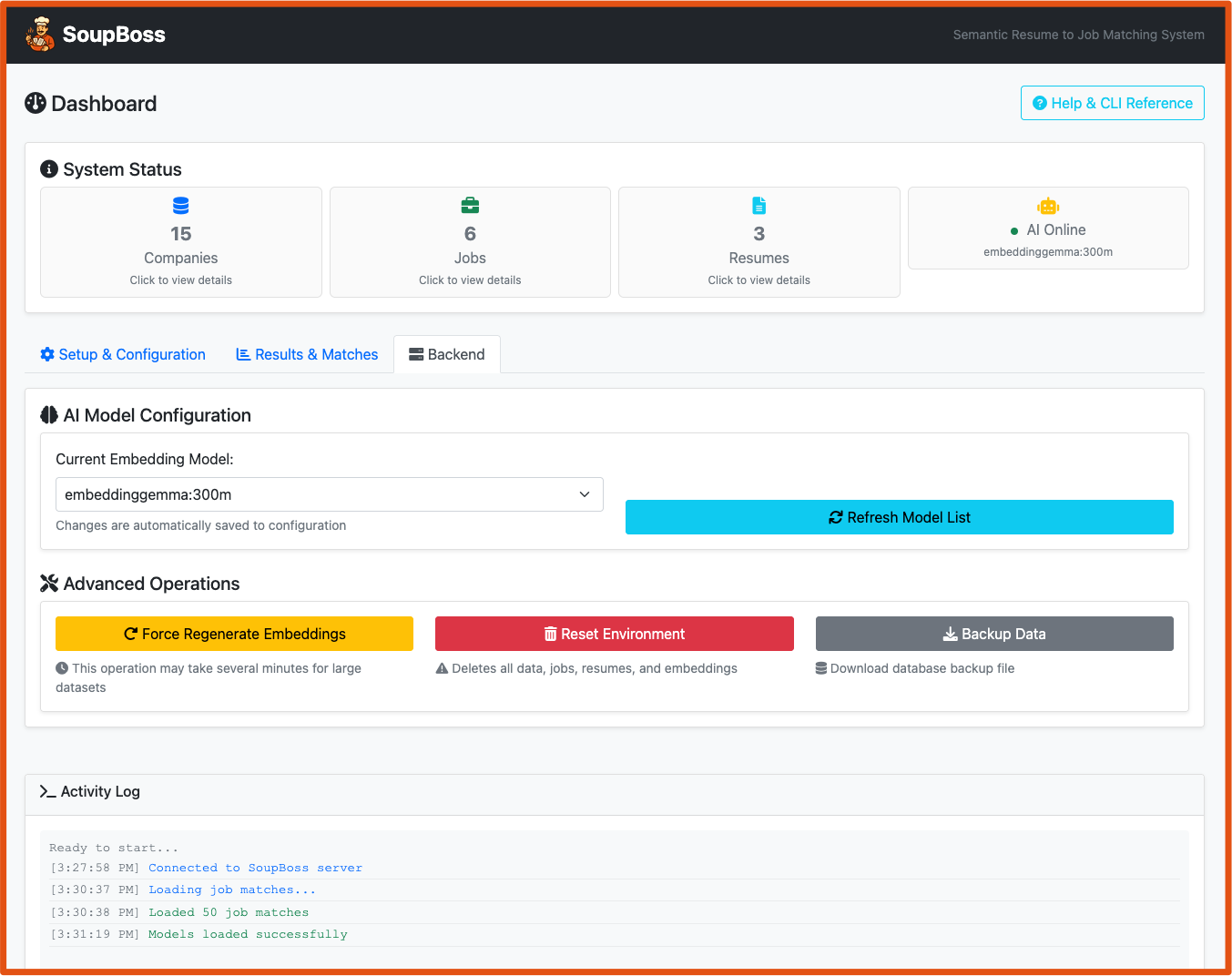
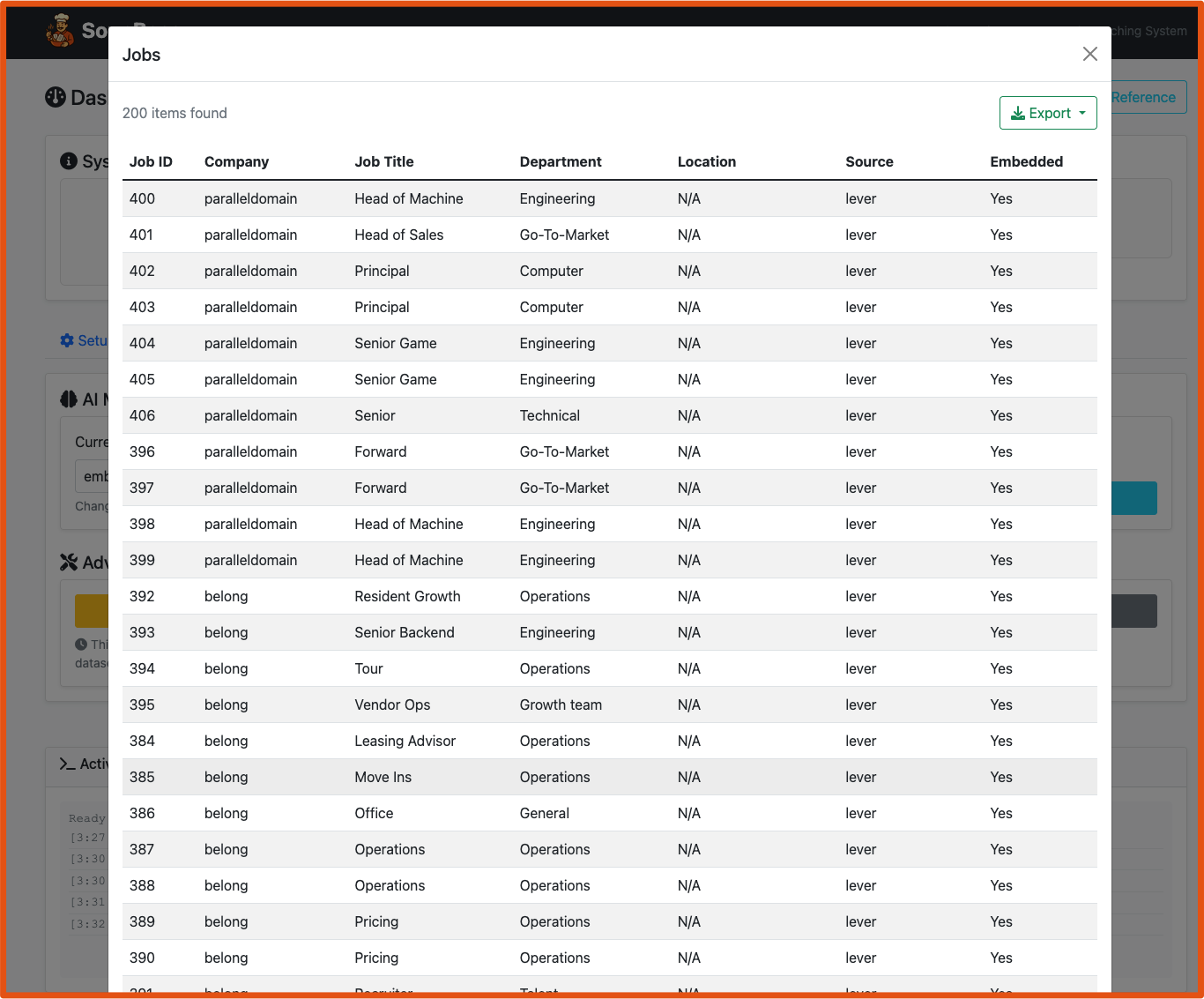
| Web Interface | CLI |
|---|---|
 |
 |
 |
 |
 |
 |
 |
 |
 |
 |
 |
 |
- Python 3.13+ (required for modern language features)
- uv package manager (critical - do not use pip)
- Ollama installed and running locally
SoupBoss connects directly to Ollama (default: localhost:11434) for all AI operations. It could be converted to using API's.
# Install Ollama from https://ollama.com
# Then pull an embedding model:
ollama pull nomic-embed-text
# or
ollama pull bge-largeFastest way to get started:
# Start the web interface
./restart_webapp.sh

# Then open in any browser:
# http://localhost:5000For scripting and advanced features:
# Install dependencies (uv handles everything automatically)
uv sync

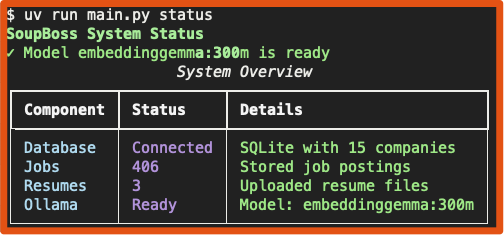
# Verify installation and check Ollama connection
uv run python main.py status

# Test embedding functionality
uv run python main.py test-embeddingVisual, step-by-step process:
- Start: Run
./restart_webapp.shand openhttp://localhost:5000 - Upload: Drag-and-drop your resume files to the upload area
- Test Company: Enter company name (e.g., "spacex") and click "Test Company"
- Add Company: If test succeeds, click "Add Company"
- Fetch Jobs: Click "Fetch Jobs" to retrieve postings with real-time progress
- Generate Embeddings: Click "Generate Embeddings" (force regenerate if needed)
- Run Matching: Click "Run Matching" to execute AI similarity scoring
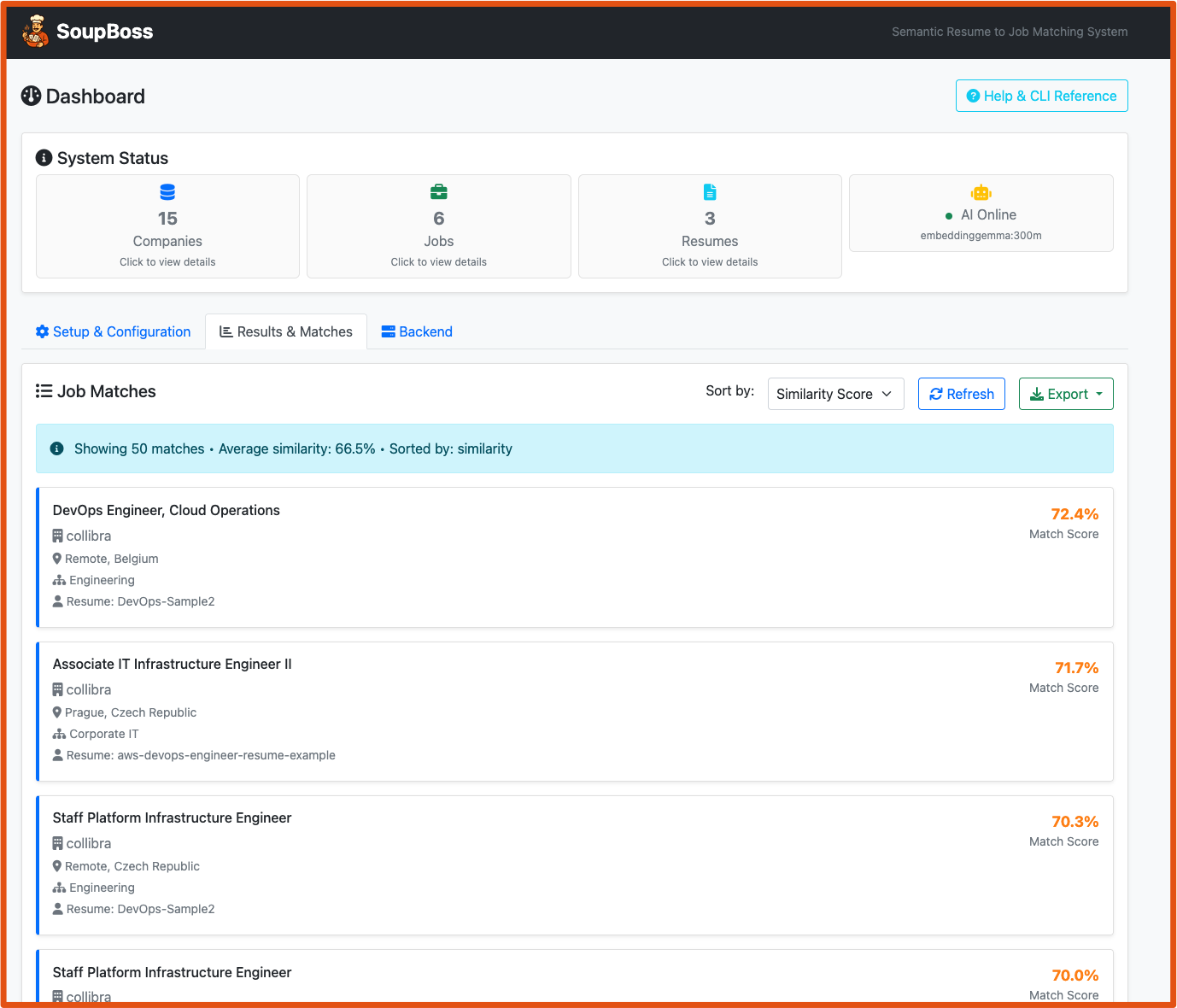
- View Results: Switch to "Results & Matches" tab to see professional job cards
- Sort & Filter: Use dropdown to sort by similarity, company, title, or date
Command-line power user guide:
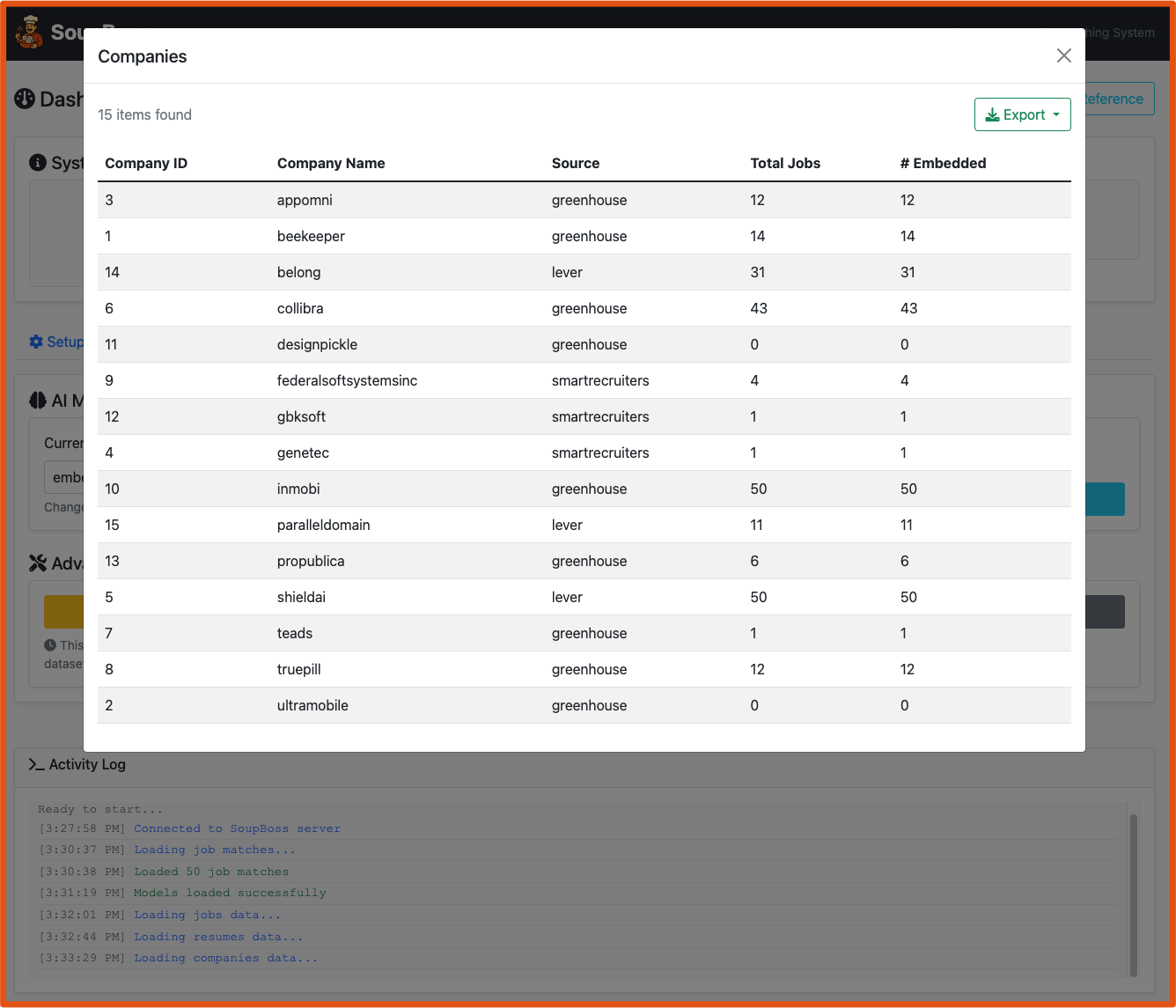
# 1. Add a company to track
uv run python main.py companies add spacex --source greenhouse

# 2. Test if the company has an active job board
uv run python main.py companies test spacex --source greenhouse

# 3. Fetch jobs from the company
uv run python main.py jobs fetch --source greenhouse --company spacex

# 4. Verify jobs were imported
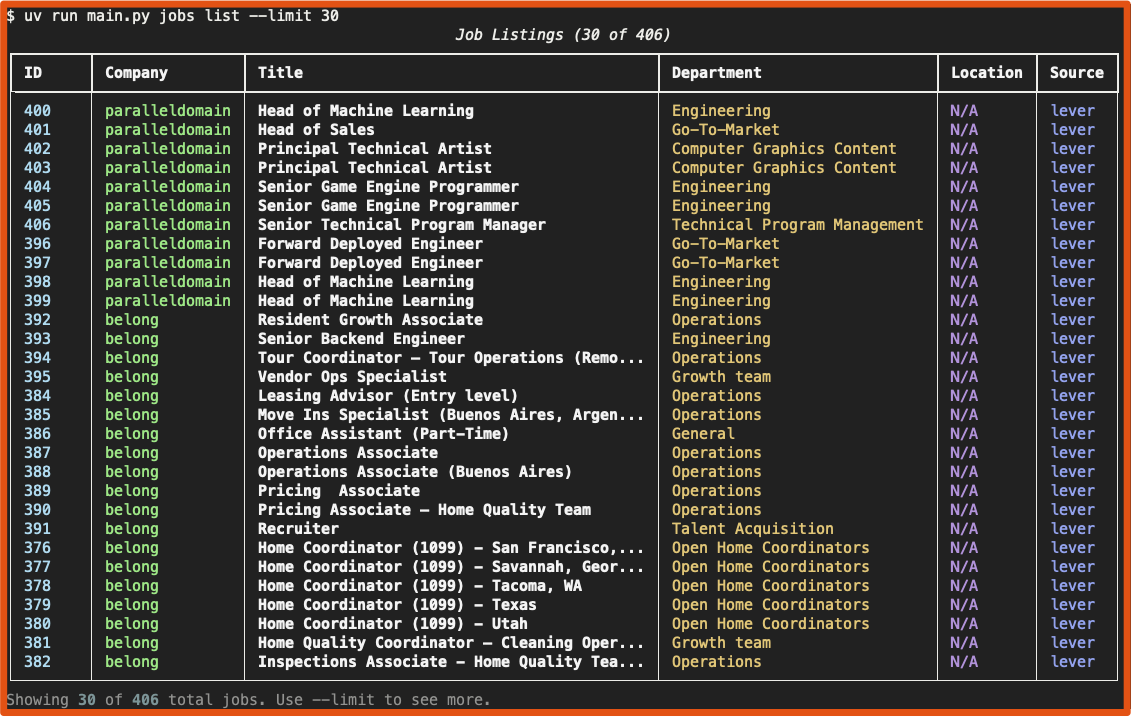
uv run python main.py jobs list --company spacex

# 5. Add your resume(s)
uv run python main.py resumes add /path/to/resume.pdf --name "My Resume"
uv run python main.py resumes add /path/to/resume.docx --name "Alternative Resume"

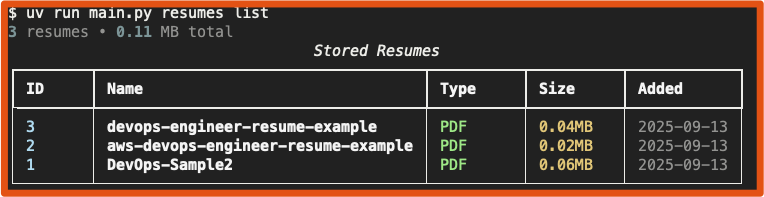
# 6. Check resume was processed
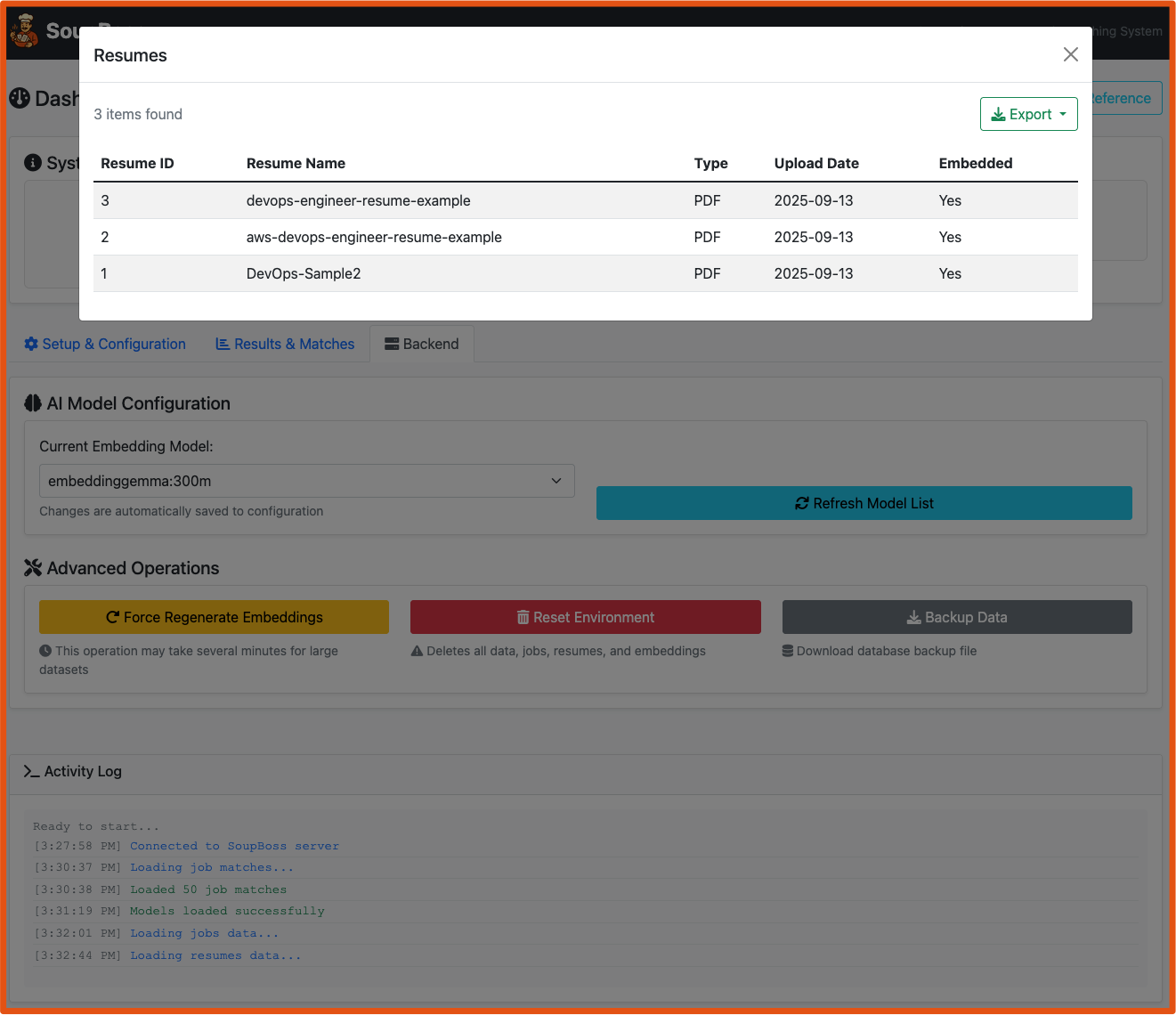
uv run python main.py resumes list

# 6a. Export resume list to PDF
uv run python main.py resumes list --pdf my_resumes.pdf

# 7. Generate AI embeddings (this takes time but runs once)
uv run python main.py match generate --time

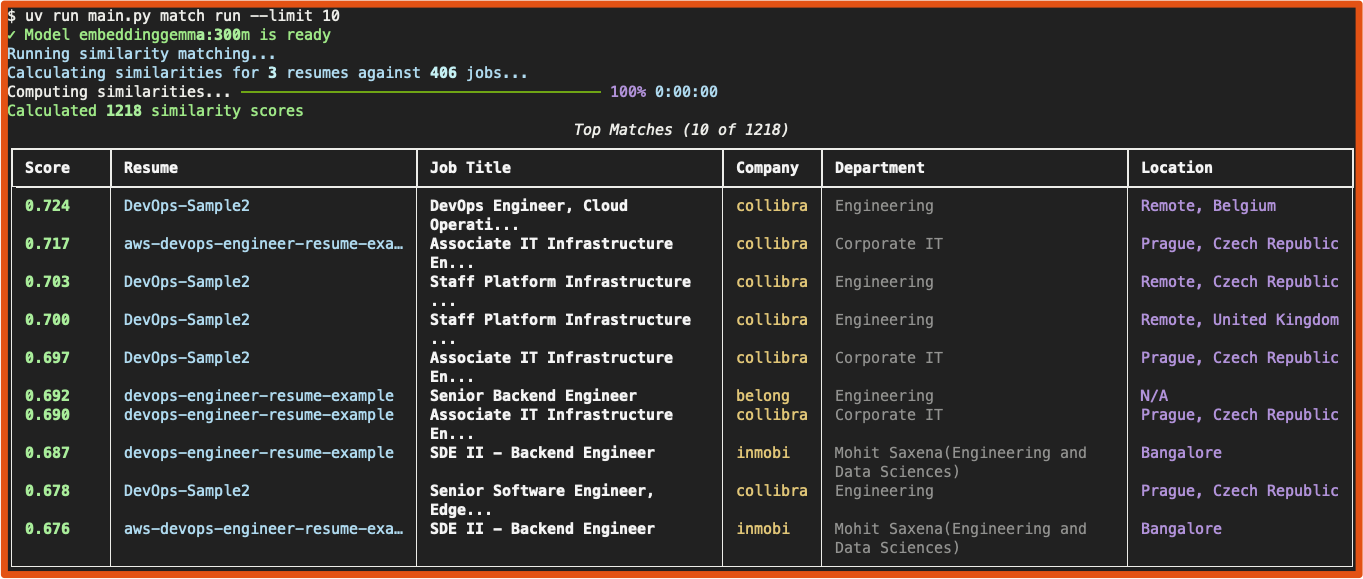
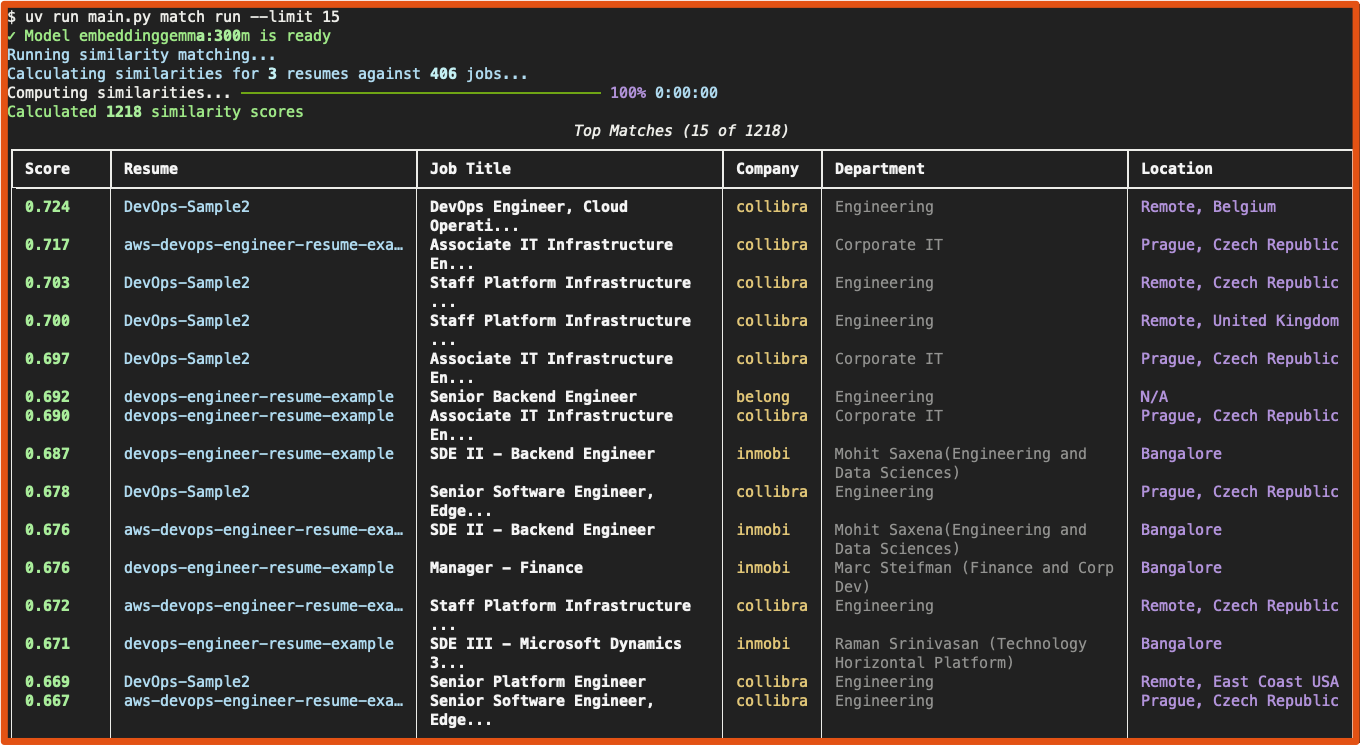
# 8. Run similarity matching
uv run python main.py match run

# 9. View your top 20 matches
uv run python main.py match show 1 --limit 20

# 10. Generate a comprehensive HTML report
uv run python main.py report --format html --output my_matches.html

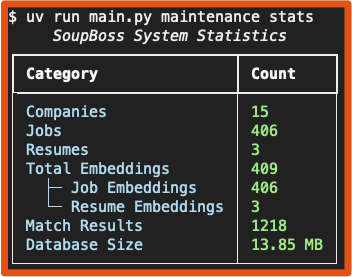
# 11. View detailed system statistics
uv run python main.py maintenance statsFor processing multiple companies or large datasets:
# Create a companies.txt file with one company per line
echo -e "spacex\ntesla\nopenai" > companies.txt

# Bulk fetch jobs
uv run python main.py jobs fetch --source greenhouse --companies-file companies.txt

# Add multiple resumes at once
uv run python main.py resumes add /resumes/*.pdf

# Export all matches to CSV
uv run python main.py match export --format csv --output all_matches.csvsoupboss/
├── cli.py # Complete CLI interface (40+ commands)
├── db.py # SQLite with vector search
├── embeddings.py # Ollama client integration
├── ingestion.py # Multi-API job fetching
├── matching.py # AI similarity engine
├── export.py # Professional reporting
├── maintenance.py # System utilities
└── config.py # Configuration management
graph TD
    A[**Job APIs**<br/>Greenhouse, Lever,<br>SmartRecruiters] --> B[Ingestion Engine]
    C[**Resume Files**<br/>PDF, DOCX, TXT, MD] --> D[**SQLite Database**<br/>with Vector Extensions]
    B --> D

    D --> E[**Ollama AI Service**<br/>Local Embedding Generation]
    E --> F[**Vector Storage**<br/>384 or 768-dim embeddings]
    F --> G[**Similarity Matching**<br/>Cosine similarity scoring]

    G --> H[**Match Results**<br/>Ranked by similarity]
    H --> I[**Reports & Analysis**<br/>CSV, JSON, HTML exports]
    H --> J[**Web Interface**<br/>Interactive job cards]
    H --> K[**CLI Tools**<br/>Automation & scripting]

    style A fill:#e1f5fe
    style C fill:#f3e5f5
    style E fill:#fff3e0
    style G fill:#e8f5e8
    style I fill:#fce4ec
    style J fill:#f1f8e9
    style K fill:#e3f2fd
| Group | Purpose | Key Commands | Examples |
|---|---|---|---|
| jobs | Job data management | fetch, list, import |
Ingest from APIs, bulk import |
| companies | Company tracking | add, list, test |
Manage job sources |
| resumes | Resume management | add, list, show, remove |
Process candidate files, export to PDF |
| match | AI matching | generate, run, show |
Create embeddings, find matches |
| maintenance | System upkeep | stats, clear-*, backup |
Database maintenance |
| config | Configuration | show, set, validate |
System settings |
- Greenhouse:
https://boards-api.greenhouse.io/v1/boards/{company}/jobs - Lever:
https://api.lever.co/v0/postings/{company} - SmartRecruiters:
https://api.smartrecruiters.com/v1/companies/{company}/postings
- PDF (.pdf) - Full text extraction
- Word Documents (.docx) - Microsoft Word format
- Plain Text (.txt) - Direct text processing
- Markdown (.md) - Formatted text with structure
- CSV (.csv) - Structured data for Excel/analysis
- JSON (.json) - Machine-readable data format
- HTML (.html) - Rich formatted reports with styling
- PDF (.pdf) - Professional printable reports (e.g.,
jobs list --pdf,resumes list --pdf,match show --pdf)
SoupBoss uses a flexible configuration system that supports configuration via:
- Environment variables (typically in a
.envfile) soupboss.config.jsonfile- Command-line arguments (using
uv run python main.py config setorconfig env)
# Environment variables (.env file)
OLLAMA_HOST=localhost
OLLAMA_PORT=11434
OLLAMA_MODEL=nomic-embed-textDirect API access without the main system:
# Test company job boards
uv run python greenhouse_fetch.py -test spacex
uv run python lever_fetch.py -test leverdemo

# Direct job fetching
uv run python greenhouse_fetch.py -fetch spacex
uv run python smartrecruiters_fetch.py -fetch dynatrace1

# Bulk operations
uv run python greenhouse_fetch.py -in companies.txt -out ./data/

# Import Disney Workday data
uv run python disney_data_importer.py -file disney_jobs.json# Compare embedding models for quality and speed
uv run python main.py match compare-models --save comparison.json
# Switch between models
uv run python main.py match switch-model bge-large --generate
# View model statistics
uv run python main.py match list-models# Database optimization
uv run python main.py maintenance optimize
# Data validation
uv run python main.py maintenance validate
# Backup before major operations
uv run python main.py maintenance backup --output backup.db
# Clean start (removes everything)
uv run python main.py maintenance reset-system --force- CLI_REFERENCE.md - Complete command reference with examples
- CLAUDE.md - Claude Code integration and development guide
🌐 Web Interface • ⚡ CLI Power • 🤖 Local AI • 🔒 Complete Privacy