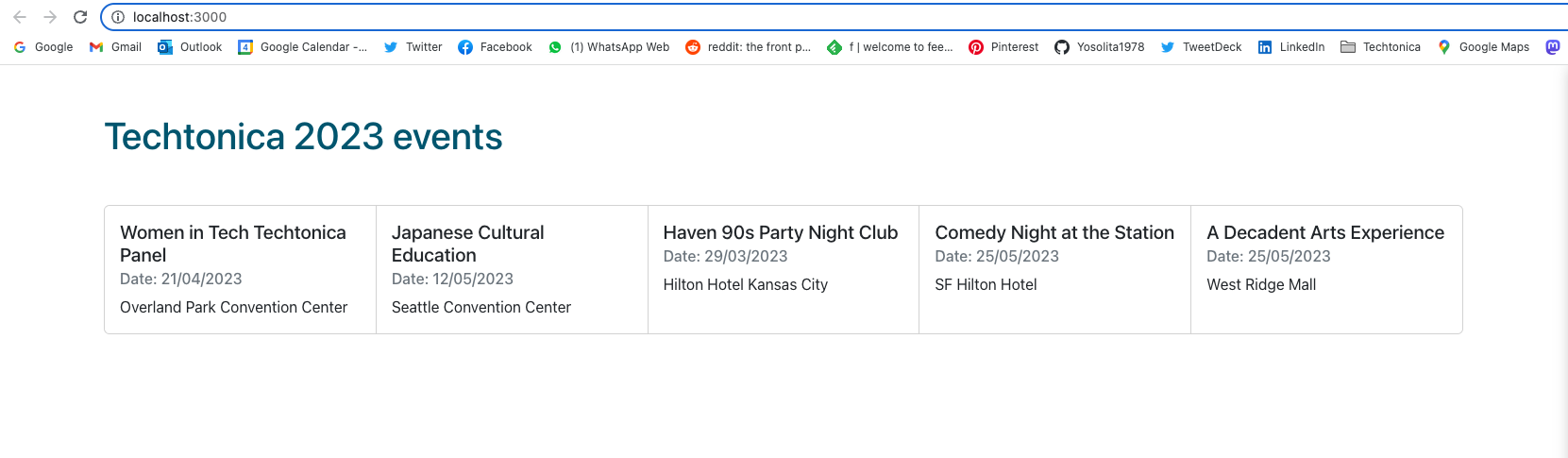
- Go to your source directory in your terminal and run the command
git clone https://github.com/Yosolita1978/2023EventonicaTemplate.git <NAMENEWDIRECTORY>![You will see something like this in your terminal.]

-
To clean your folder from the owner's git, run the command
rm -rf .gitinside the folder . Then re-initialize as the owner withgit init. -
Go to the server folder in the project (
cd server) and run the commandnpm install -
Go to the client folder (
cd .. and cd client) and run the commandnpm install -
This template has two servers already working. Both servers should start simultaneously, or "concurrently", by running
npm run devfrom within the server directory in your terminal. Please note that your backend server will run from port 8080, and your frontend React server will run from port 3000 . -
To add a Postgres DB - you will need another terminal window for this part
6.1 Inside your server directory create a .env file and copy there the values that are in .envexample
- In a different terminal window go to the psql terminal with the comand
psql - Inside the psql prompt create your database eventonica with the command
create database eventonica;(don't forget the semicolon!)

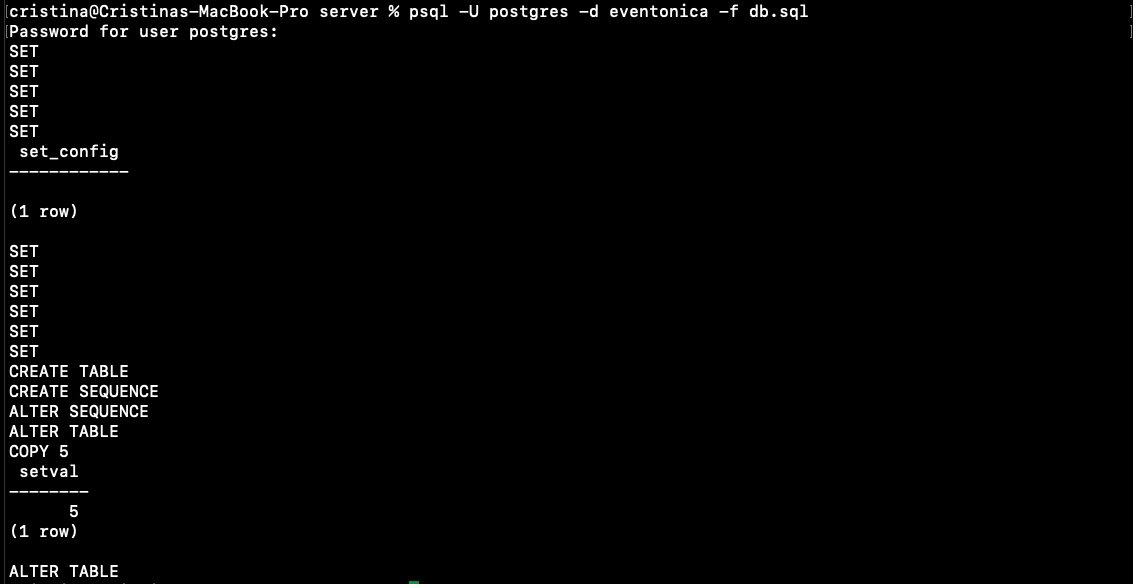
Back in the terminal window with the project go inside the server directory and run the command psql -d eventonica -f db.sql that will create a table events with 5 rows inside your db eventonica.
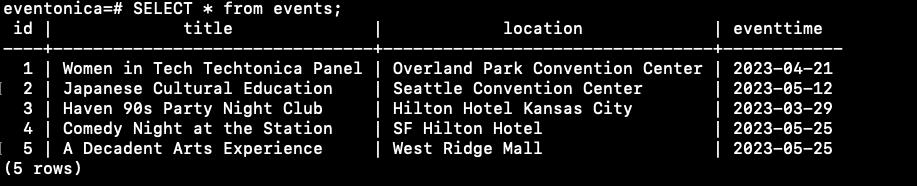
Your DB should look like this inside the psql terminal
- The instructions for pg
- Setup postgres correctly.