A Discord selfbot that joins voice channels and sends/deletes messages automatically. This bot allows users to manage voice channels seamlessly through a web interface.
- Node.js (version 14 or higher)
- npm (Node package manager)
-
Clone the repository:
git clone https://github.com/winclicks/VoiceDiscord cd VoiceDiscord -
Install dependencies:
npm install
-
Configure
config.jsonandtokens.txt:- Update the
config.jsonfile with your desired settings. - Add your Discord tokens and corresponding voice channel IDs in
tokens.txt, one per line.
- Update the
To start the bot, run:
npm start- Pause: Use
.pauseto pause the bot's operations. - Start: Use
.startto resume the bot's operations. - Restart: Use
.restartto restart the bot. - Join: Use
.join <channelID>to join a specified voice channel. - Say: Use
.say <message>to send a message to the text channel. This command is restricted to allowed users only.
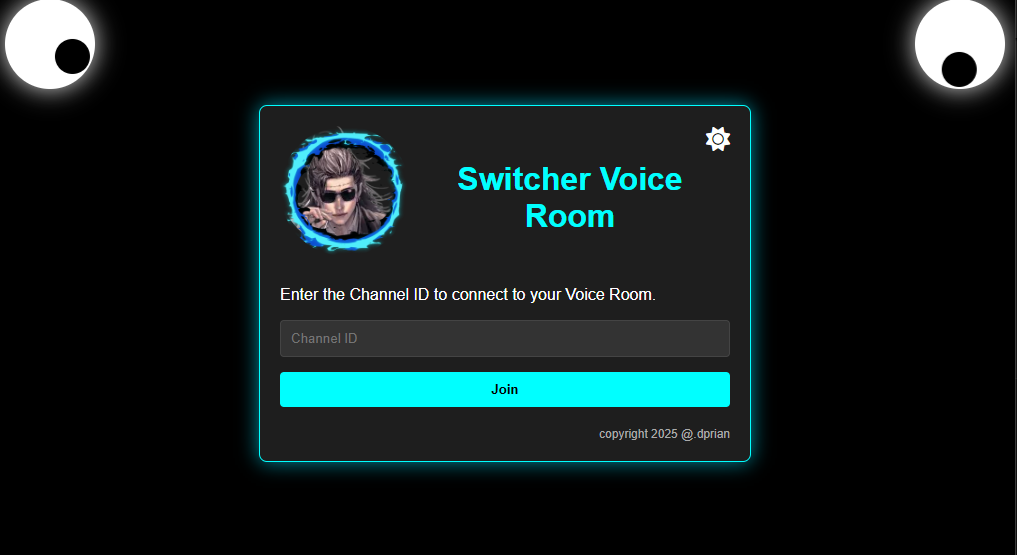
You can join a voice channel via the web interface by sending a POST request to /join-channel with the channel ID.
- port: Change the port number for the web server.
- messageContent: The content of the message to be sent.
- prefix: The command prefix for bot commands.
- pauseCommand: The command to pause the bot.
- startCommand: The command to start the bot.
- restartCommand: The command to restart the bot.
- messageInterval: The interval (in milliseconds) for sending messages.
- autoSendMessage: Set to true to enable automatic message sending.
- AutoWakeupJockie: Set to true to enable the auto wake-up feature.
- channelId: The ID of the channel where messages will be sent.
- allowedUsers: List of user IDs allowed to control the bot.
- selfDeaf: Set to true to self-deafen the bot.
- selfMute: Set to true to self-mute the bot.
This project is licensed under the MIT License.