Browser polyfill with native canvas 2d 3d for React Native, can directly use canvas based html frameworks without code modified, e.g. zdog.
@flyskywhy/react-native-browser-polyfill is forked from @expo/browser-polyfill, then use @flyskywhy/react-native-gcanvas instead of expo-2d-context, use event-target-shim instead of fbemitter, and fix some bugs.
npm install @flyskywhy/react-native-browser-polyfill @flyskywhy/react-native-gcanvasAnd follow the steps to install @flyskywhy/react-native-gcanvas.
Import the library just into your project root /index.js , /index.android.js , /index.ios.js or /index.native.js.
If you don't want import it in your project root, you can also import the library into any JavaScript file where you want use it. But if inlineRequires is true in your metro.config.js, you will get ERROR ReferenceError: Can't find variable: document or ERROR ReferenceError: Property 'document' doesn't exist, js engine: hermes, then you should change inlineRequires to false or import the library into your project root e.g. /index.android.js.
import '@flyskywhy/react-native-browser-polyfill';If canvas 2d or 3d needed, ref to README.md of @flyskywhy/react-native-gcanvas, or just ref to ZdogAndTests.js.
No need modify any code of framework zdog itself.
Only modify one line code of app demo Made with Zdog CodePen Collection, e.g. just modify .zdog-canvas in JS of https://codepen.io/clarke-nicol/pen/OezRdM into this.canvas in this GCanvasRNExamples APP commit react -> react-native: Zdog and Tests step3 Zdog works well.
Here is the result of ZdogAndTests.js, you can directly discover that the render and mousemove is same with the original html version https://codepen.io/clarke-nicol/pen/OezRdM.
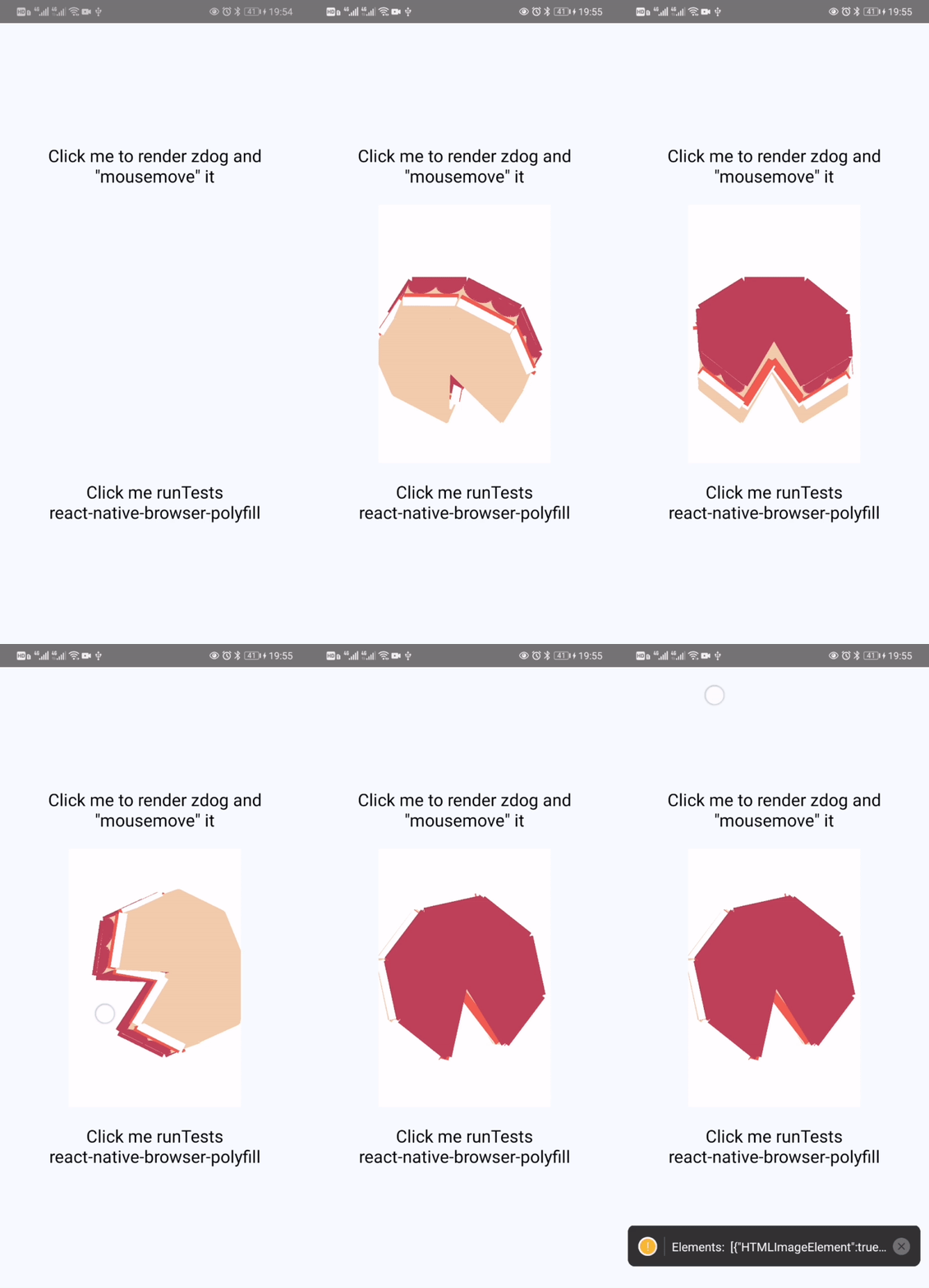
DOM is provided with very low support, these are used for libs like pixi.js that validate type.
class Node
class Element
class Document
class HTMLImageElement
class Image
class ImageBitmap
class HTMLVideoElement
class Video
class HTMLCanvasElement
class CanvasImage can load from https://somewhere.com/some.png or from require('some.png') on Android, iOS and Web, ref to the ZdogAndTests.js or nonDeclarative.js.
const image = document.createElement('img');
const image = new global.HTMLImageElement();
const image = new Image();

image.onload = () => console.log('Can recieve event load by onload');
image.addEventListener('load', () => console.log('Also can recieve event load by addEventListener');Example As Usage of @flyskywhy/react-native-gcanvas
document.createElement('canvas') (as offscreen canvas) usage also is described in src/window.js.
addEventListener;
removeEventListener;
dispatchEvent;
Buffer;
TextDecoder;
TextEncoder;
document;
Document;
Element;
Image;
HTMLImageElement;
ImageBitmap;
CanvasRenderingContext2D;
WebGLRenderingContext;
// window.devicePixelRatio; // undefined as described in `src\resize.js`
window.screen.orientation;
userAgent;
location;document.createElement;
document.createElementNS;element.clientWidth;
element.clientHeight;
element.innerWidth;
element.innerHeight;
element.offsetWidth;
element.offsetHeight;
element.getBoundingClientRect;
element.getAttribute;
element.setAttribute;element.tagName;
element.setAttributeNS;
element.focus;node.ownerDocument;
node.className;
node.addEventListener;
node.removeEventListener;
node.dispatchEvent;
node.appendChild;
node.insertBefore;
node.removeChild;Some external node.js polyfills are added as well.
global.TextEncoder
global.TextDecoder
window.DOMParser