

pullpulse is a lightweight, self-hosted watcher for Docker Hub repository pull counts.
This project is built and maintained in my free time.
If it helps you or saves you some time, you can support my work on 
Thank you for your support!

Docker Hub only exposes a cumulative pull_count.
pullpulse periodically snapshots this value and derives deltas, rates and trends over time – stored locally in SQLite and ready for visualization.
No cloud, no tracking, no external dependencies.
Just pull counts → time series → insights.
- Track Docker Hub pull counts over time
- Automatic delta & per-hour rate calculation
- SQLite storage (single file, zero setup)
- Simple web UI to manage targets
- Docker-first & self-hosted
- Ready for Metabase / Grafana / custom analytics
- No Docker Hub login required (public repos)
- works on raspberry pi
- pullpulse periodically queries the Docker Hub API
- Stores snapshots of
pull_count - Calculates deltas between snapshots
- Exposes the data via SQLite for analysis
You control:
- What to track (user or specific repositories)
- How often to poll (interval per target)
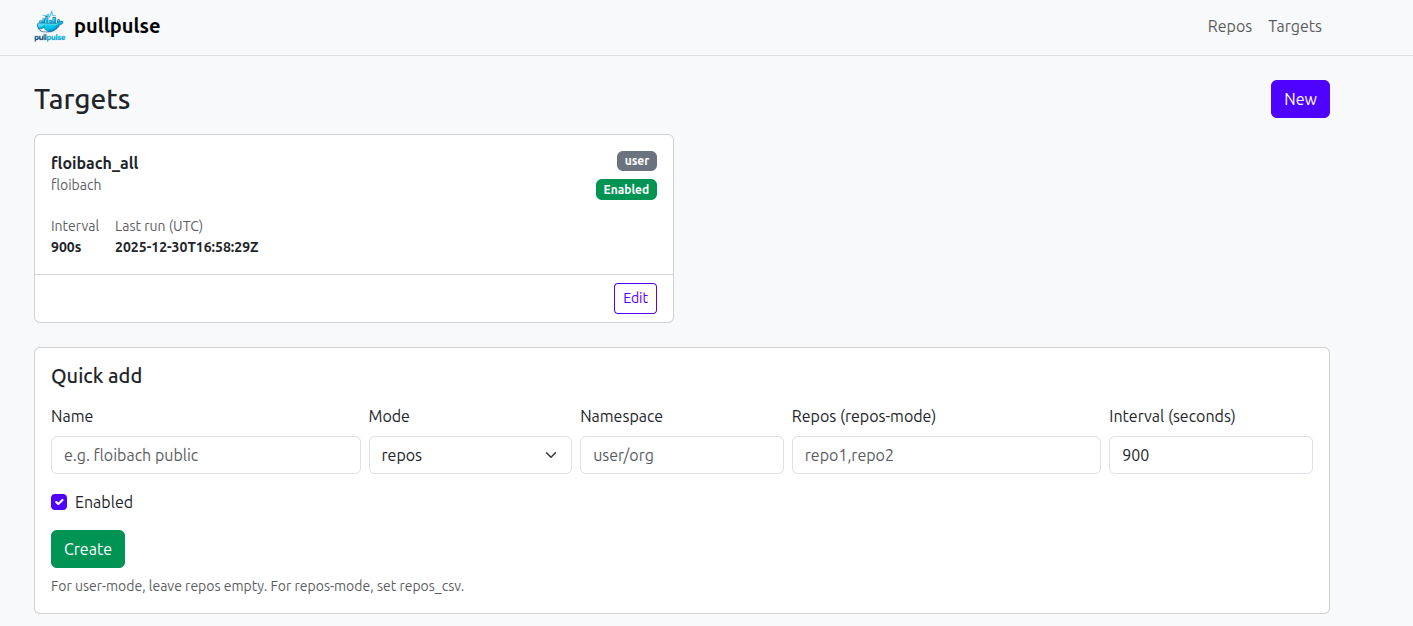
Define what should be tracked:
- Mode:
user→ all public repos of a Docker Hub user/orgrepos→ selected repositories only
- Polling interval per target
- Enable / disable at runtime
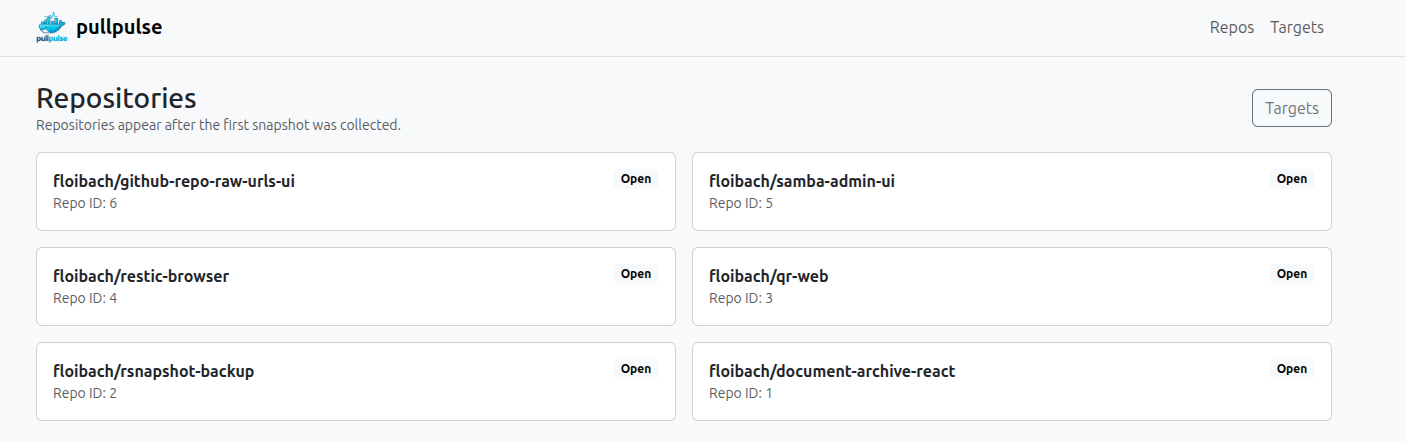
- See all discovered repositories
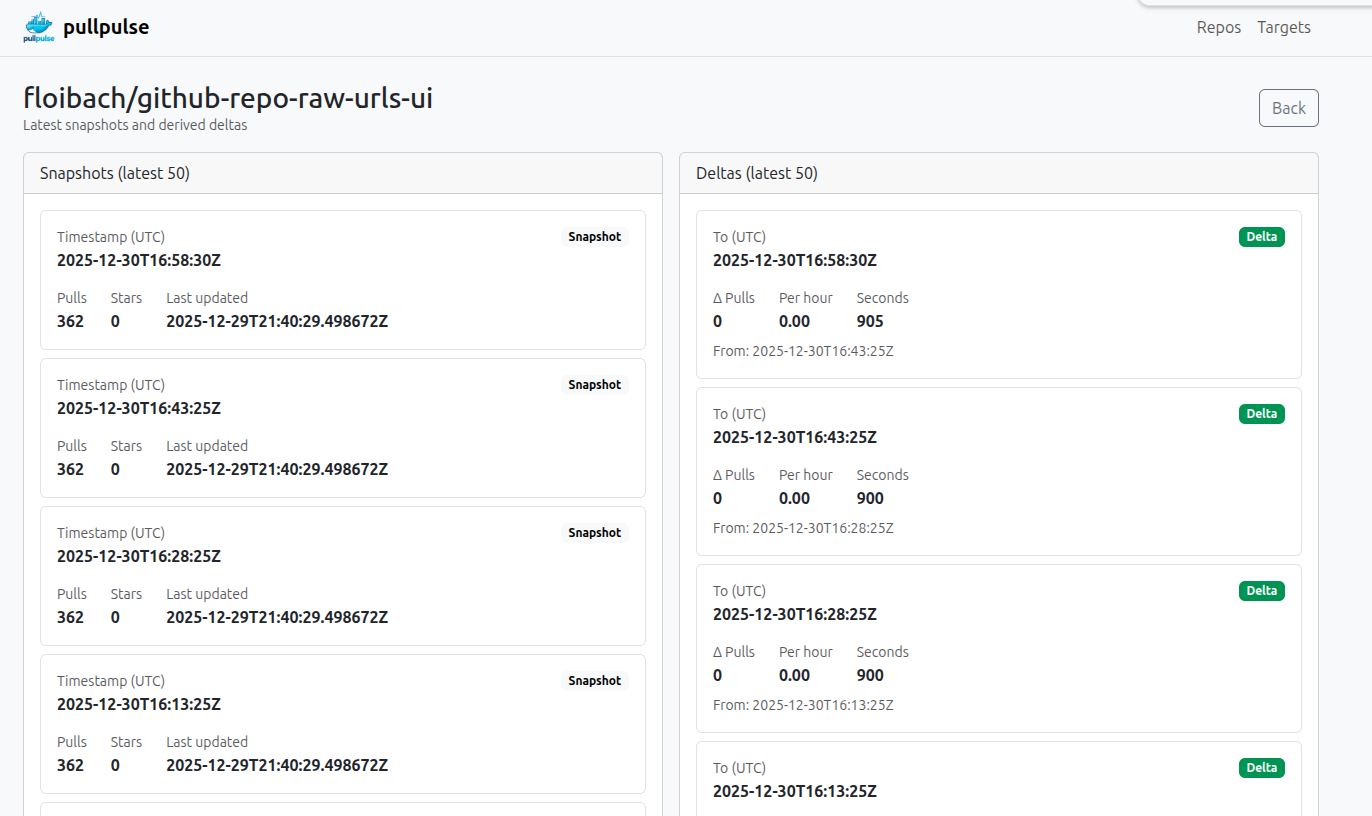
- Inspect pull history per repository
- View snapshot history & deltas
docker run --rm -p 8080:8080 -v $(pwd)/data:/data floibach/pullpulse:latestservices:
pullpulse:
image: floibach/pullpulse:latest
container_name: pullpulse
ports:
- "8080:8080"
volumes:
- ./data:/data
restart: unless-stoppedThen open:http://localhost:8080
pullpulse stores all metrics in a local SQLite database, making it easy to visualize pull history and trends.
A step-by-step guide for setting up Metabase with pullpulse is available in the project wiki:
| Variable | Default | Description |
|---|---|---|
DB_PATH |
/data/pulls.sqlite |
SQLite database file |
LISTEN_ADDR |
:8080 |
Web UI bind address |
HTTP_TIMEOUT |
15s |
Docker Hub API timeout |
USER_AGENT |
pullpulse/1.0 |
HTTP user agent |
DOCKERHUB_TOKEN |
(optional) | Token for private repos |
Public repositories work without authentication.
pullpulse stores everything in SQLite → perfect for Metabase.
Example setup:
services:
  pullpulse:
    image: ghcr.io/YOUR_USER/pullpulse:latest
    volumes:
      - ./data:/data

  metabase:
    image: metabase/metabase
    ports:
      - "3000:3000"
    volumes:
      - ./data:/data:ro
Then in Metabase:
- Add SQLite database
- Path:
/data/pulls.sqlite - Start building dashboards 🚀
targets– what is being trackedrepos– discovered repositoriesrepo_snapshots– pull count over timerepo_deltas– derived deltas & rates
Designed for analytics first, not OLTP.
Docker Hub applies rate limiting.
Recommended settings:
- Interval ≥ 10–15 minutes
- Avoid very large repo lists with short intervals
pullpulse logs API errors but keeps running.
- Not affiliated with Docker, Inc.
- Docker and Docker Hub are trademarks of Docker, Inc.
- Use responsibly and in accordance with Docker Hub Terms of Service.
This tool was developed in close collaboration with an AI chat assistant and refined iteratively through human–AI interaction.
The final design decisions, implementation, and maintenance remain entirely human-driven.
MIT License © 2025 Florian Ibach