

Simplex OS is a feature-rich, web-based desktop environment built entirely with vanilla HTML, CSS, and JavaScript. It's a playground for exploring UI/UX concepts, demonstrating the power of modern browser capabilities, and creating a persistent, customizable user experience without any backend or frameworks.
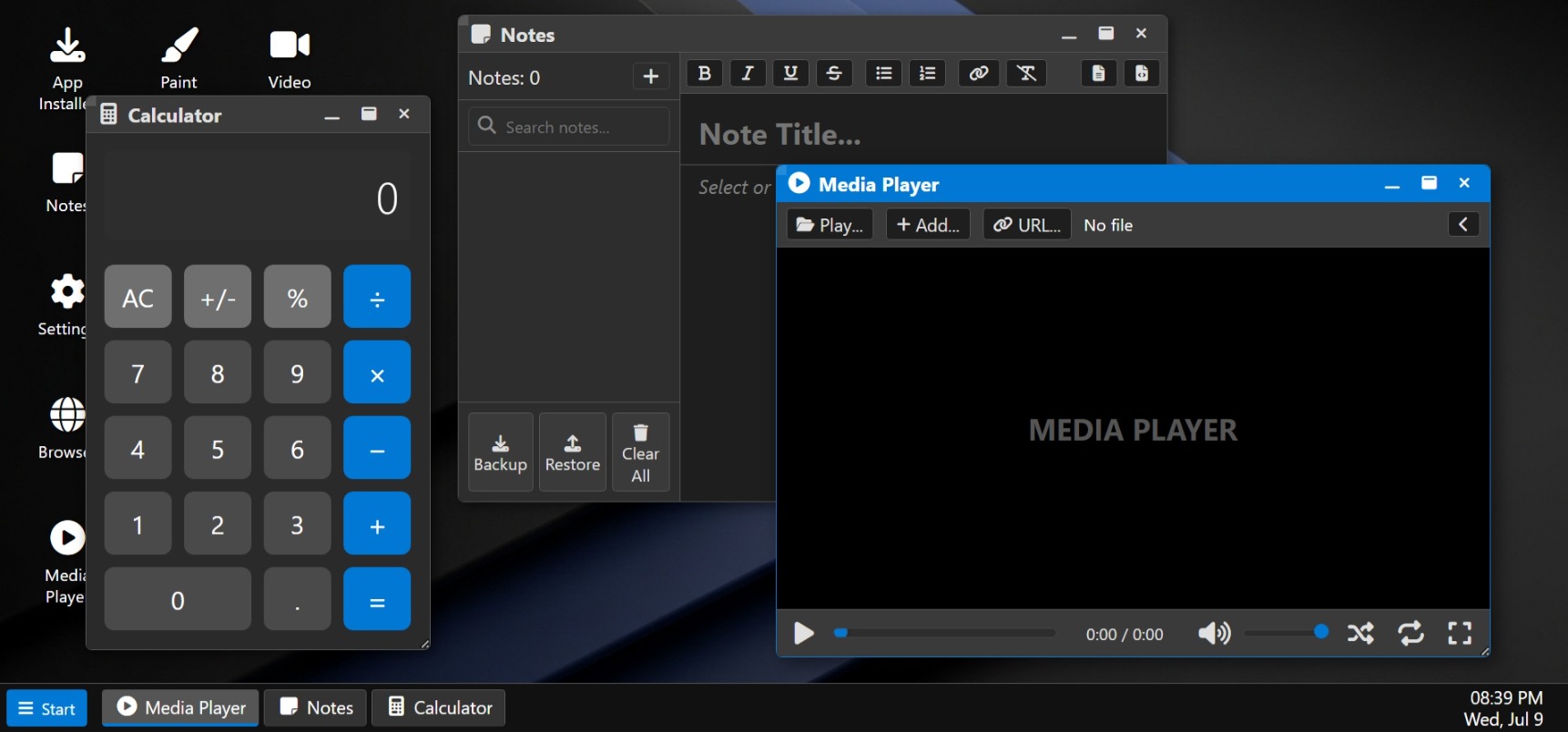
- Complete Window Management: Draggable, resizable, minimizable, and maximizable windows with active/inactive states.
- Persistent State: Your settings, installed apps, notes, and desktop shortcuts are saved in
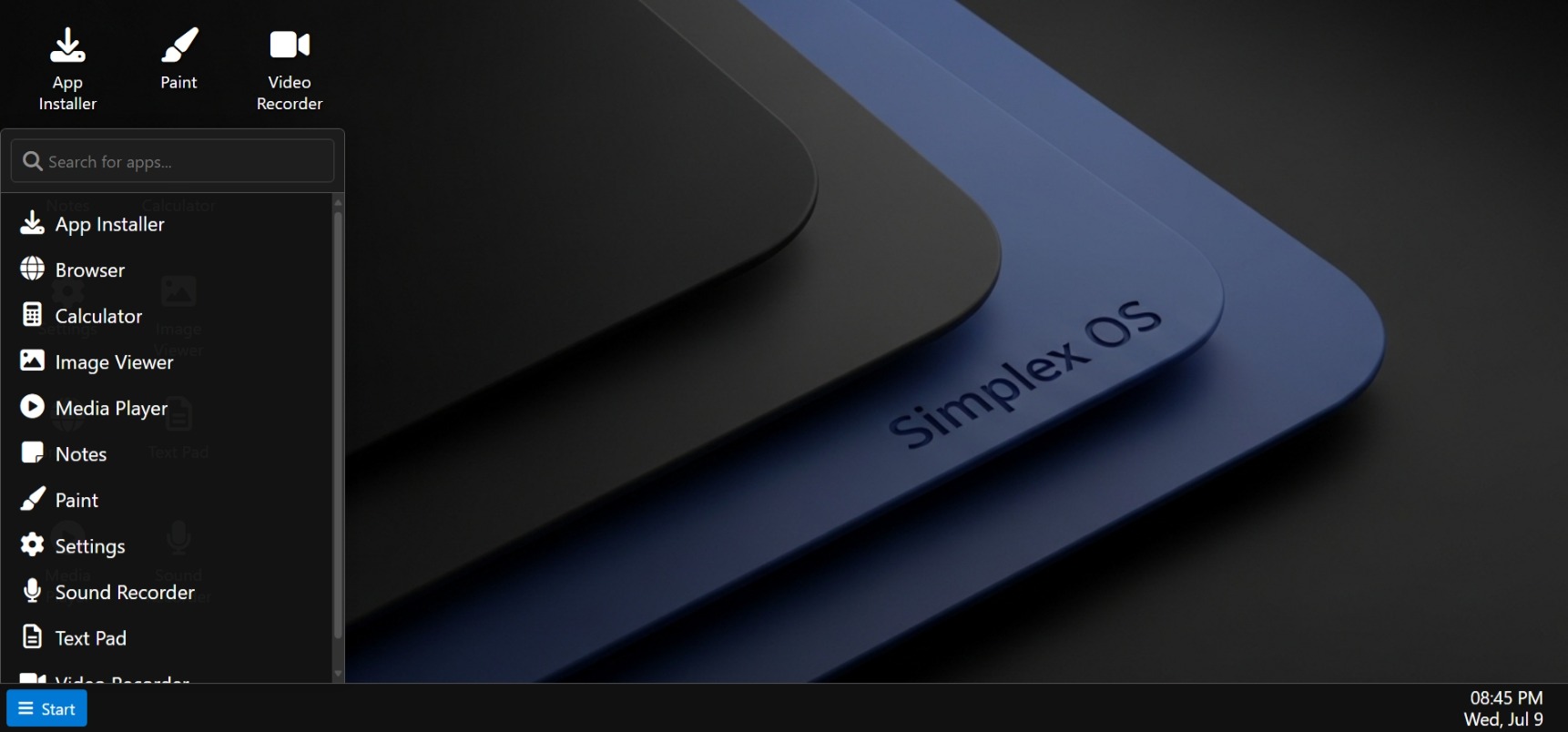
localStorage, so your session is just as you left it. - Taskbar & Start Menu: A fully functional taskbar with an app list, running window indicators, and a searchable Start Menu with both list and grid views.
- Rich Theming & Personalization:
- Multiple built-in themes (Dark, Light, Hacker, etc.).
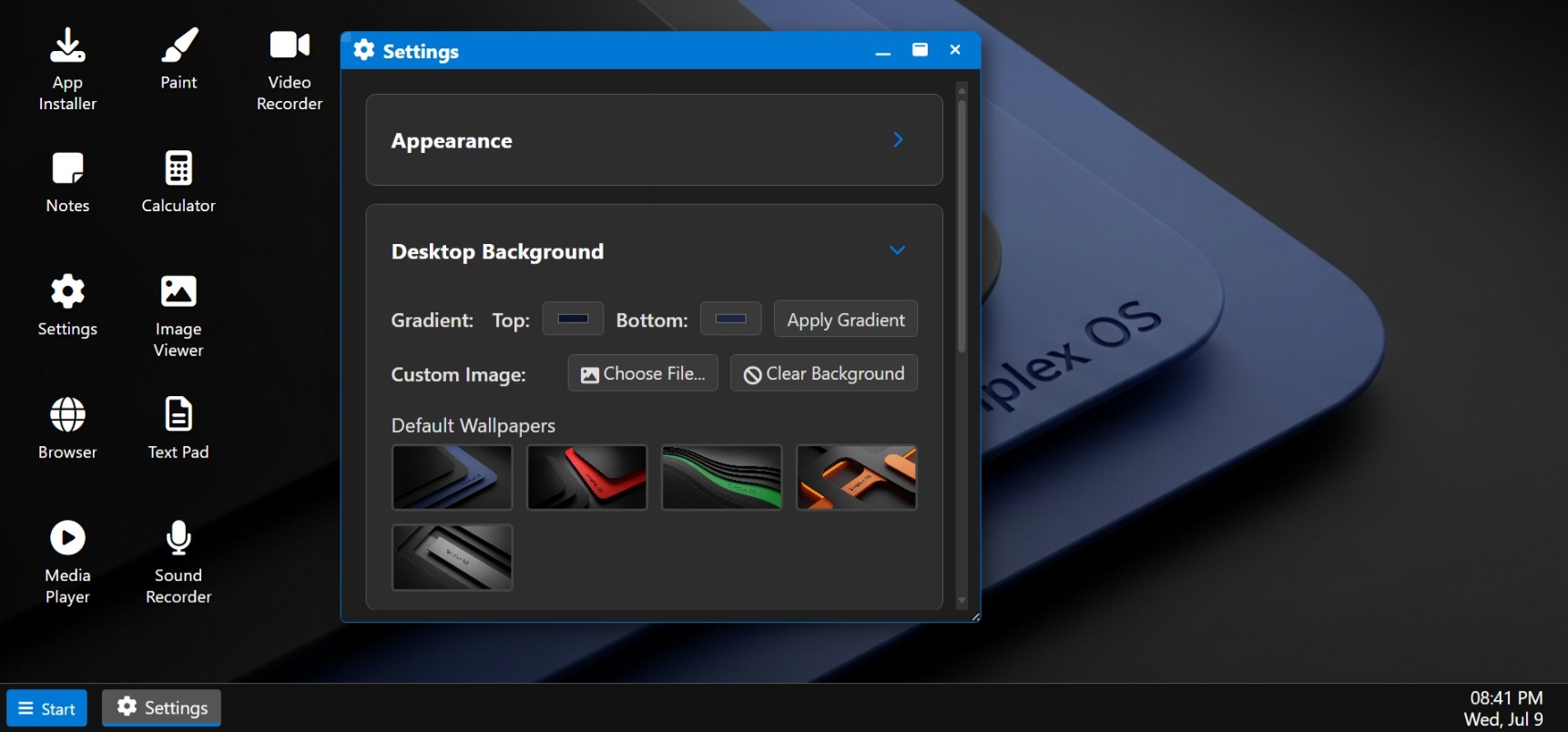
- Customize desktop wallpapers (from a default list or your own images).
- Use color pickers to change the accent colors of the Start button, icons, and active window borders.
- Load your own custom CSS file for ultimate control.
- Built-in Application Suite:
- Productivity: Notes, TextPad, Calculator, Clock (with Timer/Stopwatch).
- Creativity: A robust Paint application with various brushes, shapes, and tools.
- Media: Image Viewer with editing tools (crop, rotate, filters) and a Media Player for local audio/video and YouTube links.
- System: Settings, App Installer, and a simple Browser.
- Dynamic App Installation: Install new, custom-built applications from a
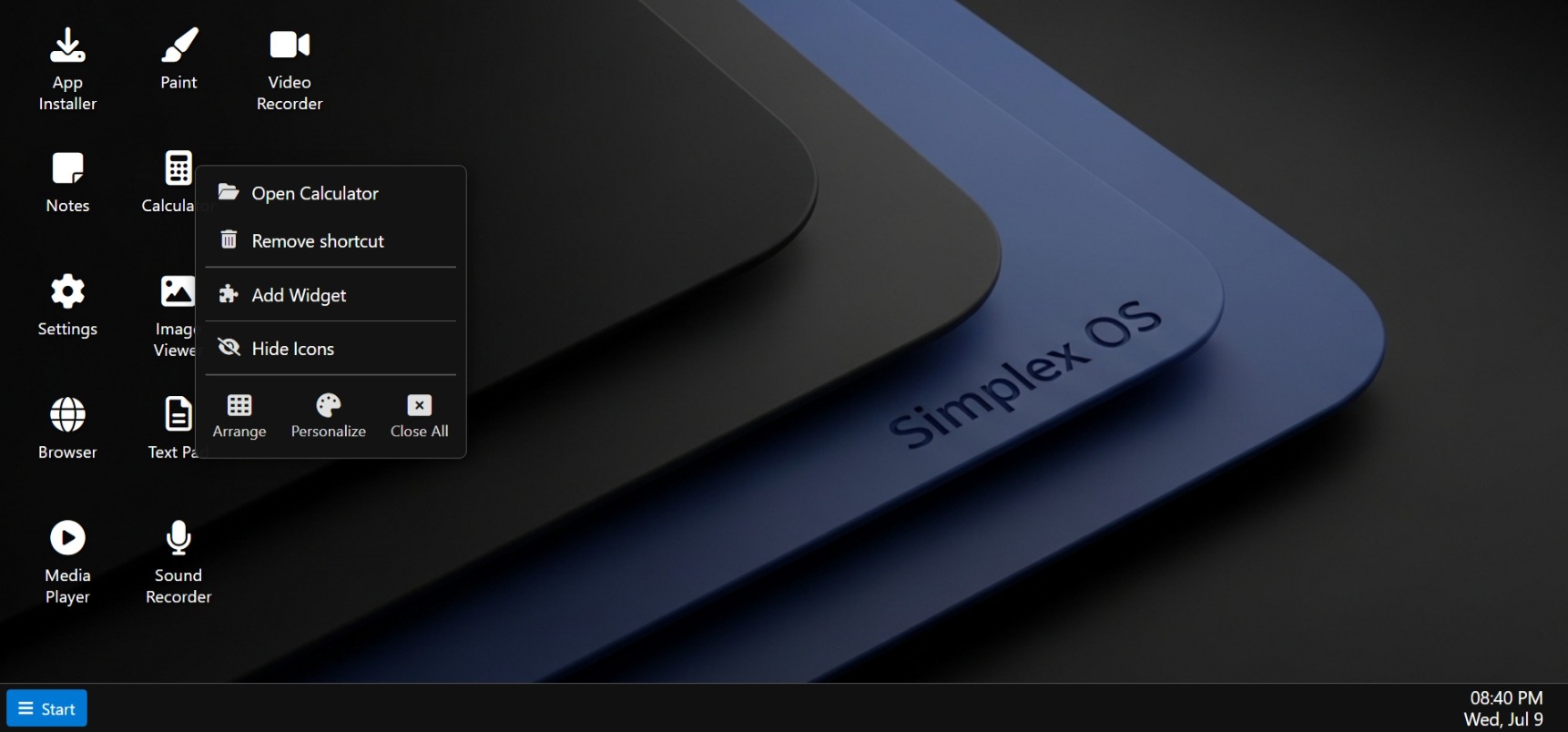
.jsfile or the official App Library without needing to refresh the page. - Desktop Experience: Add and remove desktop shortcuts for your favorite apps, and place interactive widgets like a clock, to-do list, or image frame.
- Lock Screen: A demonstration of a secure lock screen and password setup flow (using a simple hash, for conceptual purposes).
Experience Simplex OS directly in your browser. No installation required!
| Deep Personalization | Searchable Start Menu |
|---|---|
 |
 |
| Custom Context Menus | Feature-Rich Apps |
 |
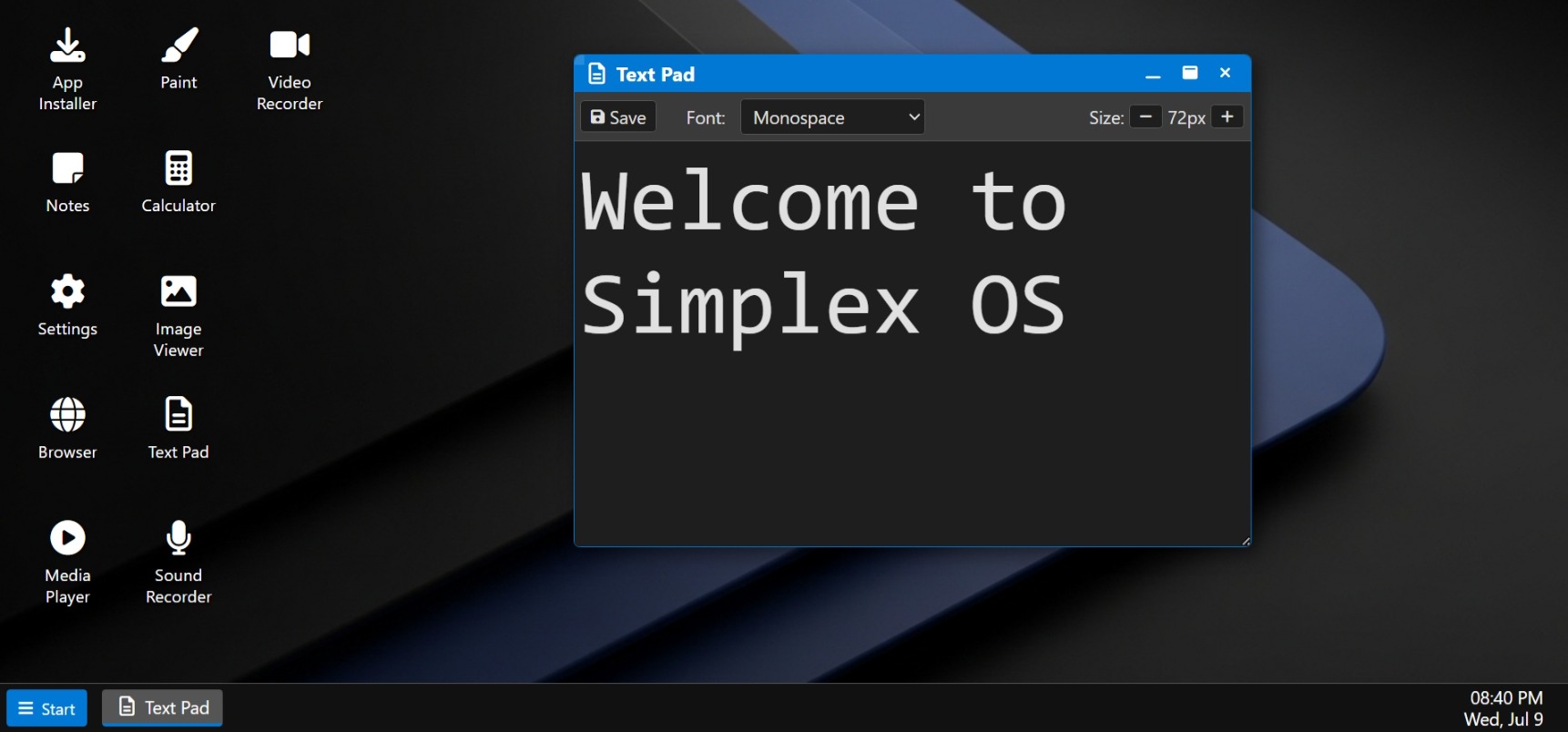 |
Interacting with Simplex OS is designed to be intuitive:
- Explore: Use the Start Menu to discover and launch built-in applications.
- Organize: Right-click on apps in the Start Menu to add shortcuts to your desktop.
- Multitask: Drag windows by their title bars, resize from the corners, and use the taskbar to switch between open applications.
- Personalize: Open the Settings app to change your wallpaper, theme, and accent colors.
- Expand: Open the App Installer to add new applications from the App Library or your own
.jsfiles.
Simplex OS has a simple and powerful API for creating your own custom applications. All you need is a single JavaScript file.
The core of any app is the simplexOS_AppConfig object, where you define its name, icon, and initialization logic.
// MyAwesomeApp.js
var simplexOS_AppConfig = {
  name: "My Awesome App",
  icon: '<i class="fa-solid fa-star"></i>',
  defaultSize: { width: 400, height: 250 },

  init: function(contentEl, windowId) {
    // Your app's HTML and logic goes here
    contentEl.innerHTML = `<h3>Hello from ${this.name}!</h3>`;
  }
};