dcli is cli for Docker.
npm i @enesusta/dcli -g
Note:
Make sure that variables like grep, docker, sh are defined on your $PATH variable.
Otherwise it may not work.
default command has three options.
| Command | Description |
|---|---|
| -c | List only containers and prints information of each container |
| -ci | Prints only container IDs and names |
Lists only containers
dcli -cLists only images
dcli -iLists only volumes
dcli -v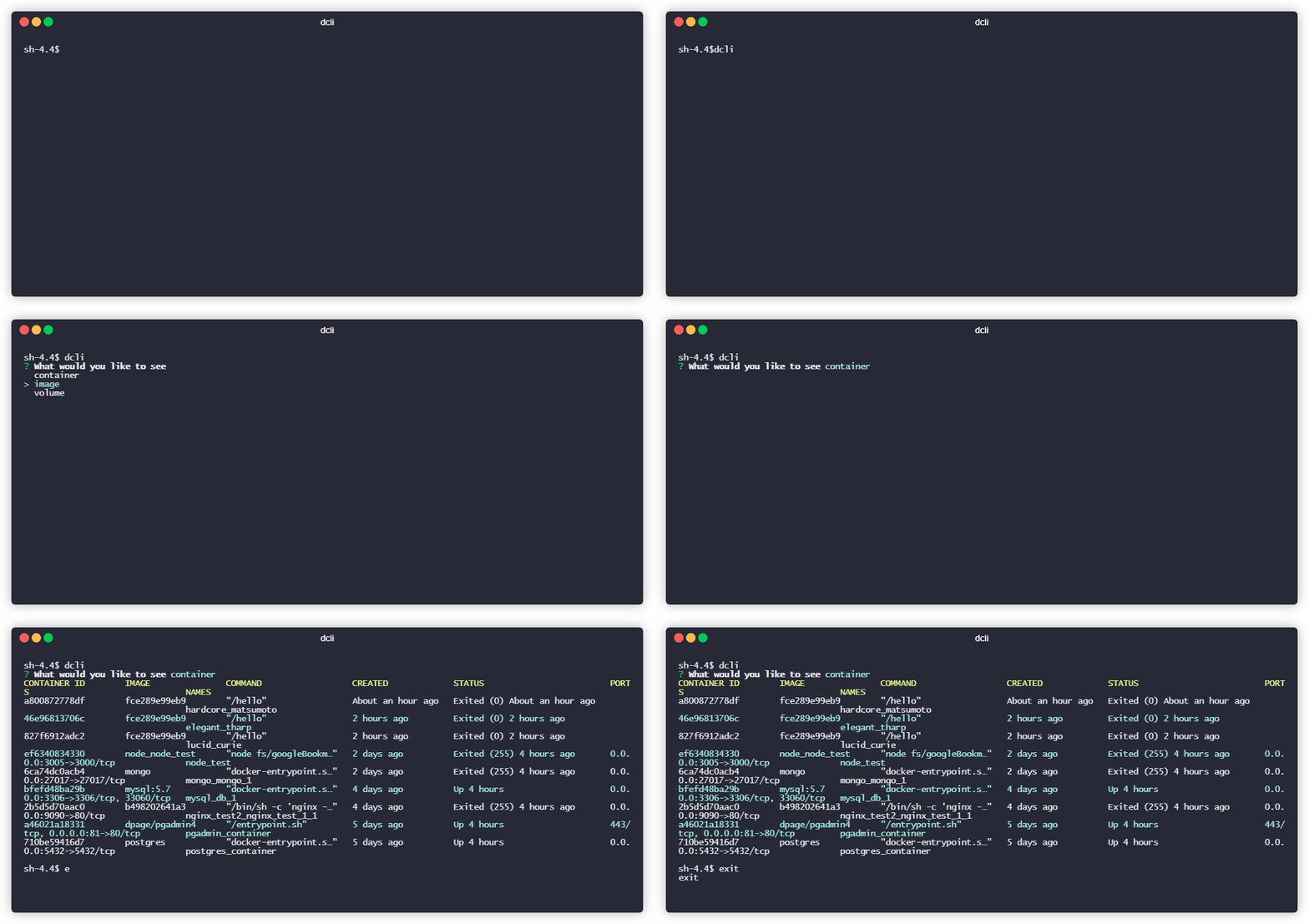
Starts a container that you already have. start command has 1 option.
dcli start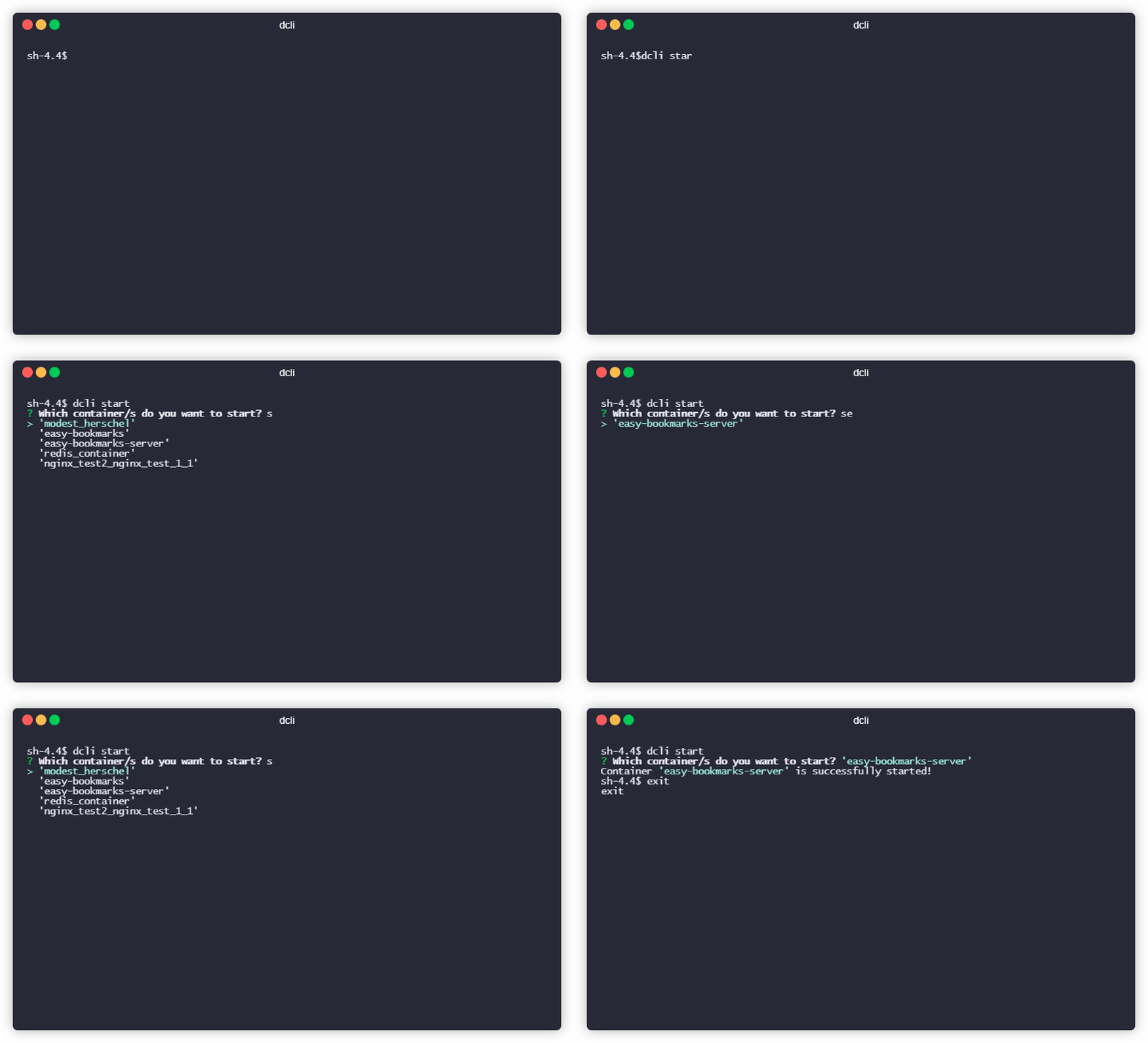
Starts whole containers that you already have.
dcli start --all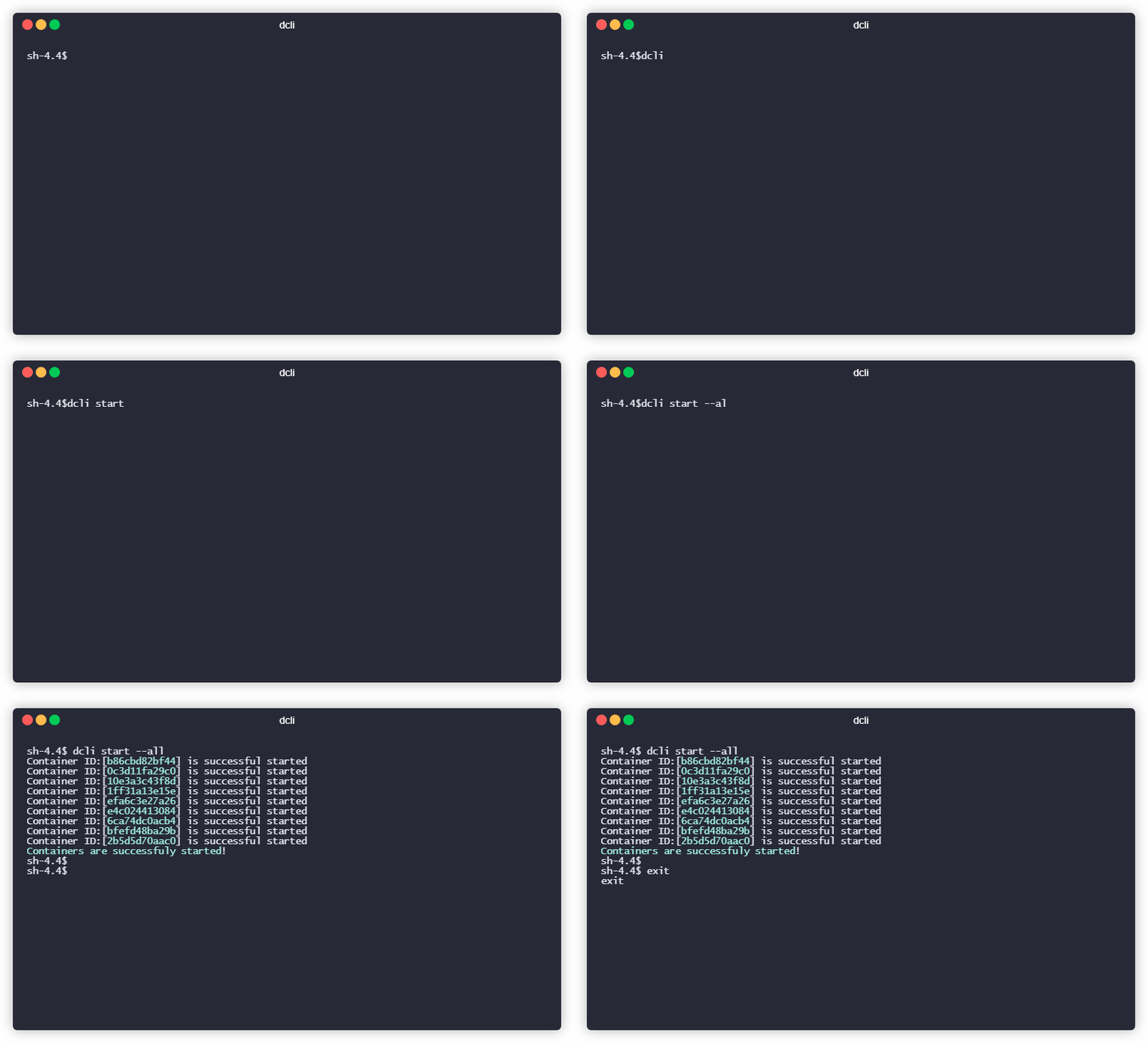
Stops a container that you already have.
dcli stop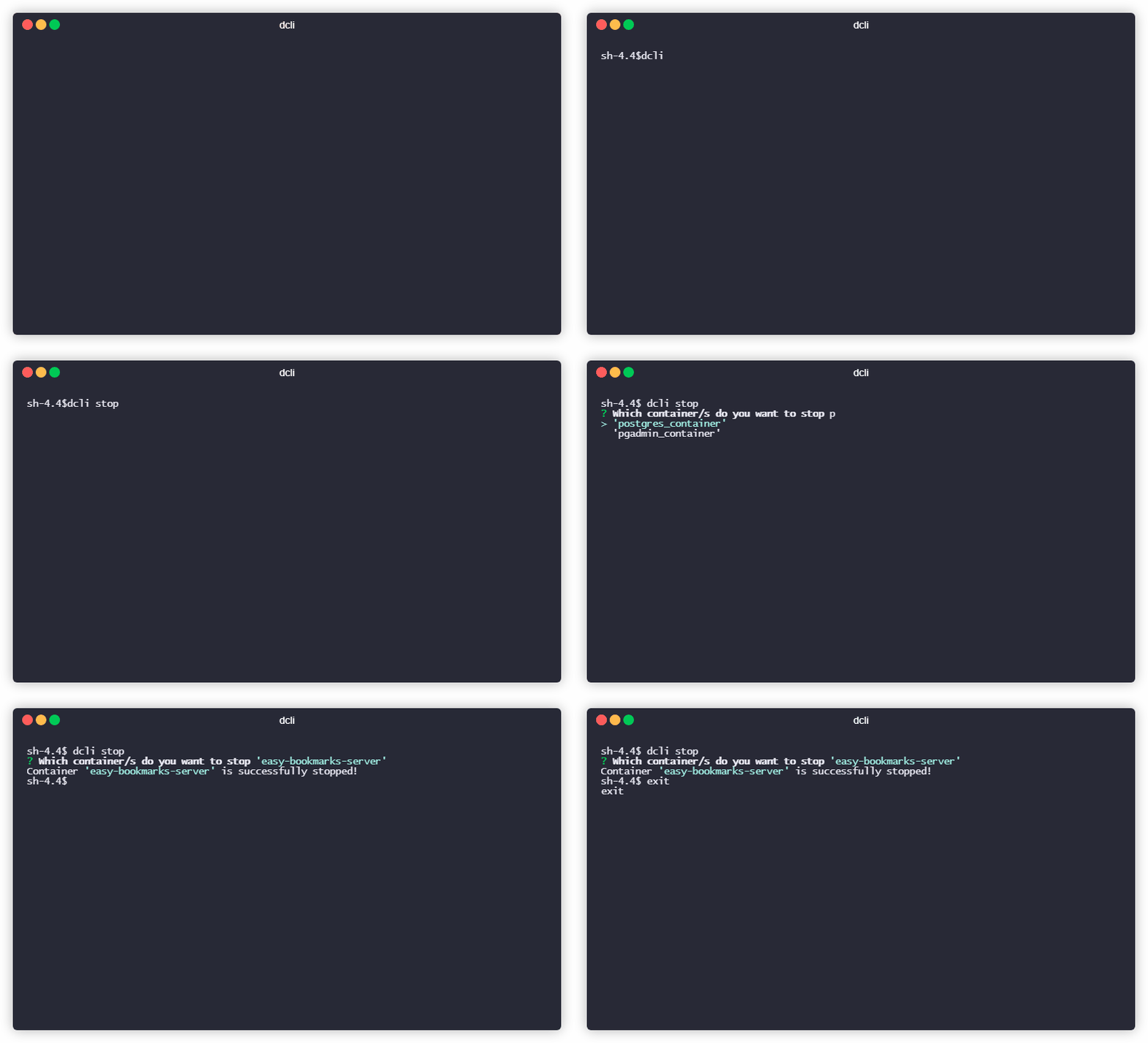
Stops whole containers that you already have.
dcli stop --all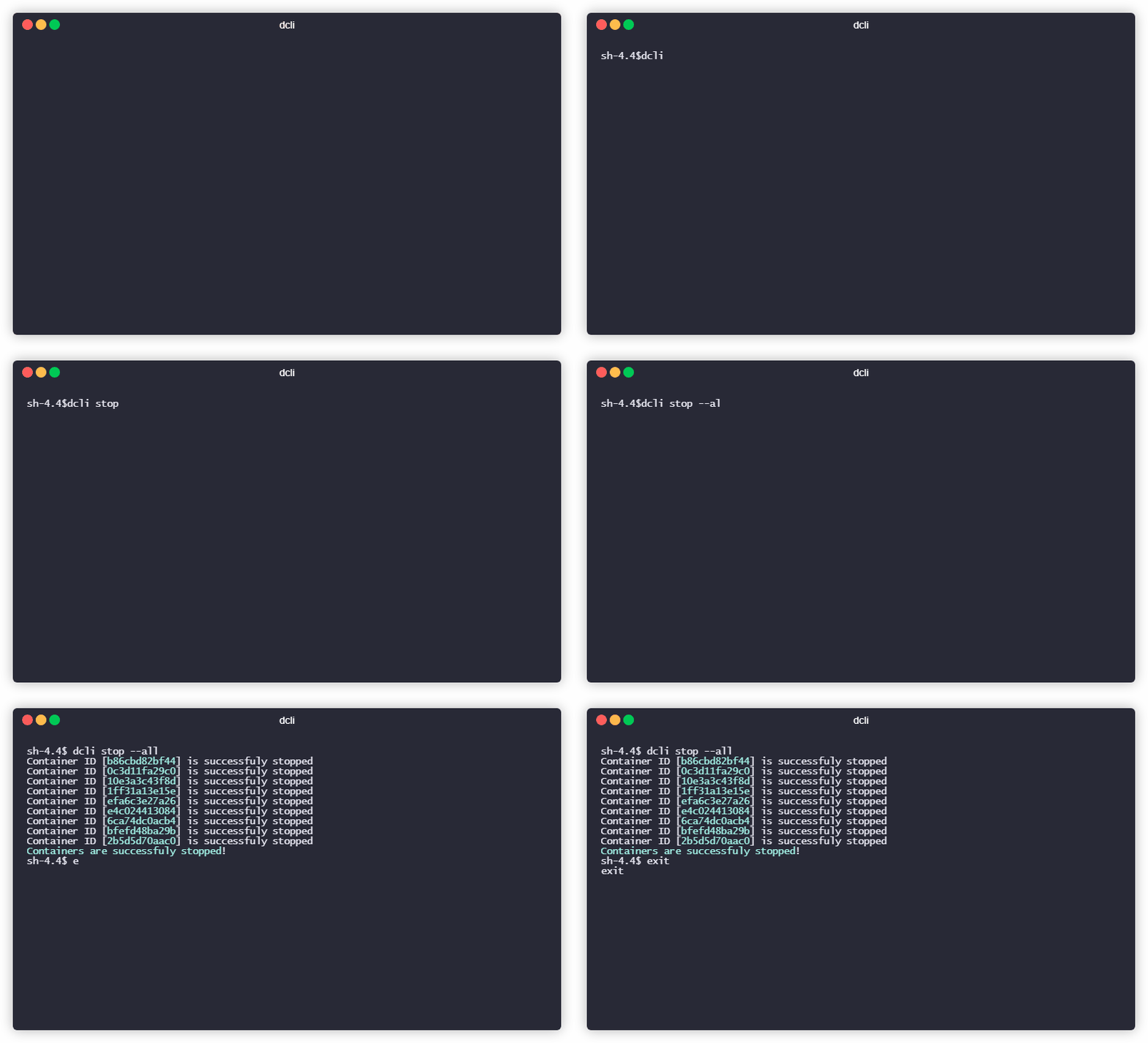
Removes a container that you already have. rm command has 1 option
dcli rm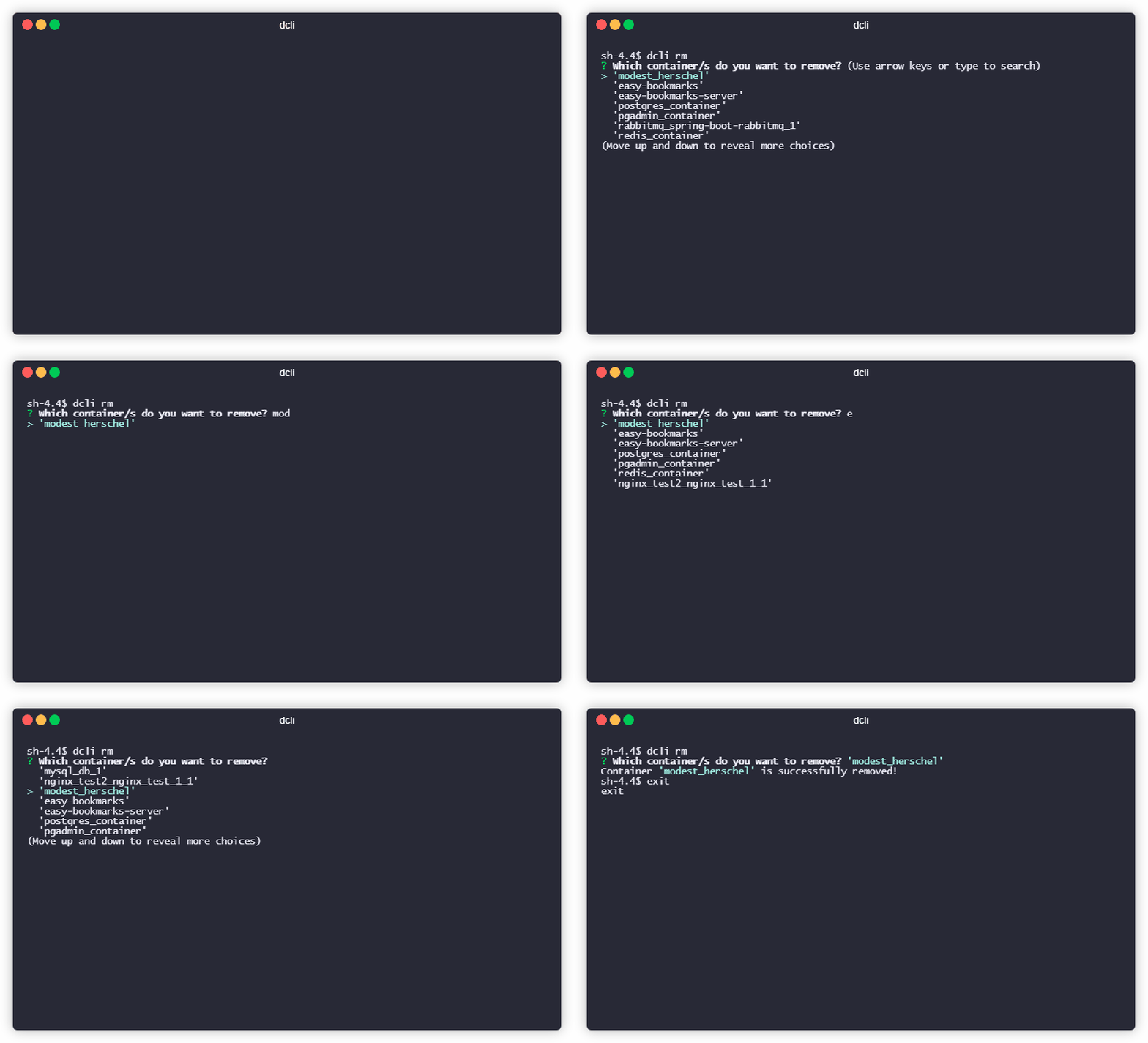
Removes a contaniner that is running
dcli rm -for
dcli rm --forceRemoves a image that you already have.
dcli rmi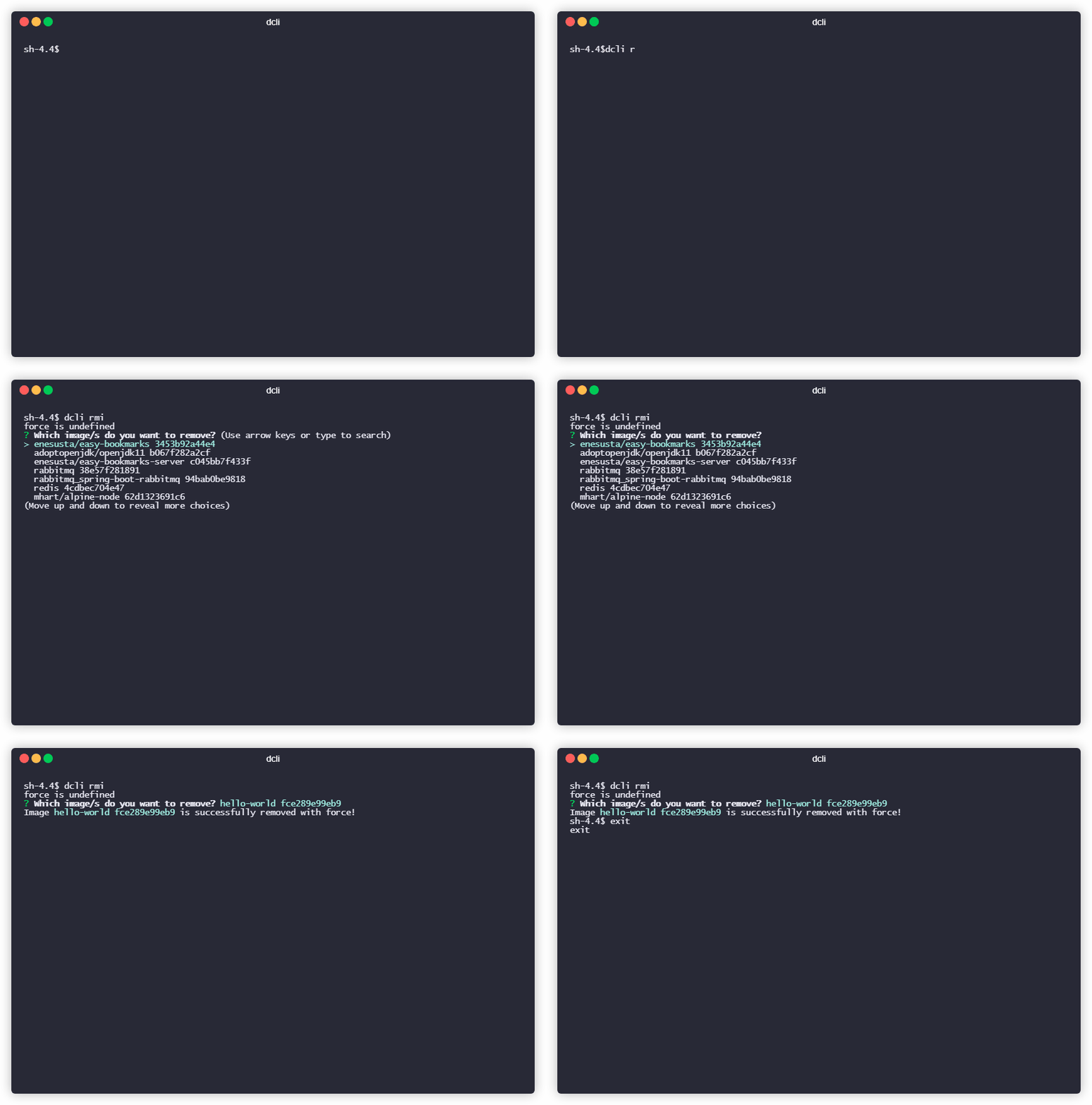
Inspects a container that you already have.
inspect command has 1 option.
dcli inspect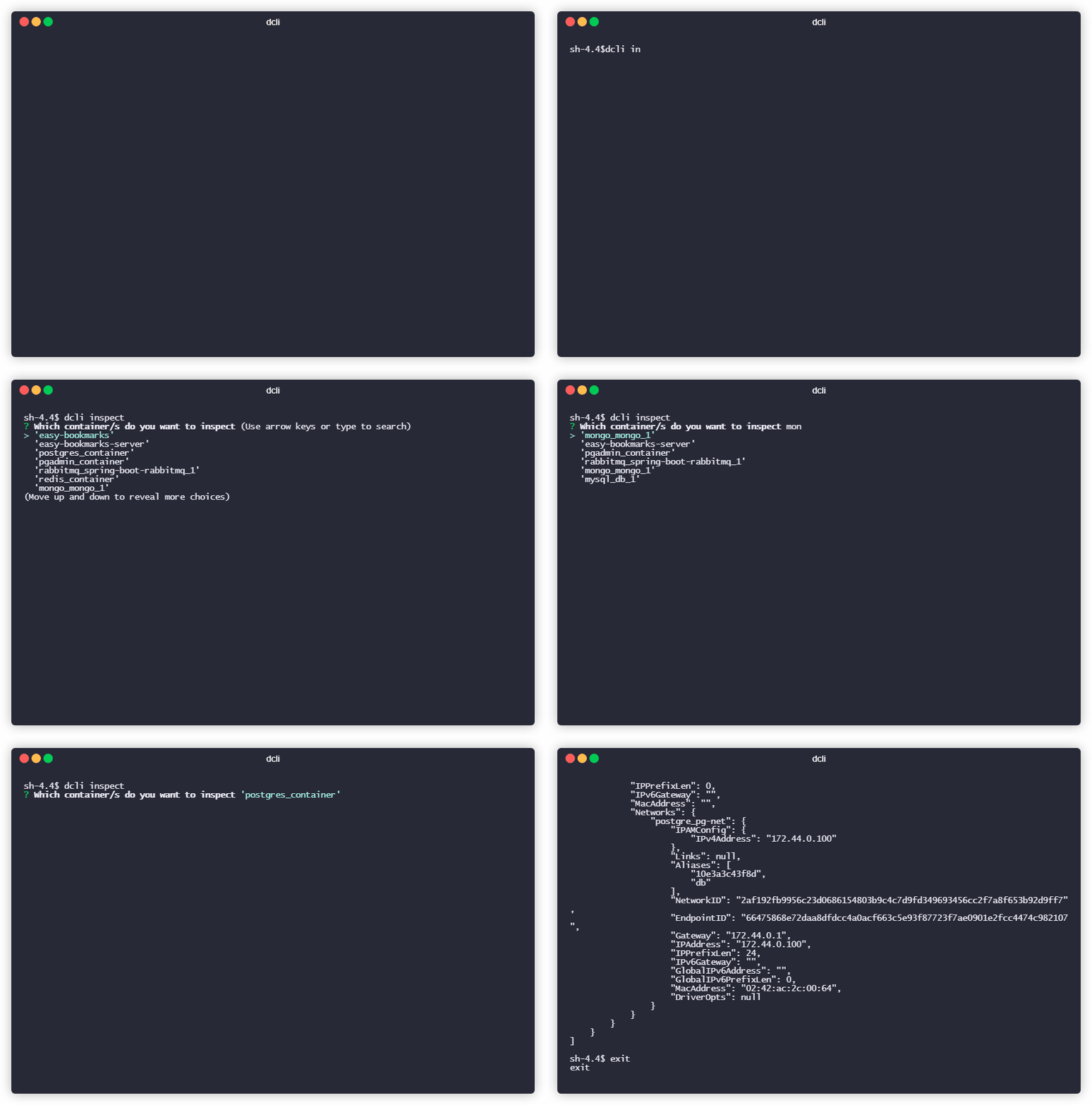
This option uses grep via unix pipes.
dcli inspect -h-h means host.
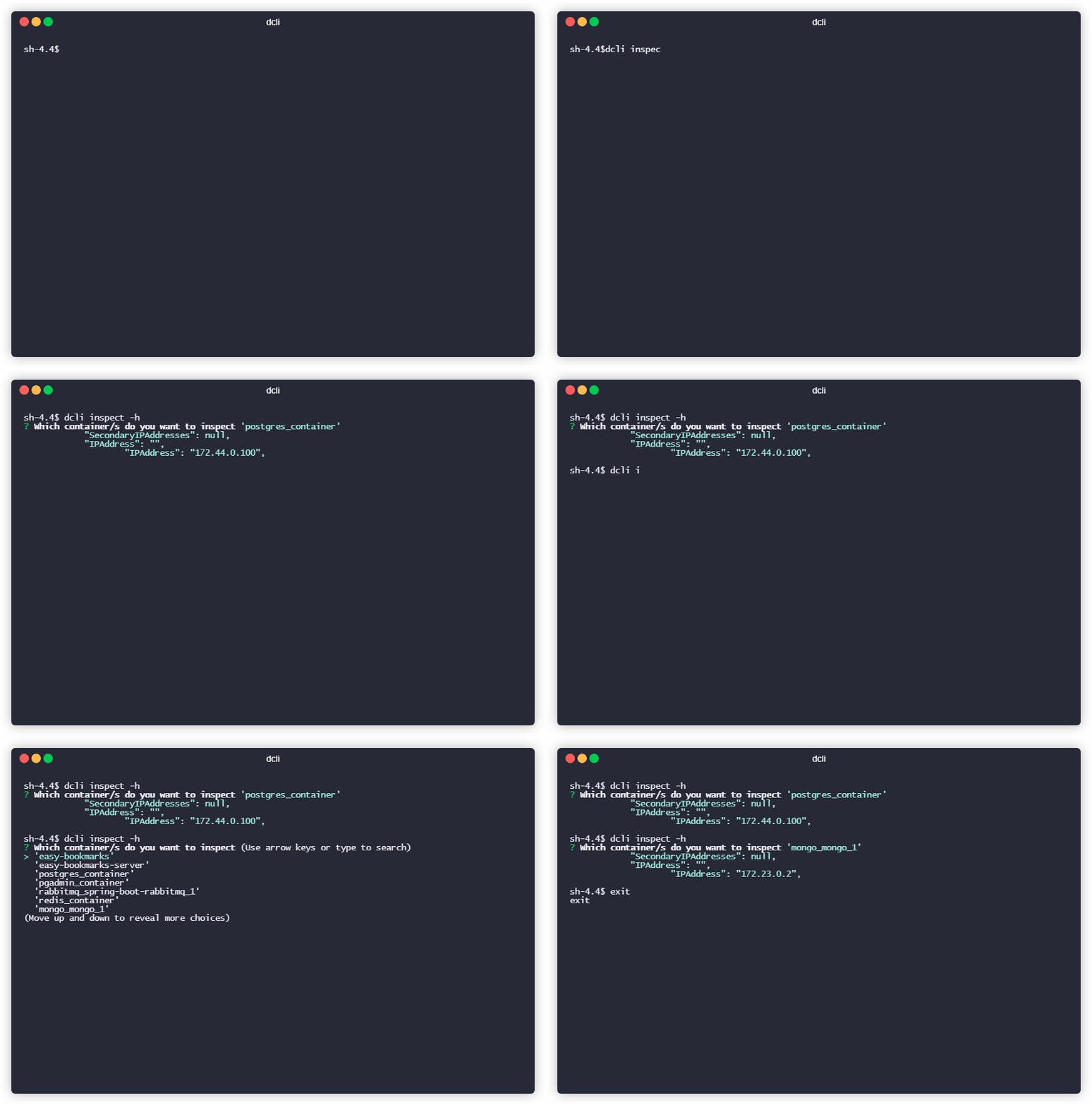
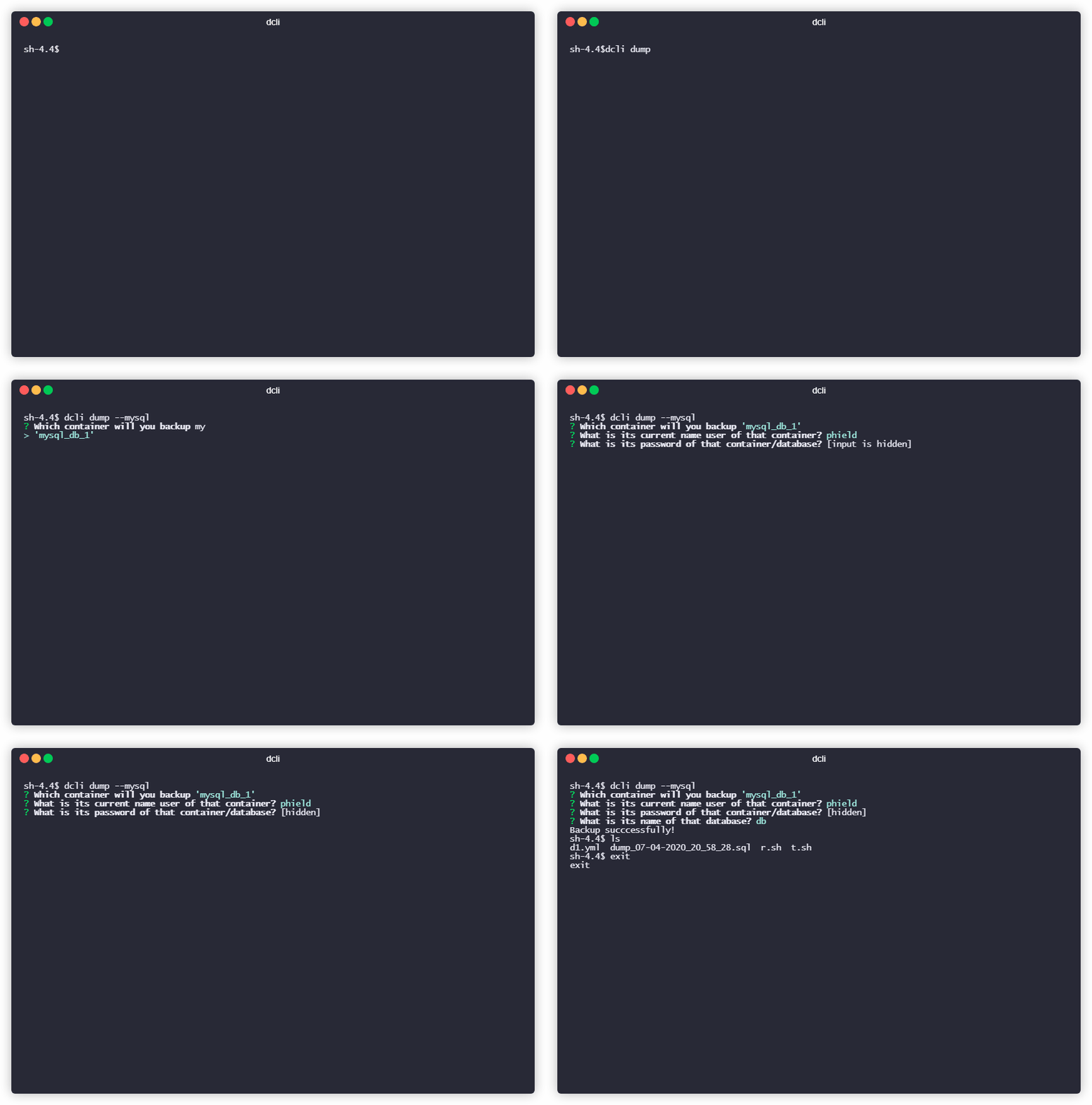
dcli can even dump your database containers.
- For postgre containers;
dcli dump --postgre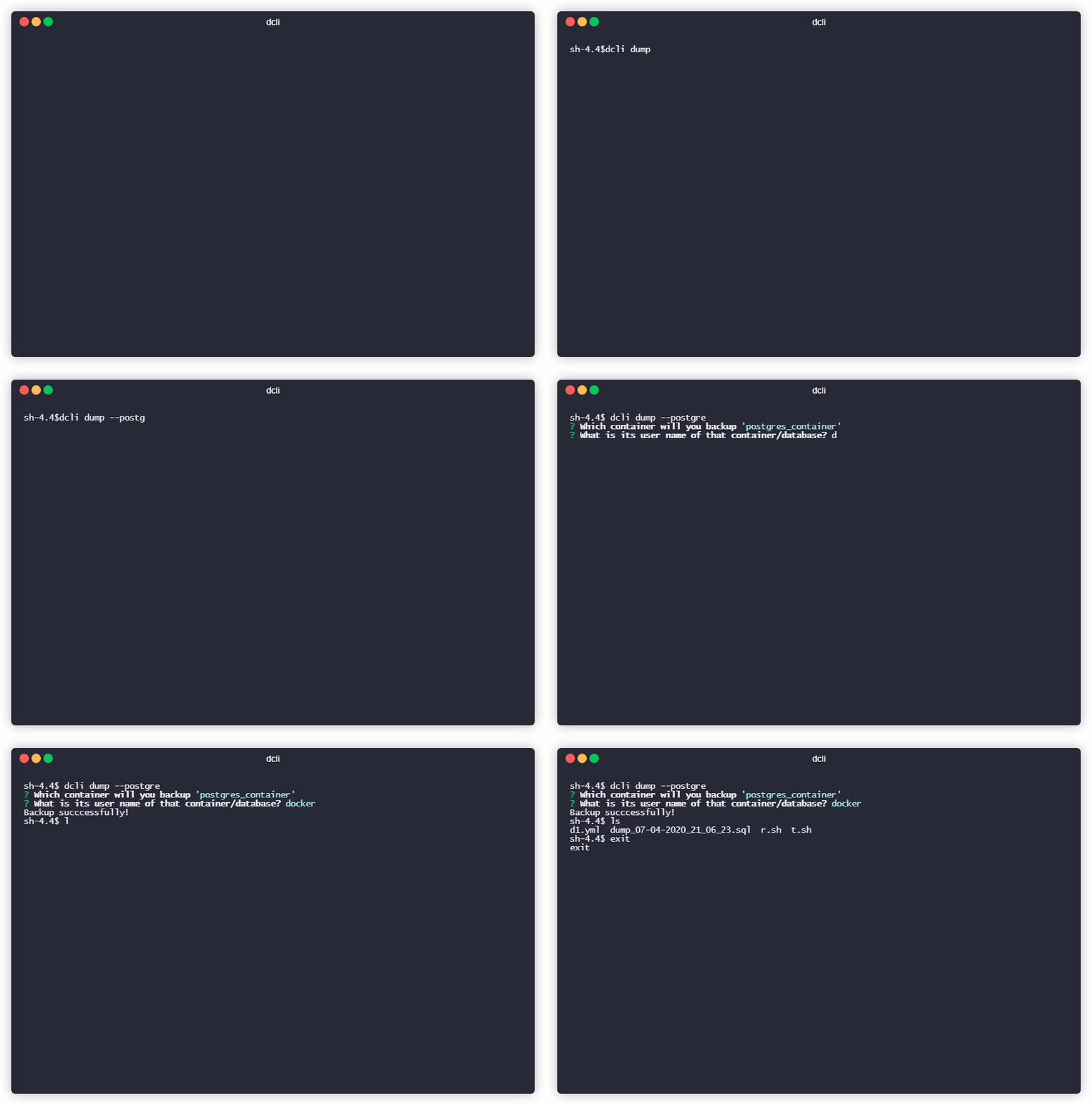
- For mysql containers;
dcli dump --mysql