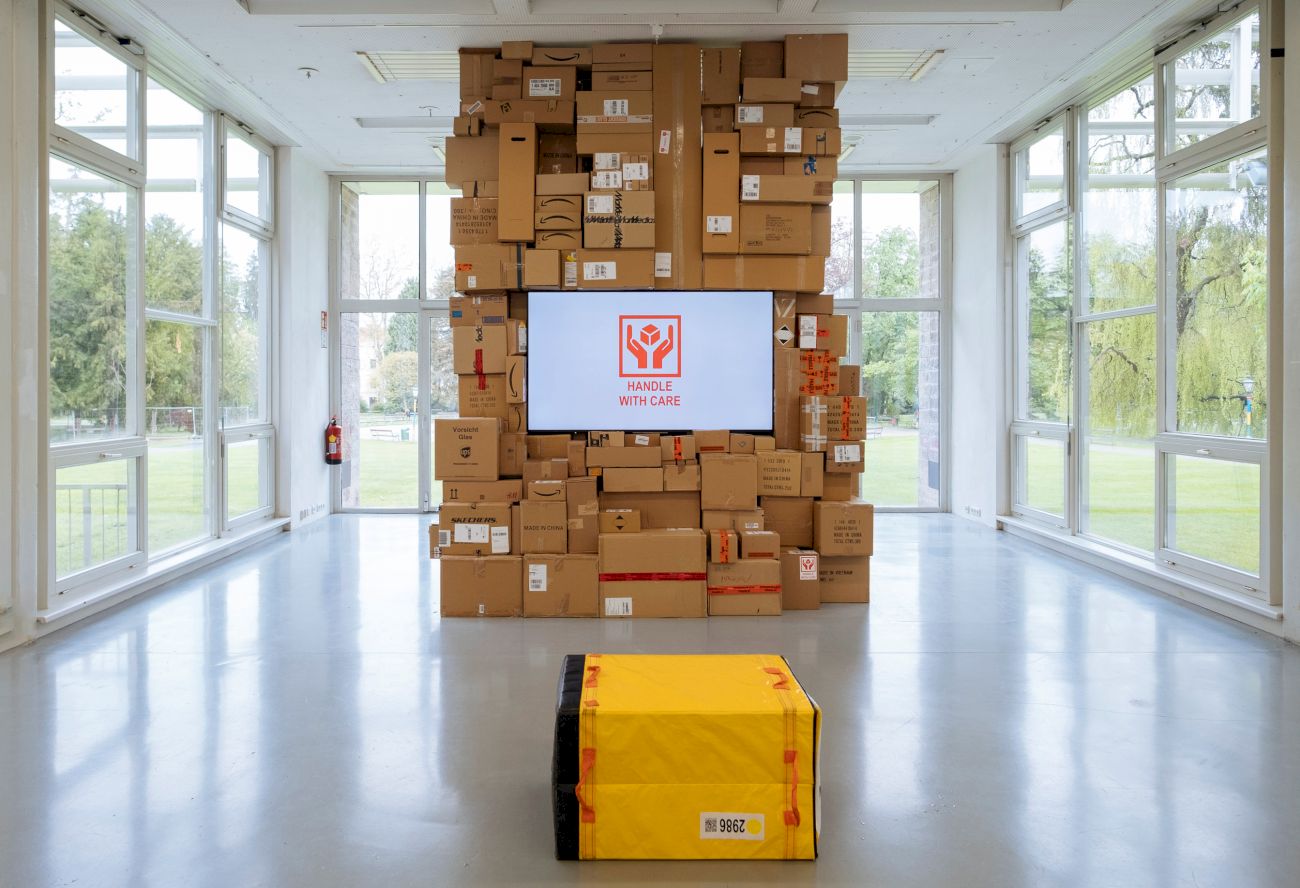
ParcelRec is an Android application designed to log sensor data and environmental information to analyze the movement and handling of parcels during transportation. As a foundation for the Handle with Care project, this app captures a variety of data streams, including motion, location, and environmental changes, to provide insights into the journey of a package.
- Accelerometer: Logs linear acceleration to detect movement and impacts.
- Gyroscope: Captures angular velocity to monitor rotation.
- Magnetometer: Measures magnetic field changes.
- GPS: Tracks location and altitude.
- Wi-Fi: Logs nearby Wi-Fi networks (found and lost).
- Battery: Monitors battery level during operation.
- Records video and audio when movement is detected.
- Configurable resolution, duration, and motion-only recording mode.
- Periodic background uploads of log files and recordings to a server.
- Configurable upload intervals and server URLs.
- Backup server support for failover.
- Start/stop measurement with a single button.
- Configure camera and upload settings via intuitive dialogs.
- Real-time status display for all sensors and upload progress.
- Movement Detection: Logging is triggered when acceleration exceeds a configurable threshold. The device remains in a "moving" state for a defined duration after the threshold is exceeded.
- Threshold Configuration: Threshold values for sensors can be adjusted in the source code (
Config.kt). - Sampling Frequency: Adjustable for each sensor to balance performance and data granularity.
- Camera Settings: Resolution, recording duration, and motion-only mode can be configured via the UI or
Config.kt. - Upload Settings: Server URLs, upload intervals, and upload enablement are configurable via the UI.
- Thresholds and Sampling Rates: Modify
Config.ktto adjust sensor thresholds and sampling rates.
The app requires the following permissions:
- Camera: For video recording.
- Location: For GPS tracking.
- Microphone: For audio recording.
- Storage: To save log files and recordings.
- Internet: For uploading data to the server.
- Setup: Grant all required permissions when prompted.
- Start Logging: Press the "START" button to begin logging and recording.
- Configure Settings: Use the "Camera Settings" and "Upload Settings" buttons to adjust configurations.
- Stop Logging: Press the "STOP" button to end the session and trigger an immediate upload of all collected data.
- Minimum Android version: 8.0 (Oreo).
- Clone the repository and build the app using Android Studio.
- Install the APK on your device.
All collected data is stored locally on the device and uploaded securely to the configured server. Users are responsible for ensuring compliance with data protection regulations.