A solo project I made in my last year of highschool. I utilized C# and the XNA (3.2) framework to create a Space Neon Rhythm Shooter. Everything you see was created by me, however, the font and some of the images contain textures that were found online.
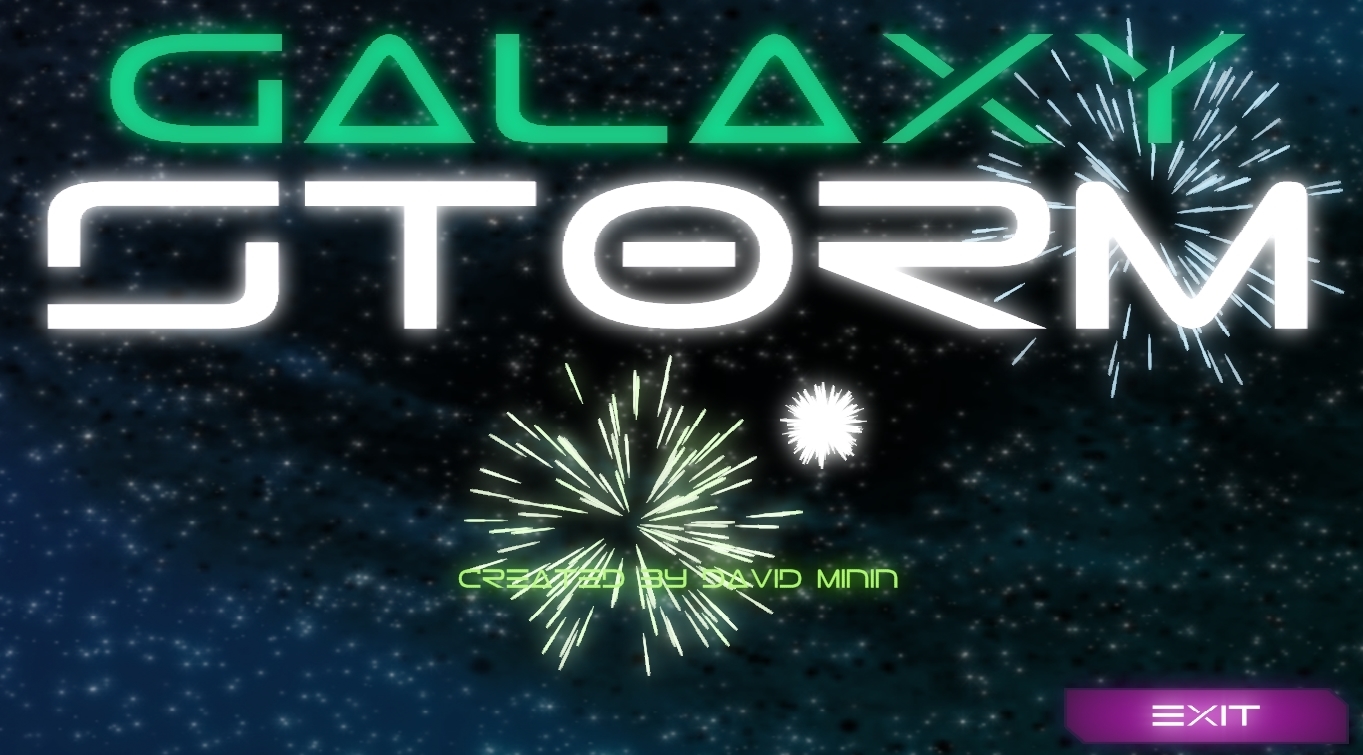
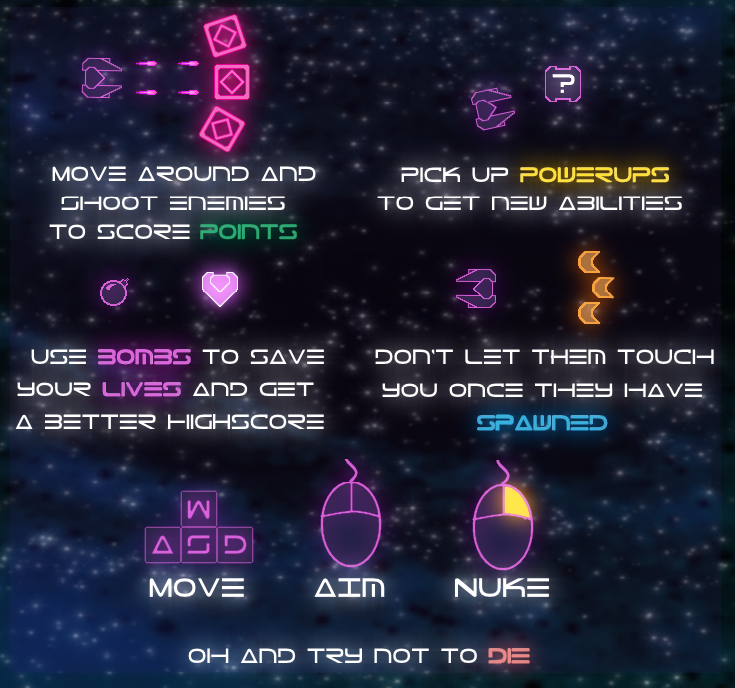
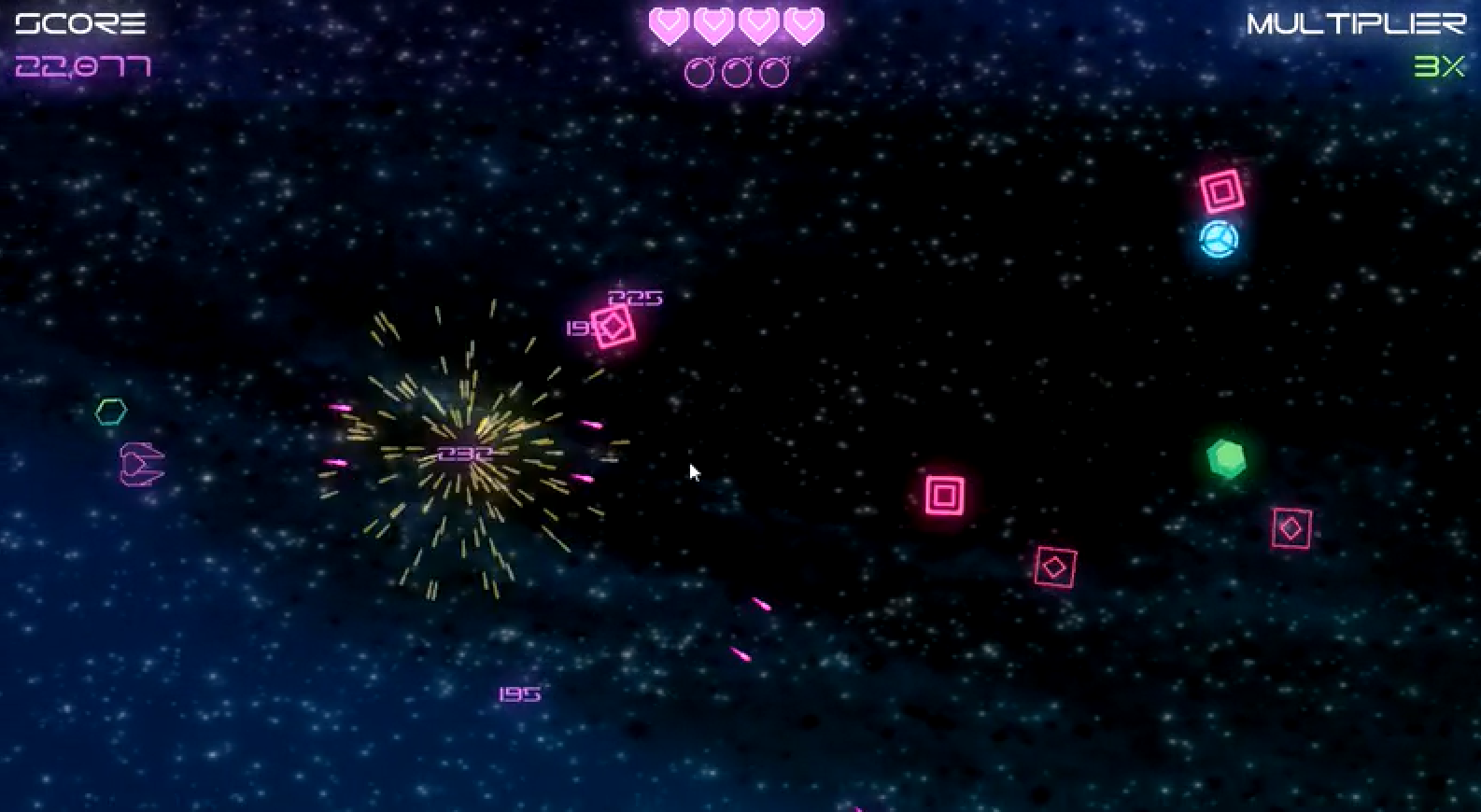
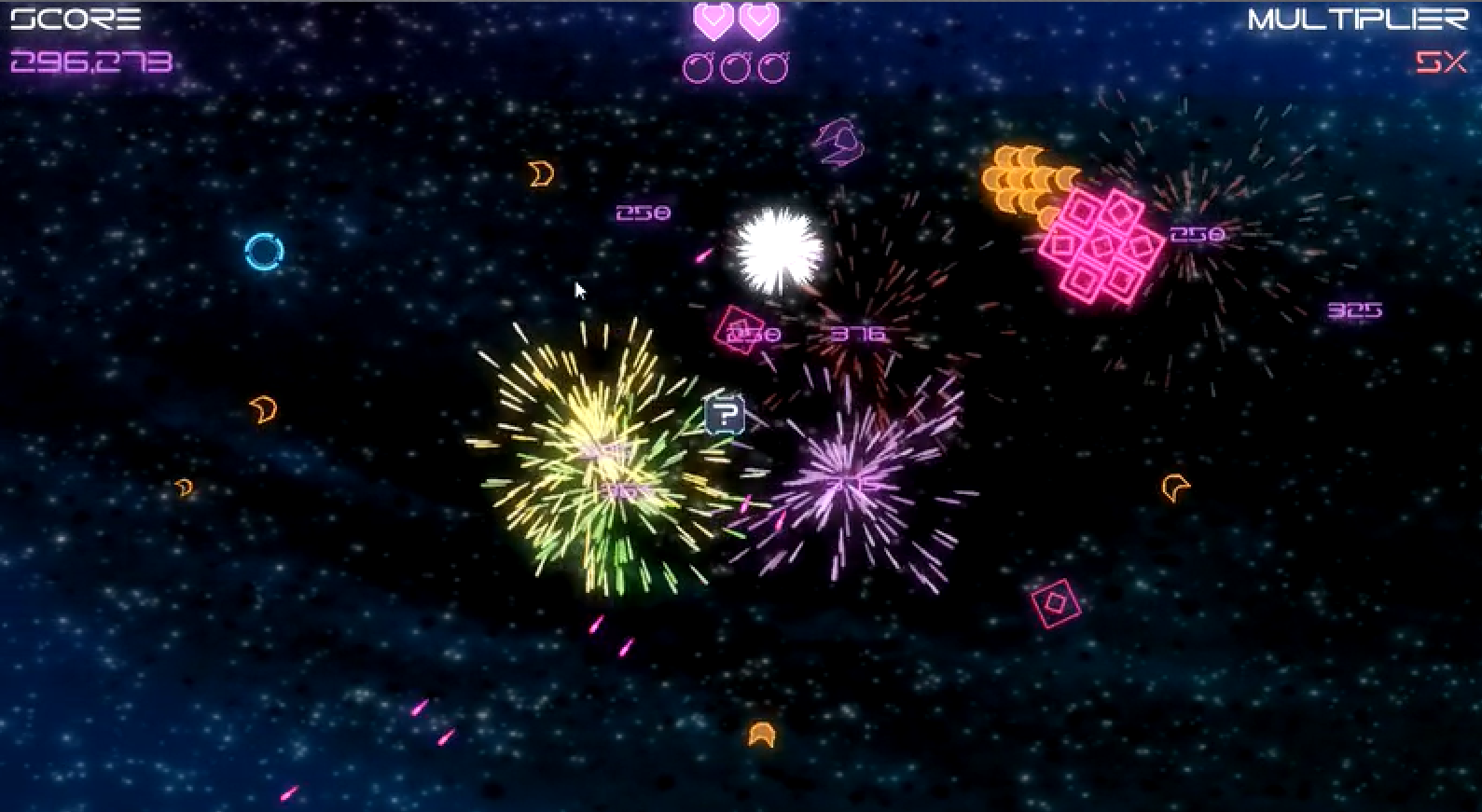
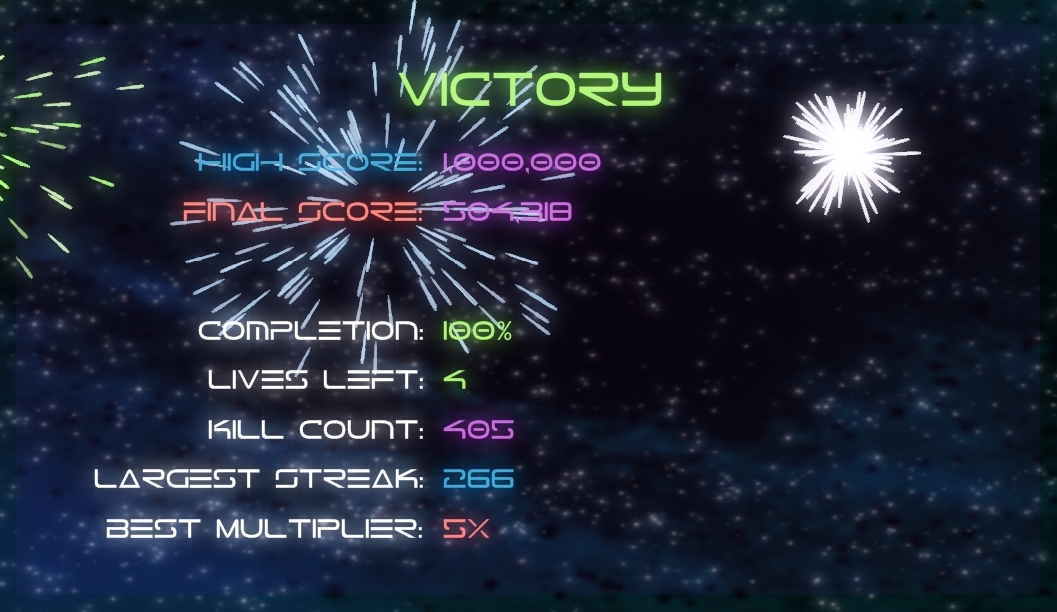
Song Select: https://gyazo.com/6e54c2cd72aa976d8336819f7f87caa1
Instructions: https://gyazo.com/fb4ab664ddbbc4f42e9b1622dce44265
Gameplay1: https://gyazo.com/e8f8f49f7f09b112cc82f1a673564d4f
Gameplay2: https://gyazo.com/ea0d4d8cb3a53eb4690613d5d2b8d39b
To make the game exciting there needed to be several types of AI. Every AI extends the Entitiy class and is handled by the AiManager. The Ai manager is responsible of updating AI and combining them into swarms when they collide. A swarm is simply a collection of the same AI that stay clumped up (look at images for a visual). They share a center of mass and have shared movement. They were made as a design decision to significantly reduce the amount of computation needed to update every AI. This was a particularly interesting problem since it solved a performance issue in addition to making the game more interesting!
A quadtree was created to improve performance. Much like a binary tree, the quad tree has four different child nodes. In this context, each node is a rectangular segment of the screen. The screen gets continiously divided into smaller nodes (up to 5 levels deep) and only nodes containing Entities will be checked for collision. Furthermore, an Entity will only be checked for collision with other Entities in the same node.
The quad tree is dynamic and constantly gets updated. As entities are removed, added and moved, the amount of levels and sub trees changes accordingly. The quadtree ended up being very important for performance and was actually only considered after the game performed poorly. During stress tests of the game on my $500 Lenovo Laptop (2012), it would lag around 200 ai without the tree. After implementing the quad tree it would only experience frame rate drops after 1100 ai!
A particle system was created for dynamic creation and managment of particles. The particle limit never exceeds a constant max integer and particles are constantly being recycled to save memory. All particle animations are generated programatically (including their color) and the only thing they share is a transparent image. Fading, color overlaying, color transposition, and image stretching/rotating are done programatically to make the particles behave uniquely.
Originally I would add particle objects and remove them as they were needed. This turned out to be horrificly expensive! Instead I decided to use a single particle array to hold all the particles that would get instantiated only once on start up. A particle in this array can either be "dead" or "active". When a particle is re-used, it takes a remaining "dead" particle and updates it to be "alive" with new position, color, etc. Since I would only render particles that were "alive" this improved performance substantially. The only additional information I needed to track was the indexes of dead and alive particles.
A general entity class was made for use by any entity in the game (player, bullets, ai). The use of this class is to demonstrate polymorphism as well as to make the creation of unique entities simpler. Child classes all have different implemntation of movement, drawing, etc. but they carry similar properties like position, collision detection, and bounding rectangles.
A seperate C# application was created to read and manage text files containing enemey "birth" times. It takes in user input to a timer which you can sync to a song. This allows allows a user to determine the frequency in which enemies are created and so that they pop in to the beat of the song. Creating more enemies increases the difficulty of the song mode you are making. The event manager then takes this input and creates a text file containing in game events. This new text file can then be read by the original application.
A neon effect was desired to recreate the 80s vibe the game was going for. I used premade libraries from Microsoft which perform post process rendering on the screen. All the images you seen are originally without any glow but these libraries give it that arcade/retro feel that the game has going for it. This was the first time I implemented a third party library so it was an interesting learning process.