面向 LeetCode 的 Python 语法与基础教程,在浏览器里写代码、看结果,无需安装环境。
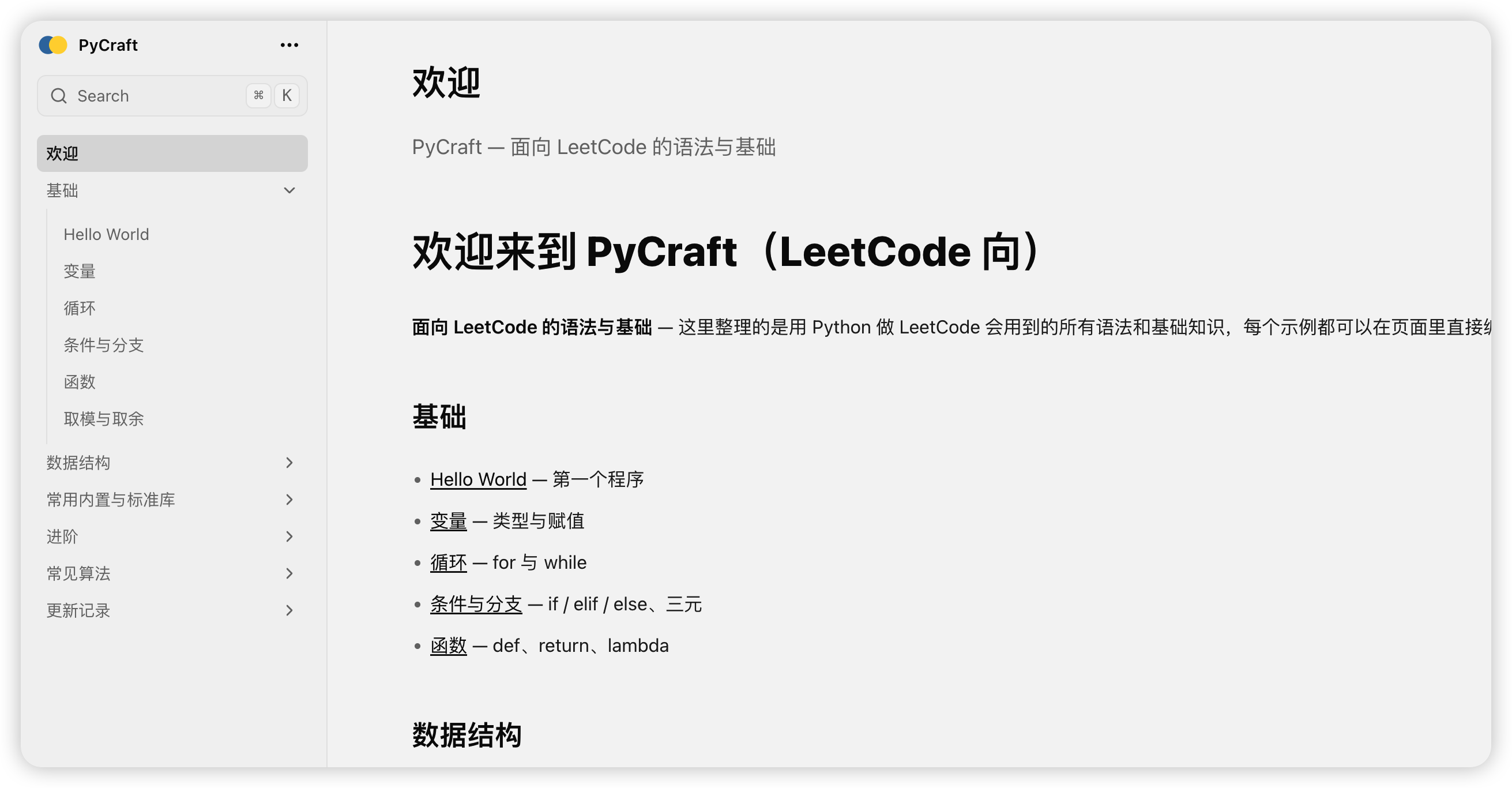
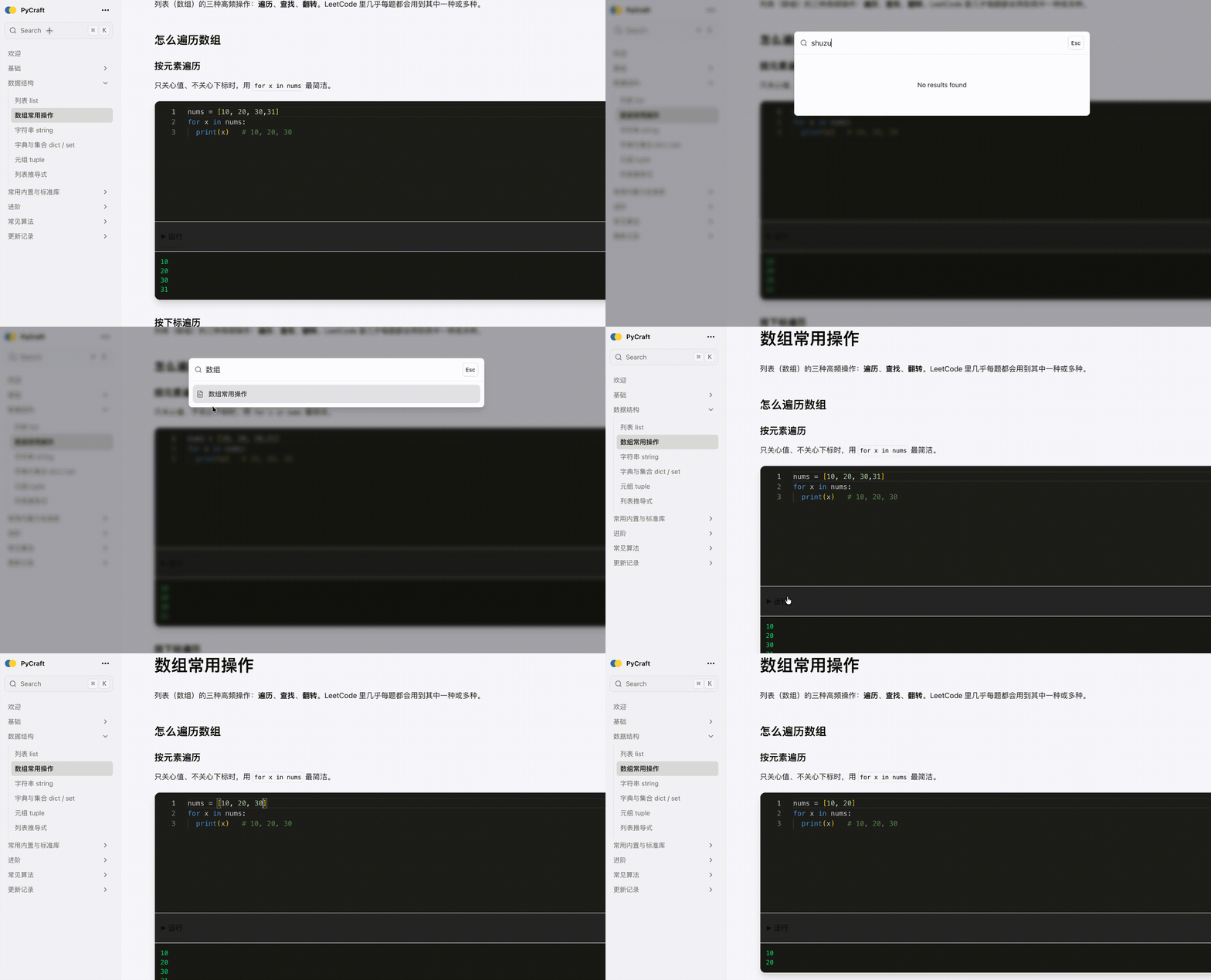
- 在线学:基础、数据结构、标准库、进阶与常见算法,每节都可编辑运行
- 技术栈:Next.js + Fumadocs + react-py + Monaco Editor + Tailwind
| 组件 | 作用 |
|---|---|
| Fumadocs | 文档框架:路由、侧栏、搜索、MDX、主题 |
| react-py | Pyodide 封装,浏览器内运行 Python |
| Monaco Editor | VS Code 同款代码编辑器 |
| Tailwind | 样式 |
pnpm install
pnpm dev
浏览器打开 http://localhost:3000,首页会跳转到 /docs 进入教程。
pycraft/
├── app/
│   ├── docs/[[...slug]]/page.tsx   # 文档页
│   ├── api/search/route.ts         # 全文搜索(部署到 Vercel 等时可用)
│   ├── layout.tsx
│   ├── page.tsx                    # 首页(重定向到 /docs)
│   └── icon.svg                    # 站点图标
├── components/
│   ├── PythonPlayground.tsx        # 可编辑、可运行的代码块
│   └── SiteLogo.tsx                # 导航栏 Logo
├── content/docs/                   # 教程内容(MDX)
│   ├── basics/                     # 基础
│   ├── data-structures/            # 数据结构
│   ├── stdlib/                     # 标准库
│   ├── advanced/                   # 进阶
│   ├── algorithms/                 # 常见算法
│   ├── updates/                    # 更新记录
│   ├── index.mdx                   # 欢迎页
│   └── meta.json                   # 侧栏配置
├── lib/
│   ├── source.ts                   # 文档源
│   └── layout.shared.tsx           # 导航/布局配置
├── mdx-components.tsx              # MDX 组件(含 PythonPlayground)
├── source.config.ts                # Fumadocs 源配置
└── .gitignore
- 在
content/docs/对应目录下新增.mdx文件。 - 在 frontmatter 里写
title、description。 - 正文中用
<PythonPlayground code={\你的代码`} />` 插入可运行代码块。 - 在该目录的
meta.json的pages数组里加入新页面文件名(不含.mdx)。
pnpm build
pnpm start
部署到 Vercel(或 Railway 等支持 Node 的平台)时,/api/search 可用,站内搜索正常。
-
.source是什么?
Fumadocs 根据content/docs生成的目录与索引,首次运行或修改文档后自动生成,无需提交。 -
搜索没结果 / 报错?
搜索依赖/api/search,仅在「有服务端」的部署(本地、Vercel 等)下可用;GitHub Pages 为纯静态,搜索不可用。 -
运行代码报
pyodide_http/ Service Worker 错误?
本项目已通过 patches 对 react-py 做了兼容处理;若pnpm install后复现,请确认patches/react-py.patch已应用(pnpm install会自动应用)。