

Paste is forked from the original source pastebin.com used before it was bought. The original source is available from the previous owner's GitHub repository
A public version can be found here
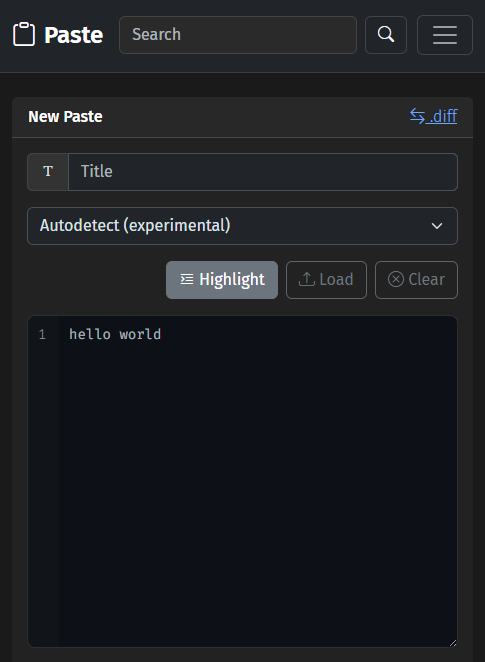 |
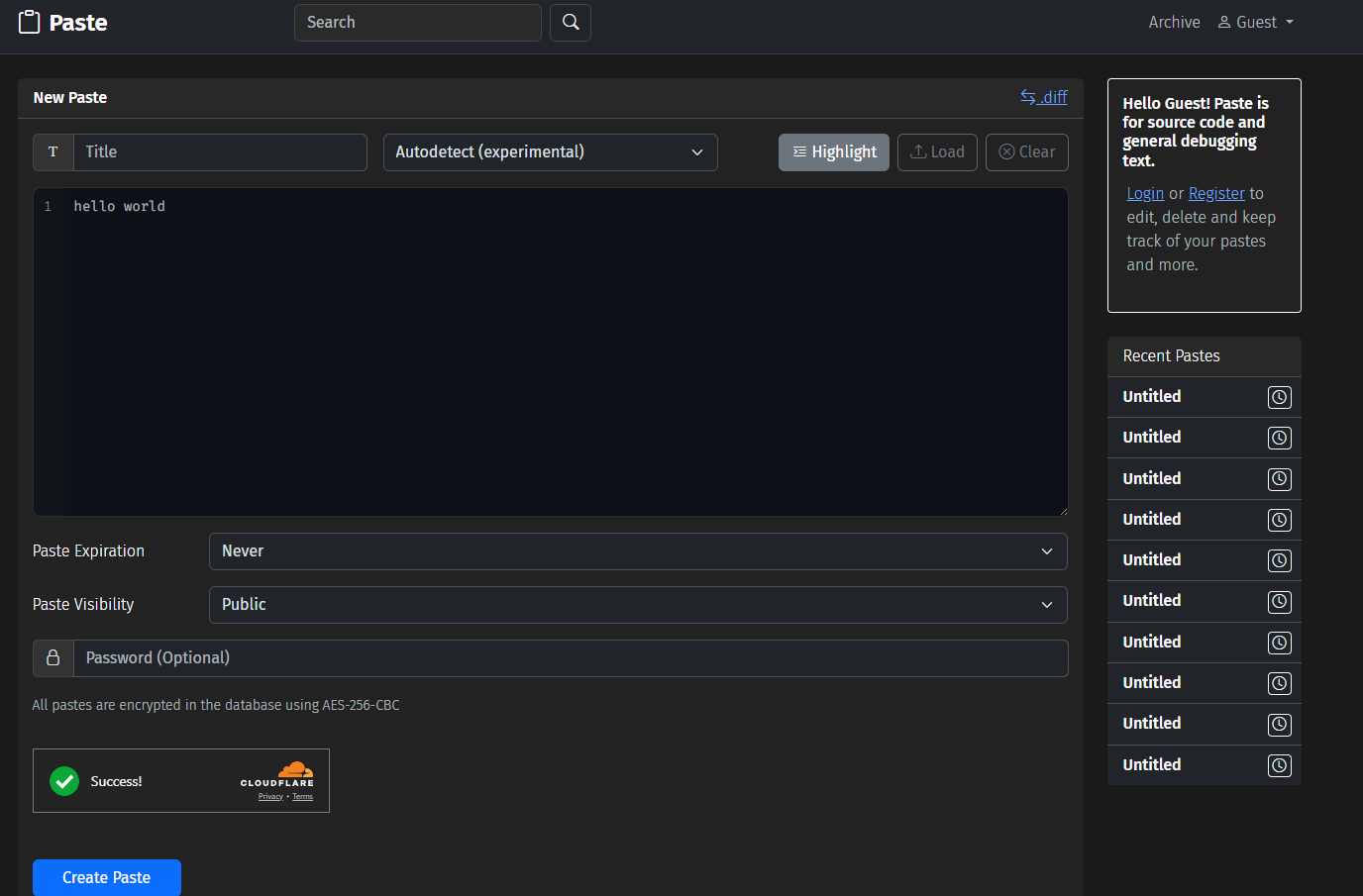 |
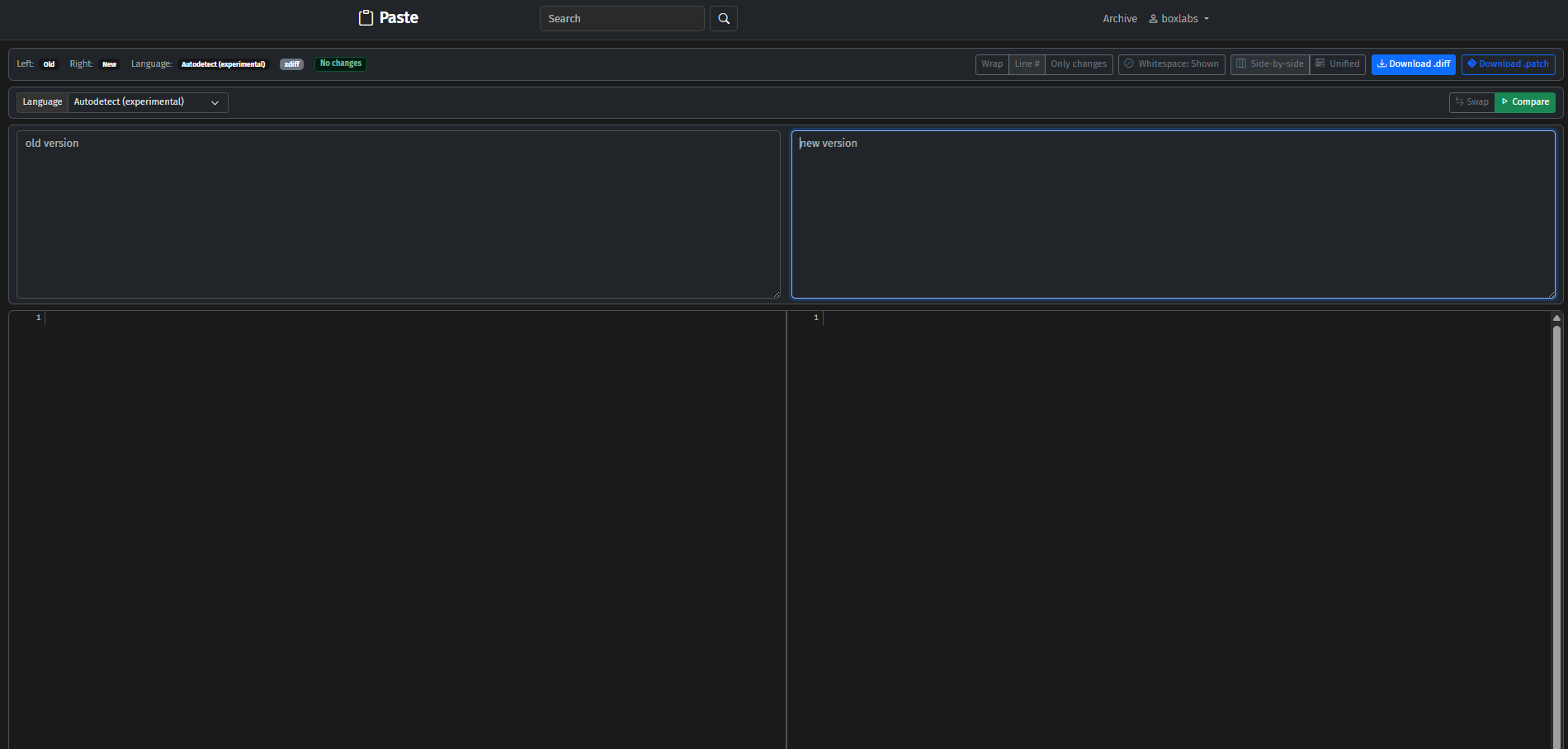 |
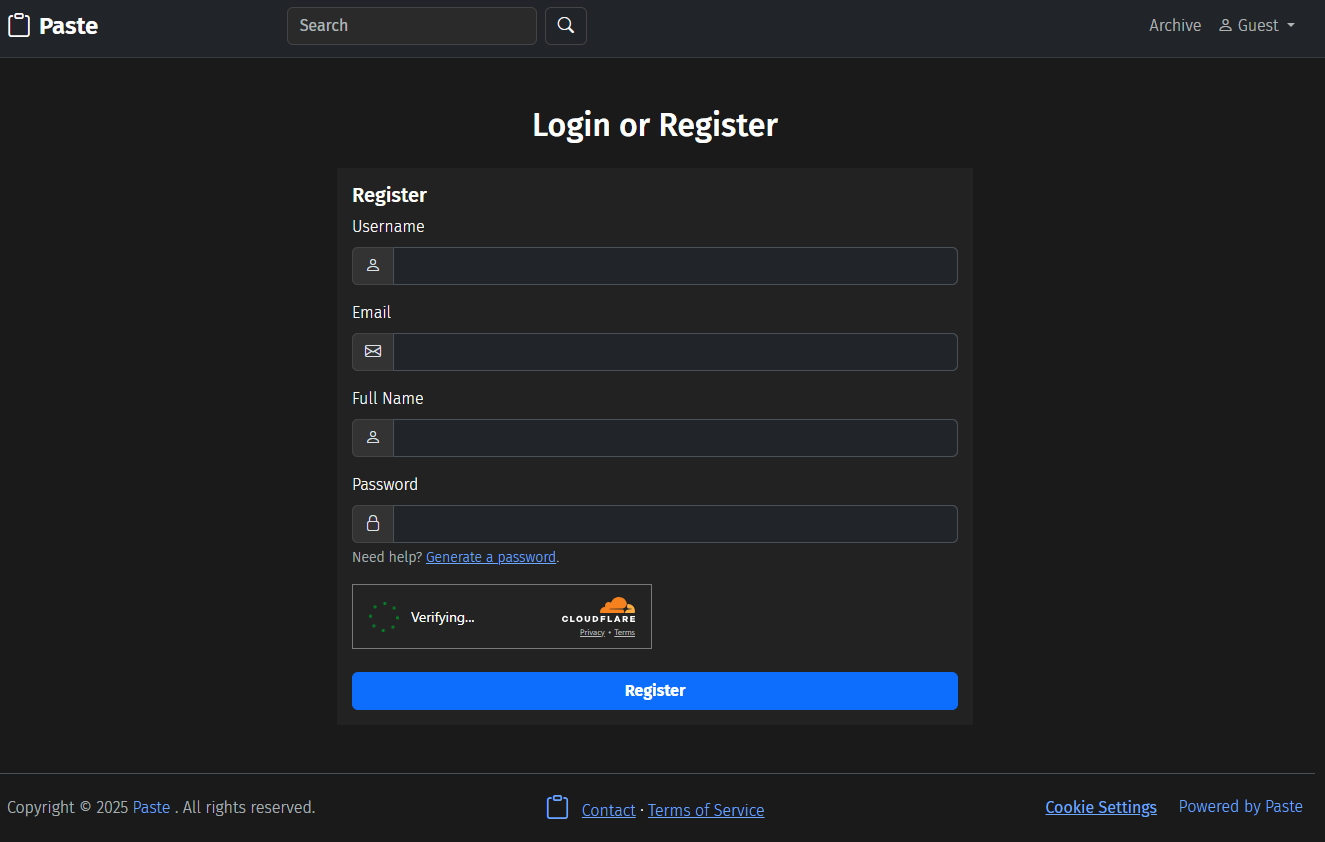 |
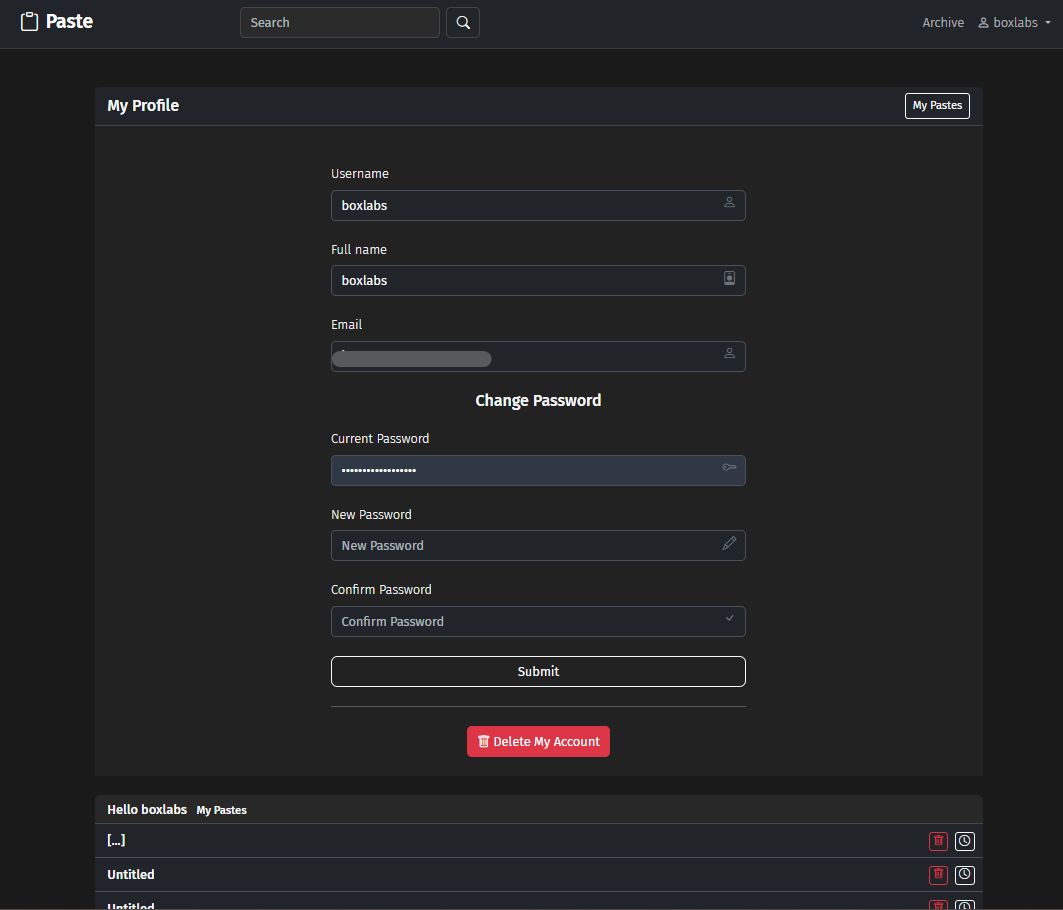 |
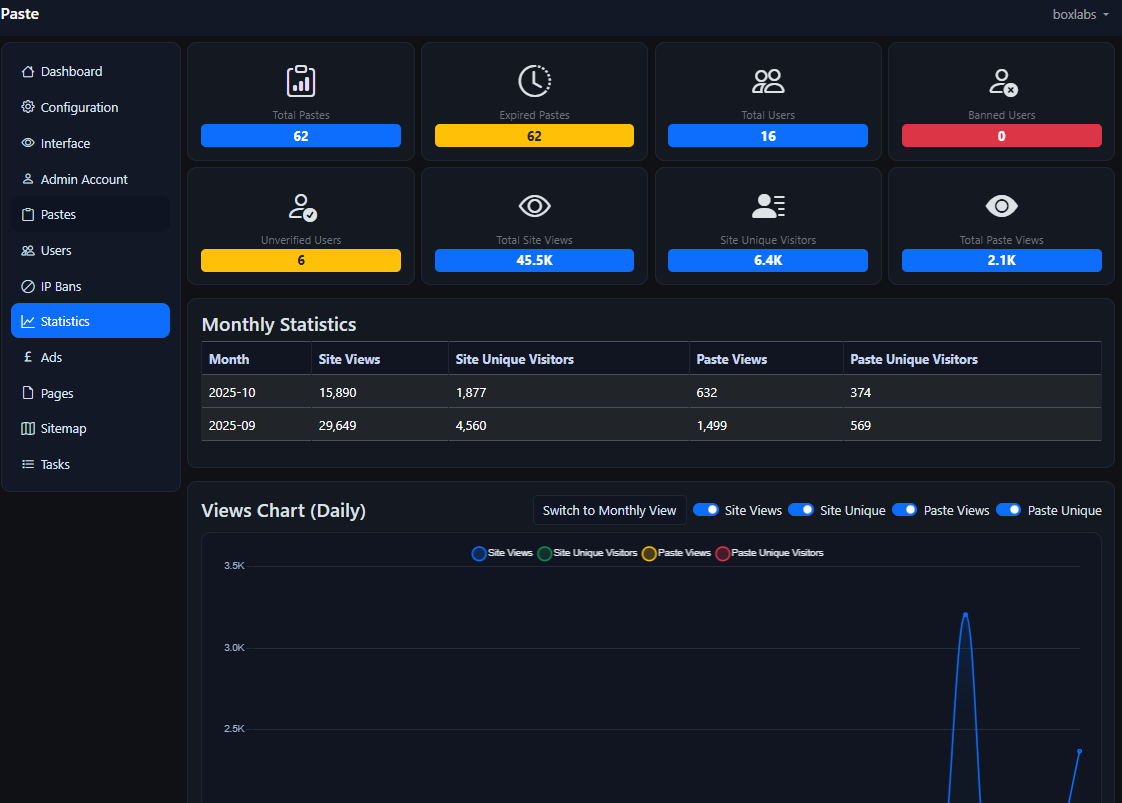 |
IRC: If you would like support or want to contribute to Paste connect to irc.afternet.org in channel #PASTE
Any bugs can be reported at: https://github.com/boxlabss/PASTE/issues/new
- PHP 8.1 or higher with
pdo_mysql,openssl, andcurlextensions.GDfor internal CAPTCHA. - MySQL or MariaDB
- Composer for dependency management
- Web server (e.g., Apache/Nginx) with HTTPS enabled (if OAuth enabled as below)
See docs/CHANGELOG.md
- Improved autodetection for syntax highlighting for both GeSHi and Highlight.php Fix sluggish behaviour with Highlight.php's autodetection of very large plain text especially. Added more heuristic detection handling, improved efficiency of Paste's autodetect
- Added Client side encryption with AES-256-GCM
- Admin panel improvements Add new email field for admins Implemented Password reset in the admin panel (Forgot?) Active tabs fixed in configuration.php/admin.php Add option to "Reset token" for SMTP OAuth2h
- Fixed an issue with Turnstile not working on the login/signup modals
- Fixed an issue with reCAPTCHA v3 expiring tokens too soon
Previous version 3.2
-
diff viewer reintegration ?diff.php?a=thispaste&b=anotherpaste
Supports downloadable .diff files after generation
-
Comments integration
// Comments
$comments_enabled          = true;   // on/off
$comments_require_login    = true;   // if false, guests can comment
$comments_on_protected = false; // allow/show comments on password-protected pastes- Highlight.php integration - or continue using GeSHi
- theme switcher if highlight is enabled
// Code highlighting engine for non-Markdown pastes: 'highlight' (highlight.php) or 'geshi' (default)
$highlighter = $highlighter ?? 'geshi';

// Style theme for highlighter.php (see includes/Highlight/styles)
$hl_style = 'hybrid.css';- Page navs in header/footer
- "Cookies" footer
Previous version 3.1
- Account deletion
- reCAPTCHA v3 with server side integration and token handling (and v2 support)
- Select reCAPTCHA in admin/configuration.php
- Select v2 or v3 depending on your keys
- Default score can be set in /includes/recaptcha.php but 0.8 will catch 99% of bots, balancing false negatives.
- Pastes and user account login/register are gated, with v3 users are no longer required to enter a captcha.
- If signed up with OAuth2, ability to change username once in /profile.php - Support more platforms in future.
- Search feature, archive/pagination
- Improved admin panel with Bootstrap 5
- Ability to add/remove admins
- Fixed SMTP for user account emails/verification - Plain SMTP server or use OAuth2 for Google Mail
- CSRF session tokens, improve security, stay logged in for 30 days with "Remember Me"
- PHP version must be 8.1 or above - time to drag Paste into the future.
- Clean up the codebase, remove obsolete functions and added more comments
- /tmp folder has gone bye bye - improved admin panel statistics, daily unique paste views
Previous version - 3.0
- PHP 8.4> compatibility
- Replace mysqli with pdo
- New default theme, upgrade paste2 theme from bootstrap 3 to 5
- Dark mode
- Admin panel changes
- Google OAuth2 SMTP/User accounts
- Security and bug fixes
- Improved installer, checks for existing database and updates schema as appropriate.
- Improved database schema
- Update Parsedown for Markdown
- All pastes encrypted in the database with AES-256 by default
- Create a database for PASTE.
- Upload all files to a webfolder
- Point your browser to http(s)://example.com/install
- Input some settings, DELETE the install folder and you're ready to go.
- To configure OAuth, first you need to use composer to install phpmailer and google api/oauth2 client
- Install Composer dependencies:
cd /oauth
composer require google/apiclient:^2.12 league/oauth2-client:^2.7
cd /mail
composer require phpmailer/phpmailer:^6.9
- Enter database details (host, name, user, password) and OAuth settings (enable or disable Google/Facebook).
- This generates
config.phpwith dynamicG_REDIRECT_URIbased on your domain.
- Install Composer dependencies:
Set Up Google OAuth for User Logins:
- Go to Google Cloud Console.
- Create a project and enable the Google+ API.
- Create OAuth 2.0 credentials (Web application).
- Set the Authorized Redirect URI to:
<baseurl>oauth/google.php(e.g.,https://yourdomain.com/oauth/google.php), where<baseurl>is fromsite_info.baseurl. - Update
config.phpwith:define('G_CLIENT_ID', 'your_client_id'); define('G_CLIENT_SECRET', 'your_client_secret');
- Ensure
enablegoogis set toyesinconfig.php. Set Up Gmail SMTP with OAuth2: - In Google Cloud Console, enable the Gmail API.
- Create or reuse OAuth 2.0 credentials.
- Set the Authorized Redirect URI to:
<baseurl>oauth/google_smtp.php(e.g.,https://yourdomain.com/oauth/google_smtp.php), where<baseurl>is fromsite_info.baseurl. - Log in to
/admin/configuration.phpas an admin. - Enter the Client ID and Client Secret under "Google OAuth 2.0 Setup for Gmail SMTP".
- Click "Authorize Gmail SMTP" to authenticate and save the refresh token in the
mailtable. - Configure SMTP settings (host:
smtp.gmail.com, port:587, socket:tls, auth:true, protocol:2).
- Set up git
- Fork this repository
- Create a database for PASTE.
- Check out the current master branch of your fork
- Point your browser to http(s)://example.com/install and follow the instructions on screen or import docs/paste.mysqlschema.sql into your database and copy docs/config.example.php to config.php and edit
Now you can start coding and send in pull requests.
3.0/3.1 schema changes run the installer to update database (backup first)
-
2.1 to 2.2 no changes to database
-
2.0 to 2.1
Insert the schema changes to your database using the CLI:
mysql -uuser -ppassword databasename < upgrade/2.0-to-2.1.sql
or upload & import upgrade/2.0-to-2.1.sql using phpMyAdmin
- 1.9 to 2.0
Run upgrade/1.9-to.2.0.php
Set mod_rewrite in config.php to 1
For Apache, just use .htaccess
For Nginx, use the example config in docs/nginx.example.conf
Paste now supports pastes of upto 4GB in size, and this is configurable in config.php
However, this relies on the value of post_max_size in your PHP configuration file.
// Max paste size in MB. This value should always be below the value of
// post_max_size in your PHP configuration settings (php.ini) or empty errors will occur.
// The value we got on installation of Paste was: post_max_size = 1G
// Otherwise, the maximum value that can be set is 4000 (4GB)
$pastelimit = "1"; // 0.5 = 512 kilobytes, 1 = 1MB
Everything else can be configured using the admin panel.
- Paul Dixon for developing the original pastebin.com
- Pat O'Brien for numerous contributions to the project.
- Viktoria Rei Bauer for her contributions to the project.
- Roberto Rodriguez (roberto.rodriguez.pino[AT]gmail.com) for PostgreSQL support on v1.9.
The Paste theme was built using Bootstrap 5