


- Minimal & Dark: Easy on the eyes with a deep dark background
- Vibrant Accents: Beautiful red and blue color palette for syntax highlighting
- Semantic Highlighting: Enhanced code understanding with semantic token colors
- Well Balanced: Carefully crafted color scheme for optimal readability
- Fully Customized: Complete UI theming including workbench, editor, and panels
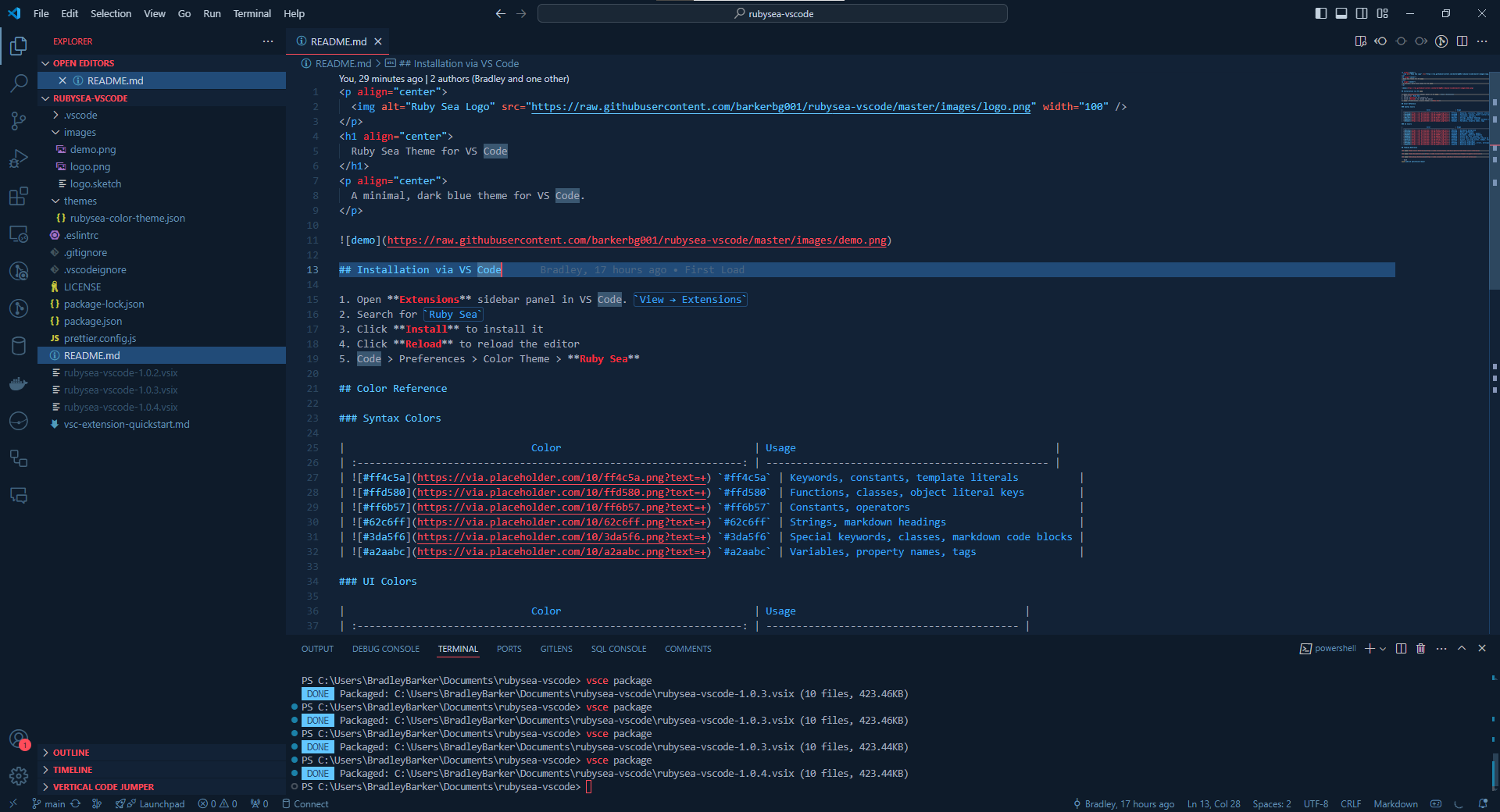
- Open Extensions sidebar panel in VS Code (
View → ExtensionsorCtrl+Shift+X) - Search for
Ruby Sea - Click Install to install it
- Click Reload to reload the editor
- Go to
Code > Preferences > Color Theme > Ruby Sea(orFile > Preferences > Color Theme > Ruby Seaon Windows/Linux)
code --install-extension Barkerbg001.rubysea-vscode- Download the latest
.vsixfile from the Releases page - Open VS Code
- Go to
View → Extensions - Click the
...menu at the top of the Extensions view - Select
Install from VSIX... - Choose the downloaded
.vsixfile
| Hex | Usage |
|---|---|
#ff4c5a |
Keywords, constants, template literals |
#ffd580 |
Functions, classes, object literal keys |
#ff6b57 |
Constants, operators |
#62c6ff |
Strings, markdown headings |
#3da5f6 |
Special keywords, classes, markdown code blocks |
#a2aabc |
Variables, property names, tags |
| Hex | Usage |
|---|---|
#0e1b2a |
Workbench background |
#122236 |
Editor background |
#214b78 |
Highlight, widgets, panels |
#4b6691 |
Dividers, subtle UI elements |
#6592b3 |
Status bar text, buttons, etc |
#c5d3e0 |
Active text, anything that should be white |
#ff4c5a |
Accent, list tree titles, badges, etc |
#62c6ff |
Addition highlights |
#ff2d3b |
Deletion highlights, errors, warnings |
#3da5f6 |
Modified highlights |
After installation, activate the theme:
- Press
Ctrl+K Ctrl+T(orCmd+K Cmd+Ton macOS) to open the theme picker - Select Ruby Sea from the list
- Enjoy coding with your new theme!
- The theme works best with semantic highlighting enabled (default in VS Code)
- For the best experience, use a font with good ligature support (e.g., Fira Code, JetBrains Mono)
- Adjust your editor font size and line height in settings for optimal readability
Contributions are welcome! If you'd like to contribute:
- Fork the repository
- Create a feature branch (
git checkout -b feature/amazing-feature) - Commit your changes (
git commit -m 'Add some amazing feature') - Push to the branch (
git push origin feature/amazing-feature) - Open a Pull Request
This project is licensed under the MIT License - see the LICENSE file for details.
Made with ❤️ by Barkerbg001
If you like this theme, please consider giving it a ⭐ on GitHub!