Dotfiles for my Arch Linux setup. 🌸
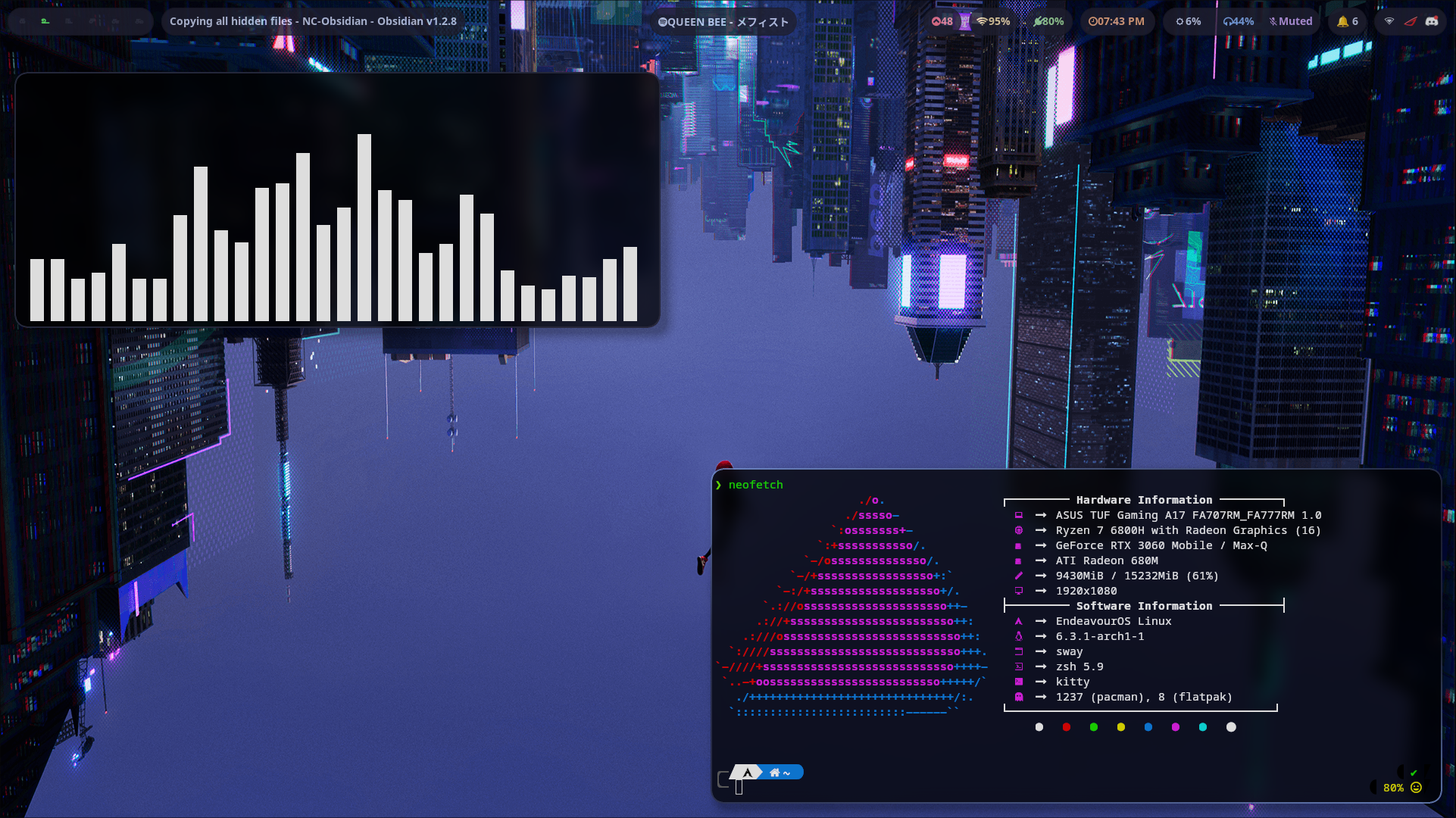
- Distro: EndeavourOS
- Window Manager: Hyprland
- Terminal: Kitty
- App Launcher: Rofi (ibonn's fork)
- Color Scheme: Tokyo Night
- Editor: NvChad, VSCode
- Spotify Theming: Spicetify
- Discord Theming: BetterDiscord
Manual Installation
  yay -S --noconfirm hyprland-nvidia cava tmux cmatrix galendae-git grim neovim \
  imagemagick feh ttf-meslo-nerd-font-powerlevel10k zsh rofi-ibonn-wayland polkit-kde-agent xdg-desktop-portal-hyprland \
  cliphist udiskie noisetorch otf-font-awesome noto-fonts-emoji gtk4 blueberry \
  hyprpaper montserrat-ttf nm-applet gnome-keyring swayidle swaylock-effects
Also add WLR_NO_HARDWARE_CURSORS=1 to your /etc/environment
  yay -S --noconfirm hyprland cava tmux cmatrix galendae-git grim neovim \
  imagemagick feh ttf-meslo-nerd-font-powerlevel10k zsh rofi-ibonn-wayland polkit-kde-agent xdg-desktop-portal-hyprland \
  cliphist udiskie noisetorch otf-font-awesome noto-fonts-emoji gtk4 blueberry \
  hyprpaper montserrat-ttf nm-applet gnome-keyring swayidle swaylock-effects
Then, clone this git to your home directory
Installation Script
Usage: ./install.sh [options]

--swaync          Copies configs for swaync
--swaylock        Copies configs for swaylock
--tmux            Copies configs for tmux
--waybar          Copies configs for waybar
--wlogout         Copies configs for wlogout
--spicetify       Copies configs for spicetify
--rofi            Copies configs for rofi
--gtk             Copies the gtk theme and its icons into your home folder
--neofetch        Copies configs for neofetch
--hyprland        Copies configs for hyprland
--discord         Copies configs for BetterDiscord
--all             Installs the necessary packages and copies all the config files.
--packages-only   Installs the necessary packages without copying the config files.
The default super key is Win Key. Change it in .config/hypr/configs/keybinds.conf
| Program | Shortcut |
|---|---|
| kitty | Super + Enter |
| rofi | Alt + Space |
| Exit application | Super + Q |
| Power Menu | Super + Shift + Q |
| Switch to workspace | Super + Number |
| Move current program to workspace | Alt + Number |
| Toggle floating | Super + S |
| Screenshot | Super + Shift + S |
| Clipboard | Super + V |
| Toggle fullscreen | Super + F |


- Screenshots are stored in the
~/Picturesfolder, and are also copied to your clipboard. - This repository includes a working NvChad configuration, but it is better to fetch the latest version from their git.
- Similarly, this repository includes the tmux plugins, but it is better to fetch the latest version.