
A command-line utility for controlling the Anova Precision® Cooker Mini sous vide cooker via Bluetooth Low Energy (BLE). This tool provides both one-off commands and an interactive REPL mode for continuous device control.
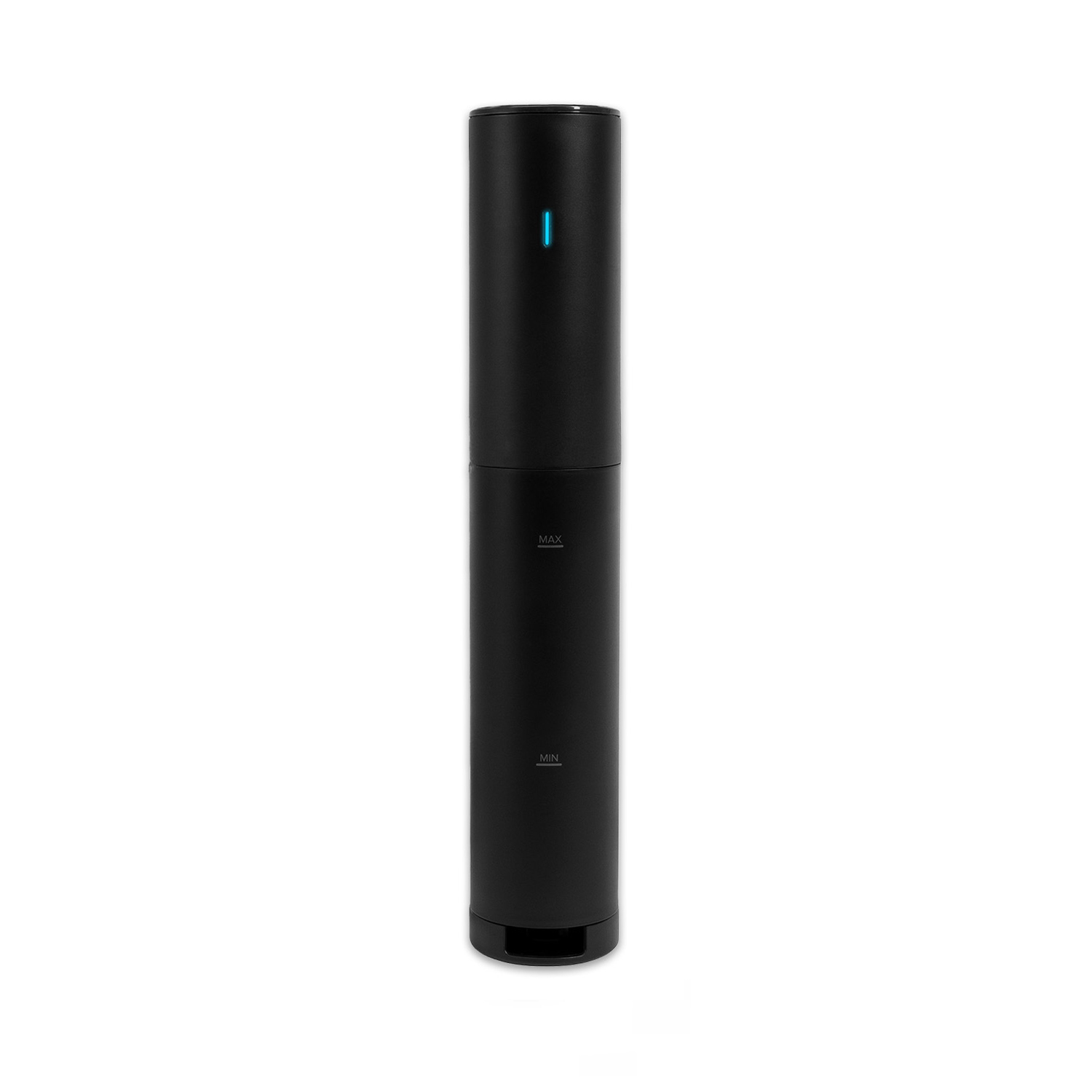
- BLE Scanning & Connection: Auto-detects compatible Anova Precision® Cooker Mini devices by service UUID
- Dual Control Modes: Use subcommands for quick operations or interactive REPL for continuous control
- Complete Device Management: Read system information, set temperatures, change units, start/stop cooking
- Automatic Clock Synchronization: Sets device clock to current UTC time on connection
- JSON-Based Communication: Robust command and response handling with JSON/base64 encoding
- Python 3.9 or higher
- Bleak library for BLE communication
It's recommended to use a Python virtual environment to isolate dependencies:
-
Create Virtual Environment:
python -m venv venv
-
Activate Virtual Environment:
- Windows:
venv\Scripts\activate
- macOS/Linux:
source venv/bin/activate
- Windows:
-
Install Dependencies:
pip install bleak
-
Deactivate Virtual Environment (when done):
deactivate
-
Install Python Dependencies:
pip install bleak
-
Clone/Download the Repository:
git clone https://github.com/yourusername/mini-precision-cooker.git cd mini-precision-cooker -
Run the Script:
python mini_precision_cooker.py <subcommand> [options]
If no subcommand is provided, it will automatically start in interactive mode.
Run the script without arguments to enter interactive mode:
python mini_precision_cooker.pyOr explicitly specify interactive mode:
python mini_precision_cooker.py interactiveAvailable commands in interactive mode:
get-state- Show current device status including temperature and timerset-temp <value>- Set target temperatureset-unit <C|F>- Change temperature unitstart-cook <temp> [timer_sec]- Start cooking at specified temperature with optional timerstop-cook- Stop the current cooking processset-clock- Synchronize device clock with current UTC timeget-system-info- Display device system informationexit- Disconnect and quit
Execute one-off operations with specific subcommands:
# Scan for available devices
python mini_precision_cooker.py scan --timeout 5

# Connect to a specific device by ID
python mini_precision_cooker.py connect --cooker-id "MPC123"

# Set temperature (in current unit)
python mini_precision_cooker.py set-temp 65.5

# Change temperature unit
python mini_precision_cooker.py set-unit C

# Start cooking with 1-hour timer
python mini_precision_cooker.py start-cook 63.0 --timer 3600

# Stop cooking
python mini_precision_cooker.py stop-cook

# Get current device state
python mini_precision_cooker.py get-state
Note: When prompted during connection, please accept pairing on your host computer. Otherwise, the Anova Precision® Cooker Mini will disconnect.
- Service UUID:
910772a8-a5e7-49a7-bc6d-701e9a783a5cidentifies compatible devices - Command Structure: Commands are JSON dictionaries, UTF-8 encoded, then base64 encoded
- Response Handling: Responses are base64 decoded, then parsed from JSON
The code is organized into several components:
- BLE Constants & Helpers: Defines service/characteristic UUIDs and encoding functions
- PrecisionCooker Class: Handles device scanning, connection, and disconnection
- PrecisionCookerCommands Class: Implements high-level device control methods
- Interactive REPL: Provides continuous connection with command history
- Command Dispatcher: Routes subcommands to appropriate handlers
| Command | Description |
|---|---|
scan |
Scan for devices (optional ID filter and timeout) |
connect |
Connect to a device and send clock sync command |
set-temp |
Set target temperature in current unit |
set-unit |
Change temperature unit (C or F) |
start-cook |
Start cooking with specified temperature/timer |
stop-cook |
Stop the cooking process |
set-clock |
Set device clock to current UTC time |
get-state |
Read device state, temperature, and timer |
disconnect |
Disconnect from device |
interactive |
Start REPL session with persistent connection |
Enable detailed logging for troubleshooting:
import logging
logging.basicConfig(level=logging.DEBUG)This project is licensed under the MIT License:
MIT License

Copyright (c) 2025 Anova Applied Electronics, Inc

Permission is hereby granted, free of charge, to any person obtaining a copy
of this software and associated documentation files (the "Software"), to deal
in the Software without restriction, including without limitation the rights
to use, copy, modify, merge, publish, distribute, sublicense, and/or sell
copies of the Software, and to permit persons to whom the Software is
furnished to do so, subject to the following conditions:

The above copyright notice and this permission notice shall be included in all
copies or substantial portions of the Software.

THE SOFTWARE IS PROVIDED "AS IS", WITHOUT WARRANTY OF ANY KIND, EXPRESS OR
IMPLIED, INCLUDING BUT NOT LIMITED TO THE WARRANTIES OF MERCHANTABILITY,
FITNESS FOR A PARTICULAR PURPOSE AND NONINFRINGEMENT. IN NO EVENT SHALL THE
AUTHORS OR COPYRIGHT HOLDERS BE LIABLE FOR ANY CLAIM, DAMAGES OR OTHER
LIABILITY, WHETHER IN AN ACTION OF CONTRACT, TORT OR OTHERWISE, ARISING FROM,
OUT OF OR IN CONNECTION WITH THE SOFTWARE OR THE USE OR OTHER DEALINGS IN THE
SOFTWARE.
For more information on this license, please see https://opensource.org/licenses/MIT.