


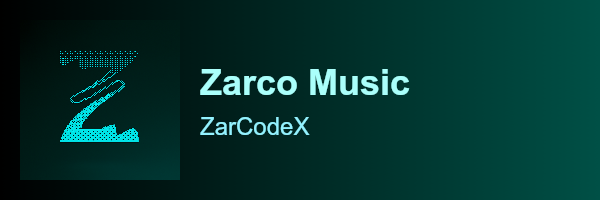
ZarCards is a Node.js library for generating beautiful and customizable music cards. It's built with @napi-rs/canvas for high performance.
- 🎨 Customizable Themes: Easily create and use your own themes.
- 🌈 Color Customization: Change the colors of the title, author, progress bar, and more.
- 🖼️ Background Images: Use a custom background image for your music card.
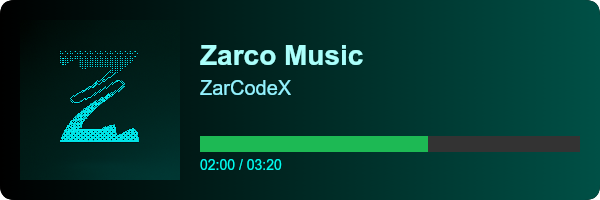
- 🎛️ Progress Bar: Display the progress of the music.
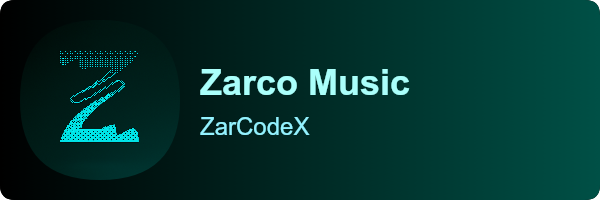
- 🔄 Rounded or Square: Choose between rounded or square corners for the card and author image.
- 🚀 High Performance: Built with
@napi-rs/canvasfor fast image generation.
npm install zarcardsimport { Zar } from 'zarcards';import { Zar } from 'zarcards';
import fs from 'fs';
(async () => {
const card = new Zar();
const buffer = await card.generate({
title: "Blinding Lights",
author: "The Weeknd",
progress: 120,
duration: 200,
authorImage: "https://i.scdn.co/image/ab67616d0000b273d92b6cbe702f5d4b8b2a5c2e",
background: "https://wallpapercave.com/wp/wp4923991.jpg",
imageDarkness: 60,
colors: {
title: "#ffffff",
author: "#dddddd",
progressText: "#bbbbbb",
progressBar: "#1db954"
}
});
fs.writeFileSync("music-card.png", buffer);
console.log("✅ Music card generated!");
})();const { Zar } = require('zarcards');
const fs = require('fs');
(async () => {
const card = new Zar();
const buffer = await card.generate({
title: "Blinding Lights",
author: "The Weeknd",
progress: 120,
duration: 200,
authorImage: "https://i.scdn.co/image/ab67616d0000b273d92b6cbe702f5d4b8b2a5c2e",
background: "https://wallpapercave.com/wp/wp4923991.jpg",
imageDarkness: 60,
colors: {
title: "#ffffff",
author: "#dddddd",
progressText: "#bbbbbb",
progressBar: "#1db954"
}
});
fs.writeFileSync("music-card.png", buffer);
console.log("✅ Music card generated!");
})();Creates a new Zar instance.
Generates a music card and returns a Promise that resolves with a Buffer of the image.
| Option | Type | Description | Default |
|---|---|---|---|
title |
string |
The title of the music. | Required |
author |
string |
The author of the music. | Required |
background |
string |
The URL or path to the background image. | Required |
authorImage |
string |
The URL or path to the author image. | Required |
progress |
number |
The current progress of the music in seconds. | undefined |
duration |
number |
The total duration of the music in seconds. | undefined |
imageDarkness |
number |
The darkness of the background image (0-100). | 0 |
cardRoundness |
boolean |
Whether the card should have rounded corners. | true |
authorImageRound |
number |
The roundness of the author image (0-100). | 0 |
colors |
object |
An object with the colors for the card. | |
colors.title |
string |
The color of the title. | #ffffff |
colors.author |
string |
The color of the author. | #aaaaaa |
colors.progressText |
string |
The color of the progress text. | #cccccc |
colors.progressBar |
string |
The color of the progress bar. | #1db954 |
ZarCards supports custom themes. A theme is a JavaScript file that exports a set of functions and constants.
To create a theme, you can copy the src/themes/default.js file and modify it to your liking.
To use a theme, you can pass it to the Zar constructor:
import { Zar } from 'zarcards';
import myTheme from './my-theme.js';

const card = new Zar(myTheme);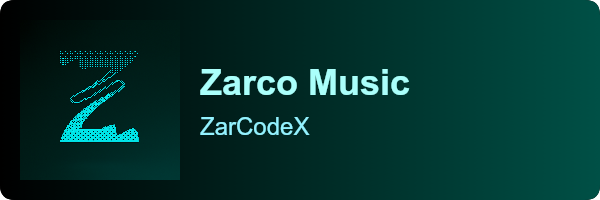

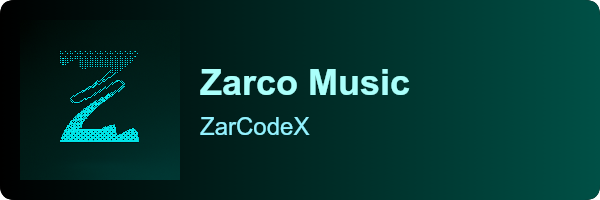
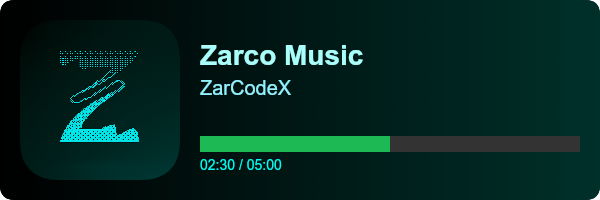
To run the examples, clone the repository and run the following command:
npm run exampleThis project is licensed under the GPL-3.0 License - see the LICENSE file for details.