Skip to content

UT-Application-Development-Association/Practice-Demo

Repository files navigation

Practice-Demo

This is a practice demo for learning new technology stack.

这个练习的预计总花费时间约为4个小时.

在开始这个项目之前需要的知识:

  1. 简单了解JavaScript中的变量函数循环与条件控制语法
  2. Git
    1. GitHub使用流程
      1. git clone [url] 官方使用教程
      2. git checkout dev 进入develop分支
      3. git checkout -b BRANCHNAME BRANCHNAME为自己设定的分支名,命名规则请参考下文Gitflow。如果想更深入的了解branch相关知识请参考这个
      4. ...修改文件ing...
      5. git add . 添加所有更改过的文件
      6. git commit -m '' 添加commit信息,请尽可能详细明确
      7. git push origin BRANCHNAME 提交代码,其中BRANCHNAME和刚刚设置的相同
    2. Gitflow 的具体使用方法与原理可以参考这个链接,在观看的过程中请跳过使用git-flow extensions的相关内容。我们本次提交时使用的BRANCHNAMEdemo-<Your GitHub user name>
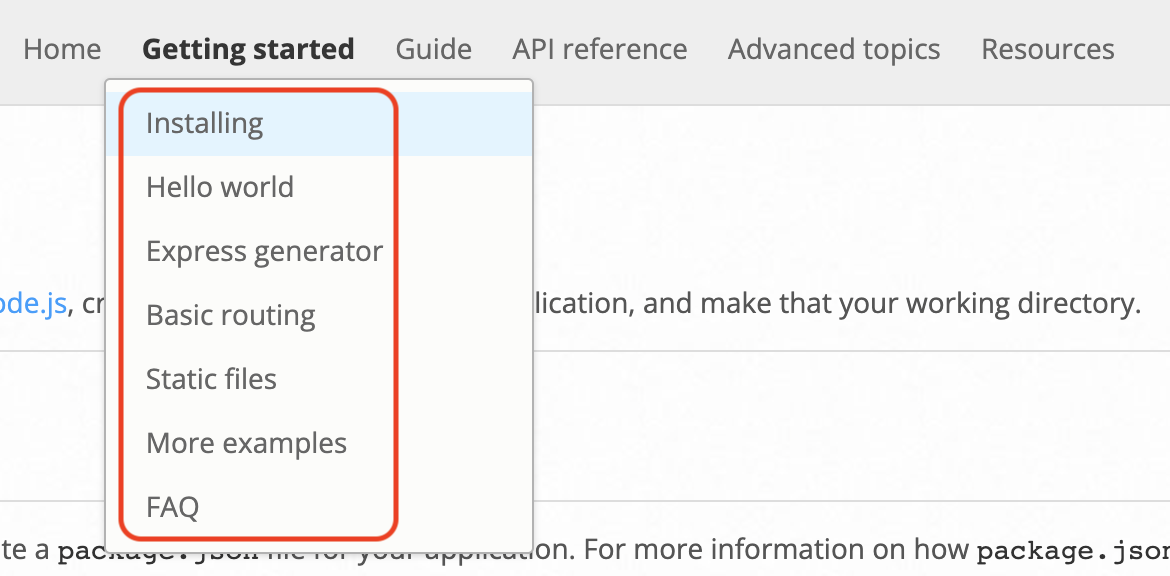
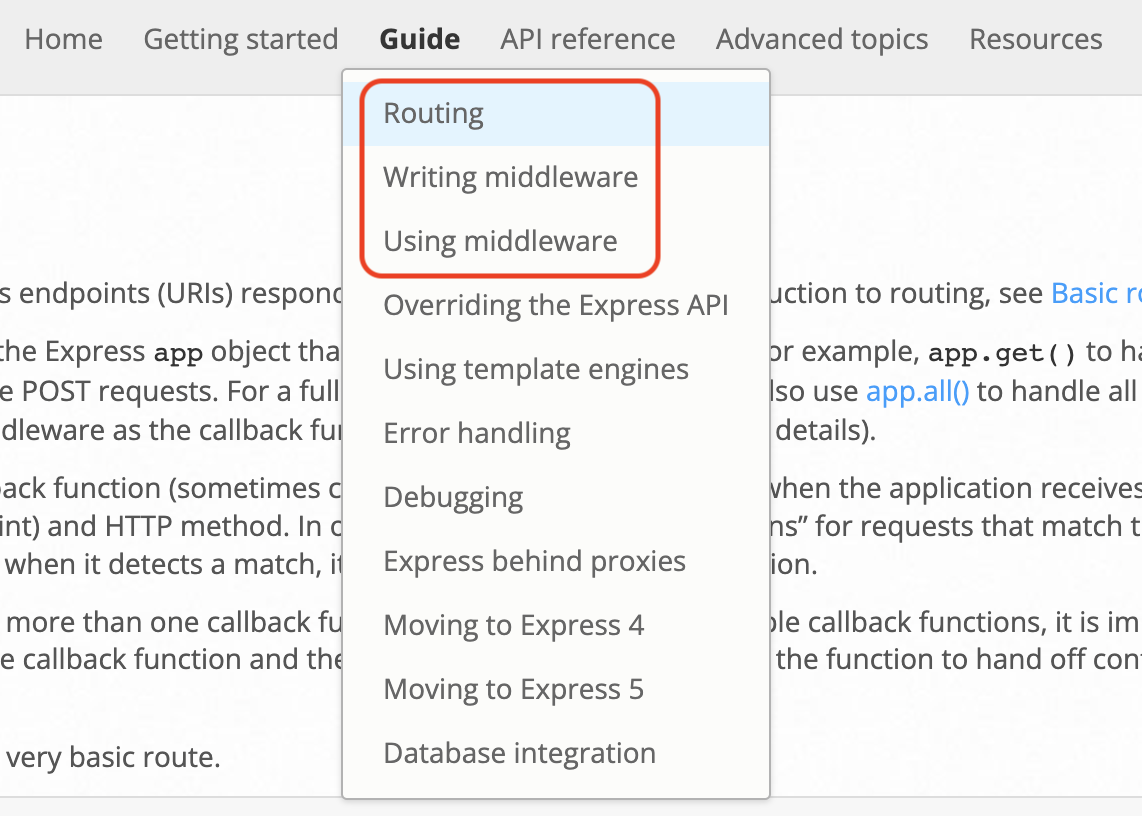
  3. Express Screen Shot 2022-07-05 at 3 04 57 PM Screen Shot 2022-07-05 at 3 04 42 PM

在完成上述部分之后你就可以开始尝试clone我们这个项目啦~

使用npm installnpm run运行整个项目

而在这个demo中你需要满足的要求是:

  1. GET /
    • Response Example: 'This is a GET API'
  2. POST /
    • Response Example: 'This is a POST API'
  3. PUT /
    • Response Example: 'This is a PUT API'
  4. DELETE /
    • Response Example: 'This is a DELETE API'
  5. 请只使用一次router调用完成上述效果 提示链接
  6. POST /user/:id
    • Description: 如果id为12345返回 User id is correct 否则返回 User id is wrong
    • Response Example:
      • POST /user/12345
        • 'User id is correct'
      • POST /user/11111
        • 'User id is wrong'
    • 请使用middleware达成此效果 提示链接
  7. GET /addFive/:num
    • Description: 返回传入的num和5相加后的数值。
    • Response Example:
      • GET /addFive/3
        • '8'
      • GET /addFive/10
        • '15'
    • 提示链接1
    • 提示链接2

注意:

  1. 请经常使用npm test命令查看代码是否可以通过测试满足要求
  2. 代码需要符合Google style规范,可以使用npx eslint .命令检查是否符合规范

About

This is a practice demo for learning new technology stack.

Resources

Stars

Watchers

Forks

Releases

No releases published

Packages

No packages published