A To-Do List Manager implementation using the MCP (Machine Cognition Platform) framework with Python. Provides task management functionality through Claude Desktop or CLI interface.
- Python 3.13 or compatible version
- Basic command line familiarity
# Create and activate virtual environment
python3 -m venv .venv
source .venv/bin/activate   # macOS/Linux
# .venv\Scripts\Activate.ps1   # Windows PowerShell

# Upgrade pip and install dependencies
pip install --upgrade pip
pip install mcp uv typer# Initialize MCP project
uv init MCP_Server
cd MCP_Server
# Add MCP CLI support
uv add "mcp[cli]"
# Install MCP server
uv run mcp install main.py
# Run the server
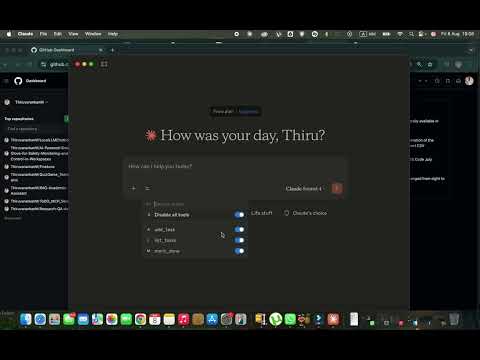
uv run mcp run main.pyOnce running, use Todo MCP commands via Claude Desktop or CLI interface:
add_task "Buy groceries"list_tasksmark_done 1
# Setup environment
python3 -m venv .venv
source .venv/bin/activate
pip install --upgrade pip
pip install mcp uv typer

# Configure MCP
uv init MCP_Server
cd MCP_Server
uv add "mcp[cli]"
uv run mcp install main.py
uv run mcp run main.py- Ensure virtual environment is activated before running commands
- Check Python version compatibility if commands are not found
- Use
deactivateto exit virtual environment
MIT License