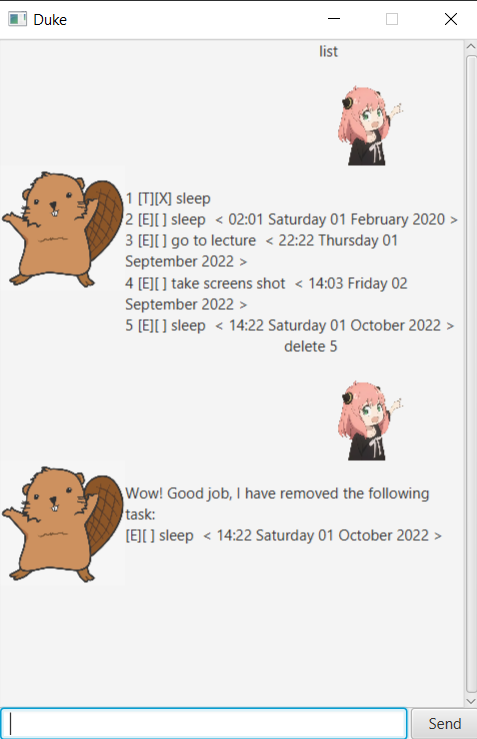
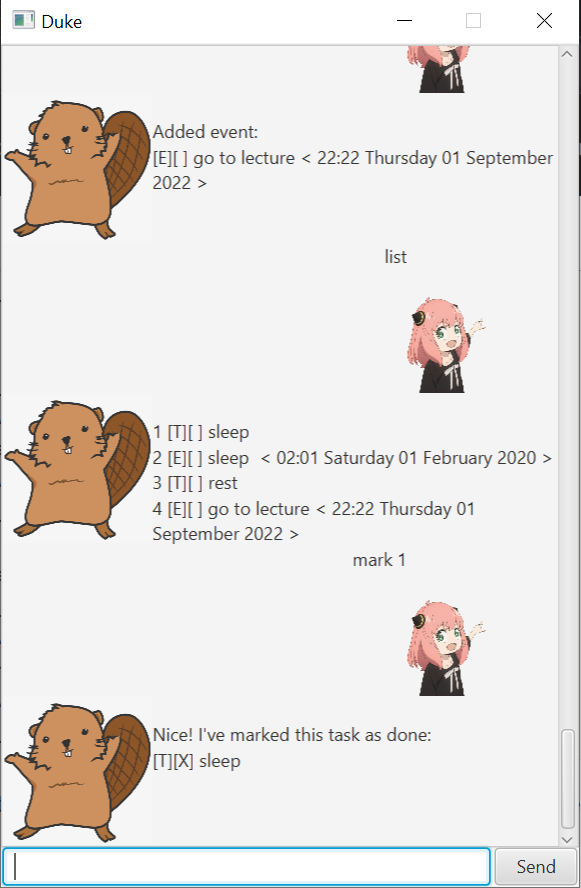
This is a greenfield Java project for CS2103. It's named after the Java mascot Duke. Given below are instructions on how to use it.
Prerequisites: JDK 11, update Intellij to the most recent version.
- Open Intellij (if you are not in the welcome screen, click
File>Close Projectto close the existing project first) - Open the project into Intellij as follows:
- Click
Open. - Select the project directory, and click
OK. - If there are any further prompts, accept the defaults.
- Click
- Configure the project to use JDK 11 (not other versions) as explained in here.
In the same dialog, set the Project language level field to theSDK defaultoption. - After that, locate the
...plugin/src/main/java/Duke/DukeEntryPoint.javafile, right-click it, and chooseRun current file(if the code editor is showing compile errors, try restarting the IDE). If the setup is correct, you should see something like the below as the output:
Try using the following commands:
- list (show all tasks)
- todo task description (add a todo to list)
- event task description /at yyyy-mm-dd hh:mm (add an event)
- deadline task description /at yyyy-mm-dd hh:mm (add a task)
- mark index (mark the task at that index)
- delete index (delete task at that index)
- find keyword (finds task containing that keyword)
- reminder (gives the latest reminder)
Sample sample results: