Deep Researcher is a powerful research agent built with LangChain and LangGraph that helps you conduct comprehensive research on any topic by leveraging multiple data sources.

- Answer research queries using AI-powered reasoning
- Search the web using multiple search engines:
- SerpAPI (Google search results)
- DuckDuckGo (privacy-focused search)
- Tavily (AI-powered search optimized for research)
- Search academic papers from arXiv and Google Scholar
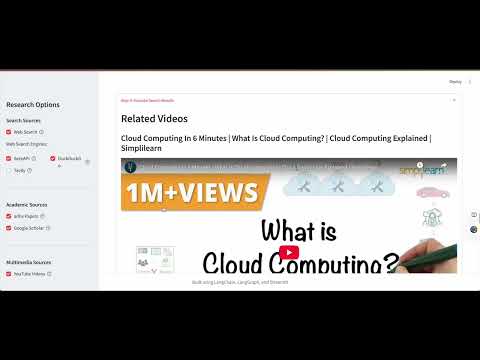
- Find relevant YouTube videos
- Discover insights from Twitter and LinkedIn posts
- Upload local documents to include in research
- Send research results via email
- Interactive visualization of the agent's reasoning process
- Customizable search options - enable/disable specific search features
For detailed installation instructions and troubleshooting tips, please see the Installation Guide.
Quick start:
- Clone this repository:
git clone https://github.com/Sallyliubj/Deep-Researcher.git
cd Deep-Researcher- Create and activate a virtual environment:
python - m venv .venv
source .venv/bin/activate- Install required dependencies:
pip install -r requirements.txt- Set up Ollama locally for the LLM:
# Install Ollama if not already installed
curl -fsSL https://ollama.com/install.sh | sh

# Pull the Gemma model
ollama pull gemma3:1b- Create a
.envfile in the root directory with your API keys (see.env.example).
- Start the Streamlit app:
export PYTHONPATH=$(pwd)
streamlit run app/main.py
Or use the provided shell script:
./run.sh-
Open your browser and go to
http://localhost:8501 -
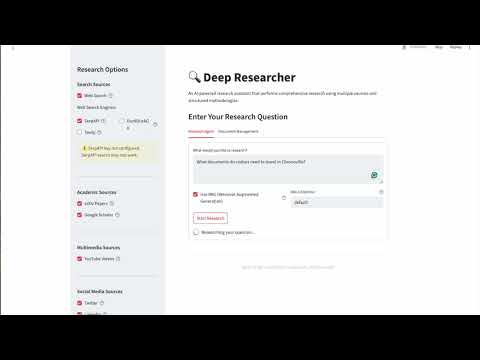
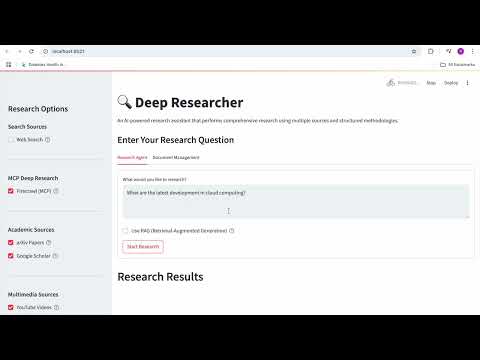
Enter your research query, select the search options you want to enable, and click "Research"
-
View the results, LangGraph visualization, and send the results to an email if desired
Deep Researcher offers multiple web search options:
- SerpAPI: Provides Google search results (requires API key)
- DuckDuckGo: Privacy-focused search engine (no API key required)
- Tavily: AI-powered search engine optimized for research (requires API key)
You can enable or disable any of these search engines from the sidebar.
This project uses:
- LangChain for orchestrating the various AI components and tools
- LangGraph for creating a dynamic research workflow with self-reflection capabilities
- Ollama (gemma3:1b) for local AI model inference
- Streamlit for the web interface

This software is for personal, non-commercial use only. Redistribution or modification is strictly prohibited.