#React #Javascript #JSON #API #TailWindCSS #ReactRouter #ReactToastify #ReactIcons #ReactLoaderSpinner
In the project directory, you can run:
Installs everything needed
Runs the app in the development mode.
Open http://localhost:3000 to view it in your browser.
The page will reload when you make changes.
You may also see any lint errors in the console.
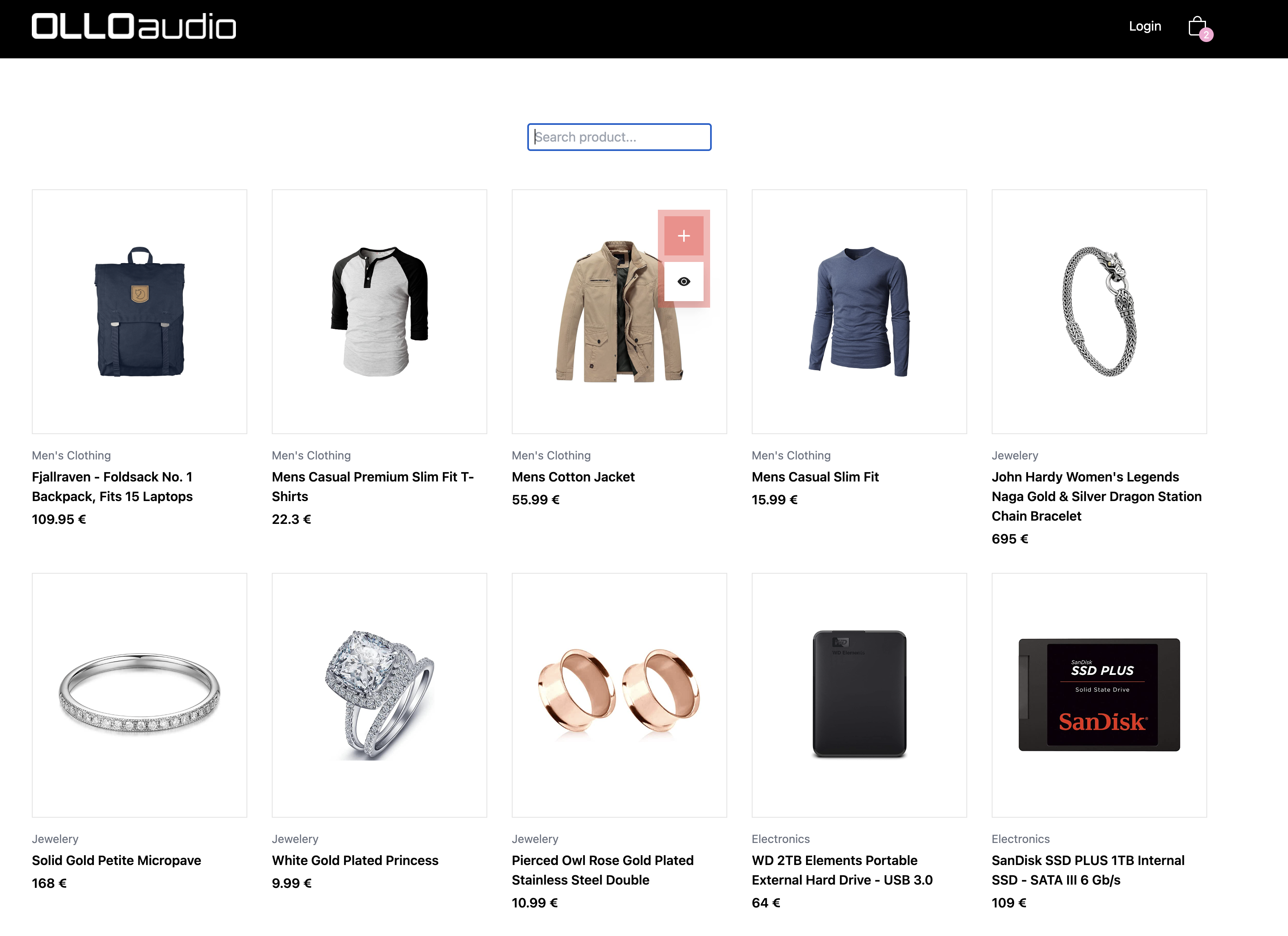
In this project I learnt how to implement different react Hooks, create Routes to navigate through pages with React Router Dom and use the Local Storage to be able to save each user cart. It adds a different "key" for each user (cart-items-"user") and loads each cart depending on the user logged.
I learnt how useful contexts are to communicate between components without the need of an infinite loop of prop drilling and how to use useCallback and useMemo to speed up and optimize the app as well to learn the importance of having a useReducer to set a lot of states with just one instruction instead of having infinite useState.
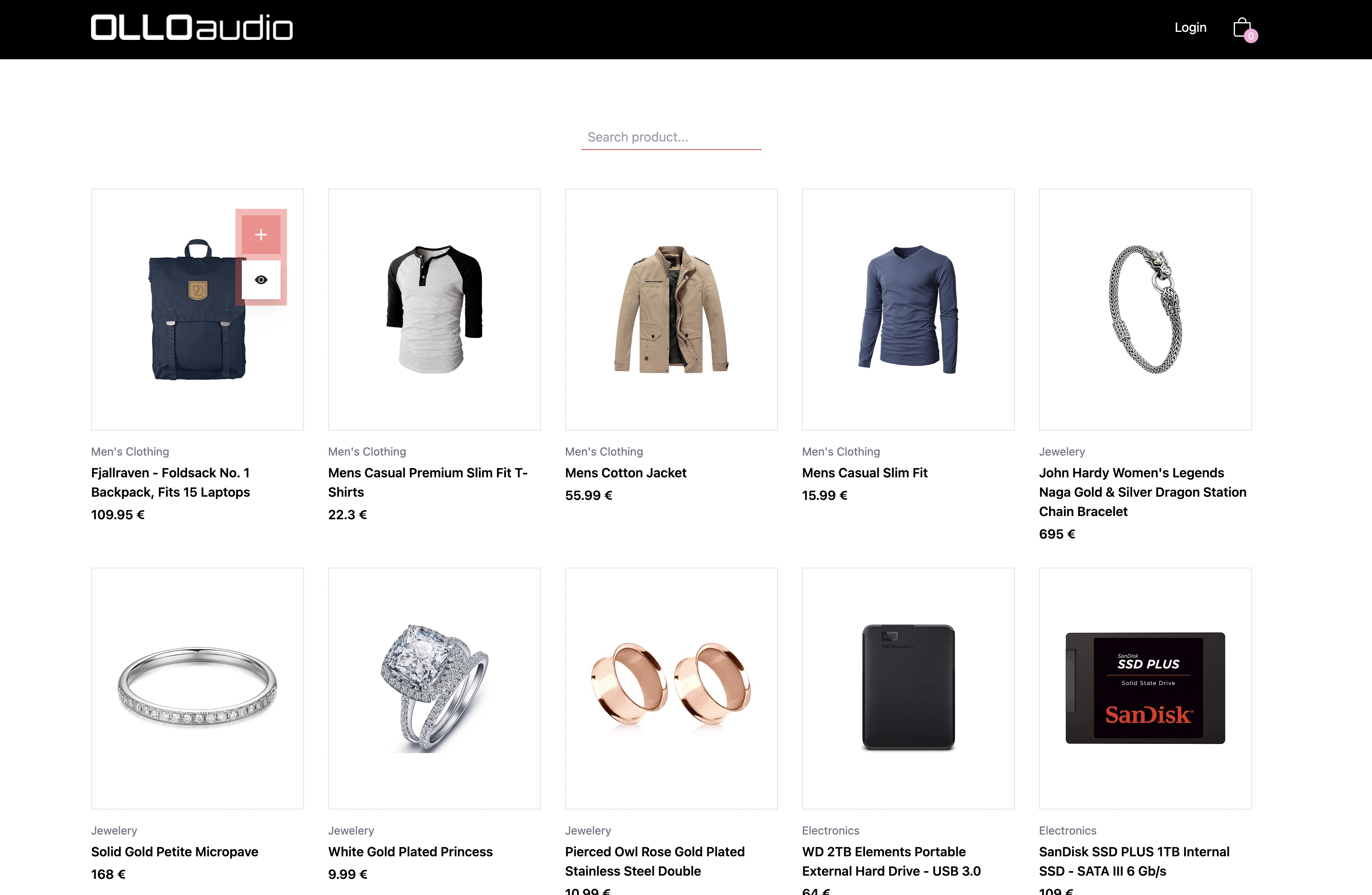
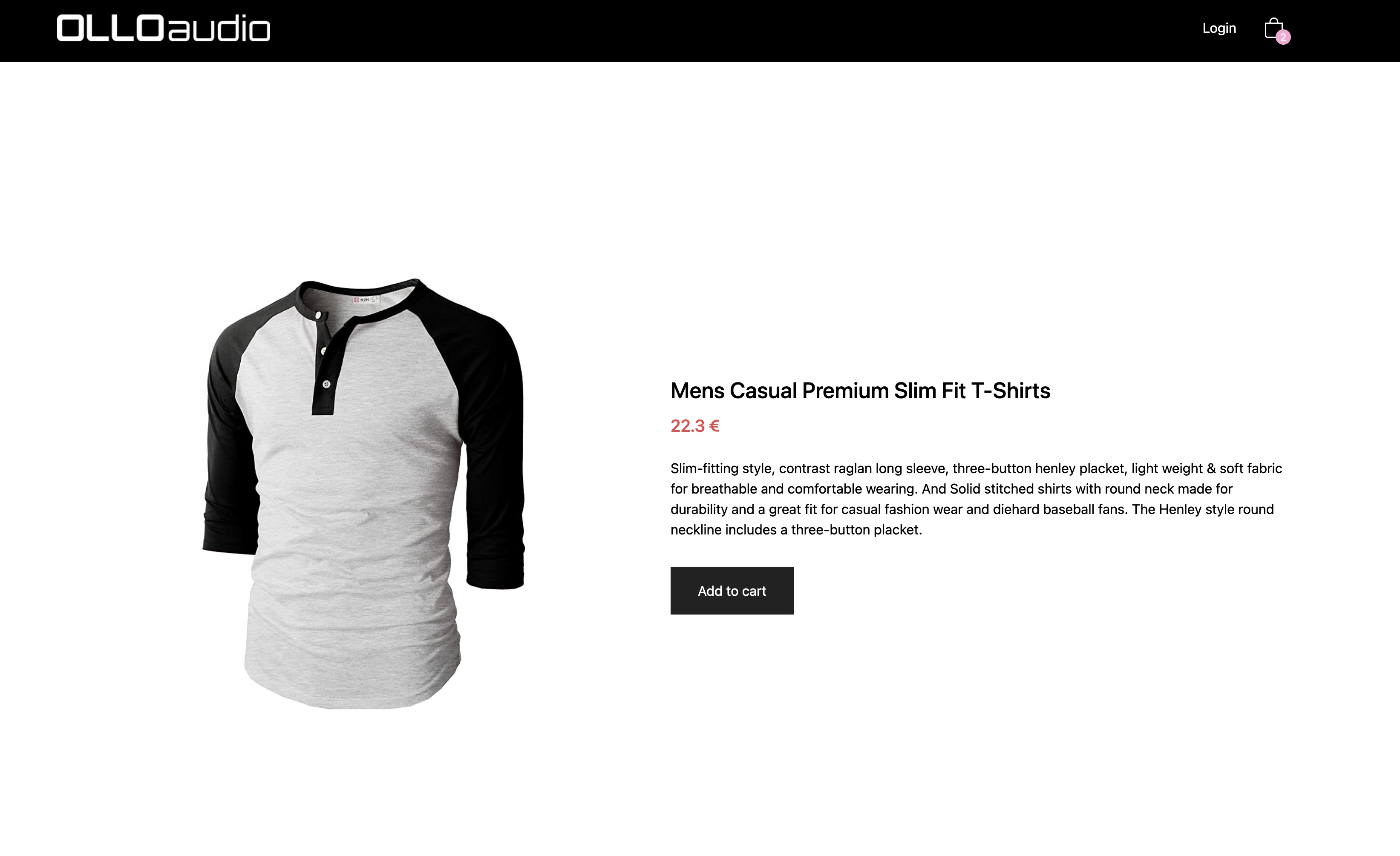
I also learnt how to use the useParams hook to access the info of each product that you click, linking you to a new route where you can see in detail all the info about the product and also you can add to cart directly from there as well.
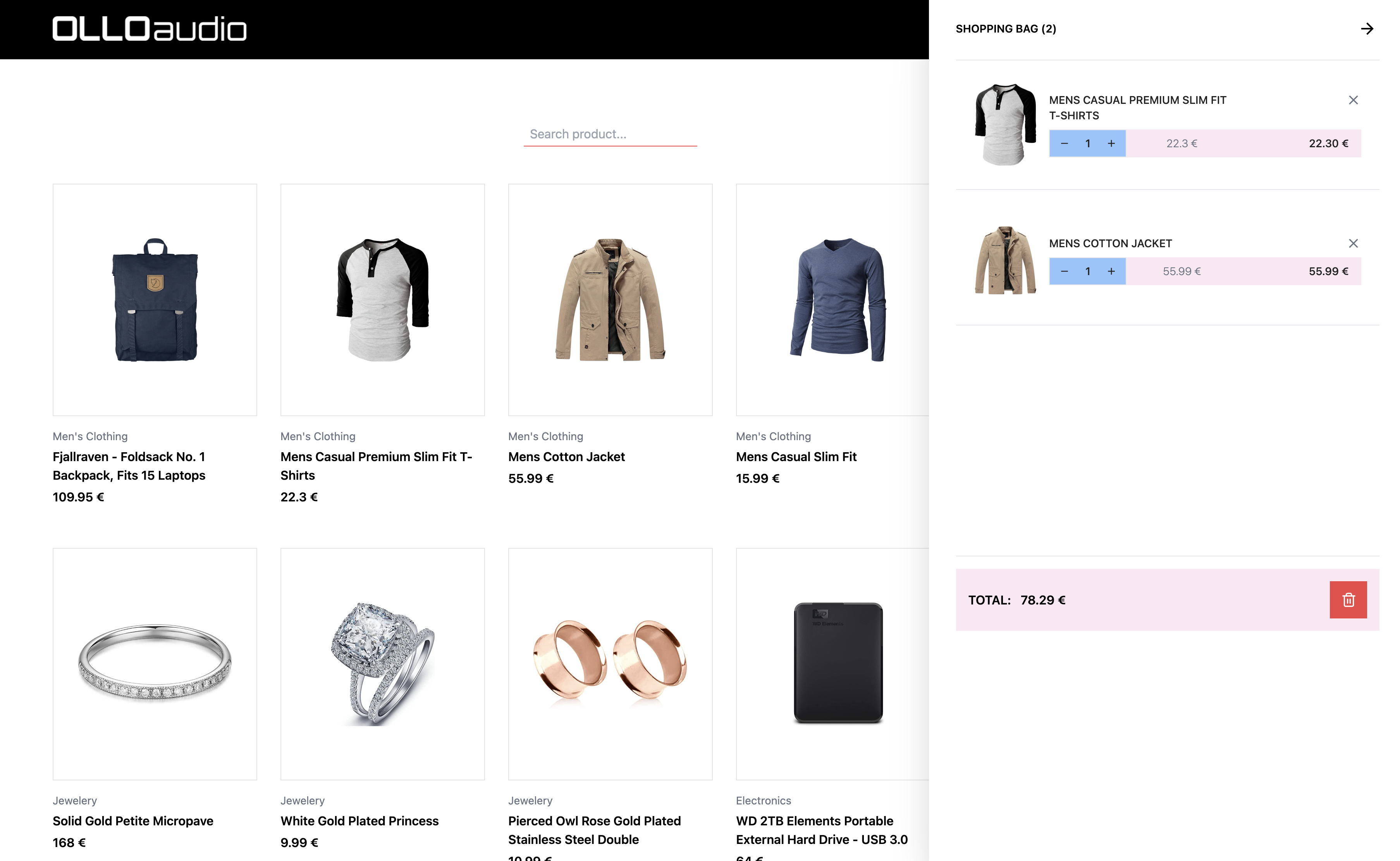
When you click in the cart icon it appears a sidebar containing all the products in the cart where you can add or subtract items from the list as well as removing certain items from cart or clear the full cart.
All of this shows you different toats with the beautiful React-Toastify library to indicate that everything went as expected or if there's any error.
All design is made with Tailwind CSS with some overwritten features.
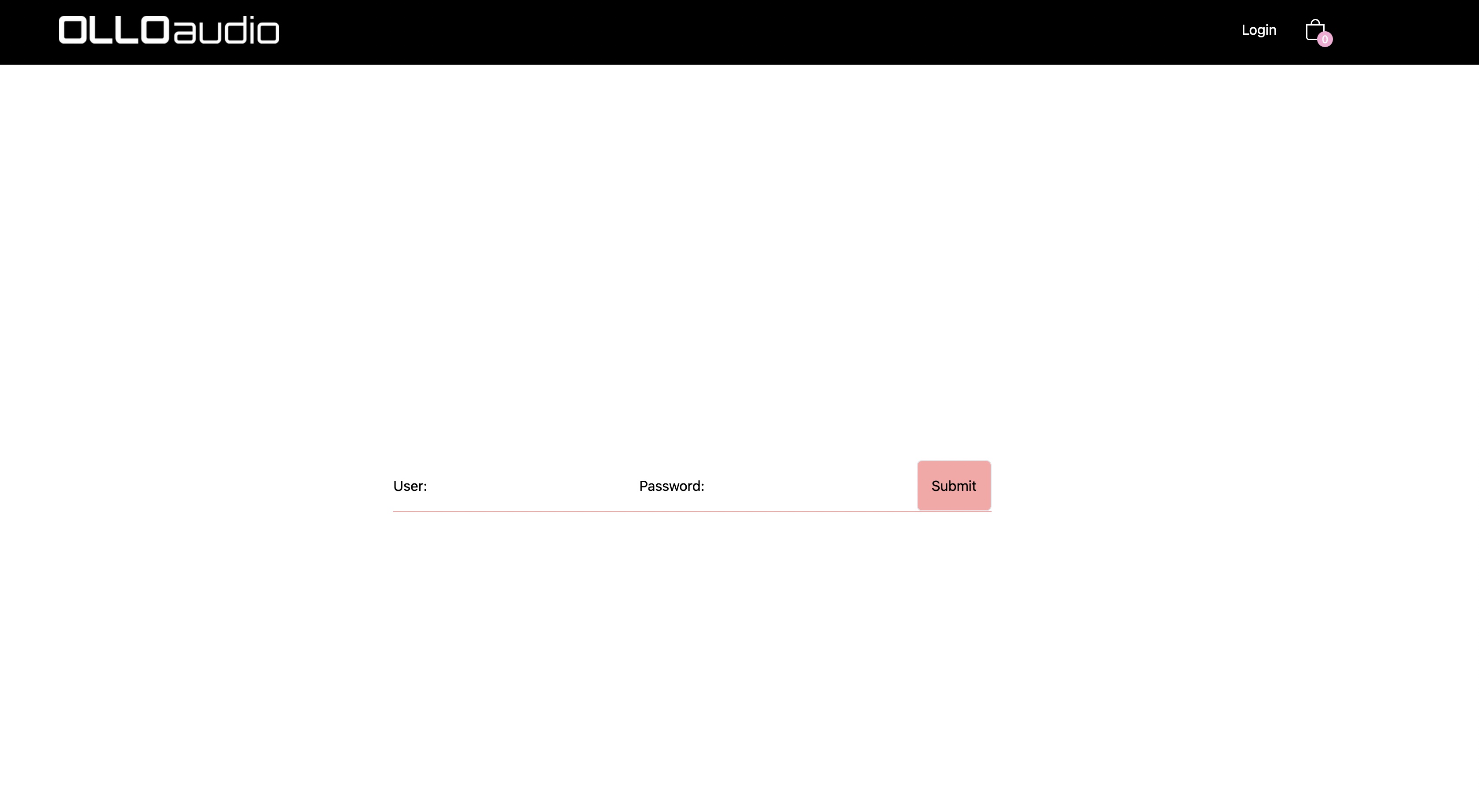
Currently there are only 2 users available to show the different carts. And the credentials are these:
User: Ruben
Pass: 1234
User: Antonio
Pass: 1234
React (useState, useReducer, useEffect, useContext, useParams...)
React Router v6
Create React App
Tailwind CSS
React Toastify
React Icons
React Loader Spinner
Local Storage