It is an ecommerce website which focusses on providing all the necessary sports wear and accessories with latest designs, affordable prices and offers accesible to all.
The features of our project are divided mainly into four domains-:
  The best possible way to judge a product before buying is to go through the reviews the buyers have already given.
  It provides to rate the product with stars and also comment about it.
This feature helps to sort the products you want to search on the basis of various categories.It includes: -
-> Sort by Price -> Sort by Rating -> Sort by Popularity -> Sort by Sale
 The customer can login or register to their account on ShopiFy to see their
 saved products and all the purchases done so far.
This includes all the items you want to purchase. The quantity section could
increase or decrease its value and a subtotal section along with GST is included.
- HTML
- CSS
- Bootstrap
- JavaScript
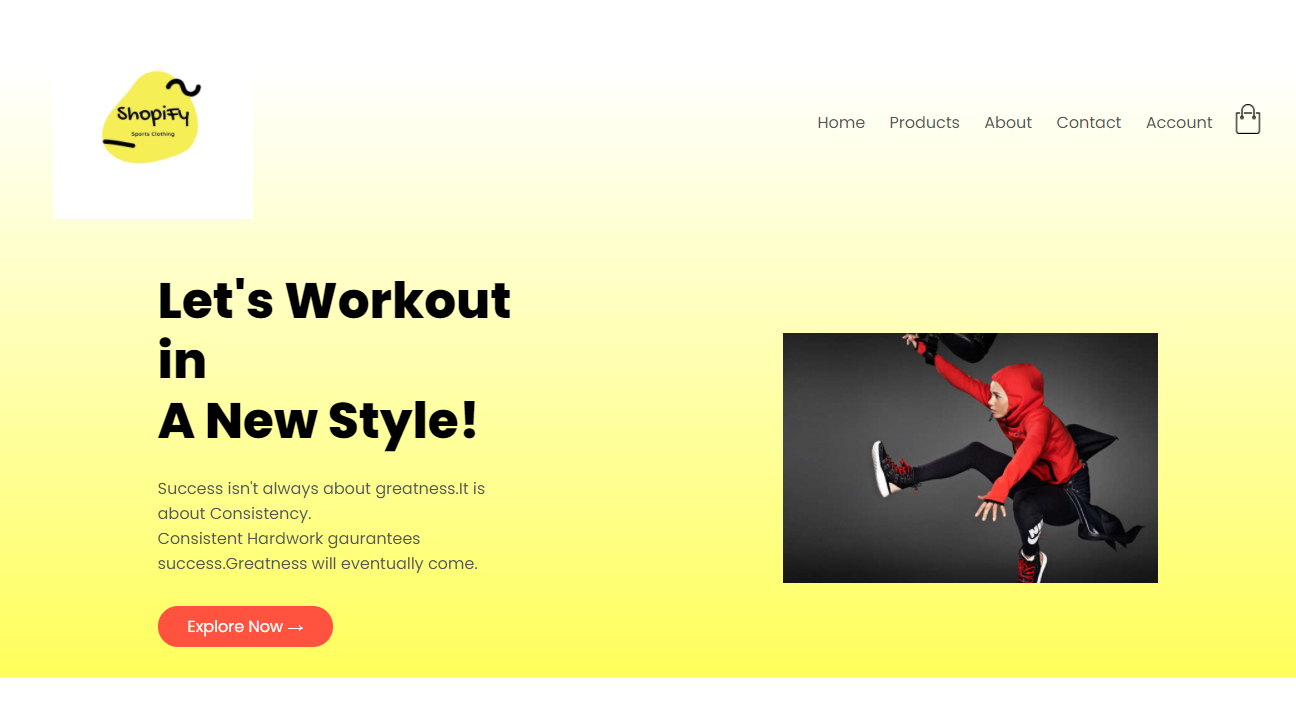
        • The Header was made including 7 things i.e. Logo + 5 basic toggle buttons and a menu option for
          small screen size of less than 800px.

        • The background color was chosen in gradient using CSS feature.

        • Use of hover feature on buttons is used to show greater effect using CSS.

        • The page was given 3 sections to display variety of products and offer section
          was highlighted to attract the customer using HTML classes.

        • The Customer reviews was made to transition to give a better effect.

        • The logos were made greyscale and can be turned to color on click.
          This Outline: hidden feature was used using CSS.

        • The footer was given 4 sections and have attached links to it.


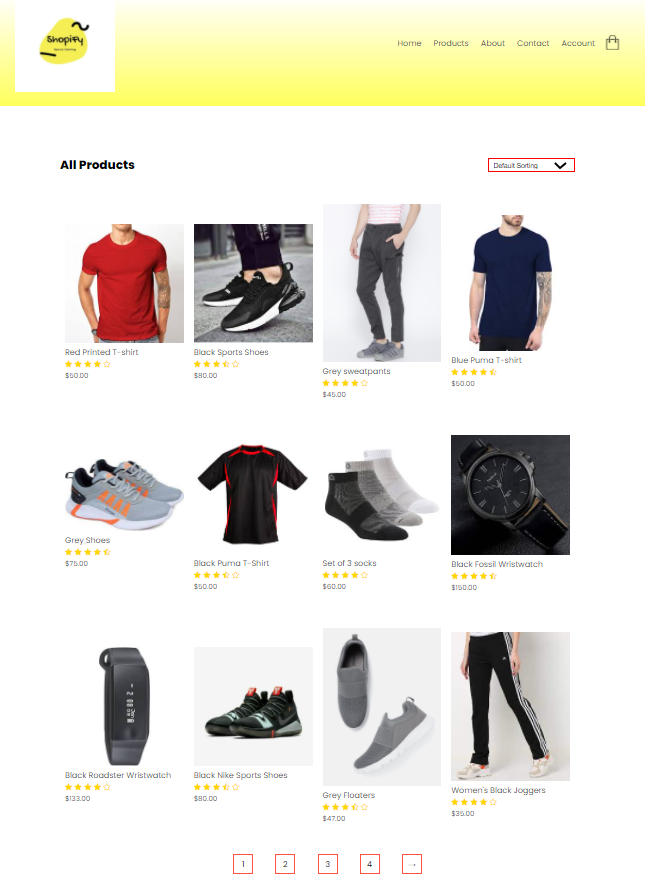
        • The All Products page includes the same header as the home page using HTML.

        • The sorting option was given to the customer using ‘Select tag’ of HTML.

        • The Product images were given transition effect using CSS.

        • The most necessary thing was to include the page numbers down below to see more products.
          It was given special attention using CSS to be put in box and have the hover effect.

        • The footer was given 4 sections and have attached links to it.
        • On clicking any product on the Product image, the page goes to the details of that product;
          Made by using anchor tag of HTML.

        • It shows multiple images of the product on down.

        • The main feature was to give the option of size and quantity of the product to the buyer.
          It was made using select and option tag of HTML.

        • The Add to Cart feature was given hover effect using CSS.

        • The footer was given 4 sections and have attached links to it.

        • A table was introduced in this section using Table tag of HTML showing Product,Quantiy and Subtotal categories.

        • The Quantity section can be increased or decreased by clicking on arrow.

        • A fixed tax was placed in down the table to show the Total price using another table HTML.

        • CSS was used extensively to ensure both the tables come in sync with each other.

        • The media JavaScript was used for screen size smaller than 800px.
           This ensures customers can use the website from all types of devices
        • The footer was given 4 sections and have attached links to it.

        • This Account page includes Login and Register option for the customers.

        • Use of HTML function() was used to put the username and passwords.

        • The Indicator Button id of HTML was used to login and register to the website.

        • The Login and Register option were given HOVER effect using CSS.

        • The password was put in bullets to ensure privacy using HTML id feature.

        • The footer was given 4 sections and have attached links to it.
