


Squares all circles in Discord with adjustable corner roundness.
| Main screen | User settings |
|---|---|
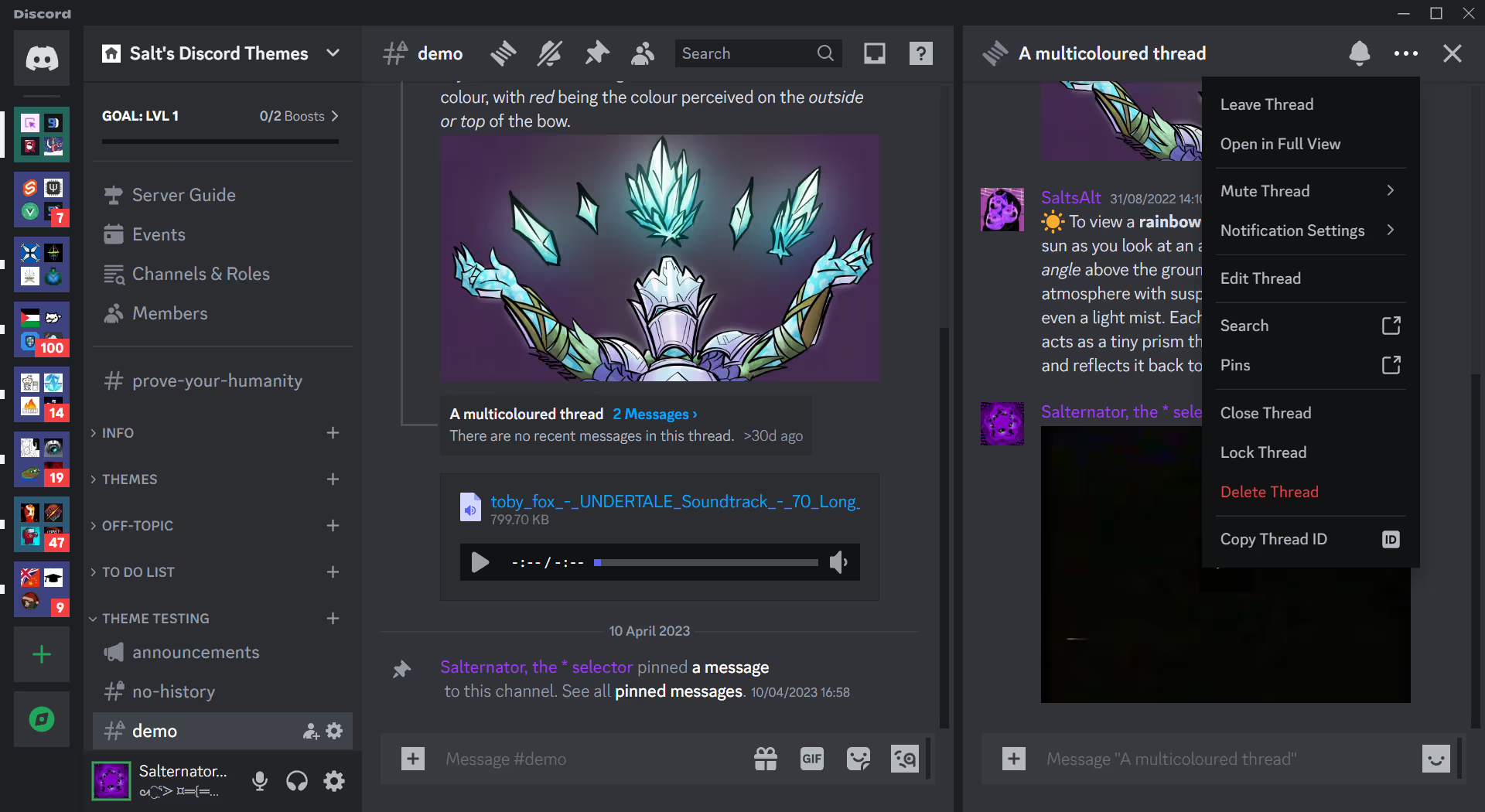 |
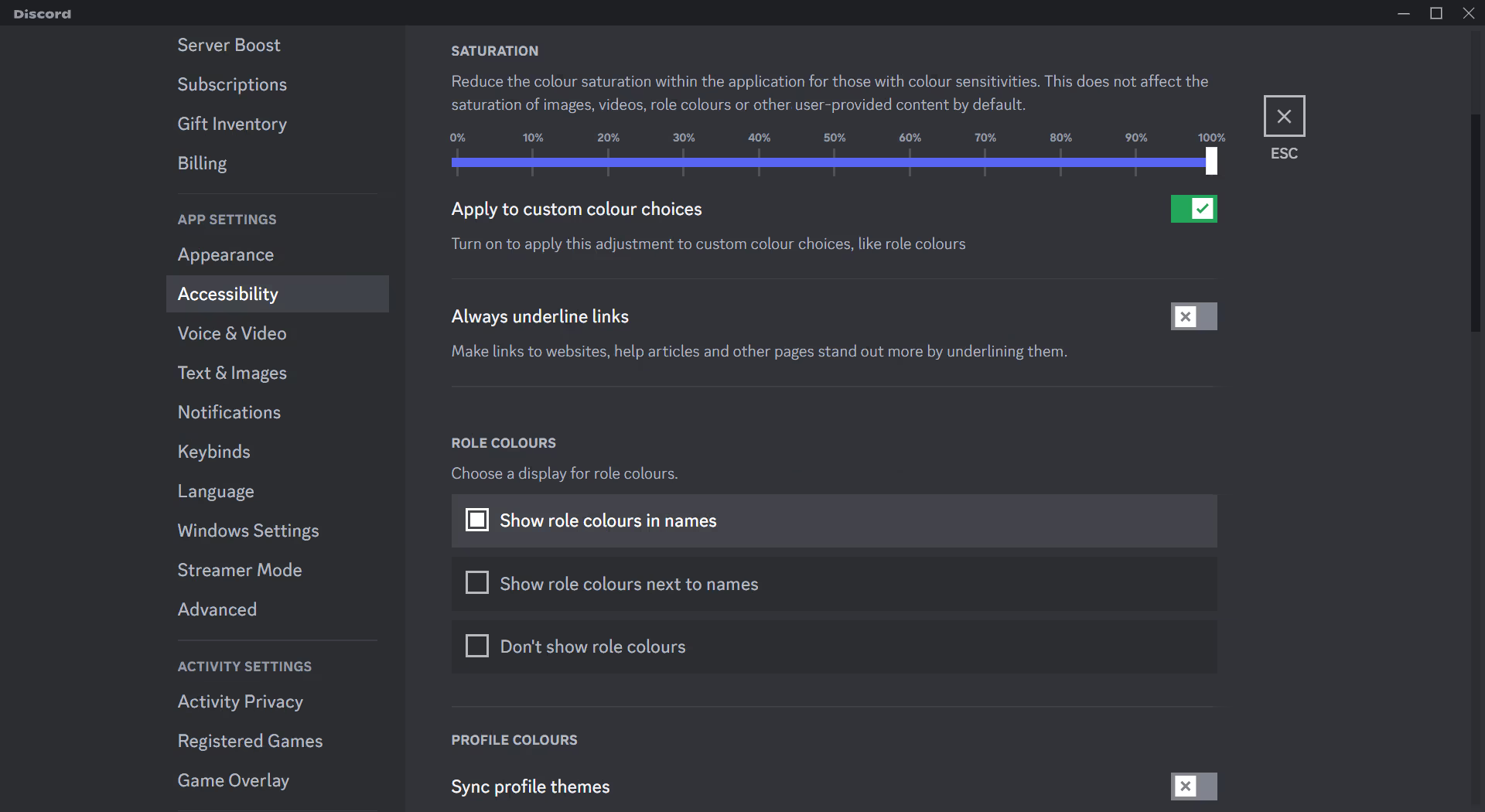 |
Click to expand
- Download
Squared.theme.css: - Place the file in the themes folder:
Settings>BetterDiscord>Themes>Open Themes Folder
- Toggle on the theme card.
Click to expand
- Click to install:
- Download
net.saltssaumure.Squared.asar: - Place the file in the themes folder:
Settings>Replugged>Themes>Open Themes Folder
- Click
Load Missing Themesand toggle on the theme card.
Click to expand
- Download
Squared.theme.css: - Place the file in the themes folder:
Settings>Vencord>Themes>Local Themes>Open Themes Folder
- Click
Load missing Themesand toggle on the theme card.
- Paste the link in
Settings>Vencord>Themes>Online Themes:https://minidiscordthemes.github.io/Squared/Squared.theme.css
To edit the following variables, follow the instructions for your client mod.
| Description | Variable name | Valid values | Default value |
|---|---|---|---|
| Corner roundness | --squared-radius |
Any length. | 0 |
Click to expand
- Open
Settings>BetterDiscord>Themes. - Click the pencil icon on this theme.
- Edit the variable values and save changes.
Click to expand
- Enable
Automatically Apply Quick CSSinSettings>Replugged>General. - Open
Settings>Replugged>Quick CSS. - Copy and paste lines 15-19 of
piOS.theme.css. - Edit the variable values and save.
Click to expand
Open Themes FolderinSettings>Vencord>Themes>Local Themes- Open
piOS.theme.csswith your favourite text editor. - Edit the variable values and save.
Enable Custom CSSinSettings>Vencord>Vencordand clickOpen QuickCSS File.- Copy and paste lines 15-19 of
piOS.theme.css. - Edit the variable values.
This theme is licensed under the MIT license.
- RadialStatus by DiscordStyles (Gibbu) - MIT license
- Post an issue on GitHub.
- Post in
#theme-supporton my support server.
