In this project I aimed to reduce the unnecessary re-drawing of certain sections of our screen, thus improving the overall performance of the app.
Overdraw occurs when your app draws the same pixel more than once within the same frame. read more about it here.
with overdraw 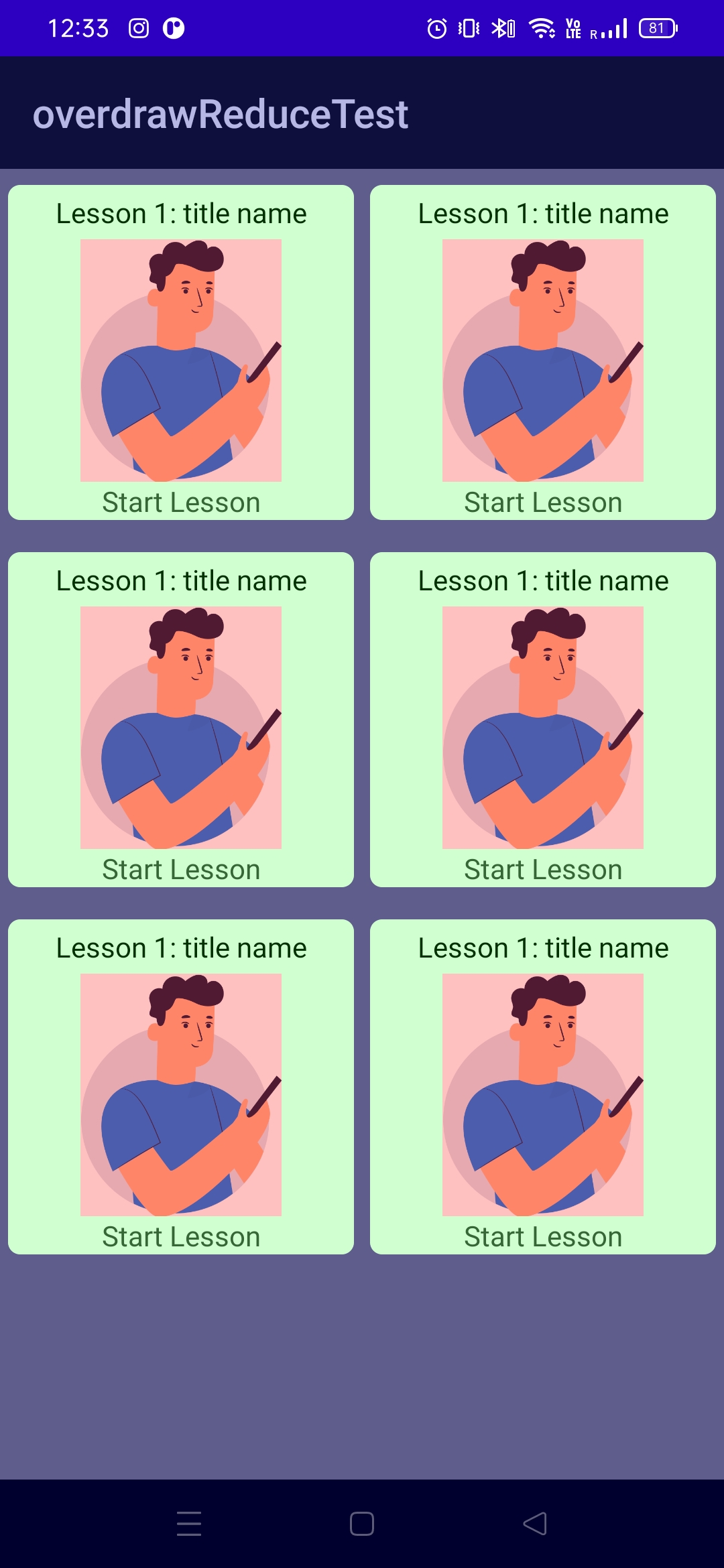
| without overdraw 
|
- Blue: Overdrawn 1 time
- Green: Overdrawn 2 times
- Pink: Overdrawn 3 times
- Red: Overdrawn 4 or more times
- Original: No Overdraw
This single line of code written on onCreate can make the difference shown in the images.
window.setBackgroundDrawable(null)
Basically setting the background to null will make the window be opaque thus making less pixels render every time.
Tap on the buildnumber for 7 times and unlock the developer options. Inside the developer options, you will find an setting named:
Debug GPU overdraw -> Show overdraw areas.
Mihir Shah
If you know more ways to optimize overdraw, please feel free to contribute!