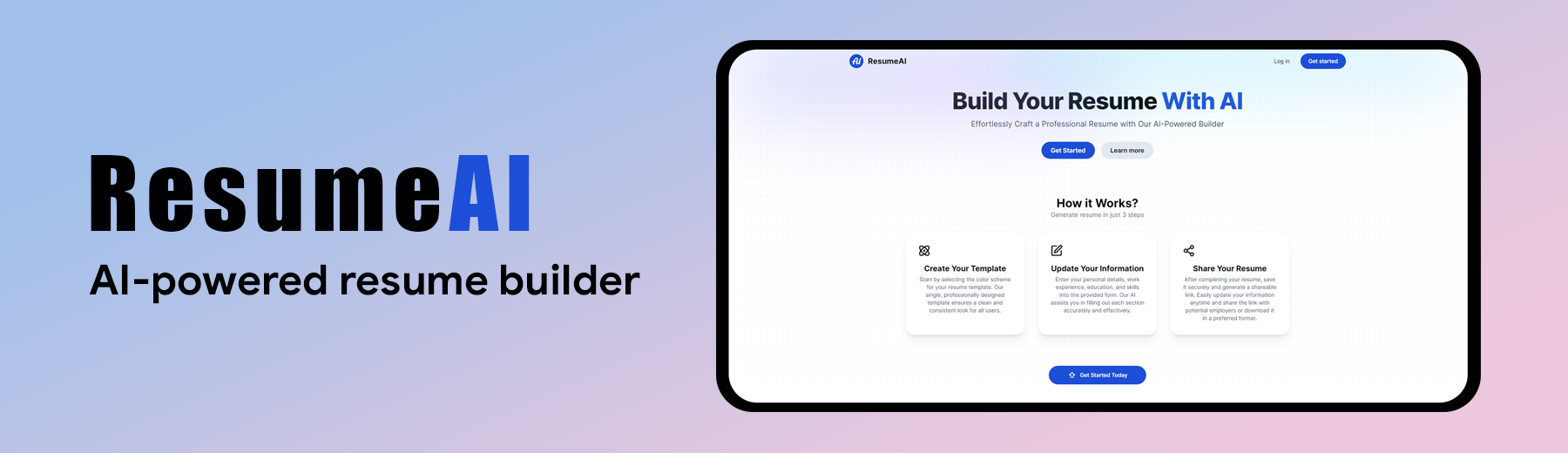


➥ Visit ResumeAI App
-
AI-Powered Resume Generation: Generate a professional resume using AI.
-
User Authentication: Secure login and registration with Clerk.
-
Real-Time Preview: See live updates as you fill out the resume form.
-
Easy Customization: Edit sections like experience, education, skills, and more.
-
Save and Share: Save your resume and share a link with potential employers.
-
Responsiveness: Ensures the application adapts seamlessly to various screen sizes and devices.
-
Frontend: Next.js 14
-
Authentication: Clerk
-
AI Integration: Gemini API
-
Styling: TailwindCSS
-
Backend: Node.js
-
Database: MongoDB
Follow these steps to set up the project locally on your machine.
Make sure you have the following installed on your machine:
git clone https://github.com/Mahmud0808/ResumeAI.git
cd ResumeAIInstall the project dependencies using npm:
npm installCreate a new file named .env in the root of your project and add the following content:
NEXT_PUBLIC_CLERK_PUBLISHABLE_KEY=
CLERK_SECRET_KEY=

NEXT_PUBLIC_CLERK_SIGN_IN_URL=/sign-in
NEXT_PUBLIC_CLERK_SIGN_UP_URL=/sign-up

MONGODB_URL=

GEMINI_API_KEY=

BASE_URL=localhost:3000
Replace the placeholder values with your actual credentials. You can obtain these credentials by signing up for the corresponding websites on Clerk, MongoDB and Google AI Studio.
npm run devOpen http://localhost:3000 in your browser to view the project.
Contributions are welcome! Here's how you can contribute:
- Fork the repository.
- Create your feature branch (
git checkout -b feature/AmazingFeature). - Commit your changes (
git commit -m 'Add some AmazingFeature'). - Push to the branch (
git push origin feature/AmazingFeature). - Open a pull request.
As of February 2025, the website has exceeded its maximum user limit (500 users). To continue testing the project, please fork the repository, set up the required environment variables, and run it locally.
Wanna reach out to me? DM me at 👇
Email: mahmudul15-13791@diu.edu.bd