The purpose was to develop a working card game where the user is able to click on two cards to check if they are a match. If those two cards are a match, then they remain revealed until all cards are matched and revealed, at that point which the user wins the game. The bases behind this project game development was also to put lessons taught over the last week into play. I learned to be as resourceful as possible, learned to priorotize, and to maintain the focus of the end goal, a game with the neccessary functionality.
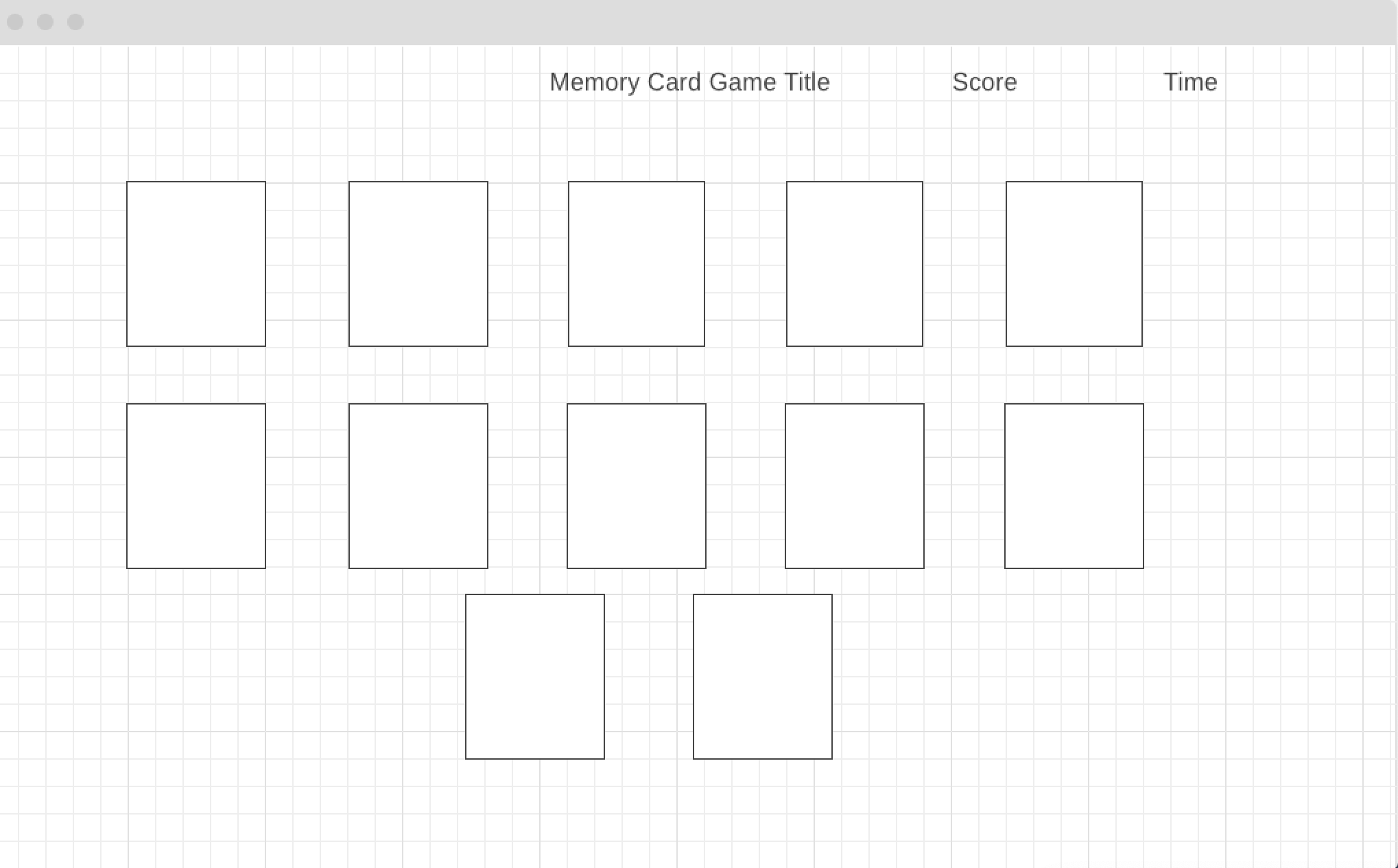
As I'm sure you know, web development has a lot to do with collaboration. Although this was an individual assignment, it was important to have a brief conversation with someone more exprienced just to discuss the groundwork for project, layout, and whats most important to start with. Here is where it was confirmed to start on the basic coding and game logic before spending time and effort on the CSS. I know how tempting it can be to want to get your web page looking beautiful, but what good is a game that looks great, but has no functionality?
- HTML I used my HTML file to get your boilerplate set as well as identified neccesary div classes and IDs that I could reference once I got ready to layout what was drafted in my wireframe.
- Initial CSS I, second, traveled to my CSS file where I used grid-styling to structure my div classes in an order that would serve as placeholders for my flash cards.
- Javascript Next, I began my javascript. I used DOM Manipulation to create any variables I thought I may need for game functionality. I then approached my code set up by creating various functions for actions/tasks that I wanted my game to perform. I added Event Listeners and created "if" conditional statements within my function to execute a task only when I wanted them to.
- Visual Studio Code(HTML5, CSS3, and Javascript ES6)
- Google stored images
- Imgur Photo Sharing
- Command Line Terminal
- Google Chrome Web Browser & Developer Tools
- Wireframe Design Tool
Player has 1 minute to match all cards by clicking each one. If player wins a match, cards stay flipped on the matched side. If players click two cards that aren't a match, both cards will flip back to back side. Player can continue to look for matches until all matches are found.
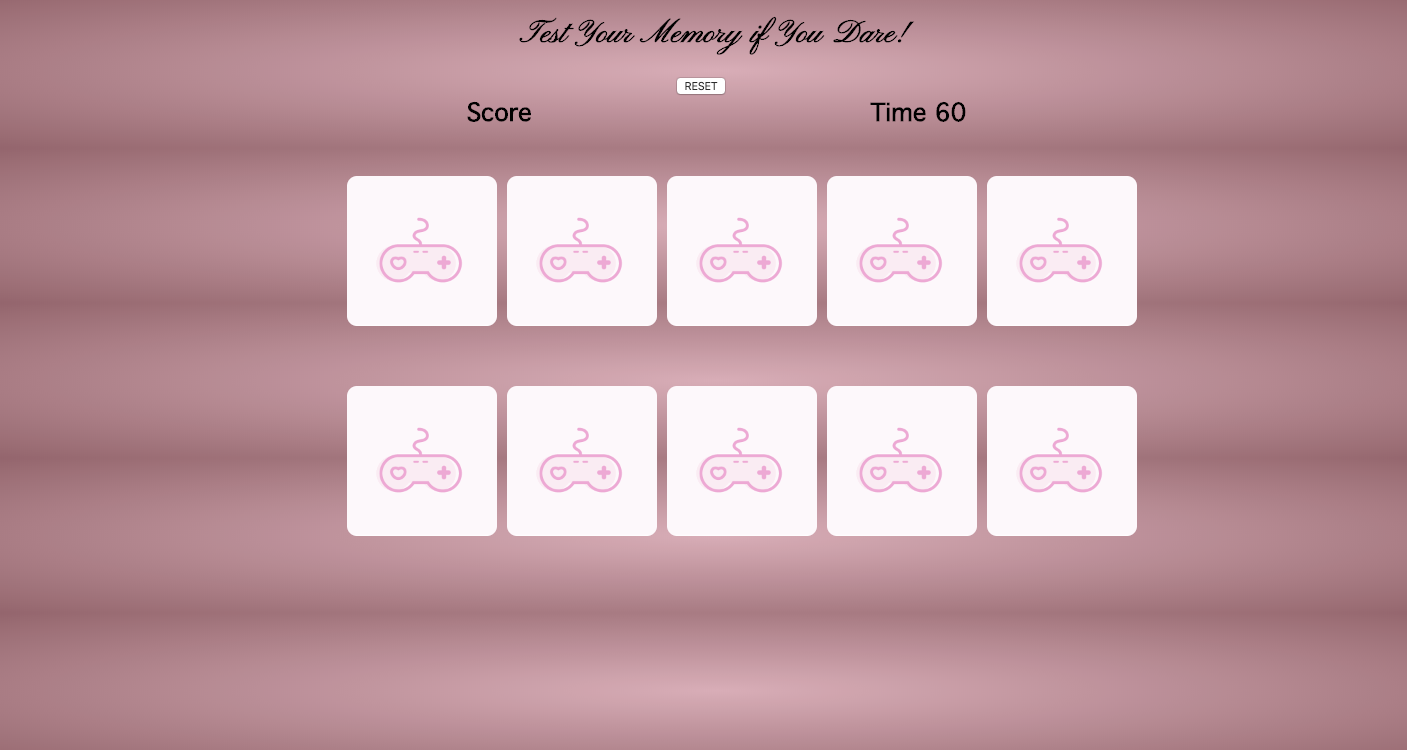
- Preload app with data.
- Let player click freely through cards.
- Mark if player gets a match.
- Re-display incorrectly matched cards until user gets them correct.
Bonus
- Track score(not over time)
- Include images on one or both sides
- Set Timer
(file:///Users/lp20821/sei/projects/Project-1---Memory-Card-Game/index.html)
There's definitely room for opportunity for refactoring in my code. The main goal was get game working and I ran into a lot of issues where code segments would not work outside of my main Game function code. I would also like to add sound to each card. A rotation of 3 main sound effects. A click sound on each card, a sound when player gets a match, and a sound if the second clicked card is not a match. I also ran into some brick walls with my CSS as far as card styling, that would be something I revisit.