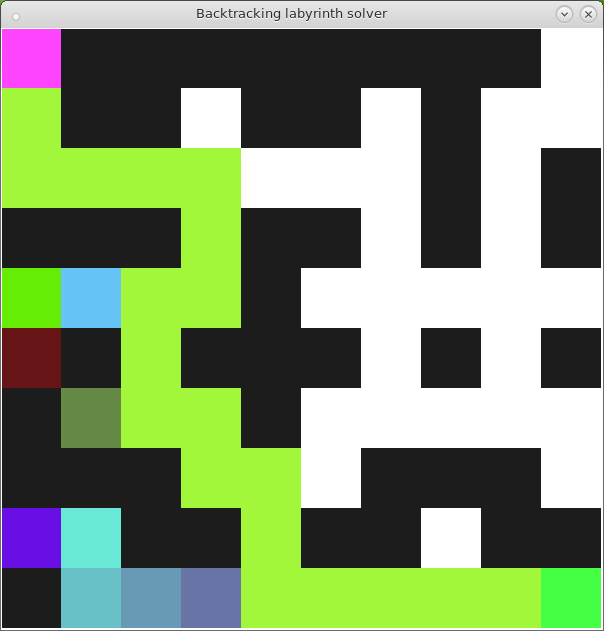
Tool for solving, visualize and generate mazes.
This version has been developed acording the python3 syntax. And use the tkinter module.
To install tkinter execute as root:
# debian based
$ apt-get install python3-tk

# red hat based
$ yum install python3-tk
With the -h flag you can see the help text. It explains the basic parameters to run the program.
# Show help text
$ python main.py -h
Doing a map is so simple, you only need a text editor.
#   represents a wall
.   represents a corridor
s   represents the start point (only can be one)
e   represents the end point (you can put as much as you want)
You can view the files from the map folder to understand how it works.
You can run some of this examples to understand how the program works.
# You can observe pretty well the behavior of the algorithm with this parameters

$ python3 main.py --height 1000 --width 1000 -i maps/test3.map --loop -t 0.2 -V

    # Window resolution 1000x1000 px
    # Loading the test3.map example
    # In loop mode
    # With a pause of 0.2 to apreciate the behavior
    # In Verbose mode to get extra information about the resolution
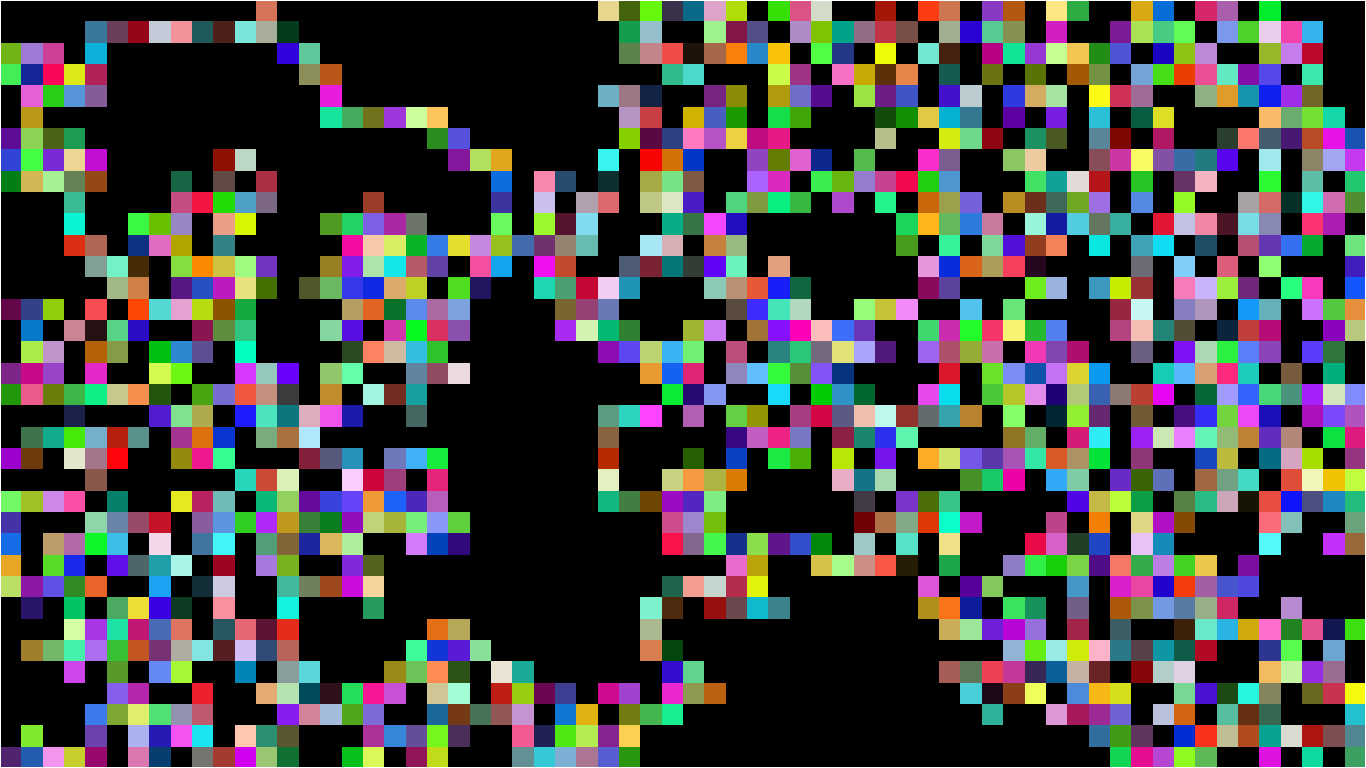
This is other example that create a beautiful screensaver.
$ python3 main.py --screensaver -rw 160 -rh 90

    # In screensaver mode (loop mode + fullscreen mode)
    # With a 16:9 ratio of rectangles to see it like squares

# Even you can make beautiful artwork

$ python3 main.py --screensaver -rw 64 -rh 36 --corridorcolor "#000" --wallcolor "#000" --pathcolor "#f00" -pi 3000000