Feedback Functionality
To activate the feedback functionality in MARLO-AICCRA, you must be an administrator user and go to the upper right corner in "System Admin" section.
From there, a menu appears on the left where we must click on “PTF Parameters”.
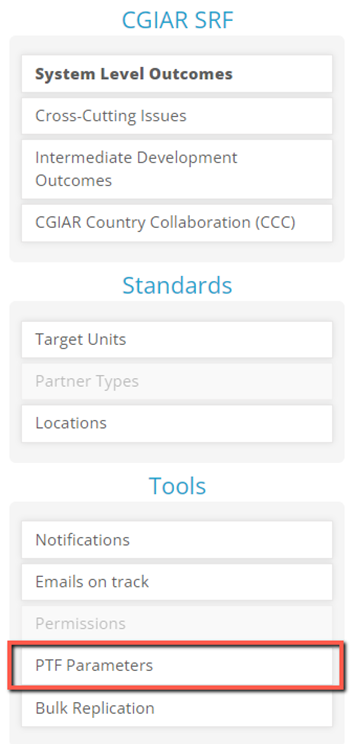
Now you must click on the "AICCRA" option, when it is displayed, the "Specifities" option appears, which you must click.
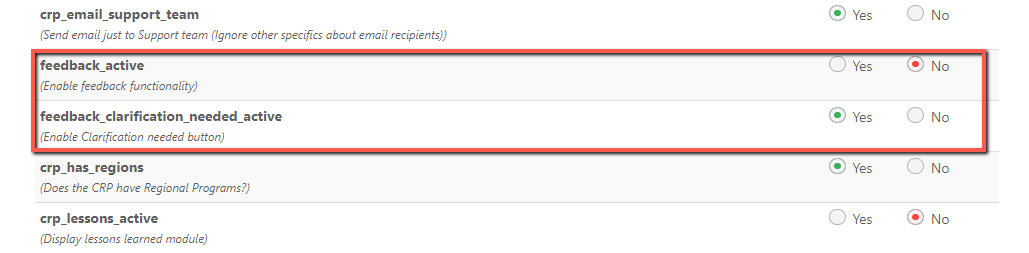
Once there, search for “feedback_active” and select “Yes”.

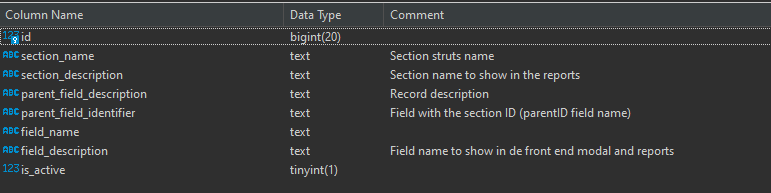
Already having the functionality activated, then the fields whose feedback can be generated must be activated, these are entered by hand in the database in a table called "feedback_qa_commentable_fields".
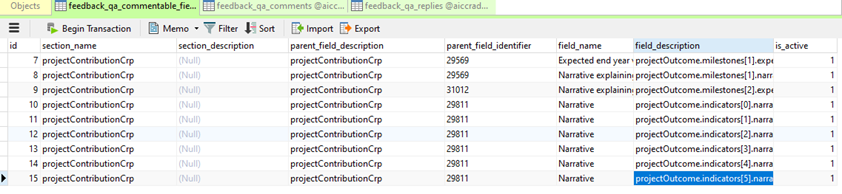
Once activated in the database, they will be reflected in the interface.
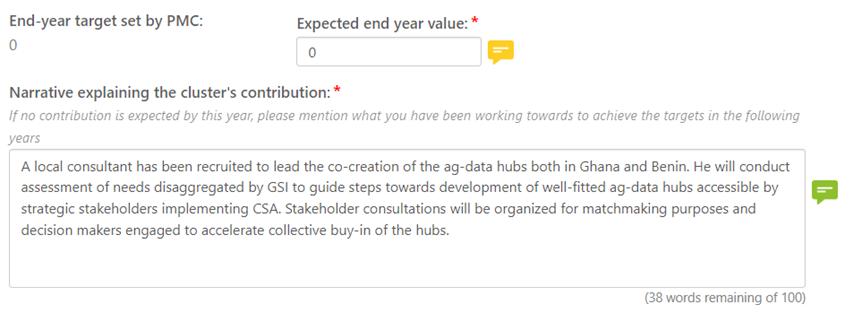
There are 3 types of users who can use this functionality, these are divided into:
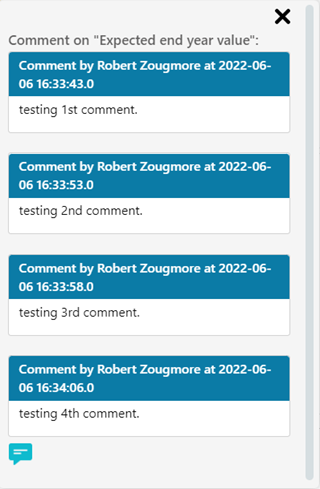
• Users who can comment: They are those who can leave comments in the fields that they think need feedback. This user can add as many comments as they want in a field.
• Users who can respond: They are those who can respond with a status, be it “agree”, “disagree” or “clarification needed” and at the same time respond to the comment as such.
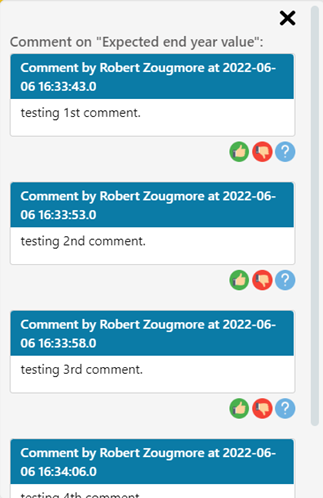
Once a state is selected and answered, it would look like this.
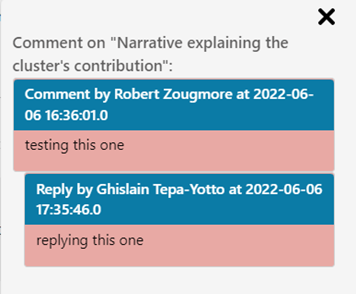
• Users who can comment and reply: These are the users who can make comments and reply to them. Its interface looks like this.
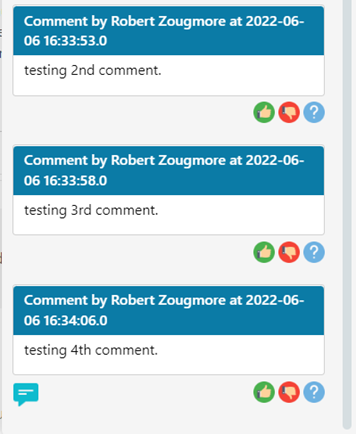
Finally, there are also the states of the comment icons so that users know if there are no comments, if there are pending or if they are resolved, at the beginning of the window there is a box that makes this clear to users.

The files that contain the functionality are the following:
• Main FTL: projectContributionCrp.ftl. Path: D:\MARLO\MARLO\marlo-web\src\main\webapp\WEB-INF\crp\views\projects\projectContributionCrp.ftl
• JS: projectContributionCrp.js. Path: D:\MARLO\MARLO\marlo-web\src\main\webapp\crp\js\projects\projectContributionCrp.js
• CSS: global.css. Path: D:\MARLO\MARLO\marlo-web\src\main\webapp\global\css\global.css
• FTL that contains the macros: forms.ftl. Path: D:\MARLO\MARLO\marlo-web\src\main\webapp\WEB-INF\global\macros\forms.ftl
Feedback macros are found in the file “”forms.ftl”. The only 2 macros that are being used for this functionality are:
• qaPopUpMultiple: This macro creates the pop-up and inside calls a list of the comments that should be displayed, for this the other macro “qaCommentReplyBlock” is called.
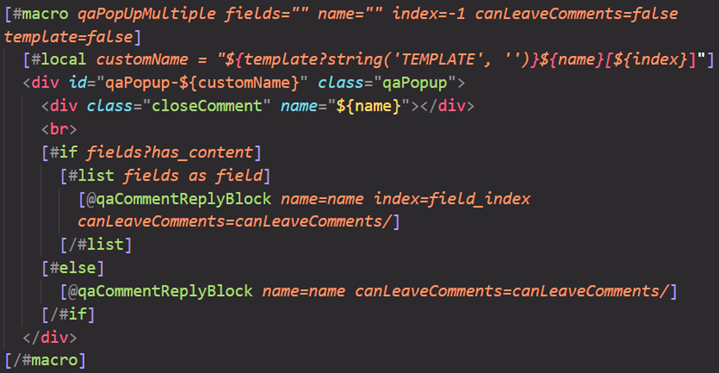
• qaCommentReplyBlock: This macro creates the comment block that contains states and to reply to the same comment, it also has a button to add more comment blocks.
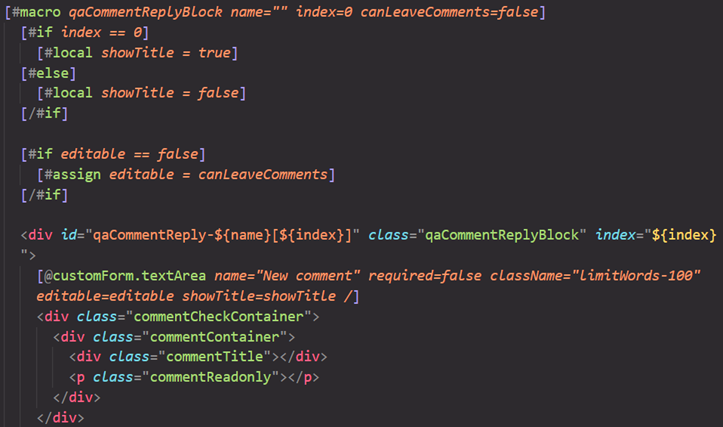
In the JS file “projectContributionCrp.js” are the functions that make the Feedback come to life. Their functions are shown and explained below.
• getQAComments(): AJAX is used to query existing comments asynchronously.
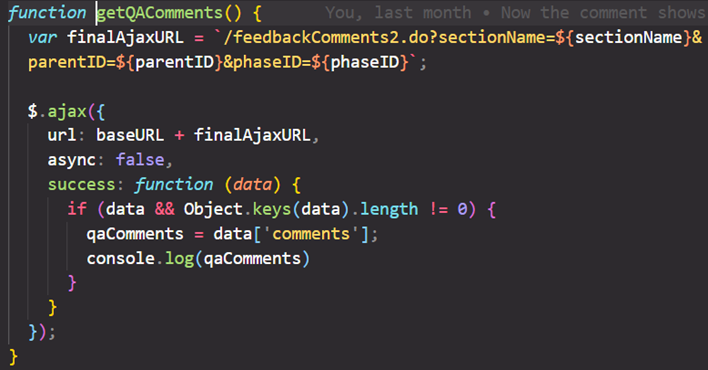
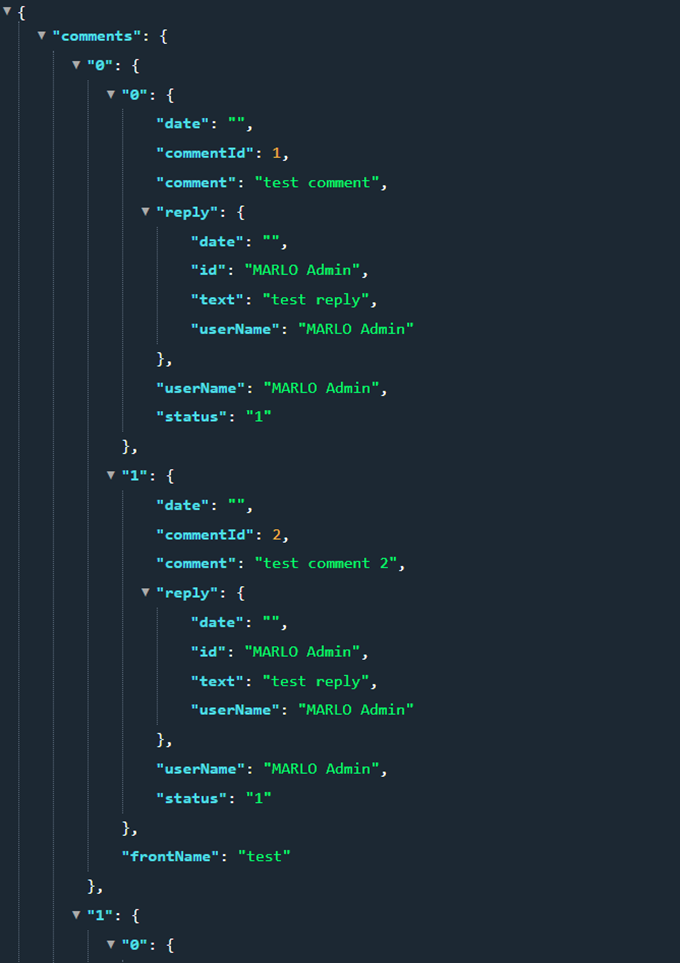
Comments come with this structure.
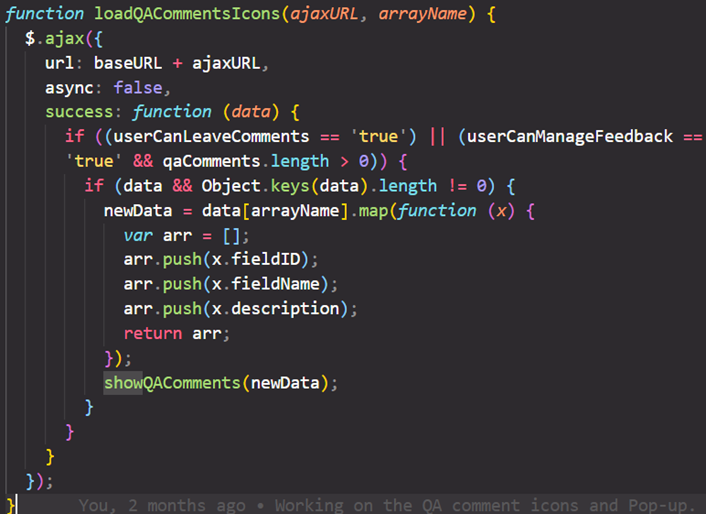
• loadQACommentsIcons(): Once the comments have been brought with “getQAComments()”, the “feedback_qa_commentable_fields” of the database are consulted in order to display the icons where comments can be made.
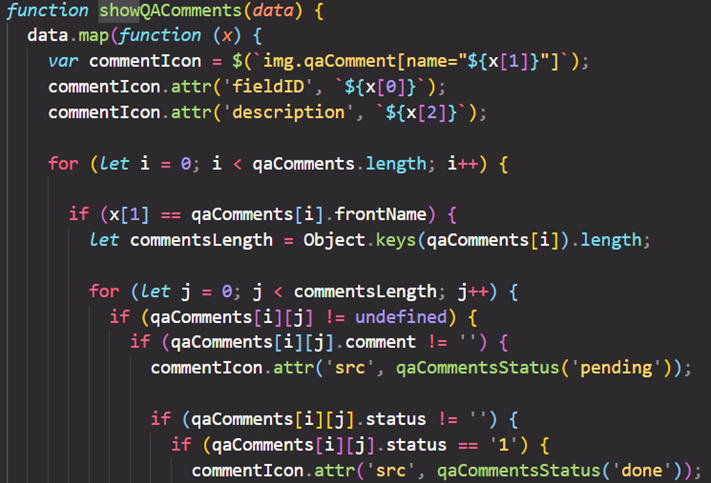
• showQAComments(): This fulfills the function of enabling the icons that must be shown in order to give them feedback. Here the icons are also changed according to the state they meet.
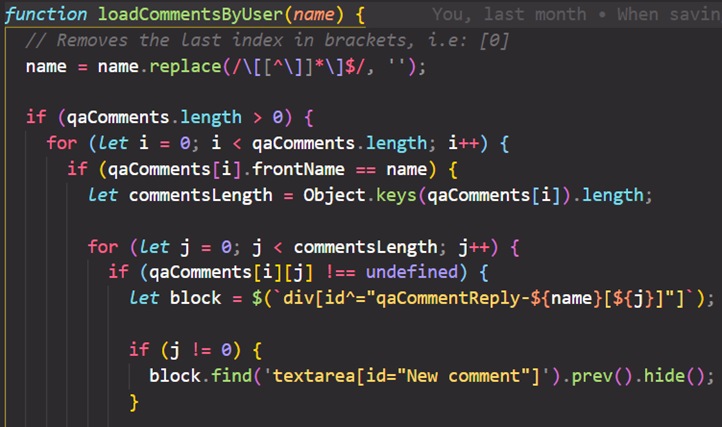
• loadCommentsByUser(): What this function does is update the information contained in the pop-up, that is, its due comments and replies, depending on whether they should be editable or readable.
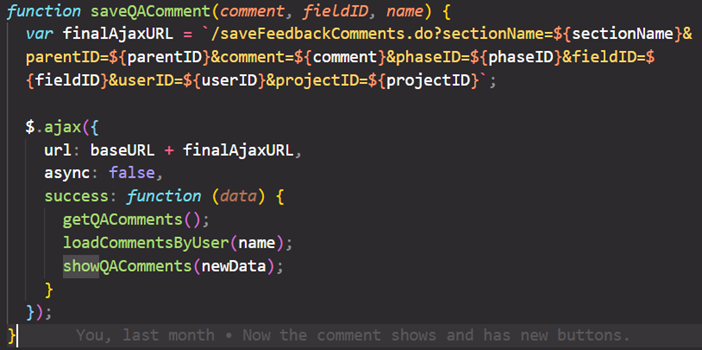
• saveQAComment(): AJAX is used to save the comment and within the success the updated comments are brought again, it loads the comments within the pop-ups and shows the icons with their proper states.
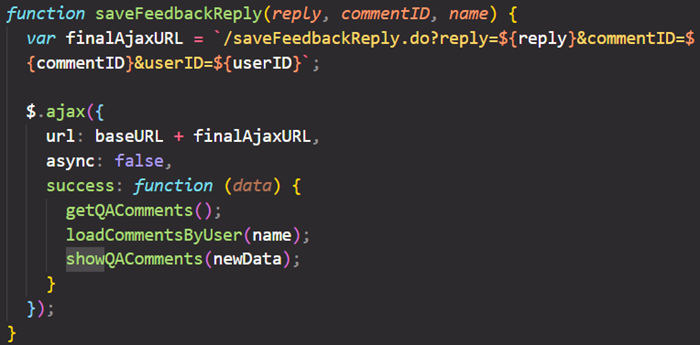
• saveFeedbackReply(): AJAX is used to save the reply and the updated comments and replies are brought back to load the pop-up with this information.
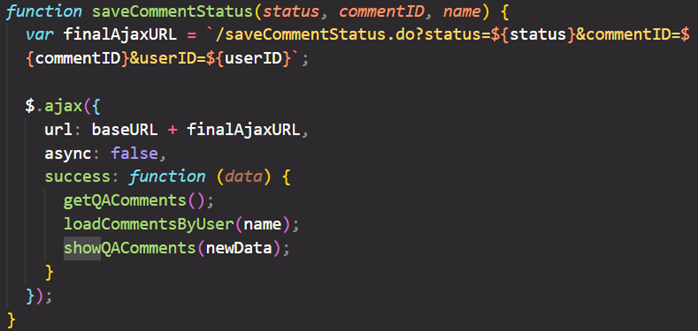
• saveCommentStatus(): AJAX is used to save the comment status and the pop-up is properly updated.
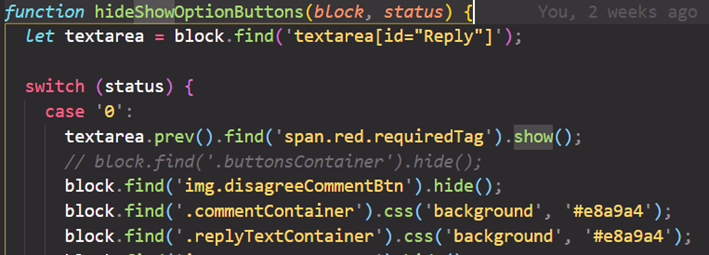
• hideShowOptionButtons(): Depending on the state that the user chooses when making a reply, it will hide/show buttons as well as color the comment and reply boxes.
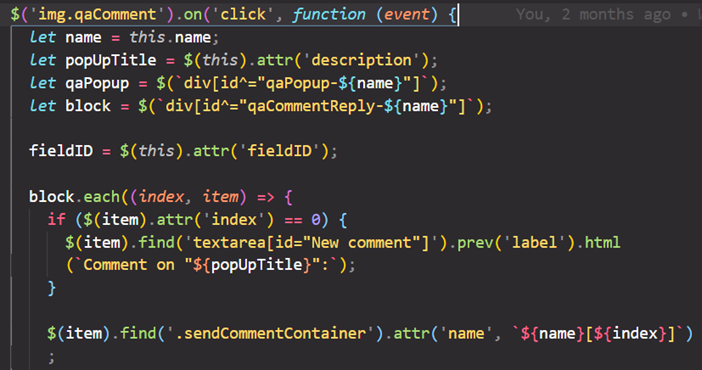
• $('img.qaComment'): Detects the click event of the comment icon, which makes it show the pop-up to make comments.
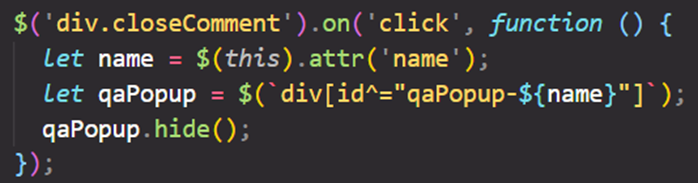
• $('div.closeComment'): Detect the click event of the X button to close the pop-up window.
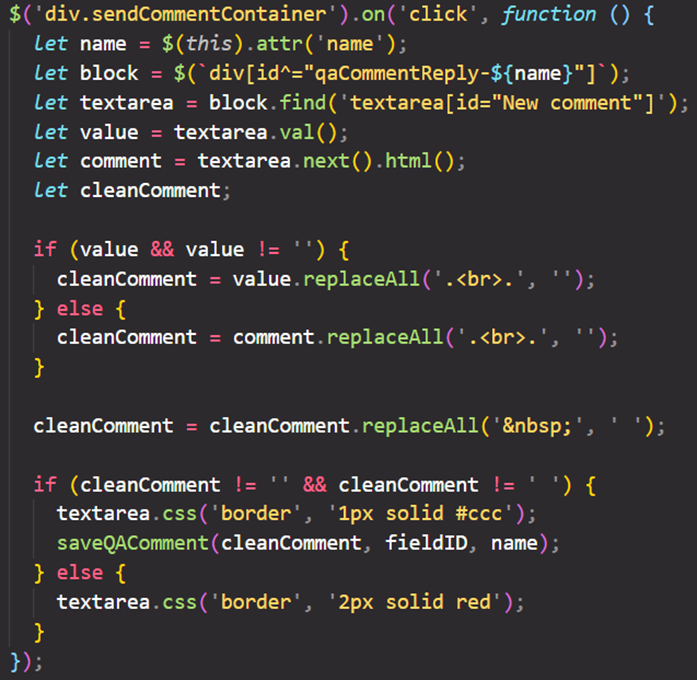
• $('div.sendCommentContainer'): Detects the click event of the button to save the comment made. This validates that it is not an empty comment, if so it outlines it in red.
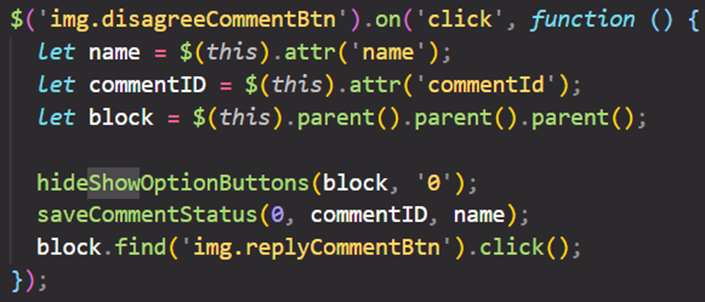
• $('img.disagreeCommentBtn'): Detects the click event of the “disagree” button to save this state and open a box to reply.
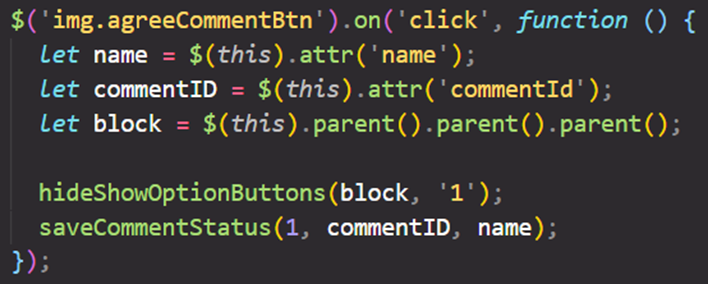
• $('img.agreeCommentBtn') Detects the click event of the “agree” button to save this state.
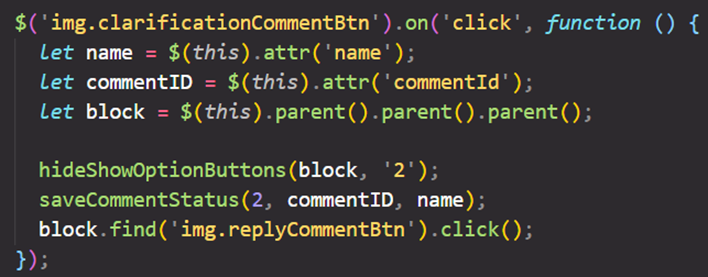
• $('img.clarificationCommentBtn'): Detects the click event of the “clarification needed” button to save this state and open a box to reply.
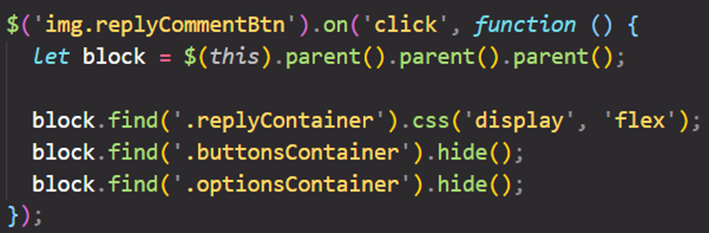
• $('img.replyCommentBtn'): Shows the reply block and hides the status options.
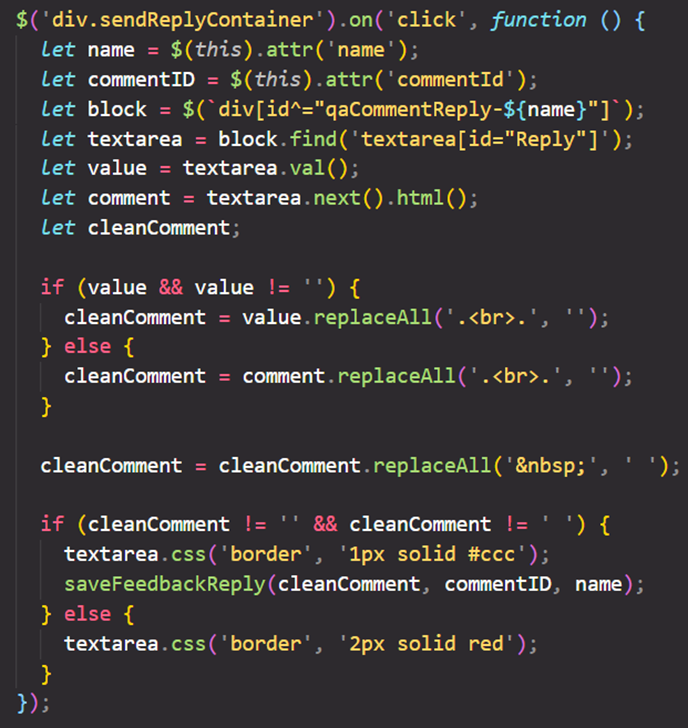
• $('div.sendReplyContainer'): Detects the click event of the button to save the reply made. This validates that it is not an empty reply, if so it outlines it in red.
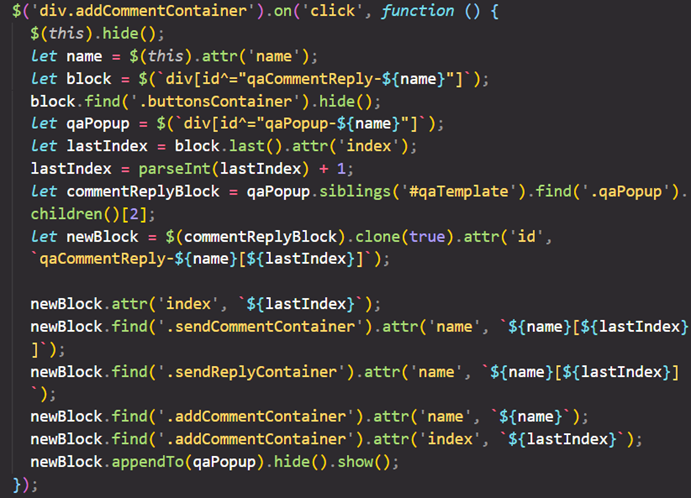
• $('div.addCommentContainer'): Detects the click event of the button to add a new comment block where you can make a comment, put a state and make a reply.
- feedback_qa_commentable_fields
- feedback_qa_comments
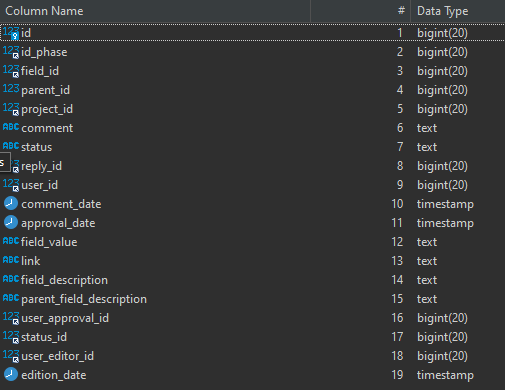
- feedback_qa_replies
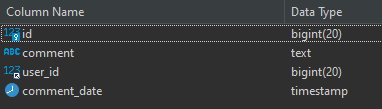
- feedback_statuses
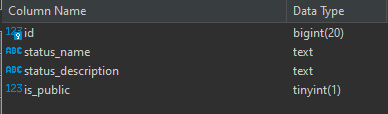
- feedback_permissions
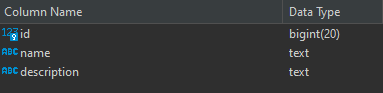
- feedback_roles_permissions
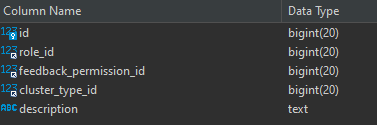
Variables in BaseAction.java Class:
-
canLeaveComments()
Validate if the user has a role that allows leave initial comments
@return true if the user can leave draft comments
-
canApproveComments(Long projectID)
Validate if the current user can approve feedback draft comments
@param projectID
@return yes if the user has a role that allows approve comments
-
canManageFeedback(Long projectID)
Validate the user permission to replay or react to a comment
@param projectID
@return true if the current user rol is PL or PC
- feedback_active: Enable feedback functionality
- feedback_clarification_needed_active: Enable Clarification needed button
get
- feedbackComments
- feedbackComments2
- getCommentStatus
delete
- deleteComment
- deleteReply
- feedbackParent
- feedbackReplies
save
- saveFeedbackComments
- saveFeedbackReply
- saveCommentStatus
- Feedback Status Enum / FeedbackStatusEnum.java: contains the information of the feedback status table