██████╗ █████╗ ████████╗ █████╗ ██╗  ██╗   ██╗███████╗███████╗██████╗
██╔════╝██╔══██╗╚══██╔══╝██╔══██╗██║  ╚██╗ ██╔╝╚══███╔╝██╔════╝██╔══██╗
██║     ███████║   ██║   ███████║██║   ╚████╔╝   ███╔╝ █████╗  ██████╔╝
██║     ██╔══██║   ██║   ██╔══██║██║    ╚██╔╝   ███╔╝  ██╔══╝  ██╔══██╗
╚██████╗██║  ██║   ██║   ██║  ██║███████╗██║   ███████╗███████╗██║  ██║
 ╚═════╝╚═╝  ╚═╝   ╚═╝   ╚═╝  ╚═╝╚══════╝╚═╝   ╚══════╝╚══════╝╚═╝  ╚═╝
A small tool that helps Incident responders and SOC analysts do a quick and initial analysis/assessment of malicious files that could contain some Powershells, WMI, Vbs, and many more scripting languages inside them. It will even try to detect if the file includes some sort of executable inside it. For now, you can use it for the new wave of malicious .one or OneNote files. I hope it helps.
python3 Catalyzer.py -h
usage: Catalyzer.py [-h] [-f FILE] [-c CUT] [-d DUMP] [-p PASSWORD] [-fu FOLDER] [-s FORMAT]

optional arguments:
  -h, --help            show this help message and exit
  -f FILE, --file FILE  The name of the file that you wish to work with
  -c CUT, --cut CUT     Display portion of the file like hex : 00000:00100 without 0x (not required)
  -d DUMP, --dump DUMP  Dump specified portion of the working file into a new file (not required)
  -p PASSWORD, --password PASSWORD
                        Protected ZIP file password
  -fu FOLDER, --folder FOLDER
                        Analyze the full folder
  -s FORMAT, --format FORMAT
The format of the dump data (hex, base64)python3 Catalyzer.py -f /file/pathpython3 Catalyzer.py -fu /folder/pathpython3 Catalyzer.py -f /file/path -c StartingOffset:Endingoffset ex : 00000000:00000100python3 Catalyzer.py -f /file/path -d StartingOffset:Endingoffset ex : 00000000:00000100 -s hex or base64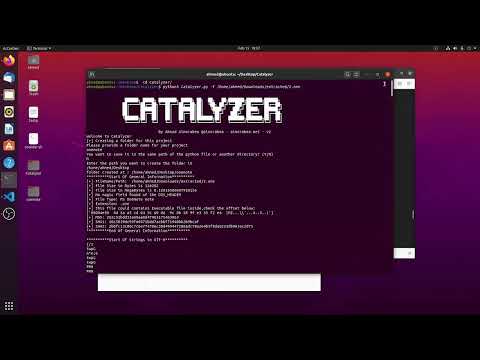
This is an automated tool which means it relies on signatures and things in a particular order and could be fooled by malware authors. so use it in your initial assessment and carry it out from there.
Ahmad Almorabea @almorabea