Create an Image carousel #118

Description

🚀 Welcome Contributors!
Your task is to create a functional Automatic Photo Carousel with smooth transitions and interactive behavior, following the method shown in the provided tutorial.
The Design & Behavior:
Screen.Recording.2026-01-10.at.12.20.50.PM.mov
- Visual: A beautiful auto-scrolling photo carousel that cycles through multiple images (e.g. travel photos, product shots, or portfolio images).
- States:
- Default: Shows the first/active image prominently with navigation dots/indicators below (and optionally arrows on sides).
- In Motion: Images smoothly transition from one to the next using Smart Animate.
- Hover (optional): Subtle scale-up or overlay effect on hover (depending on tutorial style).
- Interaction:
- The carousel should automatically scroll through images in a loop.
- Use Smart Animate with an "Ease Out" curve (approx. 500–800ms) for smooth slide transitions.
- Bonus (if tutorial covers it): Add interactive components for manual control (clickable dots/arrows) or drag/swipe behavior.
- The carousel should feel infinite (seamless loop).
- Feel: Create a polished, modern looping carousel using Smart Animate + Interactive Components and/or After Delay triggers for the automatic sliding effect.
📚 Learning Resources (How to do this)
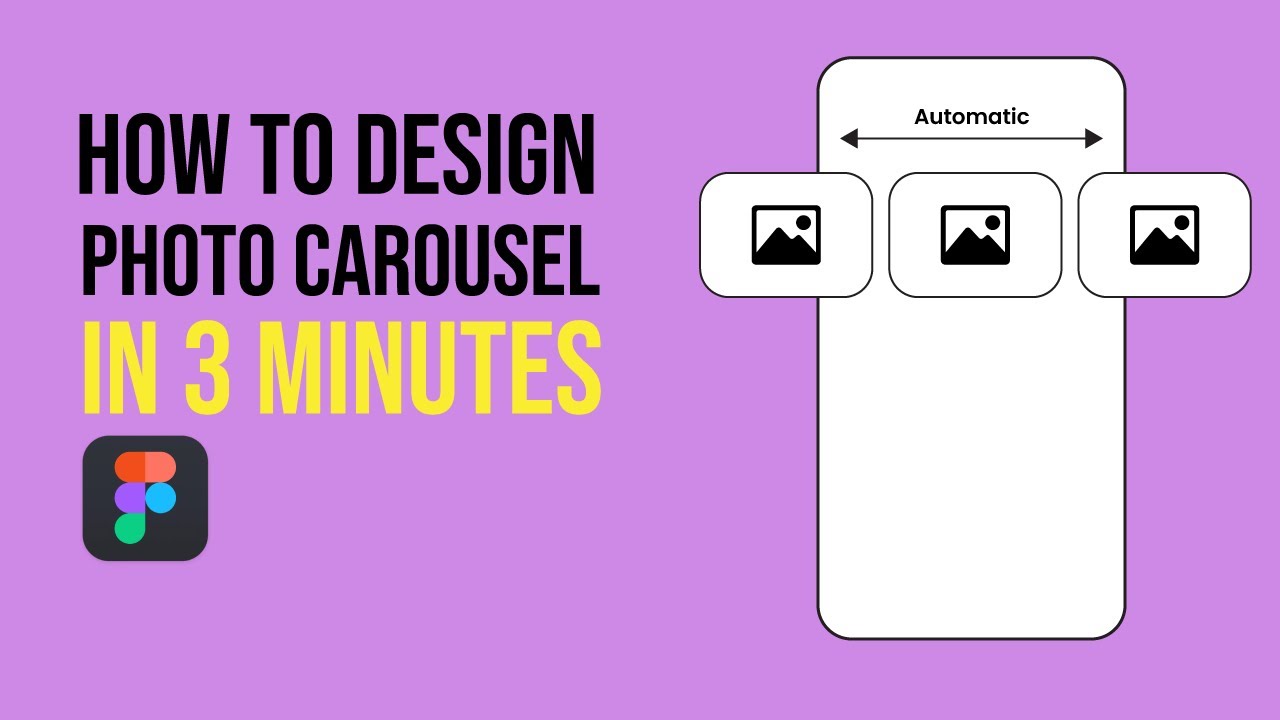
Below is the YouTube video which explains how to do this:
→ https://www.youtube.com/watch?v=ujBIjP_cb_s
📝 Submission Guidelines
To successfully merge your contribution, please follow these rules strictly:
- The Folder: Navigate to the folder named:
5-carousel - The File: Create a new text file named
<your-github-username>.txt. - The Content: The file must contain your Figma link in the following format:
Figma link - <your-live-figma-link> - Permissions: Ensure your Figma link permissions are set to "Anyone with the link can view" so the maintainers can review your work.
Example of how johndoe.txt should look:
Figma link - https://www.figma.com/file/xxxxxxxxxxxxxxxxxxxxxxxx
Directory Structure Example:
Repo Root
└── 5-carousel/
    └── <your-github-username>.txt
Happy Prototyping! 💫